
 0
0
Ricoh
70 –
80
of
81
Availability
Sort by
Advance Filters
Ricoh
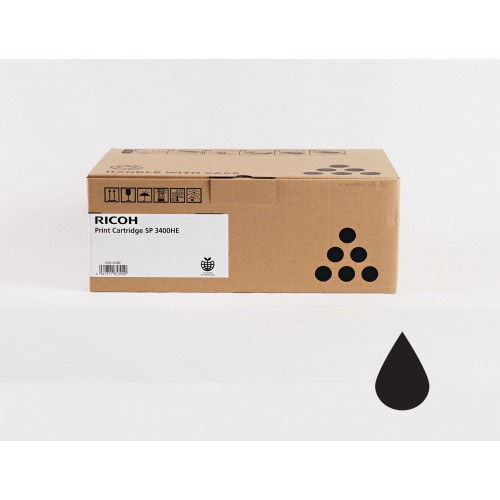
Ricoh 406523 Ricoh 406523/SP3400LE Toner cartridge, 2.5K pages ISO/IEC 19752 for Ricoh Aficio SP 3500
Ricoh has a strong reputation for the quality of its laser copiers offering an excellent quality-price ratio and a very good reliability. And success this supports the complementarity of its products which offers everyday comfort. Ricoh offers a wide range of products specially designed to enhance your image and increase your productivity.Compatible Printers: NRG SP 3500 sf, NRG SP 3500 Series, Ricoh Aficio SP 3500 sp, NRG SP 3510 dn, Ricoh Aficio SP 3500 Series, Ricoh Aficio SP 3510 sf, Ricoh Aficio SP 3510 dn, Lanier SP 3510 sf, Lanier SP 3510 dn, Lanier SP 3500 Series, Ricoh Aficio SP 3500 n, Ricoh Aficio SP 3500 sf, NRG SP 3510 sf, NRG SP 3500 n, NRG SP 3500 sp
Part# 406523
SKU S19454
Limited Availability


Ricoh
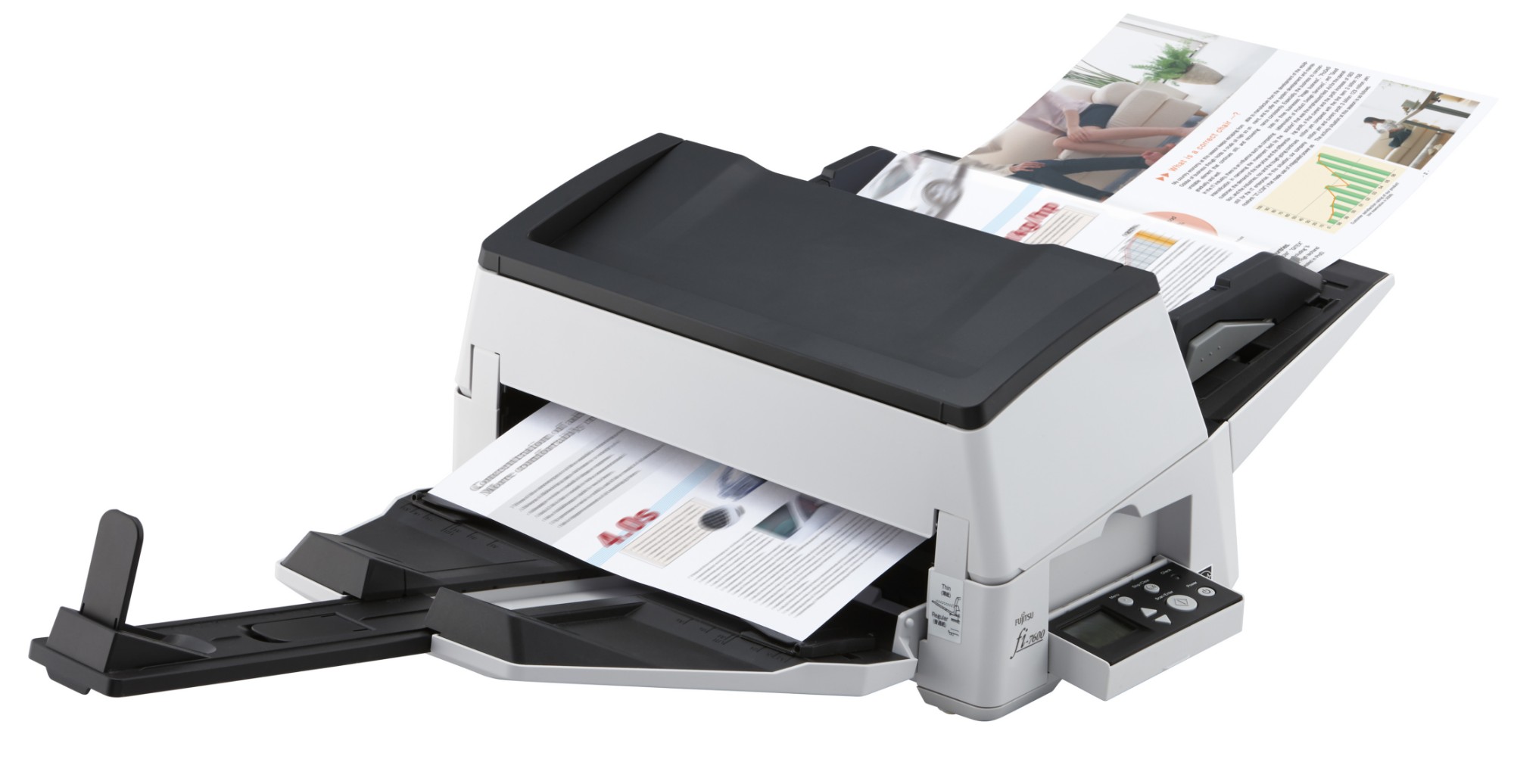
Ricoh PA03740-B501 Ricoh fi-7600 ADF + Manual feed scanner 600 x 600 DPI A3 Black, White
The fi-7600 achieves scanning speeds of 100 ppm/200 ipm (A4 landscape, color, 200/300 dpi), is capable of loading up to 300 sheets at a time and scanning up to as many as 44,000 sheets a day. With its high quality technologies and user-friendly design, the scanner is suitable for continuous high volume scanning. The scanner's ability to scan various documents such as thin paper, plastic cards, envelopes and long page documents boosts user productivity.
Part# PA03740-B501
SKU S19454
Limited Availability
Ricoh
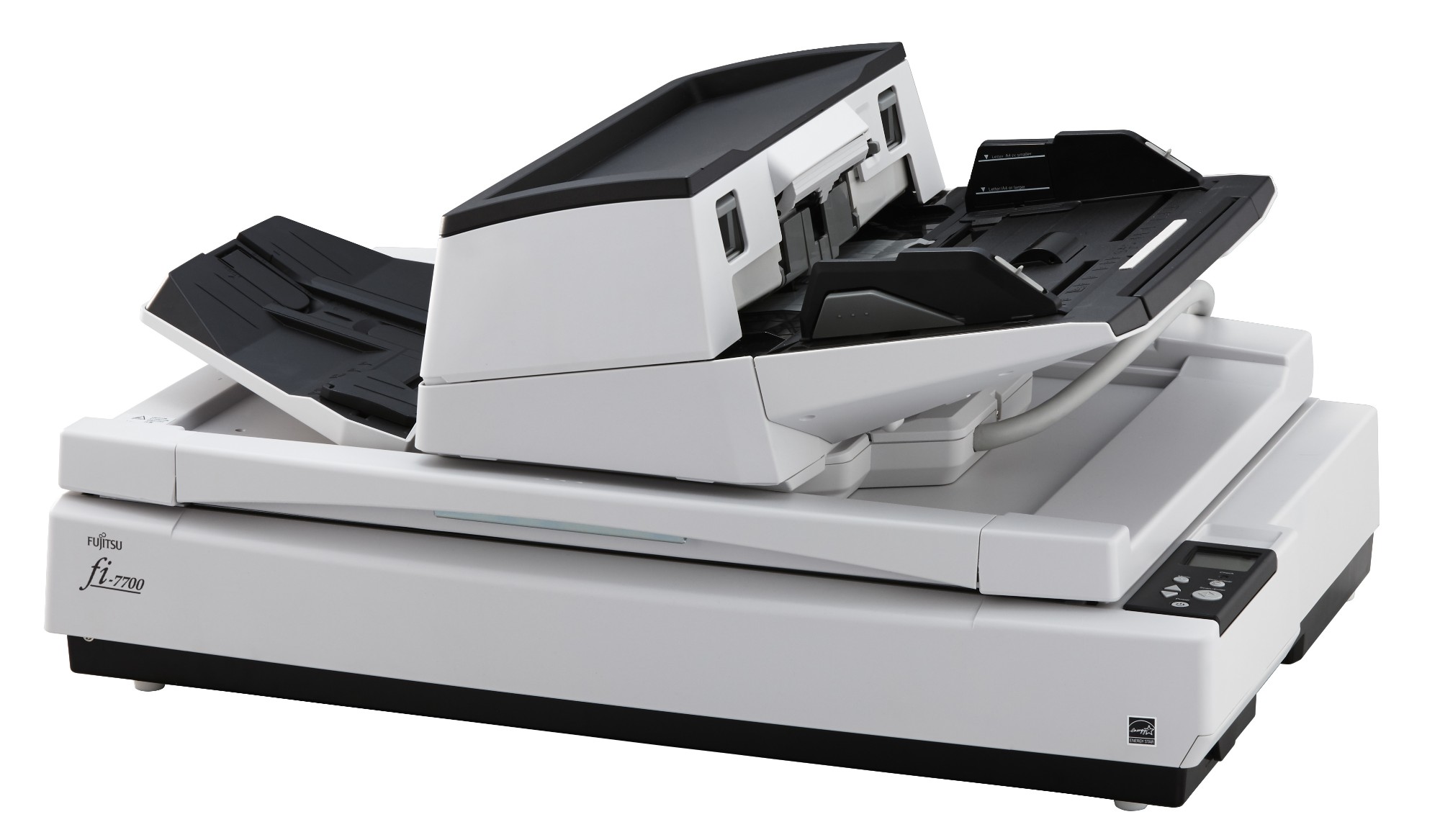
Ricoh PA03740-B001 Ricoh fi-7700 Flatbed & ADF scanner 600 x 600 DPI A3 Black, White
fi-7700, Heavy-duty & flexible production scanner for professional use- Instant processing performance at 100 ppm / 200 ipm (A4, landscape, colour, 200/300 dpi)- Mixed batch scanning – A8 to A3 from 20-413 g/m²- Folded documents up to A1 and longer- 300 sheet ADF, rotatable ADF and flatbed- 30,000 document daily duty cycle- Paper Protect function which protects jam by detecting abnormalities in sound (iSOP: Intelligent Sonic Paper- Protection) and document length- Flexible design and LCD panel for easy operation- Independent Side Guides for easily aligning mixed size document- Comes with PaperStream IP (TWAIN/ISIS) and PaperStream Capture; Ricoh developed scanner driver and- Image enhancement plus batch capture software application.Flexible – durable – high volume scanningWith scanning speeds of 100 ppm/200 ipm (200/300 dpi), the fi-7700 greatly improves process efficiency. Large volumes of information can be captured from various media, including thin paper, plastic cards, envelopes and long page documents.Smooth paper flowThe fi-7700 automatically adjusts to paper weights from 20-413 g/m². The straight paper path reduces the load on a document and assures reliable scanning regardless of the condition and type of a document. By simply sliding a lever to non-separation mode, you can easily scan thick and long documents folded in half, multi-layered document sets and envelopes.Innovative paper feeding mechanismsSkew Reducer automatically handles sheets of paper in a stack individually, so that if one sheet is fed-in skewed, subsequent sheets are not forced into physical skew. This ensures that all information in the documents is captured correctly, even in batches with mixed document formats.The Paper Protection function monitors document movement and automatically stops feeding when any irregularities are detected.Form follows functionThe fi-7700’s ADF unit slides to either side or rotates by 180 degrees. The LCD on the operation panel reveals the scanner status at a glance and enables instant operation. Lower workload before and after scanningThe Automatic Document Feeder’s (ADF) independent side guides move to exactly the position required for each batch. The adjustable stacker side guides support neat alignment of processed documents. The fi-7700 flatbed consecutively scans thick, fragile or bound documents even with the document cover open.PaperStream IP and PaperStream CaptureThe fi-7700 comes bundled with PaperStream IP, an integrated scanner driver and image enhancement module that is built on TWAIN/ISIS standards offering user friendly operability, intuitive high quality image creation and real time processing that will benefit post scan routines like OCR. PaperStream Capture enhances the document capture process from adjusting scanning settings to performing batch scanning, verifying data and releasing to directories, repositories or subsequent process routines. Users can complete data capture tasks easily with the extremely user-friendly graphical user interface (GUI). Moving scanned batches into a queue for later retrieval is possible as well.Service and SupportA one year Advance Exchange is offered as a standard warranty and this includes online support along with parts/labour and shipping costs. Advance Exchange involves the delivery of a refurbished scanner which replaces the faulty scanner.Service upgrades are available that extends the warranty period to 3 years and additionally offers the possibility for items like onsite service with impressive response and repair times, accidental damage cover and remote desktop support.
Part# PA03740-B001
SKU S19454
Limited Availability
Ricoh
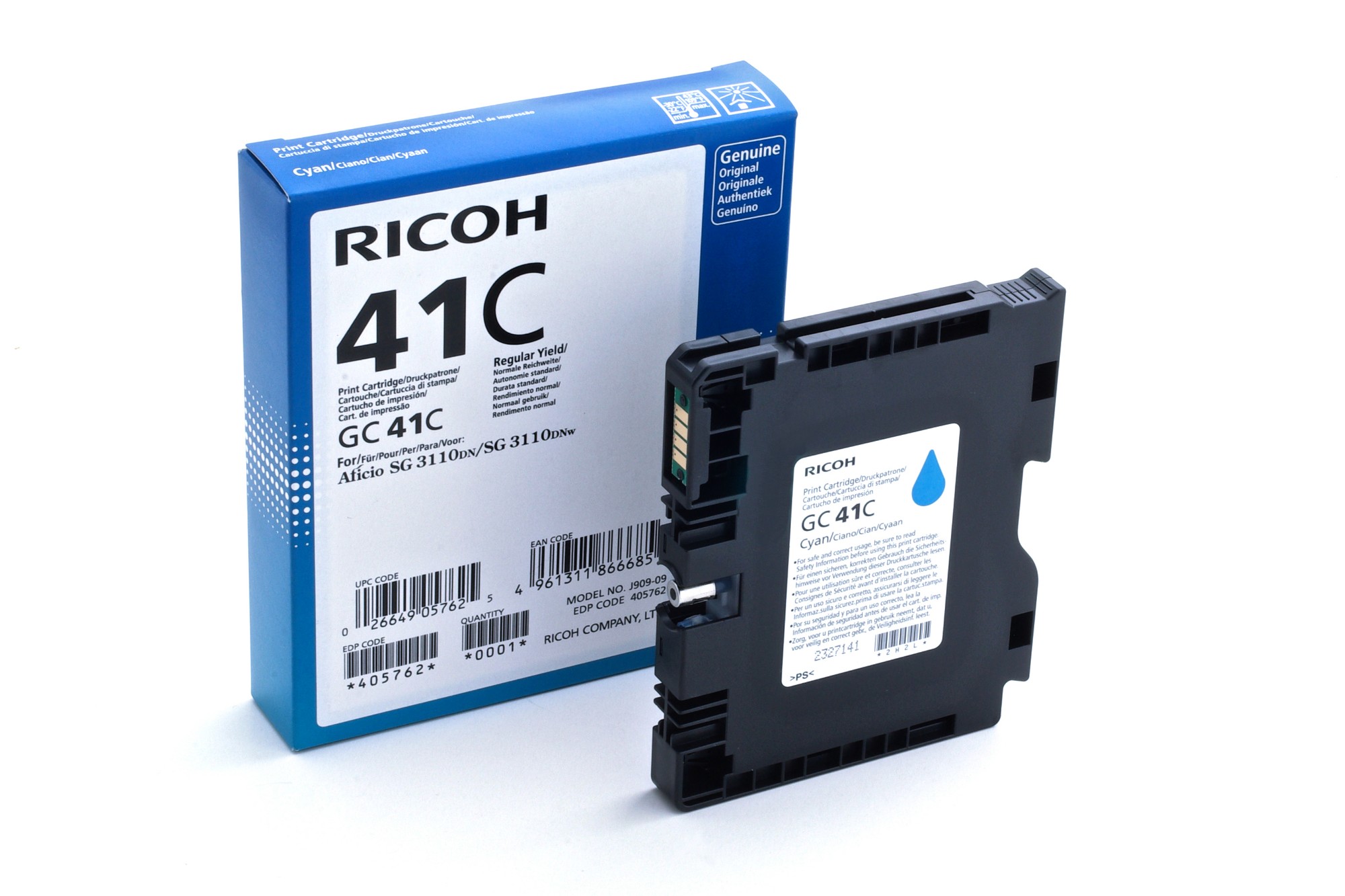
Ricoh 405762 Ricoh 405762/GC-41C Gel cartridge cyan, 2.2K pages ISO/IEC 24711 for Ricoh Aficio SG 3100
Full-color printing for any budget or environmentThe compact, easy-to-use RICOH Aficio SG 3110DN/SG 3110DNw GELJET printer delivers highquality color output without compromising productivity, the environment or your budget. It combines the convenience and value of inkjet printing with the speed, consistency and advanced media handling capabilities of a plain paper laser printer. Take advantage of exclusive, fast-drying viscous ink technology to produce compelling color documents that won’t smudge or bleed.Compatible Printers: Lanier SG 3110 Series, NRG SG 3110 DN, Ricoh Aficio SG 3110 n, Ricoh Aficio SG 3120 B SFNw, Lanier SG 3110 DN, Ricoh Aficio SG 3110 dn, Ricoh Aficio SG 3110 SFNw, Ricoh Aficio SG 3120 Series, Lanier SG 3110 SFNw, Lanier SG 3110 DNw, Ricoh Aficio SG 7100 dn, Ricoh Aficio SG 3100 snw, Lanier SG 3100 Series, Ricoh Aficio SG 3110 Series, Ricoh Aficio SG 3120 B SFN, NRG SG 3110 DNW, Ricoh Aficio SG 3120 B SF, Ricoh Aficio SG 3100 Series, Lanier SG 7100 dn, NRG SG 3100 Series, Lanier SG 3100 snw, Ricoh Aficio SG 3110 dnw
Part# 405762
SKU S19454
Limited Availability
Ricoh
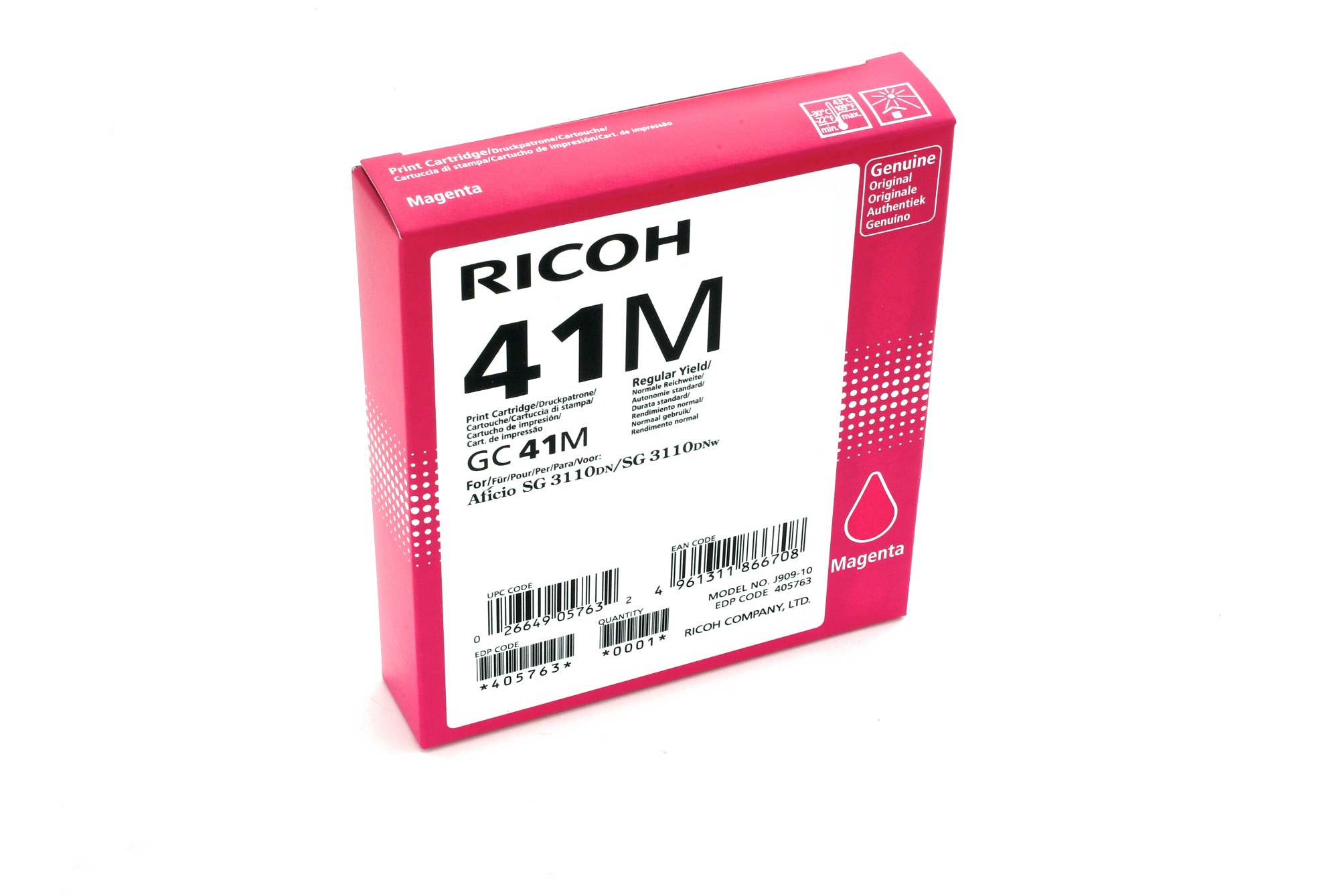
Ricoh 405763 Ricoh 405763/GC-41M Gel cartridge magenta, 2.2K pages ISO/IEC 24711 for Ricoh Aficio SG 3100
Full-color printing for any budget or environment The compact, easy-to-use RICOH Aficio SG 3110DN/SG 3110DNw GELJET printer delivers highquality color output without compromising productivity, the environment or your budget. It combines the convenience and value of inkjet printing with the speed, consistency and advanced media handling capabilities of a plain paper laser printer. Take advantage of exclusive, fast-drying viscous ink technology to produce compelling color documents that won’t smudge or bleed.Compatible Printers: Ricoh Aficio SG 3110 dn, Lanier SG 3110 DNw, Lanier SG 3110 DN, Lanier SG 3110 Series, Ricoh Aficio SG 3120 B SFNw, Ricoh Aficio SG 3110 n, Ricoh Aficio SG 3120 B SFN, Ricoh Aficio SG 3110 SFNw, NRG SG 3100 Series, Lanier SG 3100 snw, NRG SG 3110 DN, Ricoh Aficio SG 3100 snw, Ricoh Aficio SG 7100 dn, Lanier SG 3100 Series, NRG SG 3110 DNW, Ricoh Aficio SG 3100 Series, Lanier SG 7100 dn, Ricoh Aficio SG 3120 B SF, Ricoh Aficio SG 3110 dnw, Ricoh Aficio SG 3110 Series, Lanier SG 3110 SFNw, Ricoh Aficio SG 3120 Series
Part# 405763
SKU S19454
Limited Availability
Ricoh
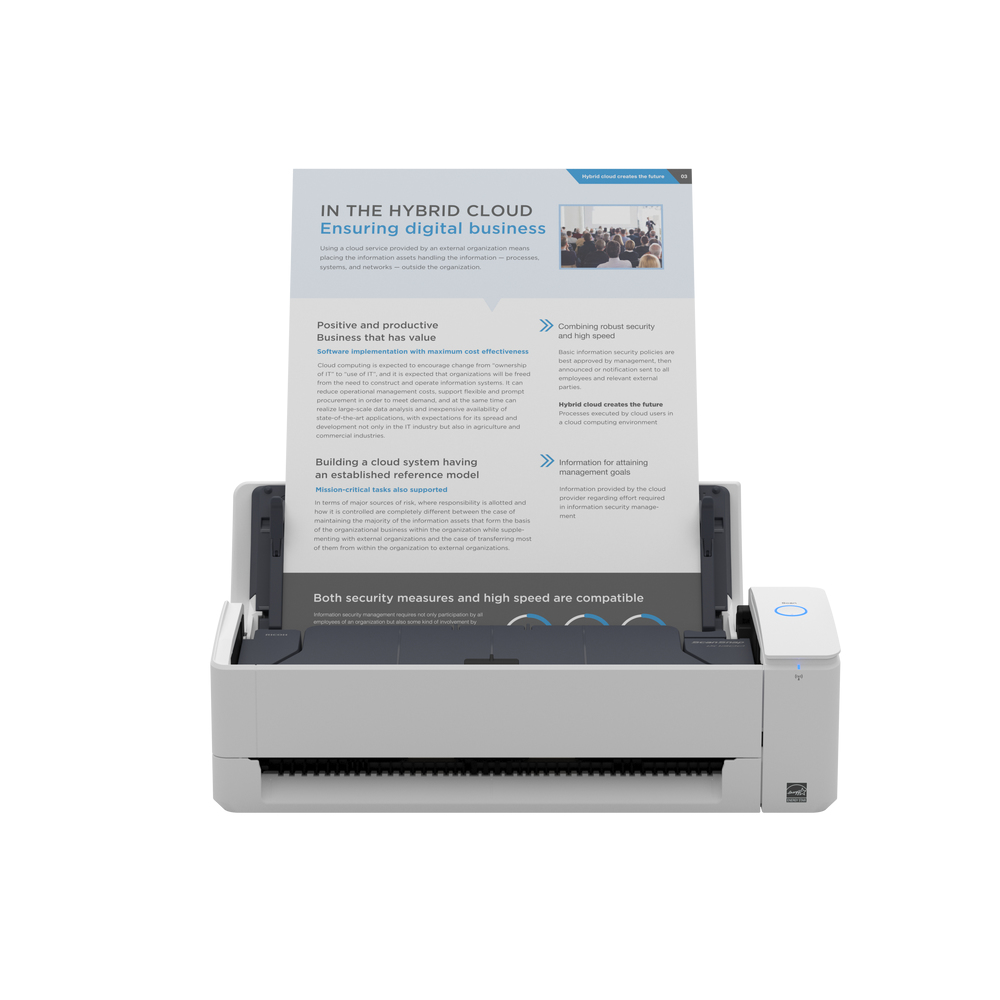
Ricoh PA03805-B001 Ricoh ScanSnap iX1300 ADF scanner 600 x 600 DPI A4 White
As ScanSnap’s most practical scanner yet, the iX1300 is small with a big impact. It makes it easy for you to maximise personal productivity with a scanner that fits into your life, on any desk, whether you’re working from home or in the office.Small scanner, big impact Fits into your life, on any deskThe modern way of working can be full of surprises, and we can all find ourselves working in tight spaces and new places. The smart and ultra-compact iX1300 is designed to fit into any office desk or home office setup, helping you stay productive wherever life takes you.Simple, Practical and EfficientThe iX1300's innovative feed path creates a tiny operational footprint that makes it our smallest desktop scanner yet. Instant Wi-Fi connectivity and PC-free scanning to cloud services using ScanSnap Cloud are all part of a smarter way to work.The iX1300 is packed with time-saving features to boost efficiency; with no wait time to warm up, you are ready to go in seconds. Plus, the Return Path capability means you can instantly scan individual sheets without even opening the cover. And a 20-sheet feeder and impressive 30 double-sided pages per minute speed let you finish scanning in no time at all.The intuitive ScanSnap Home software (included) helps you easily convert the papers you have, into the digital files you need. Giving you greater control over your admin so you can focus on what matters most.There’s plenty of personal productivity packed into our most practical scanner yet, ensuring the iX1300 makes paper work for you and your business.Practical productivityReturn path scanningWith ScanSnap you don’t need to know IT – just how to press a button. And, with the iX1300, you don’t even need to open the cover.The return path scanning mechanism means you can instantly scan both sides of individual sheets or booklets up to 2mm thick simply by feeding them in and pressing the Scan button.U-turn feed pathThe iX1300 is our most compact desktop scanner. The extremely small operational footprint is thanks to the innovative U-turn feed path which means there is no rush to move things out of the way to extend a paper tray when you need to scan multiple sheets – saving you time, and space.Wi-Fi connectivityInstant Wi-Fi connectivity and PC-free scanning let you quickly set the iX1300 up, and scan directly to your preferred cloud services or our mobile app. Or you can still scan directly to PC.Standard, editable output filesBoost productivity with the iX1300’s ability to save your documents in a range of formats including PDF and searchable PDF, editable MS Word, Excel and PowerPoint files, or JPEG. A practical feature that provides flexibility when working with your digital files. Boost EfficiencyQuickly scan multiple sheets Being efficient is a top priority in the modern world and the iX1300 delivers. An impressive scanning speed of 30 double-sided pages per minute and an Automatic Document Feeder that holds up to 20 sheets means you can reliably scan whatever you like in no time at all - quickly getting you back to the more important things in your life.Custom file taggingWith custom file tagging you can add your own tags to scanned document files with minimal fuss – making it easier and faster for you to search for, find and retrieve them at a later date.Intuitive ScanSnap Home softwareThe intuitive ScanSnap Home software (included) helps quickly and easily convert the papers you have into the digital files you need, giving you greater control, and helping you focus on what matters most.From automatic classification according to document type, image optimisation and final file distribution, to assisting you to manage and edit scanned data from documents, receipts, business cards, photos, and more, ScanSnap Home takes the stress out of organising and finding what you need.User ExperienceSimple setupWith the iX1300, there are no complex settings or TWAIN protocols to deal with. Easy setup via Wi-Fi or from mobile creates a simple, user-friendly setup experience.No warm up timeWhen you’ve got something to scan you don’t want to be left waiting around wasting time. In addition to the one-touch scanning experience ScanSnap users are used to, the iX1300 doesn’t need any time to warm up and has a streamlined scanning process that allows you to go from start to scan in just two or three steps.
Part# PA03805-B001
SKU S19454
Limited Availability
Ricoh
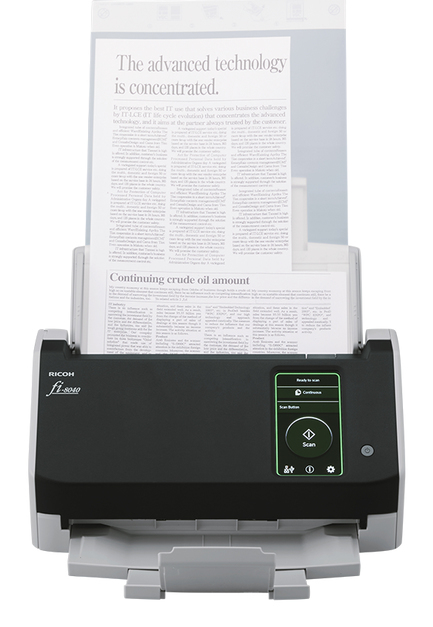
Ricoh PA03836-B001 Ricoh fi-8040 ADF + Manual feed scanner 600 x 600 DPI A4 Black, Grey
Incredible image quality, flexible connectivity and intuitive user experience, at a touchThe RICOH fi-8040 is designed for organisations looking for a scanner that combines market-leading image quality, versatile connectivity and an intuitive user experience. Delivering industry-leading OCR accuracy rates, the scanner has multiple options for connecting via a network, or to an individual PC using USB. And its 10.9cm colour touchscreen and DirectScan application, enable PC-less scanning directly to workflows or email addresses, saving both time and effort.This scanner incorporates our unique Clear Image Capture, producing image quality that exceeds other available technologies. Teamed with our PaperStream IP software, the fi-8040 delivers industry-leading OCR accuracy rates for data capture that you can trust – whilst ensuring your scans are always optimised for faster, low-cost access and storage.Seamless and versatile connectivity is at the heart of fi-8040. The USB port provides connectivity to an individual PC in the traditional way. But with the fi-8040's LAN capability, you can enjoy complete flexibility with multiple ways to connect to your workflow, even without a PC.PaperStream IP Net enables a single scanner to serve multiple PCs, and any networked PC to use any scanner on the network. Or, for server-based connectivity, PaperStream NX Manager offers easy integration into your own solutions, so you can send scans seamlessly to any system on your business.DirectScan technology provides PC-less scanning directly into workflows, sending images straight to destinations such as network folders, FTP locations or multiple pre-programmed email addresses. In addition, Scanner Central Admin provides remote management, saving you time and money when it comes to deploying and maintaining your scanner.The fi-8040's built-in LCD colour touchscreen provides every user with a highly intuitive experience. The customisable, easy-to-use interface reduces operator time and effort with large, clearly labelled buttons for their most common pre-defined routines – or when scanning to programmed email addresses. The support wizard guides you quickly through tasks and maintenance with on-screen prompts, to maximise operational uptime. And you can batch scan with greater peace-of-mind thanks to the ultra-sonic sensor that immediately pauses and alerts whenever the fi-8040 detects a multi-feed.This is the scanner that combines an incredibly intuitive user experience with versatile network connectivity and unmatched image quality. It’s the multi-faceted scanning solution your digital transformation demands.
Part# PA03836-B001
SKU S19454
Limited Availability
Ricoh
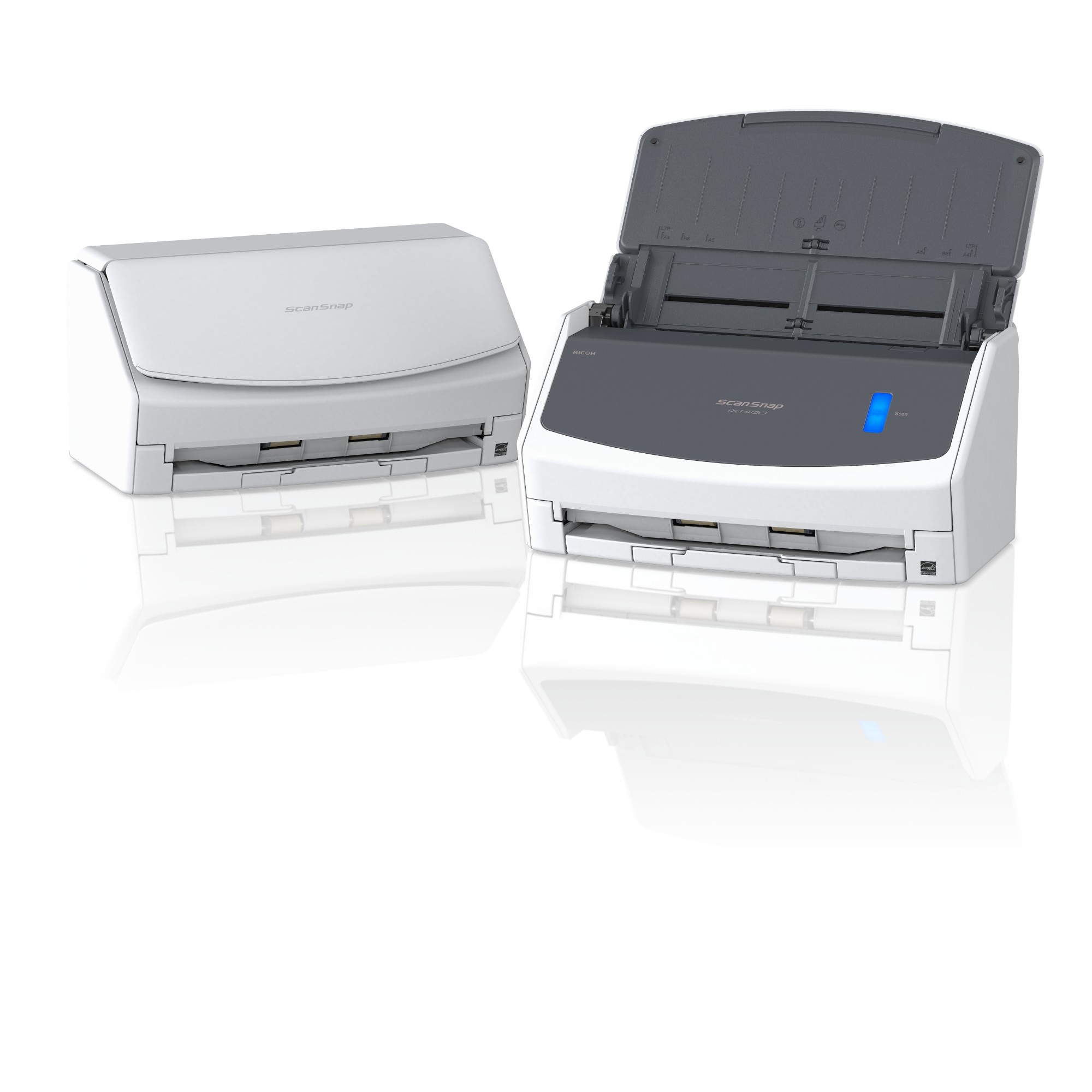
Ricoh PA03820-B001 Ricoh ScanSnap iX1400 ADF scanner 600 x 600 DPI A4 White
For individuals and IT novices, the beautifully simple iX1400 can digitise, process and organise all your documents from one easy device. You don’t need to know IT. You just need to press the blue button.Just press the blue buttonPaperwork is a necessary part of life. But does it have to be so much work? The ScanSnap iX1400 offers advanced, yet refreshingly simple technology that anyone can use. Its one-touch scanning is the smarter way to work for busy individuals, turning time-consuming chores into simple tasks at the push of a button. Just scan, save, and share – it’s that easy.With no complex settings to configure, the iX1400 will be up and running from the box in record time. While the Quick Menu function lets you instantly create the type of file you want, whether it’s a searchable PDF, editable Word, Excel or PowerPoint, or extracting data from receipts and business cards.
Part# PA03820-B001
SKU S19454
Limited Availability
Ricoh
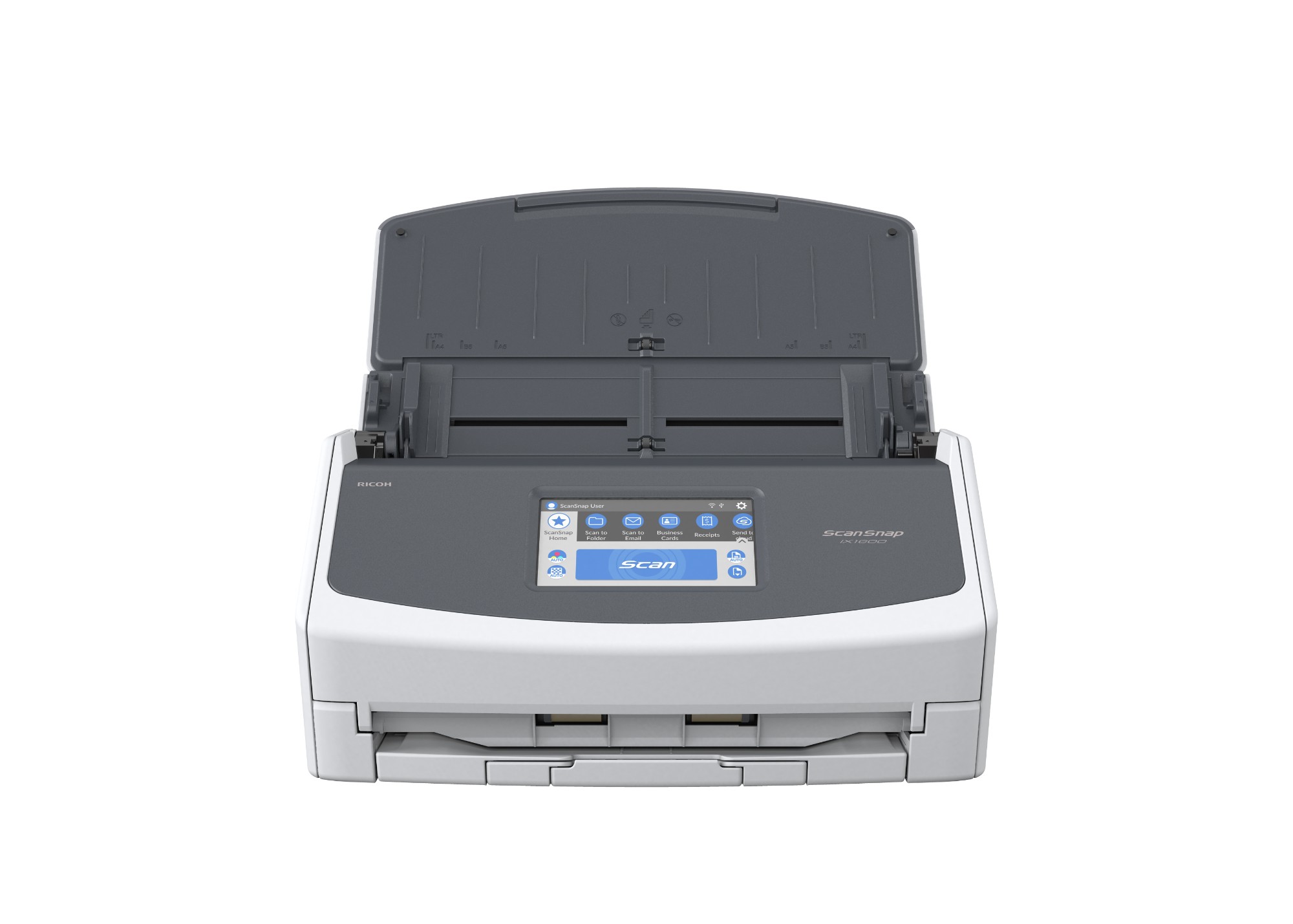
Ricoh PA03770-B401 Ricoh ScanSnap iX1600 ADF + Manual feed scanner 600 x 600 DPI A4 White
For those with a need for speed, the next generation iX1600 offers the ultimate in personal productivity. Busy teams can digitise and organise all your documents with one touch, and enjoy all the benefits you’d expect from ScanSnap within the fastest possible times.The ultimate in personal productivity Gives you even more time backIt can be hard work keeping a business in shape, and everyone can do with a bit more time back at the end of the day.The ScanSnap iX1600 was designed to help anyone achieve maximum productivity, with advanced organisational features that give you greater control, effortlessly.
Part# PA03770-B401
SKU S19454
Limited Availability
Ricoh
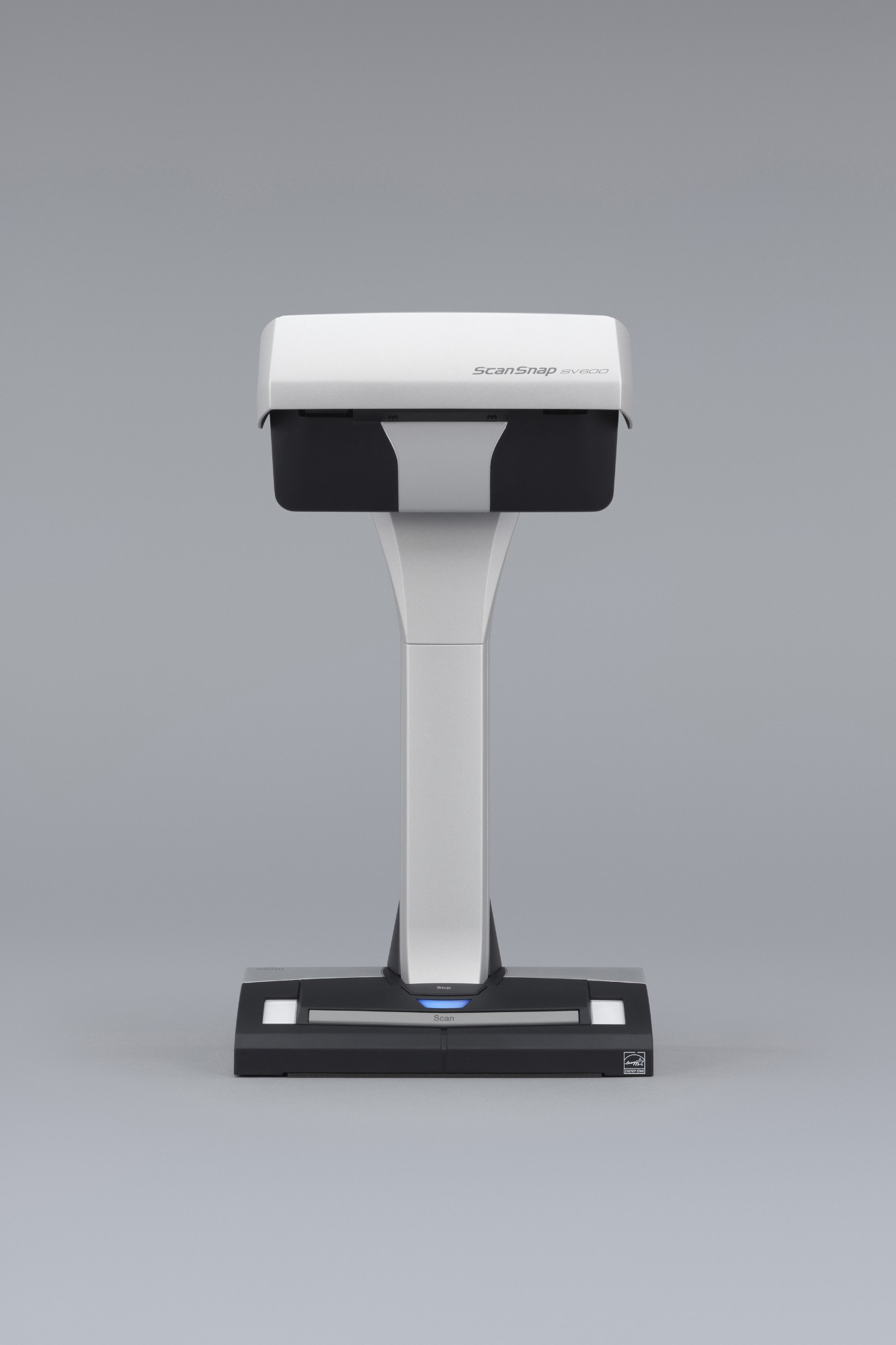
Ricoh PA03641-B301 Ricoh ScanSnap SV600 Overhead scanner 285 x 218 DPI A3 Black, White
- One touch operation for PC and Mac- Scan a multitude of everyday documents including loose paper, bound material and delicate items- Multi cropping capability allowing for scanning of various documents at the same time- Continuous scanning capability with “page turning detection” and “timed scanning”- “VI technology” helps minimise any unevenness in image quality- Correct distortion and curvature of bound material with “Book Image Correction”- Small footprint and robust design allows for easy positioning in any environment.Digitise anything with easeThe ScanSnap SV600 allows you to scan newspapers, bound documents, magazines or books without the need for cutting or causing damage.Scan anything from business cards to A3 size (landscape)* documentsAny documents larger than A4 such as maps, historical documents and blueprints can be simply positioned on the black pad and scanned directly without any extra effort. User interaction retouch tool allows the possibility to hold the document in a good position without worrying about fingers on the scanned image.* The maximum document size will be 400 x 300 mm when the thickness of the documentis over 5 mm.New VI technologyEquipped with “VI technology” which combines a ‘deep depth of field lens’, a ‘CCD linear image sensor’ and a ‘high directivity LED lamp’ the SV600 is able to comfortably minimise any unevenness in image quality and generate a smooth image even when scanning from a distance.No problem scanning bound documentsThe SV600 can comfortably scan books and magazines and also documents with sticky notes can be scanned without any issues.No need to worry about your delicate documents or booksWith “VI technology”, scanning can be performed without touching the document. You do not need to worry that documents such as crayon or oil paintings, pencil writings or photos will be damaged by touching.Long depth of field lensWide auto focus area even when the focus distance is variableCCD linear image sensorHelps produce smooth images.The SV600 scans documents with a movable head and incorporates a High directivity LED lampHelps maintain the same brightness level without any impact from surroundings.Smooth operation with the assistance of various functionsThe SV600 is enhanced with a host of customised features which helps continue ScanSnap’s concept of being simple, speedy and compact.Quick Menu facilitates operabilityScanSnap’s Quick Menu will automatically pop up after scanning enabling you to link your scanned data to an application both quickly and easily, scan directly to the cloud for example thereby easily sharing your documents.ScanSnap SV600 includesAutomatically crop several documents with ‘Multiple Document Detection”In just one touch you can capture multiple documents of differing sizes in just one scan pass. Place several business cards, receipts and photos within the scanning area and the SV600 will capture all the documents and will intelligently crop to the exact size.* Up to 10 documents can be cropped automatically. At least 15 mmis needed between documents.Fast start up time and scanning speed lead to time savings and efficienciesThe SV600 can be ready to scan in no time from power up and just 3 seconds is then required to scan an A3 landscape sized document.Compact design with a small footprintThe SV600 is incredibly robust with a firm footing and is compact enough to enable efficient usage of your workspace without imposing to your daily routines when not in use.Scan with one touch!With a host of impressive features, you can continuously scan multiple pages smoothly.Page Turning DetectionAutomatically detect when the page is turned.Timed Mode- You can set the time to start scanning after the “Scan” button is pressed.- For continuous scanning you can set the time interval before the next scanning to begin.Auto image correction; enhances the reading experienceBook Image Correction – Automatically correct distortion caused by the curve of an opened book or magazine. You can confirm and fine tune the scanned images on the preview dialog after scanning or have this be performed automatically.Book Image CorrectionCan easily correctdistortion of the document.User interaction retouchFinger images scanned while suppressing the document can be deleted with ease.ScanSnap Receipt*The ScanSnap Receipt software allows you to easily scan and extract information from your receipts, and even export the data for tax filing.*Available via an online update only.ScanSnap Sync*With ScanSnap Sync built into ScanSnap Organizer software and the ScanSnap Connect app, captured documents are automatically synchronized with all your devices through Dropbox, Google Drive or Microsoft OneDrive.*Available via an online update only.The Nuance software allows users to read directly from cloud based applications and to save directly to those cloud based applications meaning that the possibility of using and sharing digital documents is extended. In case documents are intended to be managed locally, ScanSnap Organizer will provide an ideal repository. This application plays an increasingly important role in the ScanSnap eco system, especially when additionally utilising the recently introduced ScanSnap Sync functionality, which allows for cross linkage from the ScanSnap Connect App to for example Dropbox, to Nuance Power PDF or to ScanSnap Organizer.
Part# PA03641-B301
SKU S19454
Limited Availability

Item(s) added to cart

