
 0
0
Computer Components
30 –
40
of
4773
Availability
Sort by
Advance Filters
StarTech.com
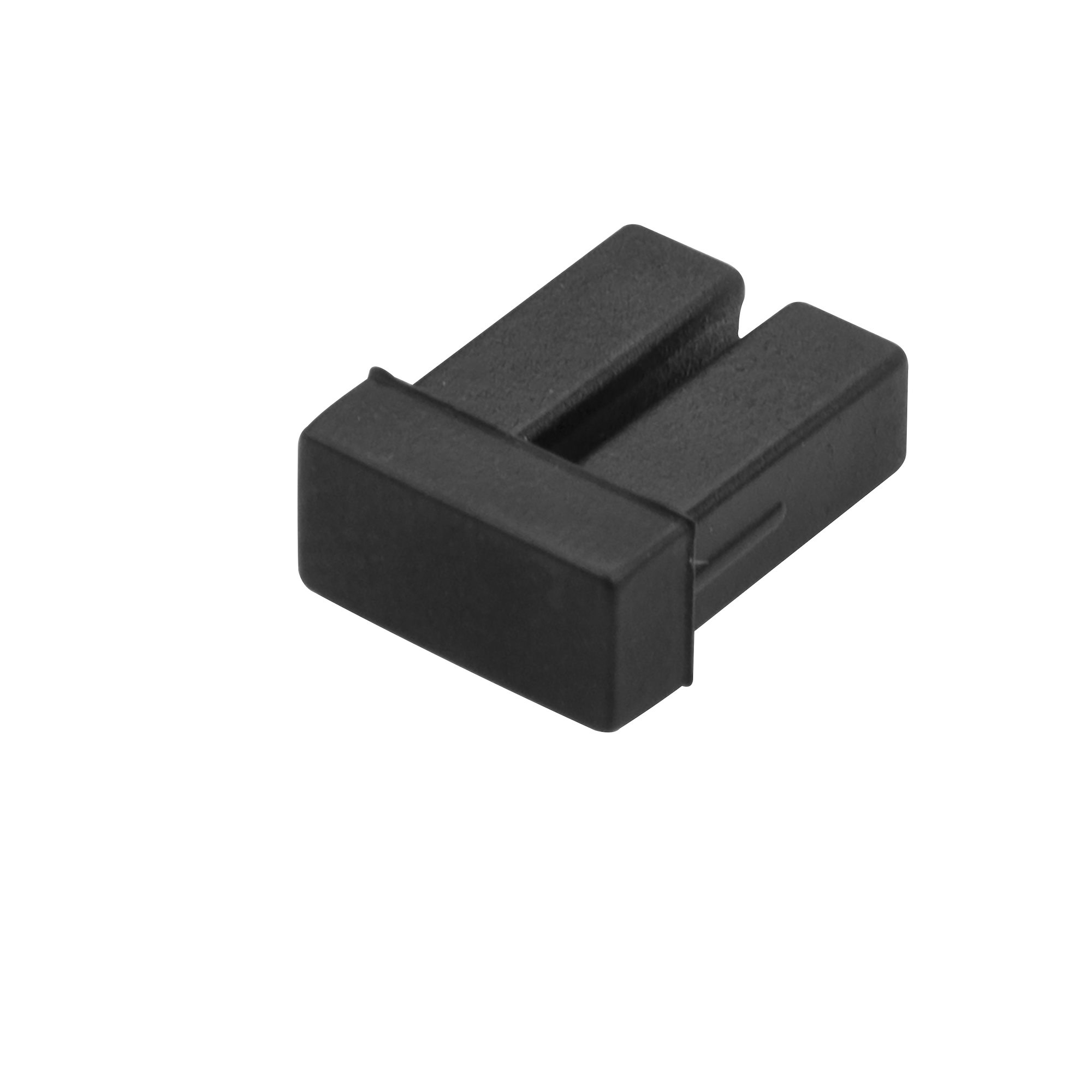
StarTech.com SFPLCCAP10 StarTech.com LC SFP Dust Covers - 10 Pack
Protect your SFP/XFP/SFP+ modules from dust and contaminants, by covering up the duplex LC connector when it’s not in useThis 10-pack of SFP dust covers provides an inexpensive way to protect your network switches and fiber optic equipment from dust and contaminants, by covering the exposed and unused LC fiber optic ports.Protect your network equipment investmentSimply insert the dust covers into the LC port of any SFP/SFP+ transceiver in your network switches. Made of a durable rubber, the dust covers block dirt and dust particles that could cause connection issues from getting inside your equipment.The SFPLCCAP10 dust covers are backed by a StarTech.com 2-year warranty and free lifetime technical support.The StarTech.com Advantage
Part# SFPLCCAP10
SKU S19454
In
Stock


Lenovo
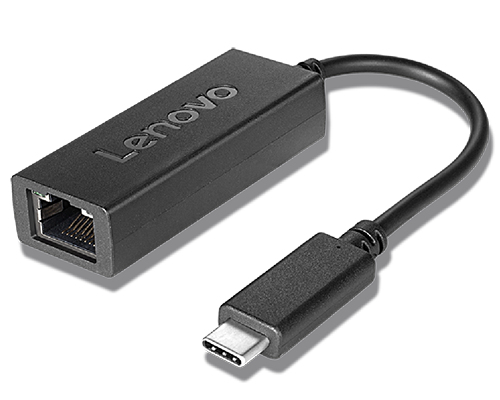
Lenovo 4X90S91831 Lenovo 4X90S91831 network card Ethernet
The Lenovo USB-C to Ethernet Adapter is a quick and easy way to connect your USB-C enabled notebook to Ethernet connections. It’s ideal for imaging of systems or transferring large files quickly.
Part# 4X90S91831
SKU S19454
In
Stock
ASUS
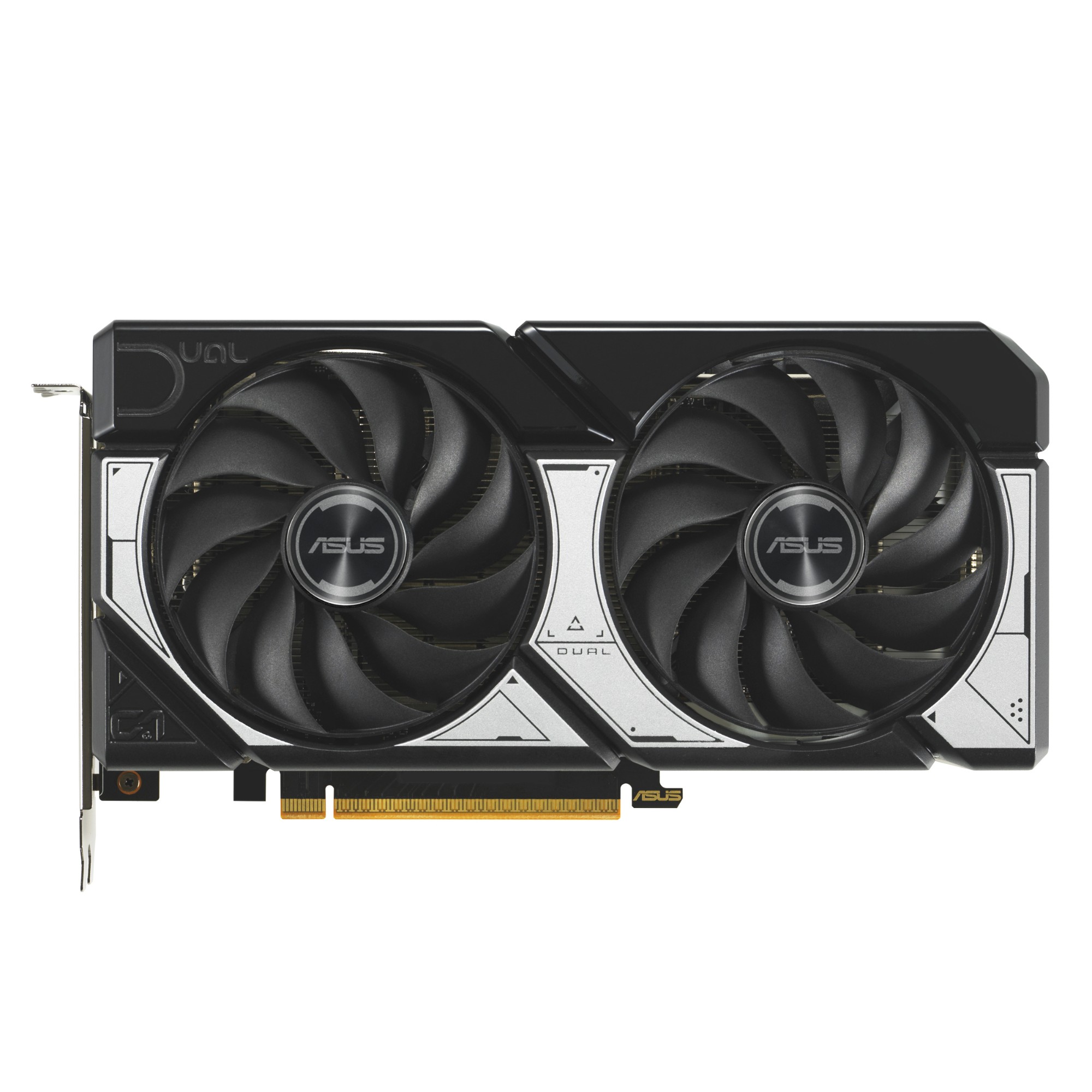
ASUS 90YV0N12-M0NA00 ASUS Dual -RTX5060-O8G NVIDIA GeForce RTX 5060 8 GB GDDR7
DUAL GEFORCE RTX™ 5060Dual Fans, Perfect FitASUS Dual GeForce RTX™ 5060 combines powerful thermal performance with broad compatibility. Advanced cooling solutions from flagship graphics cards — including two Axial-tech fans for optimizing airflow to the heatsink. Designed in a compact 2.5-slot form factor, delivering more power in less space. These enhancements make ASUS Dual the perfect choice for gamers who want heavyweight graphics performance in a compact build.Build Small. Play Big.You can pack high performance into a smaller footprint with this SFF-Ready Enthusiast GeForce card. Look for cases that are compatible with SFF-Ready Enthusiast GeForce Cards to get a sure fit and streamline your PC build.Cooling2.5-slot DesignA carefully designed shroud, heatsink, and heatpipe layout enables the two Axial-tech fans to leverage chassis side-panel ventilation, delivering thermal performance that beyond the compact size.Axial-tech UpgradesTwo tried-and-true Axial-tech fans feature a smaller hub facilitates longer blades and a barrier ring to increase downward air pressure.0dB TechnologyTo eliminate unnecessary noise, the stop mode automatically halts all fans when the GPU temperature drops below 50 degrees and power consumption is low.Dual Ball Fan BearingsFan bearings come in different types, each with its own advantages. Dual ball bearings provide superior durability and can last up to twice as long as sleeve-bearing designs.Vented BackplateA vented backplate significantly enhance heat dissipation, helping to keep the GPU cooler during intense tasks. This additional airflow helps ensure optimal temperatures, boosting performance, longevity and stability by defending against overheating and thermal throttling.
Part# 90YV0N12-M0NA00
SKU S19454
In
Stock
ASUS
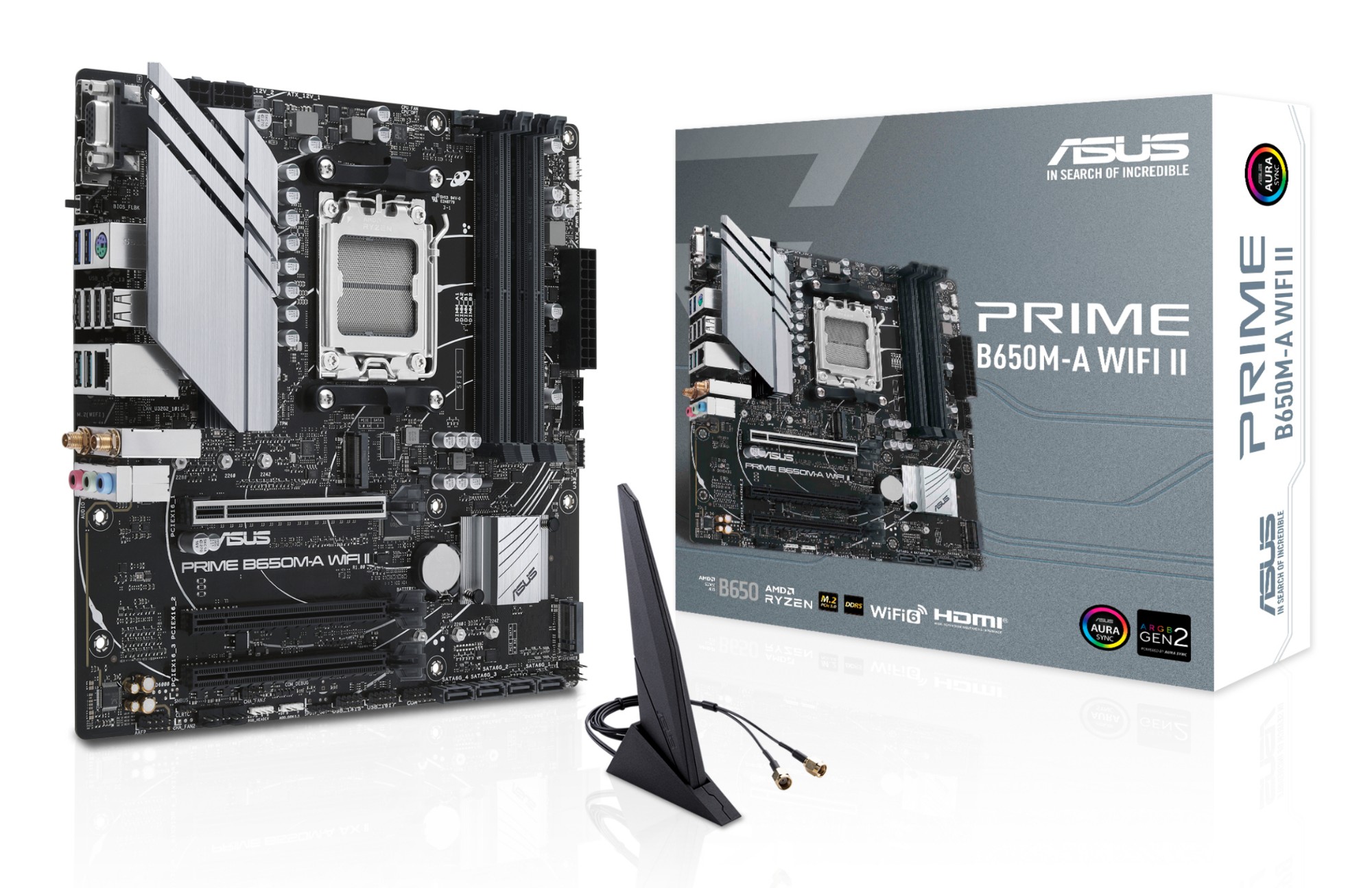
ASUS 90MB1EG0-M0EAY0 ASUS PRIME B650M-A WIFI II AMD B650 Socket AM5 micro ATX
B650M-A WIFI IIASUS Prime series motherboards are expertly engineered to unleash the full potential of AMD Ryzen 7000-series processors. Boasting a robust power design, comprehensive cooling solutions and intelligent tuning options, PRIME B650M-A WIFI II provides users and PC DIY builders with a range of performance optimizations via intuitive software and firmware features.CPU Performance BoostAMD Precision Boost Overdrive(PBO) pushes the CPU current and voltage budget to opportunistically increase performance. By aggressively tuning the PBO parameters, AMD’s algorithm can leverage the motherboard’s robust power solution to ramp up performance even higher.All-Around Energy EfficiencyThe Power Saving function contains several settings can easily optimize power consumption and maximize energy savings. You can enable a CPU power limit, darken Aura lighting, and set the fan profile to a power saving mode. You can also toggle the Power Saver plan that is built into Microsoft Windows.Flexible Cooling ControlsASUS Fan Xpert 2+ software provides comprehensive control over fans. An Auto-Tuning mode intelligently configures all parameters with a single click. There’s also an Extreme Quiet mode that reduces chassis fan speeds to below the default minimum to keep your system whisper-quiet when performing light tasks. Fans can also be controlled via the UEFI BIOS.Precise Digital Power ControlThe Digi+ voltage-regulator module (VRM) delivers real-time control over voltage droop, automatically switching frequency and power-efficiency settings. It also allows you to fine-tune your CPU for ultimate stability and performance.UEFI BIOSThe renowned ASUS UEFI BIOS provides everything you need to configure, tweak and tune your system. It offers intelligently simplified options for PC DIY beginners, as well as comprehensive features for seasoned veterans.Advanced Tuning for Serious TweakersAn intuitive Advanced mode offered via the UEFI lets you take complete control. A built-in search feature makes it easy to find options, and various advanced functions let you intelligently make nuanced adjustments so you can dial in performance just the way you want.Quick and Simple SetupEZ mode displays vital settings and stats and also offers guided wizards, drag-and-drop functionality, and one-click application of important settings — all to help you get your rig up and running in no timeIntuitive Graphical Fan ControlFine-tune individual fan settings simply by dragging a curve with the mouse.Aura On/Off Mode (Stealth)Easily enable or disable Aura RGB lighting or every onboard LED, for a subdued aesthetic touch.COOLINGPRIME B650 series is engineered with multiple onboard heatsinks and an array of hybrid fan headers to ensure your rig stays cool and stable under intense workloads.VRM Heatsink and Thermal PadVRM heatsink and thermal pads improve heat transfer from the MOSFETs and chokes for better cooling performance.Six-Layer PCB DesignMultiple PCB layers optimize heat management for critical components, providing more headroom to push CPUs beyond stock speeds.Stack Cool 3+2-ounce copper layers draw heat away from critical components to keep them at their optimal operating temperatures and provide more headroom to push CPUs beyond stock speeds.Cooler by DesignPrime B650 series features comprehensive cooling controls that are configurable via Fan Xpert 2+ software or via the UEFI BIOS.Multiple Temperature SourcesEach header can dynamically reference three thermal sensors. Fan Xpert 2+ allows you to map the temperature of supported ASUS graphics cards to optimize cooling for GPU- and CPU-intensive tasks.Smart ProtectionA dedicated integrated circuit protects each fan header from overheating and overcurrent4-Pin PWM/DC FanEach onboard header supports auto-detection of PWM or DC fans.PERFORMANCEThe PRIME B650 series is built to handle the high core counts and bandwidth demands of AMD processors. ASUS B650 motherboard provides all the fundamentals to boost daily productivity, so your system will be ready for action with stable power, intuitive cooling and flexible data transfer optionsDDR5 Performance EnhancementComprehensive memory tuning options are the cornerstone of PRIME motherboards. With the PRIME B650M-A WIFI II, you can extract all of the potential out of your DDR5 modules, whether they're from an extreme-speed kit or an entry-level set that would otherwise be locked.For entry-level modules without EXPO™ memory support, we’ve got you covered. Click here to learn more about AEMP. arrow.For those who want to fly past stock DDR5 speeds, the PRIME B650M-A WIFI II is primed and ready for enthusiast-grade kits courtesy of vast AMD Extended Profiles for Overclocking (EXPO™) support. Seasoned veterans can further tweak performance via the extensive array of settings in the UEFI
Part# 90MB1EG0-M0EAY0
SKU S19454
In
Stock
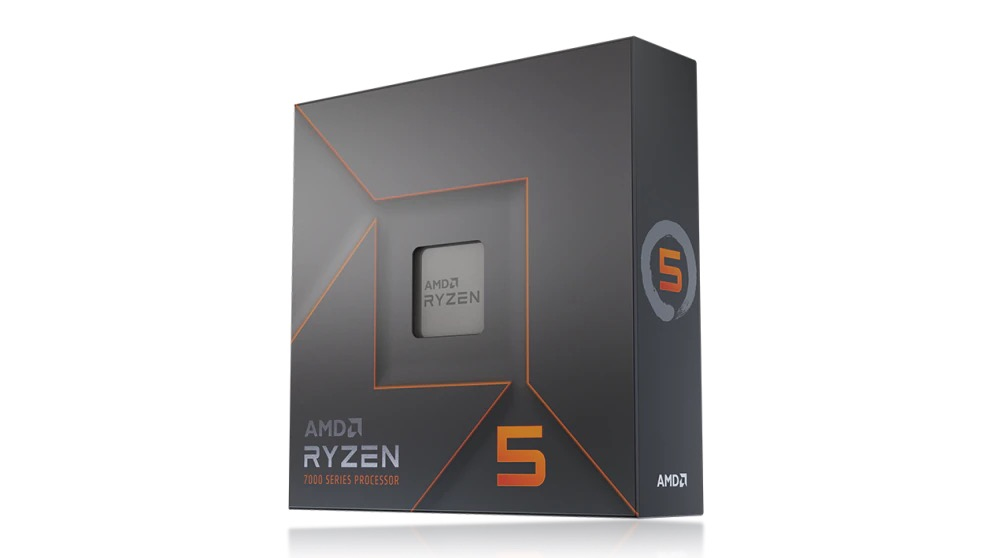
AMD
AMD 100-100000593WOF AMD Ryzen 5 7600X processor 4.7 GHz 32 MB L3 Box
Part# 100-100000593WOF
SKU S19454
In
Stock
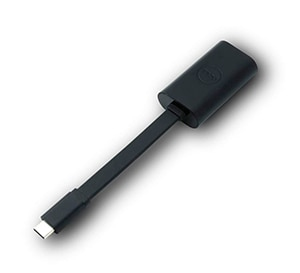
DELL
DELL DBQBCBC064 DELL Adapter- USB-C to Ethernet (PXE Boot)
The Dell Adapter- USB-C to Ethernet (PXE Boot) enables you to add an Ethernet port using an existing USB-C input on your computer or desktop. The Dell Adapter- USB-C to Ethernet supports up to Gigabit Ethernet data speeds, so you can enjoy faster streaming of online content. And, contains a built-in driver for easy setup.- Adapter converts USB-C to Ethernet- Ethernet adapter enables connectivity- Ensures fast streaming and downloads- Contains built-in driver for convenient setup- Compact size offers easy portability.Adapter converts USB-C to EthernetFor faster streaming and network connectivity, the Dell Adapter- USB-C to Ethernet enables you to add an Ethernet port using an existing USB-C input on your computer or desktop. A handy addition for users looking to expand or add networks, the adapter lets you establish a new connection or connect to another network without requiring a router or switch.This simple, innovative Ethernet adapter from Dell allows you to extend your device's bandwidth by establishing a new Internet connection. As long as your device is equipped with a USB-C input, this compact adapter ensures seamless results. Best of all, it doesn't require replacing or adding a new network card. Use it to add another network, connect with another computer and enjoy videos and other streaming content faster.Use the Dell Adapter - USB-C to Ethernet for faster streaming and downloading of online content.The Dell Adapter- USB-C to Ethernet supports up to Gigabit Ethernet data speeds, so you can enjoy faster streaming of online content, from news and live sports outlets to streaming radio and entertainment sites playing your favorite television shows and movies.The Dell Adapter- USB-C to Ethernet contains a built-in driver for easy setup, eliminating the need to install drivers from a CD or download them from another source. The adapter saves you time by automatically prompting you to install the driver when you plug it in for the first time.This small, lightweight adapter is easy to use and keep handy. The adapter is fitted with a USB-C on one end and an RJ-45 on the other.Purchase with confidence and rely on the protection of a 1-Year Limited Hardware Warranty from Dell and 1-Year Advanced Exchange Service for your Dell Adapter - DisplayPort to DVI(Dual-Link).
Part# DBQBCBC064
SKU S19454
In
Stock
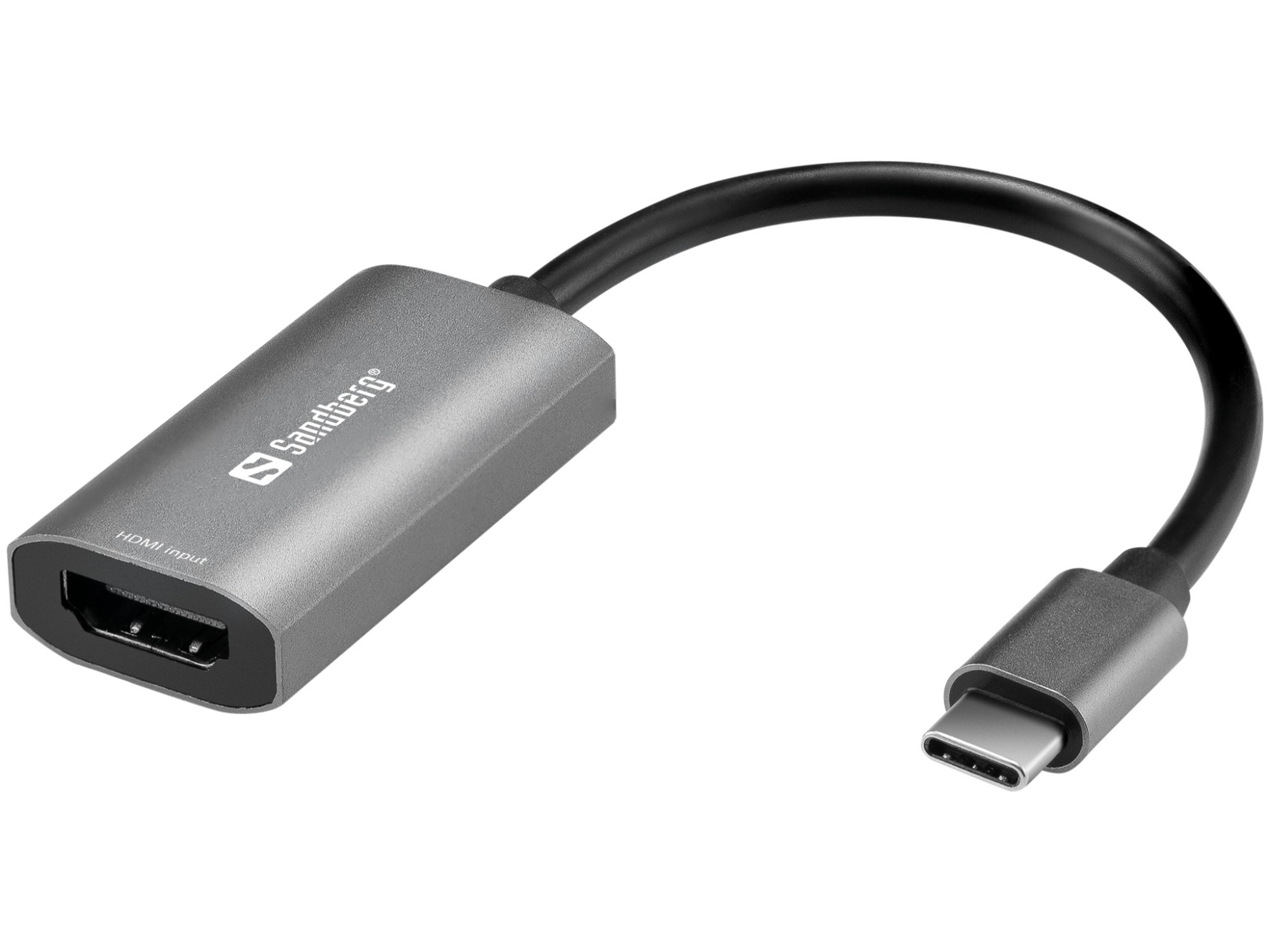
Sandberg
Sandberg 136-36 Sandberg HDMI Capture Link to USB-C
With Sandberg HDMI Capture Link to USB-C you get an HDMI INPUT port for your high quality video camera up to 4K. In this way you can use the high quality video camera in all your streaming and chat apps same way as a traditional USB webcam. You can also use the HDMI input for other video sources such as Playstation and DVD players etc. to make streaming and recording of all your favorite video content real time and in very high quality. The audio signal from HDMI is supported.
Part# 136-36
SKU S19454
In
Stock
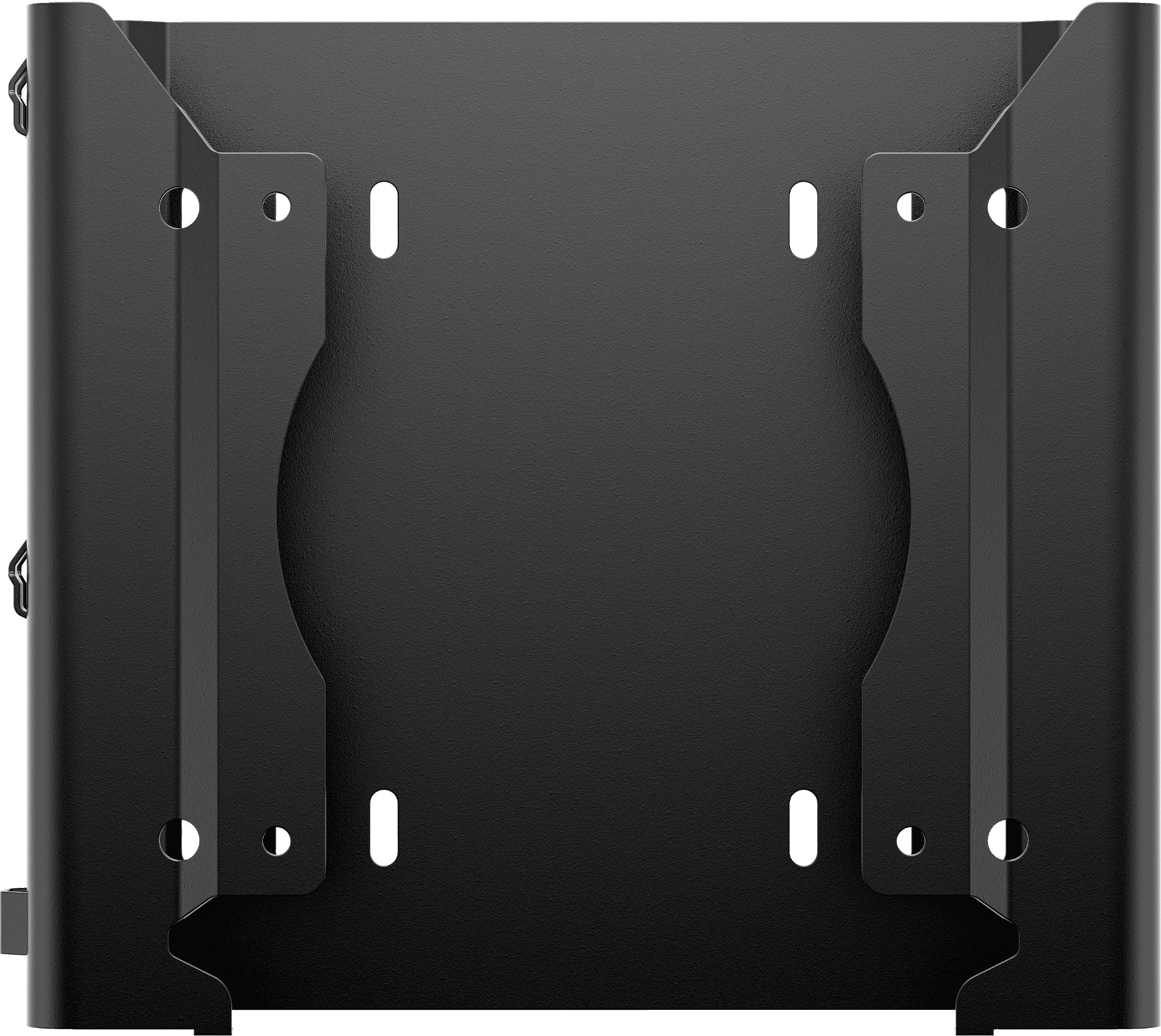
HP
HP 99T54AA HP Desktop Mini v4+ VESA Sleeve
Desktop Mini Dual VESA Sleeve v4
Part# 99T54AA
SKU S19454
In
Stock
Sandberg
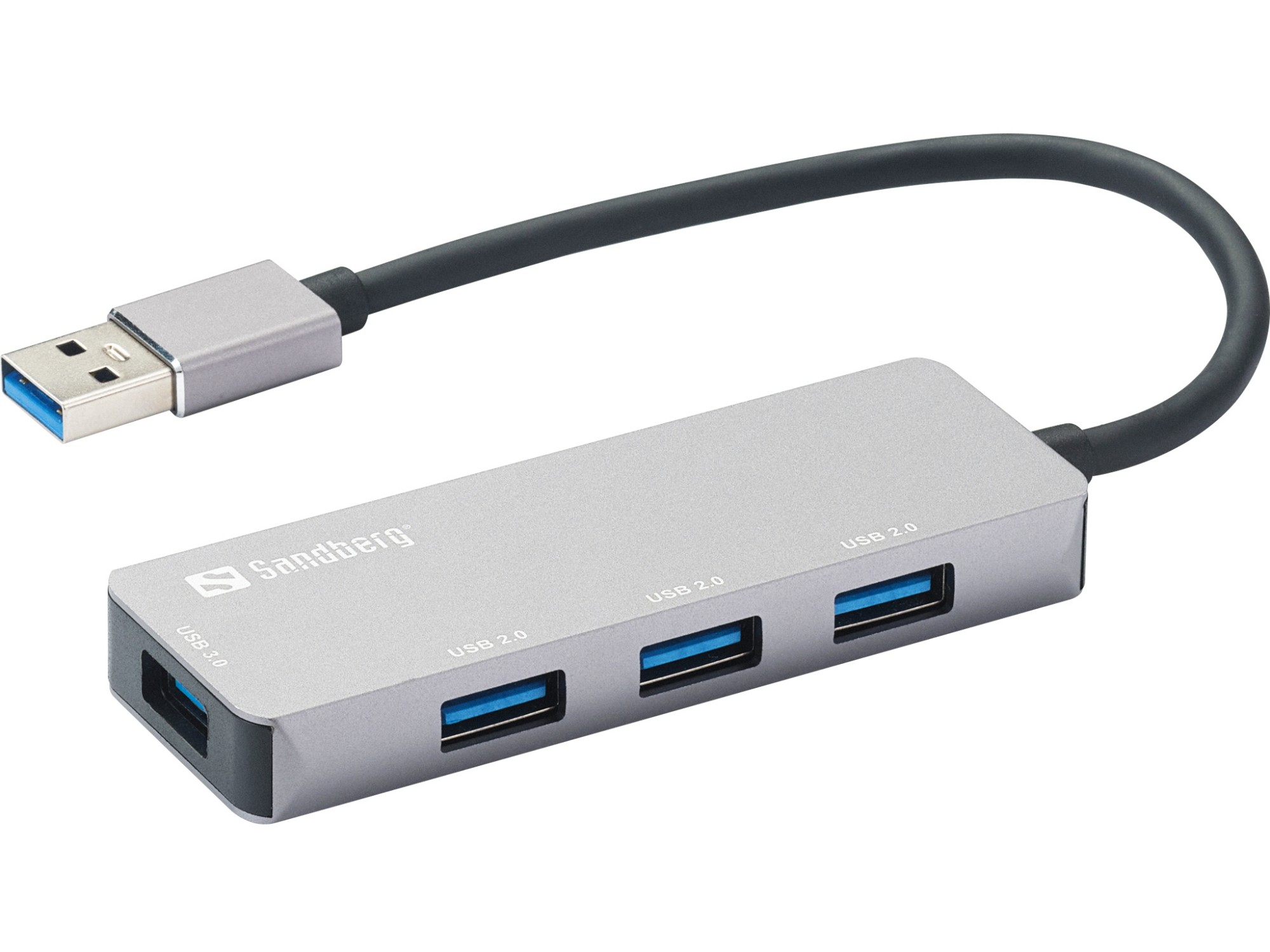
Sandberg 333-67 Sandberg USB-A Hub 1xUSB3.0+3x2.0 SAVER
The Sandberg USB-A Hub 1xUSB3.0+3x2.0 SAVER allows connection of up to 4 USB devices to your computer. Thus you can for example connect an external hard disk, a printer and a mouse simultaneously. Connect it to a USB port and it will work immediately, without the need to install drivers.
Part# 333-67
SKU S19454
In
Stock
LogiLink
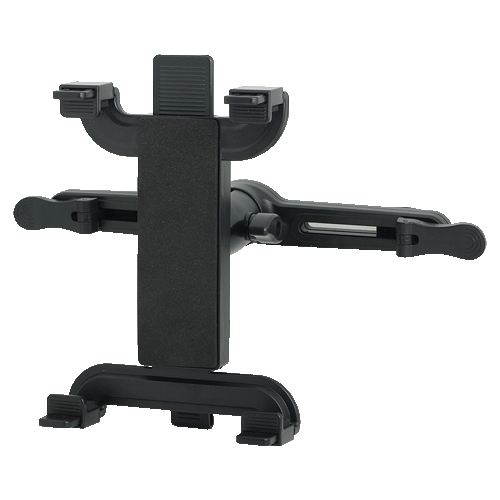
LogiLink AA0031 LogiLink AA0031 holder Passive holder Mobile phone/Smartphone, Tablet/UMPC Black
Part# AA0031
SKU S19454
In
Stock

Item(s) added to cart

