
 0
0
Data Input Devices
330 –
340
of
1890
Availability
Sort by
Advance Filters
Kensington
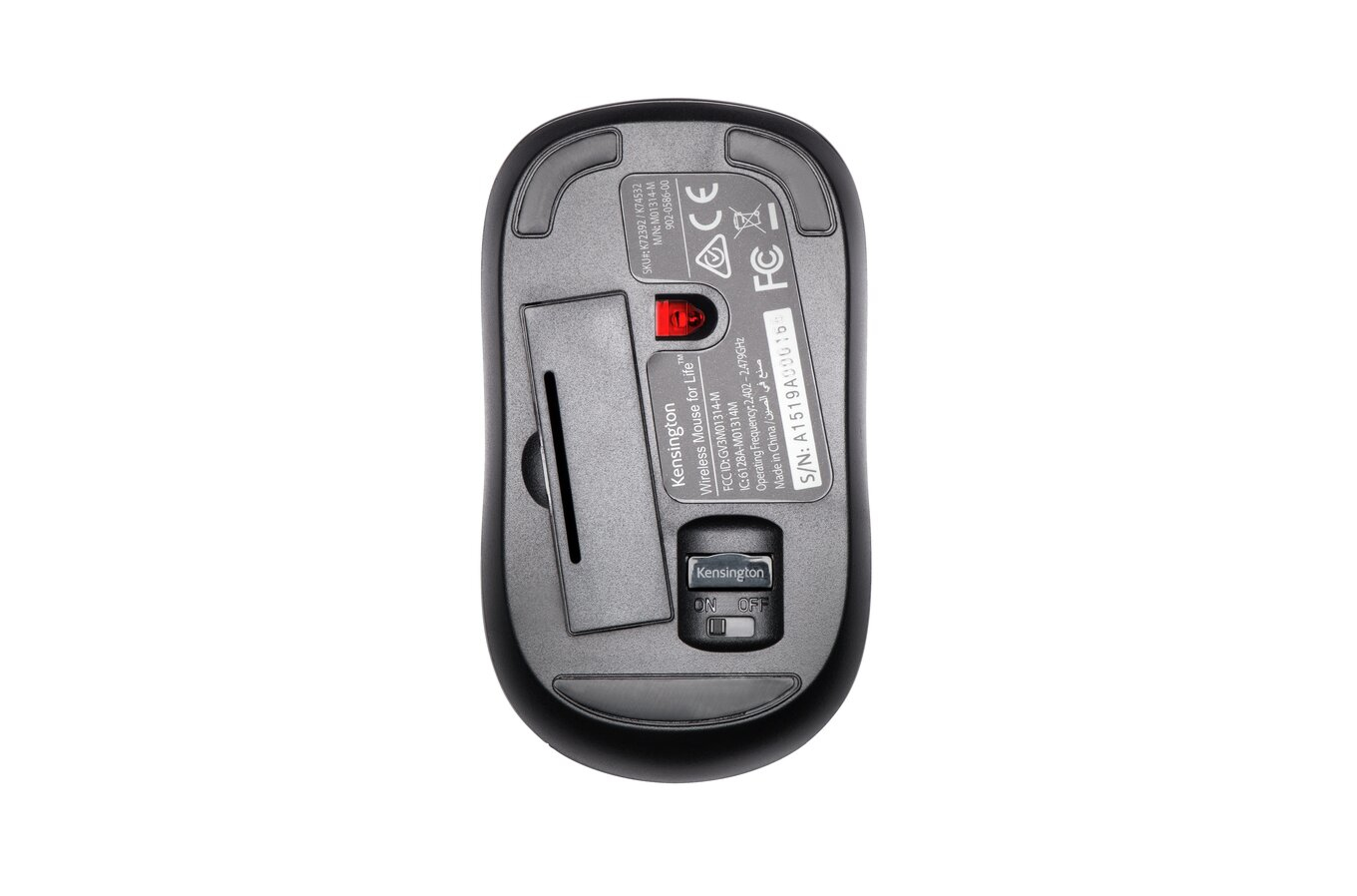
Kensington K72392EU Kensington ValuMouse Three-button Wireless Mouse
The Wireless ValuMouse is ideal when you need a comfortable mouse that’s also reduces cord clutter. The three-button/scroll wheel setup offers silent clicking when you need to get work done and don’t want to disturb anyone. A high-definition optical sensor provides reliable and responsive control when you’re navigating and the comfortable, contoured shaping feels great for either right-handed or left-handed users. It offers Plug & Play installation with a 2.4 GHz USB nano receiver and is built to last with a 5-year limited warranty.
Part# K72392EU
SKU S19454
In
Stock


LogiLink
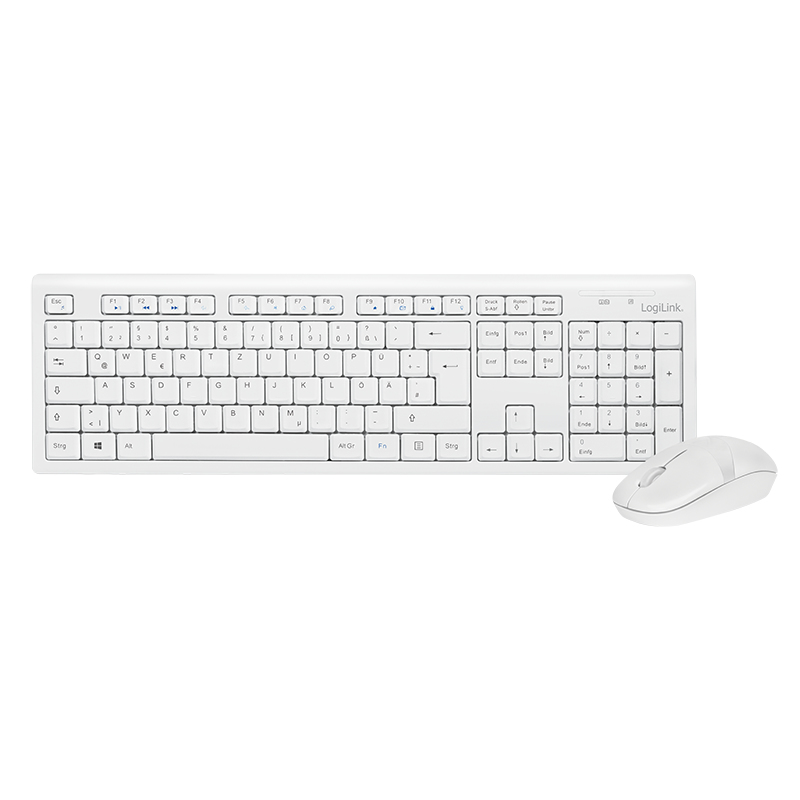
LogiLink ID0104W LogiLink Keyboard Mouse Combo wireless
Combination of keyboard and mouse with 2.4 GHz technology from LogiLink. The mouse with optical sensor ensures with this 1000 dpi scanning high precision and fast work. Connection via included USB micro dongle. This recognizes the devices by the Autolink function automatically. The keyboard has 13 programmable hot keys, etc. in addition to email, Favorites, Media Player
Part# ID0104W
SKU S19454
In
Stock
In
Stock
Lenovo
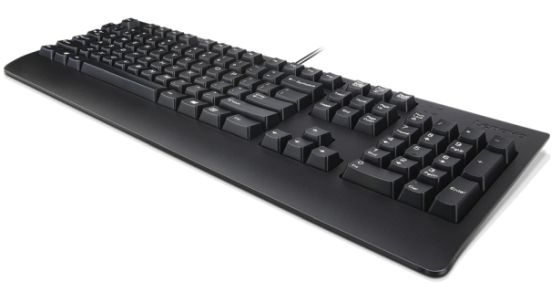
Lenovo 4X30M86917 Lenovo 4X30M86917 keyboard Office USB QWERTY UK English Black
The ThinkPad and ThinkCentre high-quality keyboard tradition continues with this general purpose USB keyboard. The Preferred Pro II USB Keyboard is very similar to those that come as standard with ThinkCentre desktop systems. It is also compatible with USB enabled ThinkStation and ThinkPad notebook systems and docks. Rubberised wrist rest coating provides a soft support surface for your comfort Common Microsoft Windows shortcuts are highlighted on appropriate key fronts to help maximise your productivity Three operation mode LEDs located in the upper right corner will be activated individually or in combination depending on definition compatible with USB 2.0. The three indicators have the names ‘Num Lock’, ’Caps Lock’ and ‘Scroll Lock’. All keys in the QWERTY and NUMPAD sections are rubber dome switch keys Adjustable tilt legs It is a configurable 104/105/106/107/109 key layout with languages according to the customer's requirements. Colour: black Standard key life cycle: 10 million clicks under normal operation. (6 cycle/second, 15-20 lbs.)
Part# 4X30M86917
SKU S19454
In
Stock
Targus
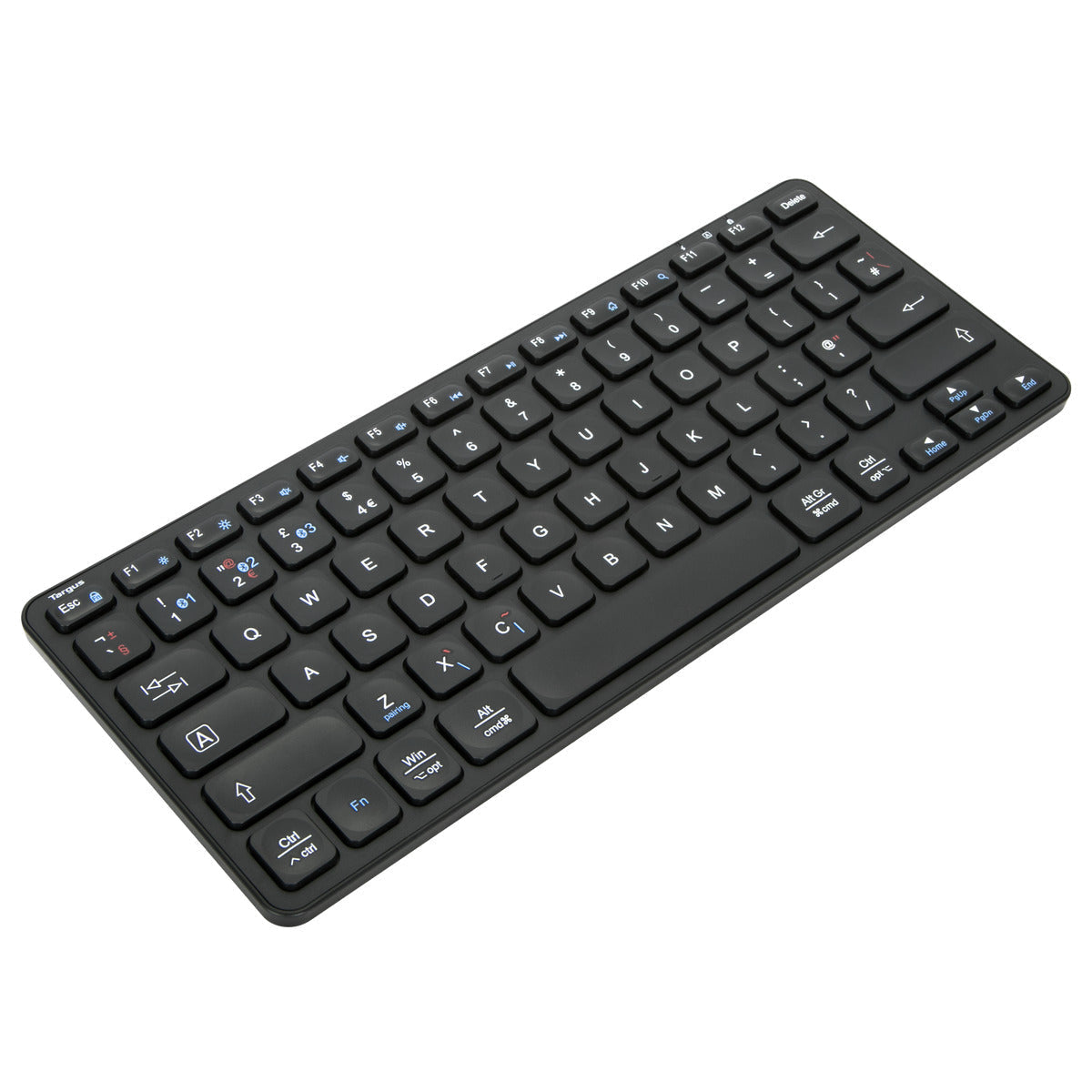
Targus AKB862UK Targus AKB862UK keyboard Home Bluetooth QWERTY UK English Black
Take this keyboard anywhere you go and turn any space into a workspace. Using Bluetooth 5.1 wireless technology, the Targus® Compact Multi-Device Bluetooth® Antimicrobial Keyboard can connect to your phone, your laptop, and your tablet, and easily switch between each with the push of a button. Switch your keyboard on with a simple flip of the power button, and note the battery life indicator light. Don’t worry, two AAA batteries are included, so you can get to typing whenever and wherever you are.For an added benefit, this keyboard features Targus DefenseGuard™ Antimicrobial Protection*, which creates a cleaner surface and works continuously to protect the keyboard by preventing the growth of micro-organisms. Unlike topically applied sprays, DefenseGuard™ keyboards are treated with an antimicrobial additive that does not wear off and lasts for the life of the product.
Part# AKB862UK
SKU S19454
In
Stock
Logitech
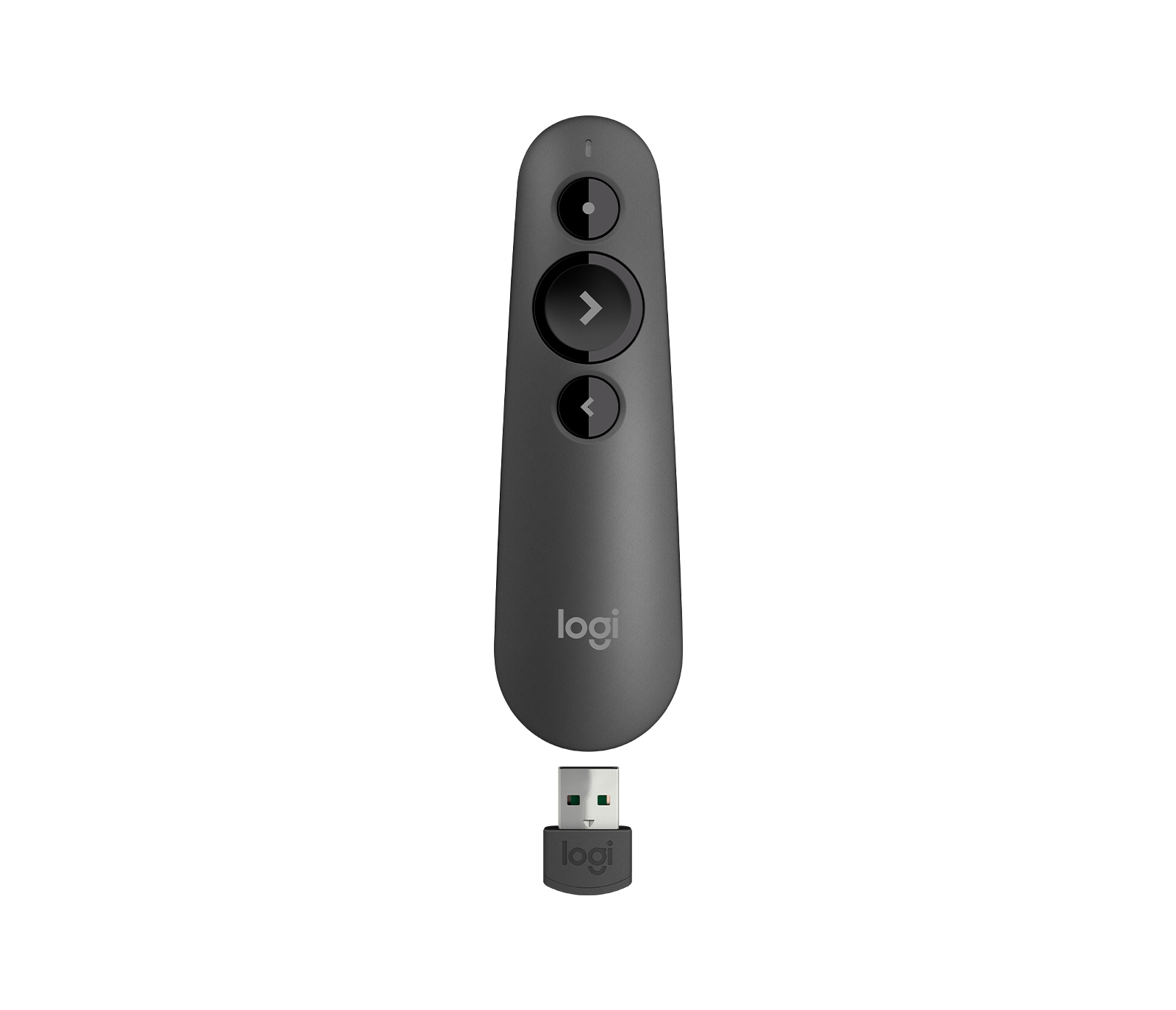
Logitech 910-006518 Logitech 910-006518 wireless presenter Bluetooth/RF Graphite
PRESENT EFFORTLESSLYDeliver impactful presentations with the R500s Laser Presentation Remote. Move freely and navigate slides from up to 65 feet (20 meters) away – and point out precise areas of focus with the red laser pointer. The R500s is optimized to work with Windows, macOS and leading presentation software.SIMPLY PRESENTThe R500s is a simple, reliable, and hassle-free presentation remote – so you can focus on crushing your delivery.INTUITIVE SLIDE NAVIGATIONThe R500s unmistakable three button design means you can navigate your presentation slides with ease and confidence without having to look down to orient your fingers.RED LASER POINTERPoint out precise areas of focus in your presentation with an easy-to-use and bright red laser pointer.If you present on TV & LCD screens and need a digital pointer, try theLOGITECH PRESENTATION APPCustomize button functions, monitor battery life, and set an on-screen timer from the Logitech Presentation App. Never worry about your computer going to sleep, the app keeps it awake while you present.20-METER OPERATING RANGEConnect your R500s to your computer via USB receiver or Bluetooth® low energy technology. Then move and present freely from as far as 65 ft (20 meters) away.DESIGNED FOR A SECURE GRIPThe R500s Laser Presentation Remote has been designed to fit snugly into the palm of your hand, and its soft rubber surface and textured buttons allow for a confident grip while presenting.
Part# 910-006518
SKU S19454
In
Stock
StarTech.com
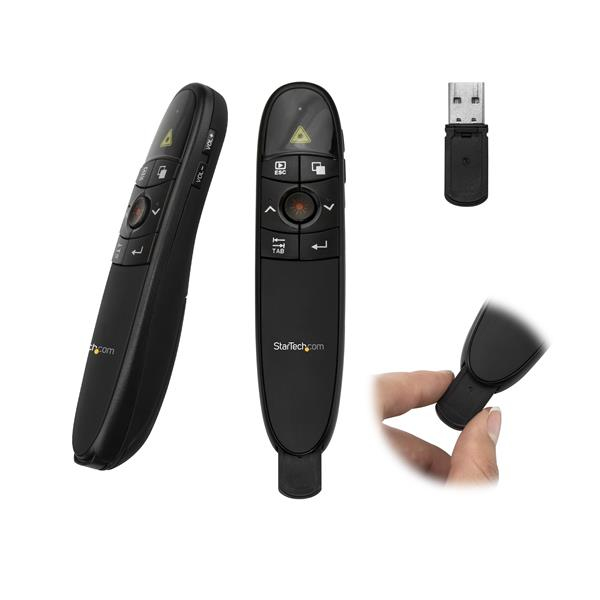
StarTech.com PRESREMOTE StarTech.com Wireless Presentation Remote with Red Laser Pointer - 90 ft. (27 m)
Presentation Clicker | Mac & Windows | Slide & Volume Controls | Batteries IncludedThis wireless presentation remote helps you deliver seamless presentations by combining intuitive navigation and a laser pointer in a single compact unit.Engage Your AudienceBeing confined to your computer isn’t the most effective way to deliver a presentation, especially when you’re trying to engage your audience. This presentation clicker has a wireless range of 90 ft. (27 m) so you have control of what’s on your screen with the freedom to move around the room while controlling your presentation as if you were at your computer.Point Out Key MessagesWith a built-in red laser pointer, this presentation remote lets you guide your audience’s attention to critical information in your content. It’s also perfect for use as a slide advancer in PowerPoint presentations, websites or any other documents you want to share with your audience.Present from AnywhereThis wireless presentation clicker features a sleek, ergonomic design and includes the required batteries along with a protective carrying case, for total portability. You can store the wireless receiver inside the presentation remote when you’re not using it.The USB receiver works with virtually any Mac or Windows computer. Simply plug the receiver into your laptop and you're ready to present.PRESREMOTE is backed by a StarTech.com 2-year warranty and free lifetime technical support.The StarTech.com Advantage- Engage your audience, move freely around the room, with a wireless range of up to 90 ft. (27 m)- Easily control your presentation with intuitive push-button operation and no additional software or drivers required- Draw your audience's attention to specific on-screen content, using the built-in laser pointer
Part# PRESREMOTE
SKU S19454
In
Stock
Logitech
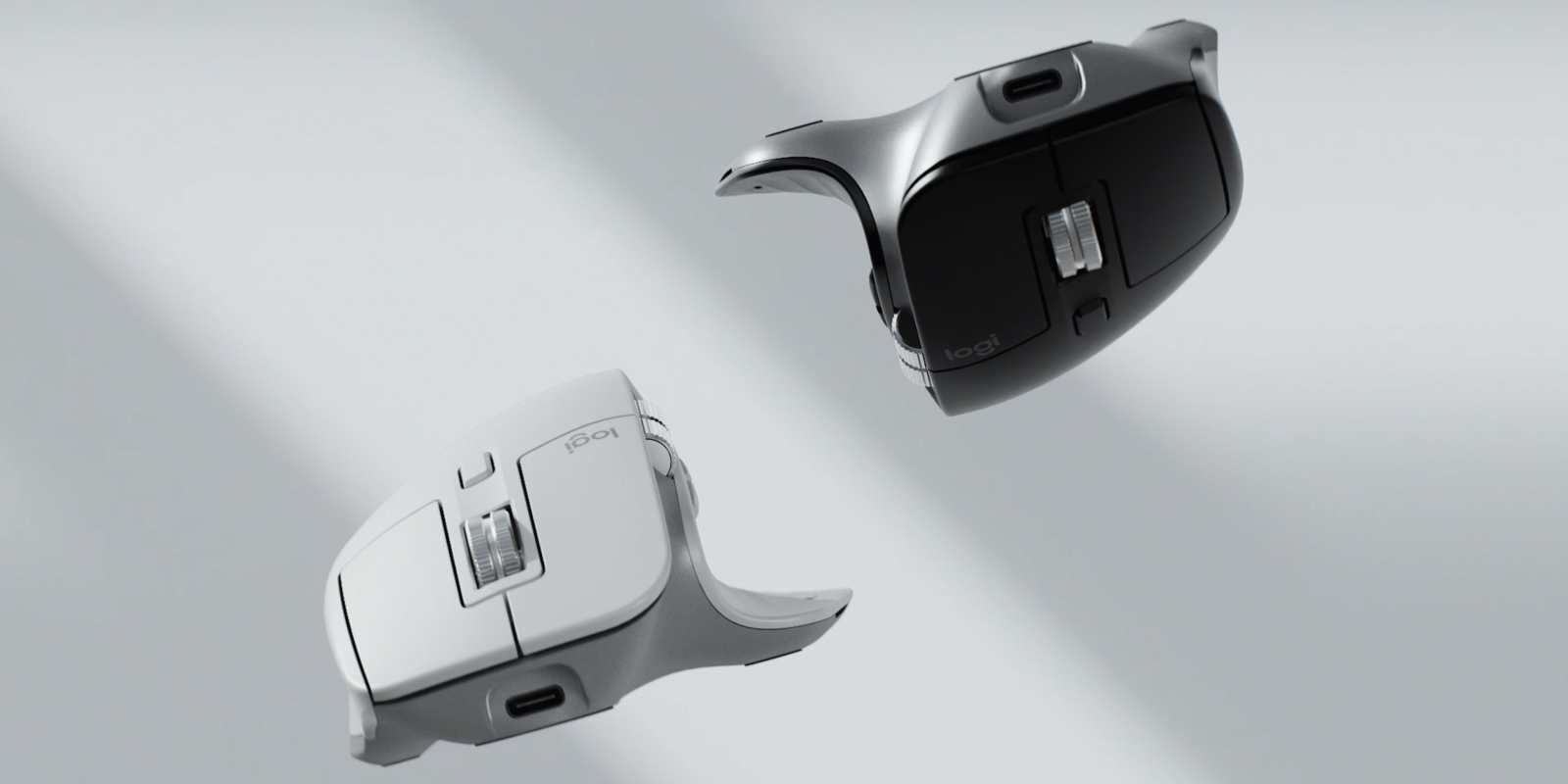
Logitech 910-006559 Logitech MX Master 3S Performance Wireless Mouse
An Icon. Remastered. Meet MX Master 3S – an iconic mouse remastered. Feel every moment of your workflow with even more precision, tactility, and performance, thanks to Quiet Clicks and an 8,000 DPI track-on-glass sensor. Feel It – Barely Hear It Introducing Quiet Clicks – create, make and do with the same click feel, but less noise. Quiet Clicks deliver satisfying, soft tactile feedback with 90% less click noise. Add that to a remarkably quiet MagSpeed electromagnetic scroll wheel for a high performance experience with zero distraction. 8K DPI Any-Surface Tracking MX Master 3S is outfitted with our most accurate sensor ever, with next-gen precision and responsiveness. The 8,000 DPI optical sensor tracks virtually anywhere – even on glass. You can adjust your tracking sensitivity in Logi Options+ and set the right level for your workflow and monitor resolution. Scroll 1,000 Lines Per Second MagSpeed Electromagnetic scrolling is precise enough to stop on a pixel and quick enough to scroll 1,000 lines per second. Oh, and it’s nearly silent. The wheel’s machined steel gives it a premium tactility and enough weight to offer a dynamic inertia you feel – but don’t hear. Do More With Logi Options+ Do more with your mice with Logi Options+. Work across devices and operating systems using Flow, customize individual buttons, set tracking speed, use predefined app-specific customizations and Smart Actions to optimize nearly every aspect of your workflow. App-Specific Customizations MX Master 3S is fully customizable in virtually every app you use with Logi Options+. You’ll work faster with predefined customizations optimized for your favorite apps such as Adobe Photoshop, Adobe Premiere Pro, Final Cut Pro, Google Chrome, Safari, Zoom, and Microsoft Teams, Word, Excel, PowerPoint, and Edge. Flow Between Devices Logi Options+ lets you flow between computers by simply moving your cursor to the edge of the screen. Your MX keyboard follows your MX Master 3S and lets your workstream flow between Windows and macOS. Effortlessly transfer text, images, and files between computers – just copy on one and paste to the other. Charge Quickly, Connect Instantly MX Master 3S stays powered for up to 70 days on a full charge – and gets three hours of use from a one-minute quick charge. Use the included USB-C charging cable to top up the power. Hand Sculpted, All Day Comfort. Work comfortably with an ergonomic silhouette crafted to support your palm and fingers. Textured surfaces provide a confident grip for total control. The unique tilt angle of MX Master 3S positions your arm in a more natural posture for better comfort. Optimally placed thumb controls are positioned for quick, intuitive access and fast navigation. The side scroll wheel follows the natural movement of the thumb for fluid and intuitive horizontal navigation.
Part# 910-006559
SKU S19454
In
Stock
In
Stock
In
Stock

Item(s) added to cart

