
 0
0
Data Input Devices
710 –
720
of
1890
Availability
Sort by
Advance Filters
In
Stock


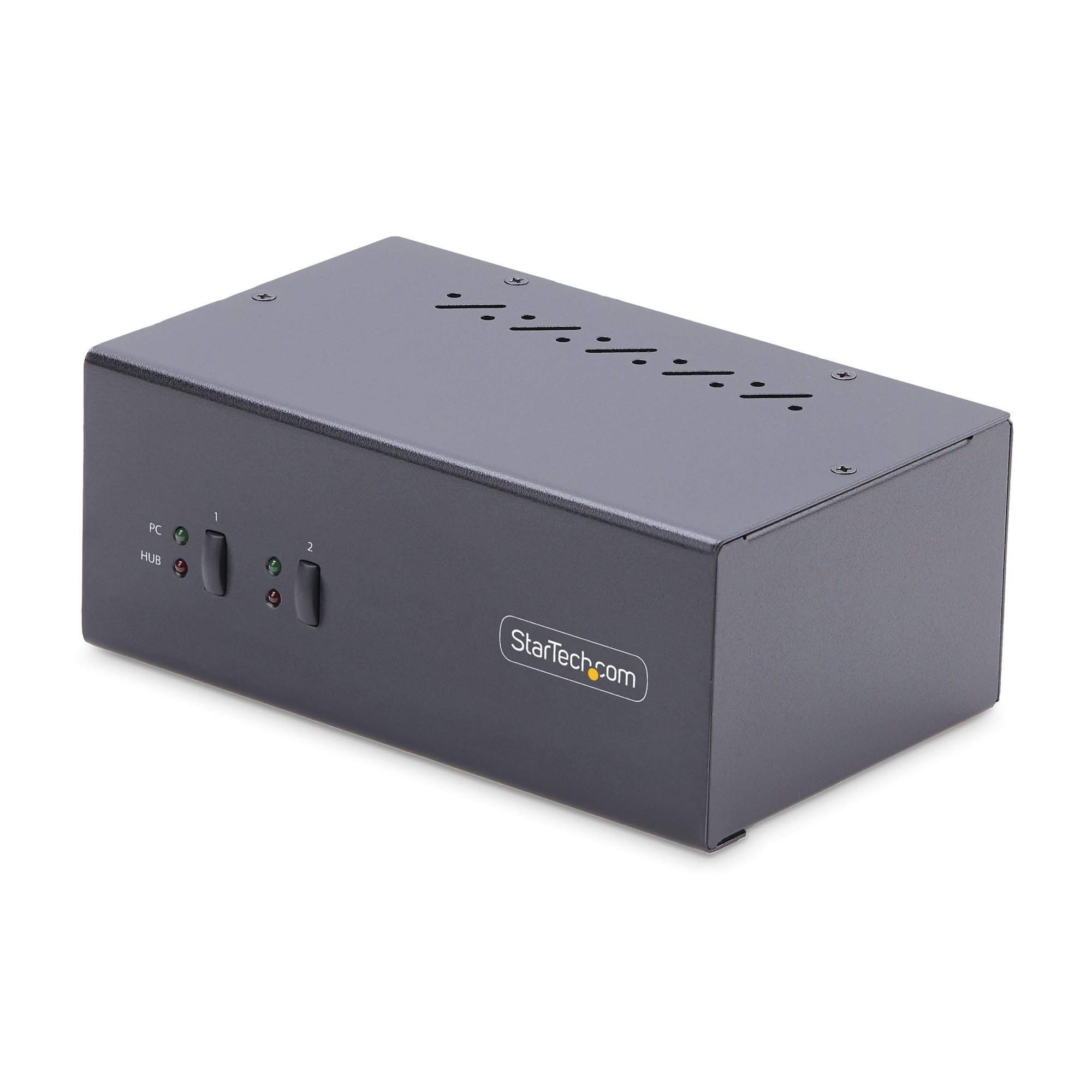
StarTech.com
StarTech.com P2DD46A2-KVM-SWITCH StarTech.com 2-Port Dual-Monitor DisplayPort KVM Switch, 4K 60Hz, 2x USB 5Gbps Hub Ports, 2x USB 2.0 HID Ports, Hotkey and Push-Button Switching, TAA Compliant - ESD Level 3 Protection
Share a mouse, keyboard, USB 5Gbps hub, and dual 4K 60Hz DisplayPort displays between two DisplayPort-enabled computersThis Dual-Monitor KVM Switch enables users to switch between two desktops that are USB-A and DisplayPort enabled. It allows for sharing of dual-4K 60Hz DisplayPort monitors, a keyboard and mouse, and two USB 5Gbps devices.Fast Switching with USB EmulationUSB Emulation technology enables faster switching of a keyboard, video, and mouse compared to traditional KVMs. USB Emulation also ensures compatibility with combination keyboards/mice as well as keyboards featuring additional function keys.Dual-4K 60Hz Displays & USB 5Gbps Hub PortsThis TAA-Compliant KVM Switch supports dual-4K 60Hz DisplayPort monitors, making it ideal for working with high-resolution graphics or video. Additionally, it offers two USB 3.2 Gen 1 (5Gbps) Hub Ports for fast data transfer, and two USB 2.0 HID Ports for the keyboard and mouse. 8kV air and 6kV contact Electrostatic Discharge (ESD) protection.Customizable SwitchingThis Universal KVM Switch provides various switching options, including hotkey or push-button switching. Hotkeys allow for independent switching of USB/Video and Audio, enabling audio playback from one computer while controlling the other. An audible buzzer confirms hotkey input, and LEDs provide a visual status of the selected host.Enhance Productivity and Device Management with the StarTech.com Connectivity Tools ApplicationDeveloped to improve performance and security, StarTech.com Connectivity Tools is the only software suite on the market that works with a wide range of IT connectivity accessories. The software suite includes:• Advanced Windows Layout Utility: Setup and save custom windows layouts.• MAC Address Pass-Through Utility: Improve network security.• USB Event Monitoring Utility: Track and log connected USB devices.• Wi-Fi Auto Switch Utility: Enable users to quickly access faster network speeds via wired LAN.For more information and to download the StarTech.com Connectivity Tools application, please visit: www.startech.com/connectivity-toolsThe StarTech.com Advantage
Part# P2DD46A2-KVM-SWITCH
SKU S19454
In
Stock
In
Stock

In
Stock
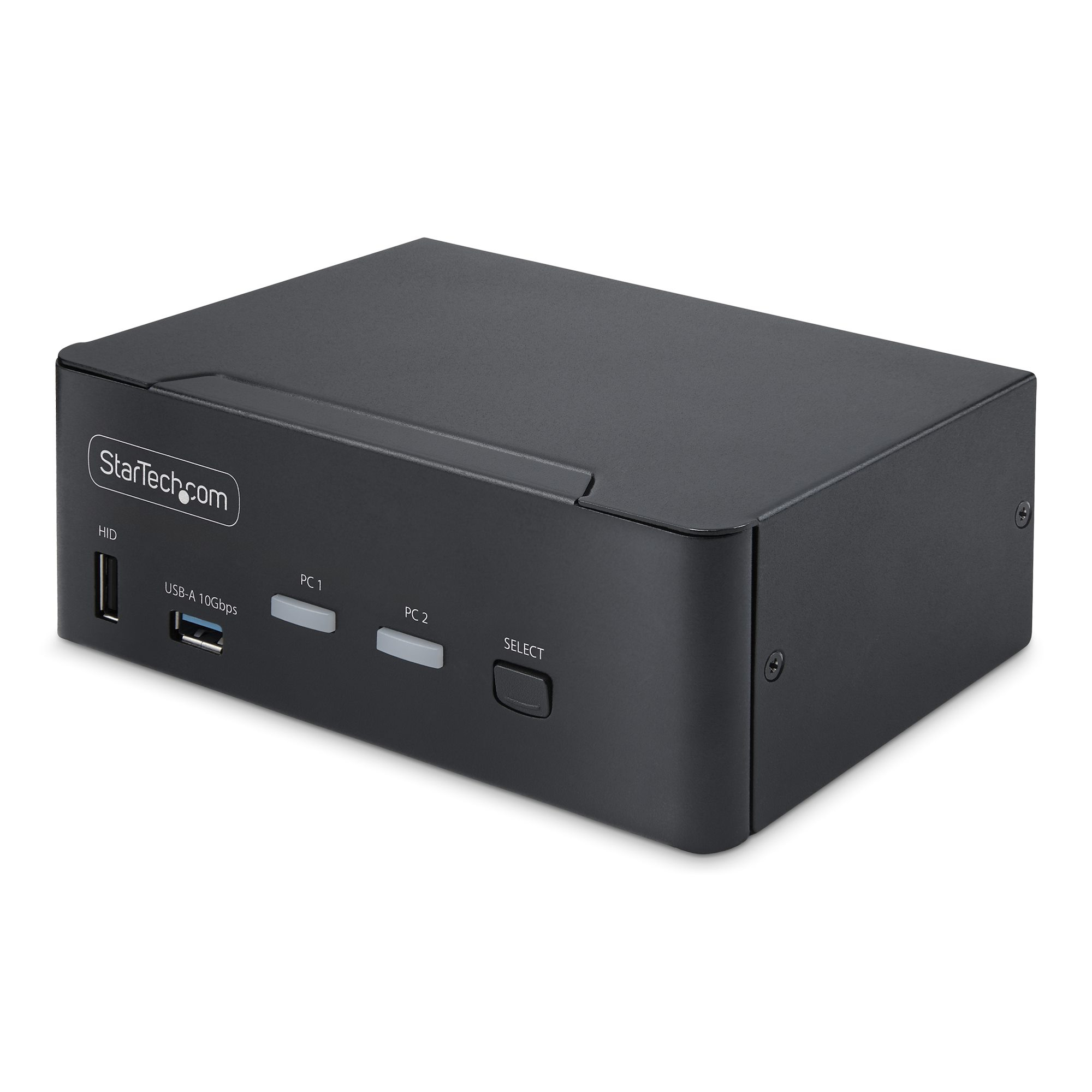
StarTech.com
StarTech.com P2CDD143-KVM-SWITCH StarTech.com P2CDD143-KVM-SWITCH KVM switch Black
Share a mouse, keyboard, USB (10Gbps) Hub, and dual 8K 60Hz DisplayPort monitors between two DisplayPort-enabled computersThis dual-monitor KVM switch allows users to switch between two USB and DisplayPort-enabled desktops. It allows for sharing of dual-8K 60Hz DisplayPort monitors, a keyboard and mouse, and two USB 10Gbps devices.Dual-8K 60Hz Displays & USB 10Gbps Hub PortsThis TAA-compliant KVM Switch supports dual 8K 60Hz DisplayPort monitors, making it ideal for working with high-resolution graphics or video. It also features two USB 3.2 Gen 2 (10Gbps) hub ports for fast data transfer, and four USB HID ports for the keyboard, mouse, and two additional USB peripherals.Fast Switching with USB EmulationUSB emulation technology enables faster keyboard, video, and mouse switching compared to traditional KVMs. USB Emulation also ensures compatibility with combo keyboards/mice and keyboards featuring extra function keys.Switching OptionsThis Universal KVM Switch offers hotkey or push-button switching options. Hotkeys allow for independent switching of audio, enabling audio playback from one computer while controlling the other. An audible buzzer confirms hotkey input, and LEDs provide a visual status of the selected host.The StarTech.com Advantage
Part# P2CDD143-KVM-SWITCH
SKU S19454
In
Stock
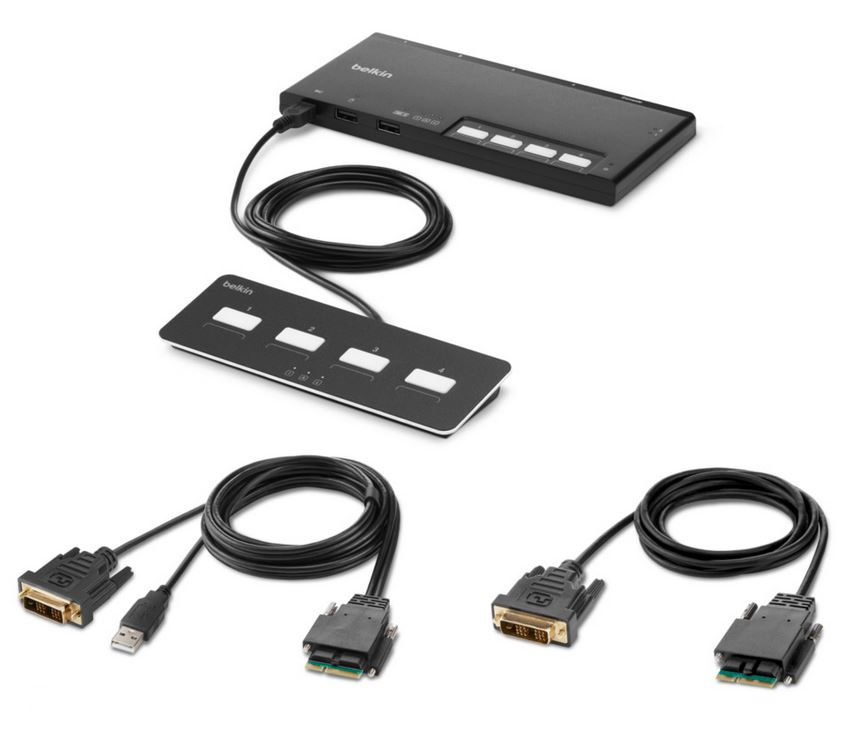
Belkin
Belkin F1DN104MOD-DD-4 Belkin F1DN104MOD-DD-4 KVM switch Black
Part# F1DN104MOD-DD-4
SKU S19454
In
Stock
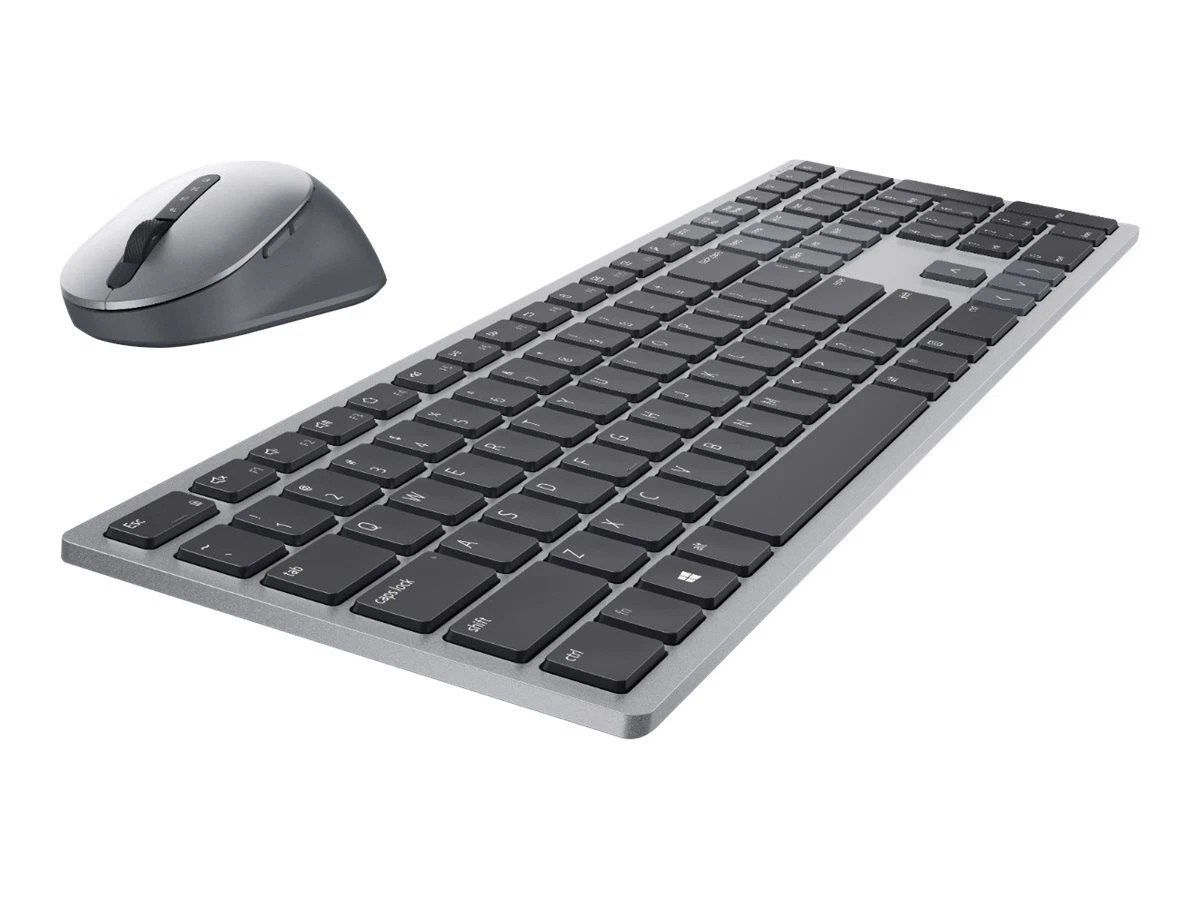
DELL
DELL KM7321WGY-INT DELL Pro Plus Keyboard and Mouse - KM7321W - US International (QWERTY)
Experience superior multitasking features with a stylish and comfortable premium keyboard and mouse combo. Complete your tasks powered by one of the industry’s leading battery lives at up to 36 months.
Part# KM7321WGY-INT
SKU S19454
In
Stock
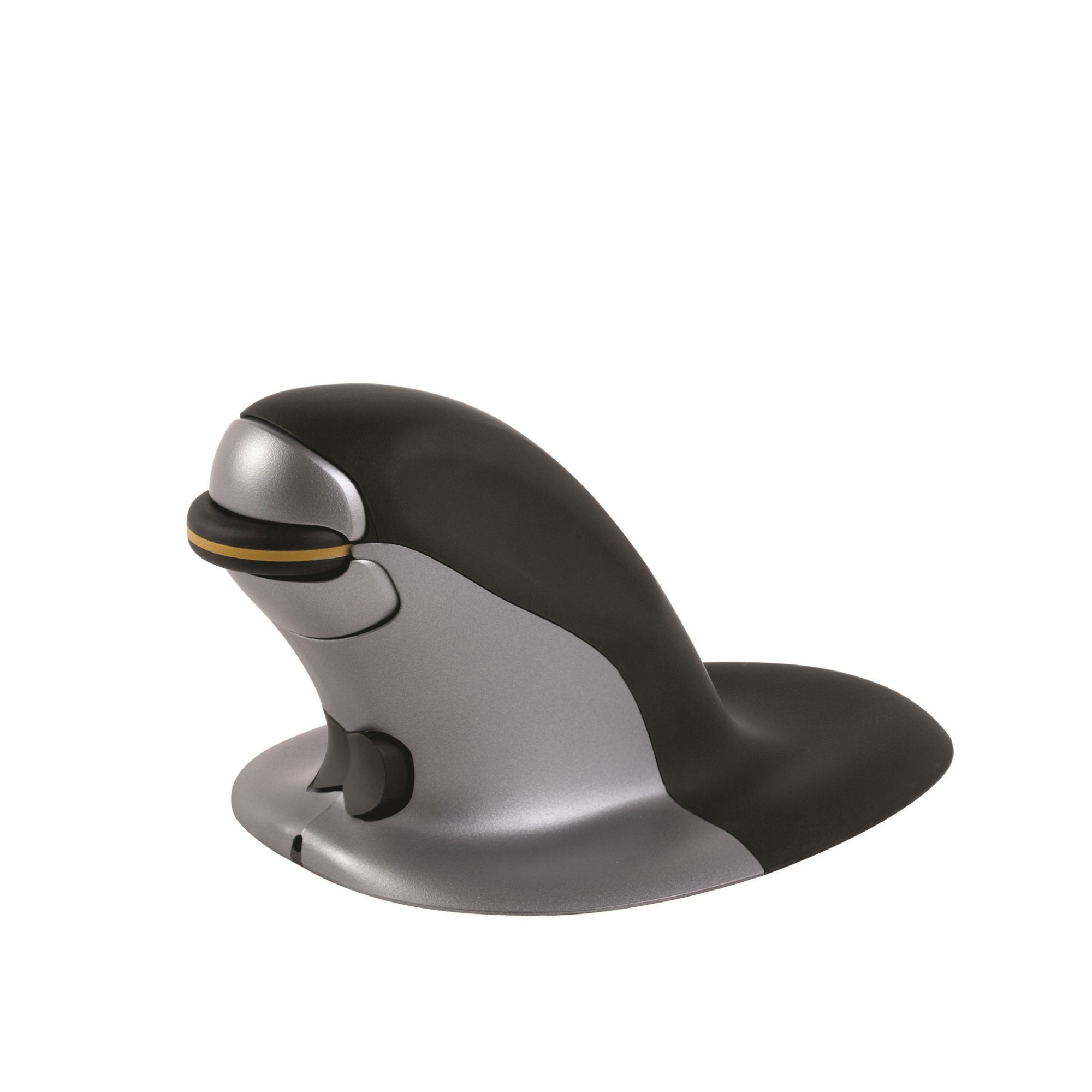
Fellowes
Fellowes 9894901 Fellowes Ambidextrous Vertical Mouse - Small Wireless
Symmetrical base with easy gliding - Allows the user to rest both hands comfortably next to the vertical structure, promoting the use of the larger muscles in the front and upper arm to maneuver the mouse. Fine cursor control is still accessible with small hand and/or finger movements. The penguin marks a major breakthrough in the fight against health problems that occur when computer users spend too much time with a conventional mouse. It sets new protection standards against a number of diseases of the upper extremities such as injuries caused by repeated strain (RSI) and carpal tunnel syndrome (CTS) and left hand allows you to divide the workload and avoid exaggerated movements of the wrist that can increase pressure on the soft tissues in the carpal tunnel. Regular changing of hands during the day prevents static muscle tension (SMS) in the arm and shoulder - a main cause of discomfort during mouse work. The penguin mouse is also antimicrobial to inhibit the growth of bacteria. This makes it perfect for hot desking environments. The penguin mouse is available in three sizes. To choose the right one for you, measure your hand from the first fold on your wrist to the tip of your middle finger. Small 0-16 cm (approx. 0-6 inches)Medium 16-18 cm (approx. 6-7 inches) large 18 cm + (7 inches + approx.).
Part# 9894901
SKU S19454
In
Stock
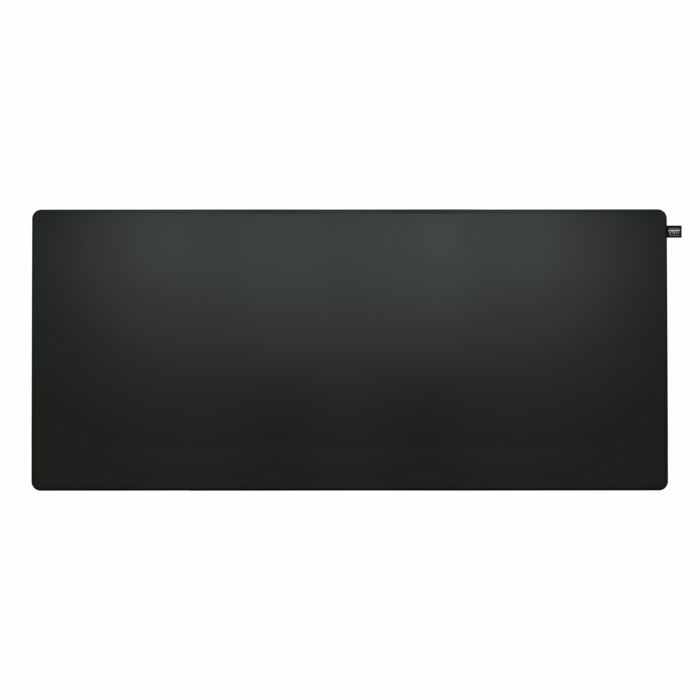
CHERRY
CHERRY CX-GP5-XL-BLACK CHERRY XTRFY GP5, XL
High-speed cloth. Smoother than ever. The 5th generation of CHERRY XTRFY mousepads is designed for effortless gaming. With artworks thatâll elevate your entire setup.Elevate your gaming spaceHigh-speed cloth. Smoother than ever. The 5th generation of CHERRY XTRFY mousepads is designed for effortless gaming. With artworks thatâll elevate your entire setup.High speed cloth surfaceThe GP5 is built on experience from almost a decade of creating mousepads for professional players. Featuring CHERRY XTRFYâs smoothest surface yet, it brings you the speed needed for fast-paced plays with pinpoint precision.Available in medium, large and XLChoose the perfect mousepad size for your setup and playstyle. Medium is compact and convenient for gamers who are using medium or high mouse sensitivity settings. Large provides plenty of room for both high and low mouse sensitivity, making it the size suitable for most gamers. XL fits both your mouse and keyboard, and makes your overall gaming experience more comfortable.Durable designHigh-quality fabric. Rubber base. Stitched edges. The GP5 is designed to last. Itâs even machine washable. (30 °C, dry flat, no tumbling or ironing â and itâll be as good as new.)
Part# CX-GP5-XL-BLACK
SKU S19454
In
Stock
Belkin
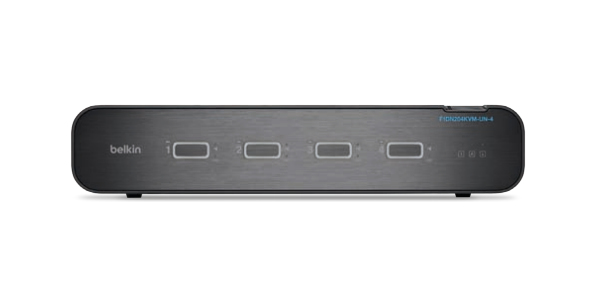
Belkin F1DN204KVM-UN-4 Belkin F1DN204KVM-UN-4 KVM switch Rack mounting Black
Part# F1DN204KVM-UN-4
SKU S19454
In
Stock

Item(s) added to cart

