
 0
0
Industrial & Lab Equipment
160 –
170
of
435
Availability
Sort by
Advance Filters
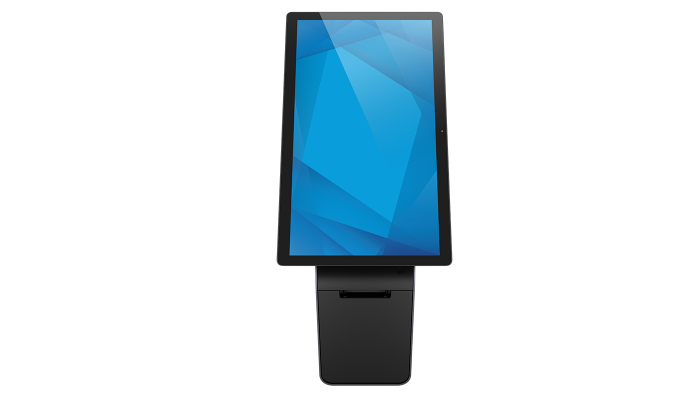
Elo Touch Solutions
Elo Touch Solutions E990079 Elo Touch Solutions Wallaby 55.9 cm (22") Grey
Part# E990079
SKU S19454
In
Stock



Sandberg
Sandberg 999-53 Sandberg Header for Alu Slatwall Esport
Set of 2 Sandberg EsportsEquipment top headers.
Part# 999-53
SKU S19454
In
Stock
LG
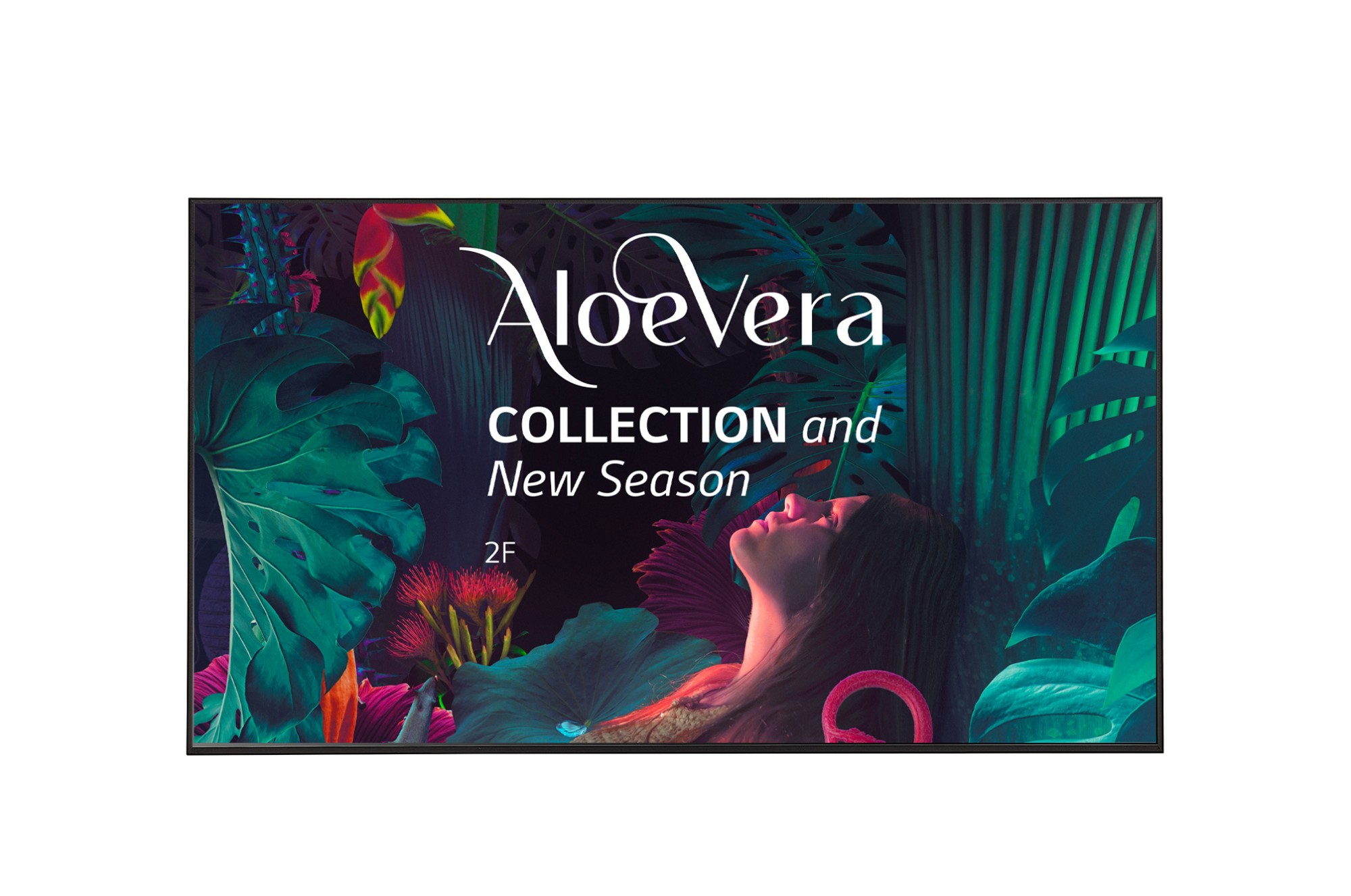
LG 65UH5N-E LG 65UH5N-E Digital signage flat panel 165.1 cm (65") LCD Wi-Fi 500 cd/m² 4K Ultra HD Black WebOS 24/7
UHD Signage Display with LG webOS Platform and Advanced SecurityHigh Resolution DisplayIt offers a resolution that is four times higher than FHD, satisfying customers visually. Additionally, the anti-glare coating on the screen reduces screen reflection in bright lighting environments, increasing visibility and legibility, providing customers with a comfortable screen.Convenient webOS PlatformThe UH5N-E is equipped with a high-performance SoC that allows for multiple tasks to be performed without a separate media player. The webOS platform provides app development tools with an intuitive UI that enhances user convenience, enabling easy connection with external sensors and webOS partner apps to create an SI-friendly environment.Durability that Provides ReliabilityOptimized for business environments, the UH5N-E is protected against salt, dust, iron powder and humidity thanks to conformal coating on power board, allowing for stable operation. Also, its customer-centric features, such as IP5x, 30-degree tilting and Shock Monitoring, provide both reliability and satisfaction.Design for Space UtilizationDesigned with thin bezels and simple cable management, the UH5N-E saves space. With specialized hidden power inlets, it can be installed close to the wall, leaving only about 13 mm of space with the slim bracket. Bezels accessories can also be used to convert it into an art frame, making it a stylish interior element that matches customers' interior spaces.Enhanced Security FeaturesThe UH5N-E provides security features, including LG's Enhanced Kernel Protection (EKP) technology, protecting important data from external access or attacks. LG UHD Signage also holds reliable certification in the field of information security, maintaining customers' data and businesses securely. For example, this model is ISO/IEC 15408 Common Criteria EAL2 Certified.SustainabilityWith a commitment to innovation and sustainability, LG is continuously striving to create a better future for manufacturers, consumers, and future generations. With a focus on minimizing waste, maximizing recycling, and efficient power management, LG actively strives for sustainability, obtaining various certifications such as FCC EMC Class B.
Part# 65UH5N-E
SKU S19454
In
Stock
Samsung
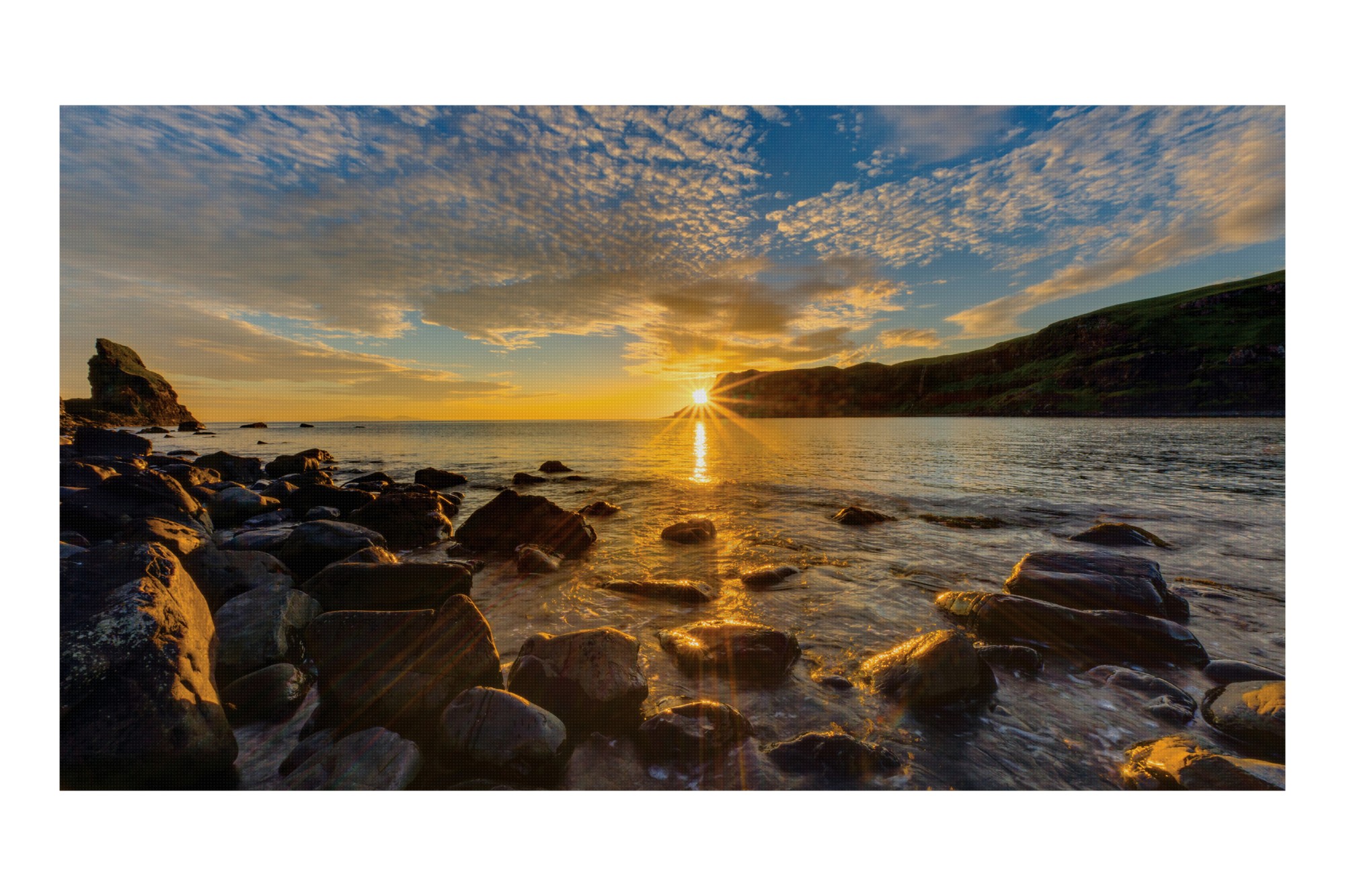
Samsung LH015IFRCLS/EN Samsung IF015R LED Indoor
Samsung IF015R. Display resolution: 640 x 360 pixels, Display technology: LED, Display brightness: 800 cd/m²
Part# LH015IFRCLS/EN
SKU S19454
In
Stock
In
Stock
Sony
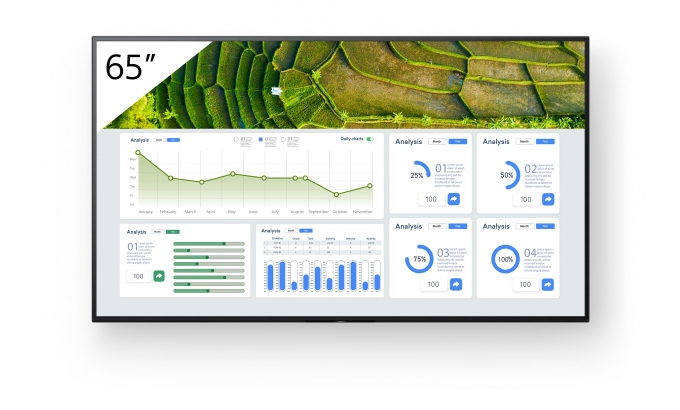
Sony FW-65BZ30L Sony FW-65BZ30L Signage Display Digital signage flat panel 165.1 cm (65") LCD Wi-Fi 440 cd/m² 4K Ultra HD Black Android 24/7
Made for business with easy content sharing and customisationSlim, easy-to-use the FW-65BZ30L professional displays add impact to all your visual communications in retail, corporate and educational environments. Superb 4K HDR picture quality is complemented by flexible customisation options and pro-friendly features for easy integration, setup and content sharing in today’s connected AV environments.Latest Sony picture technologies to impress every audienceThe 65” FW-65BZ30L offers a generous 440 nit screen brightness. Advanced Sony picture processing technologies ensure your content looks its very best. The panel’s extra-wide viewing angle ensures that everyone in the room can enjoy clear, bright images wherever they’re positioned.Richer, more natural colourSony’s power-packed 4K HDR Processor X1 and TRILUMINOS Pro technology faithfully reproduces a phenomenal range of rich, true-to-life colours.Smoother movementMotionflow XR ensures smoother, more natural reproduction of rapidly-moving on-screen images.Wall-Mount AdjusterBRAVIA comes supplied with a Wall-Mount Adjuster, giving extra flexibility for mounting the display centrally in portrait or landscape orientation.Discreet logoThe Sony logo is discreetly positioned on the edge of the display’s bezel – with nothing distracting your audience from immersive images.Round the clock reliabilityBusiness never sleeps: BRAVIA is engineered for dependable 24/7 operation in the most challenging corporate and commercial environments.Get great pictures fastForget fiddling with display settings. One Step Setting offers presets tuned to your environment including meeting room, vivid signage, natural signage and graphics. Just pick a preset: BRAVIA instantly configures picture mode, input, control settings and more.Easy multi-screen setupConfiguring multiple screens for large display applications is easier than ever. The Multi Display Setting (MDS) app helps you create stunning video walls with multiple BRAVIA displays ‘tiled’ together.Signage made simpleInforming and guiding visitors with digital signage in retail stores and corporate spaces has never been simpler. Built-in support for HTML5 makes it easy to display interactive signage content on BRAVIA without the need for a dedicated set-top box, media player or PC. On-board BRAVIA Signage Free (BSF) software automatically plays out HTML content, video and photos when a USB stick memory is slipped into BRAVIA. It’s that simple.With BRAVIA, sustainability in every sceneWith growing demand for ever larger display screens, there is also the risk of greater resource and energy use. However, Sony’s sustainability commitments are realizing efficiency gains from product development right through to customers viewing screens.Finer detail4K X-Reality PRO processing upscales pictures closer to true 4K quality. Images are sharpened and refined in real time, revealing extra detail from lower-resolution picture sources.Installation flexibility to suit every environmentThe sleek, minimal design of the FW-65BZ30L brings impeccable style to any business environment. The display’s elegant lines are further enhanced by practical touches for seamless integration in retail stores, colleges and corporate workspaces.Side mounted interfacesSignal connections, networking and other interfaces are conveniently side mounted for easy installation and access when the display’s in portrait position.Landscape, Portratint and TiltInstall BRAVIA in portrait or landscape orientation to suit any corporate or retail space. The display can also be tilted at an angle for even greater flexibility.Special settings for professional usePro Settings mode makes doing business even easier, allowing you to customise BRAVIA settings and operating modes to suit the demands of corporate or retail environments. Disable input or remote control functions, schedule on/off times, remove labels and block buttons to avoid tampering when the screen’s being used in public spaces. Customise and store display settings, then copy them easily from display to display via USB flash memory.Easy integrationFW-65BZ30L is made for today’s connected world. There’s seamless support for today’s leading automation and control platforms, while open APIs simplify integration with other vendor solutions.Wireless screen mirroringEasily mirror content wirelessly from handheld device onto BRAVIA with in-built support for Apple AirPlay and Google Chromecast.Meet more easilyGet Google Meet from Google Play Store, and pair BRAVIA with a compatible webcam for easy video meetings.
Part# FW-65BZ30L
SKU S19454
In
Stock
In
Stock
Samsung
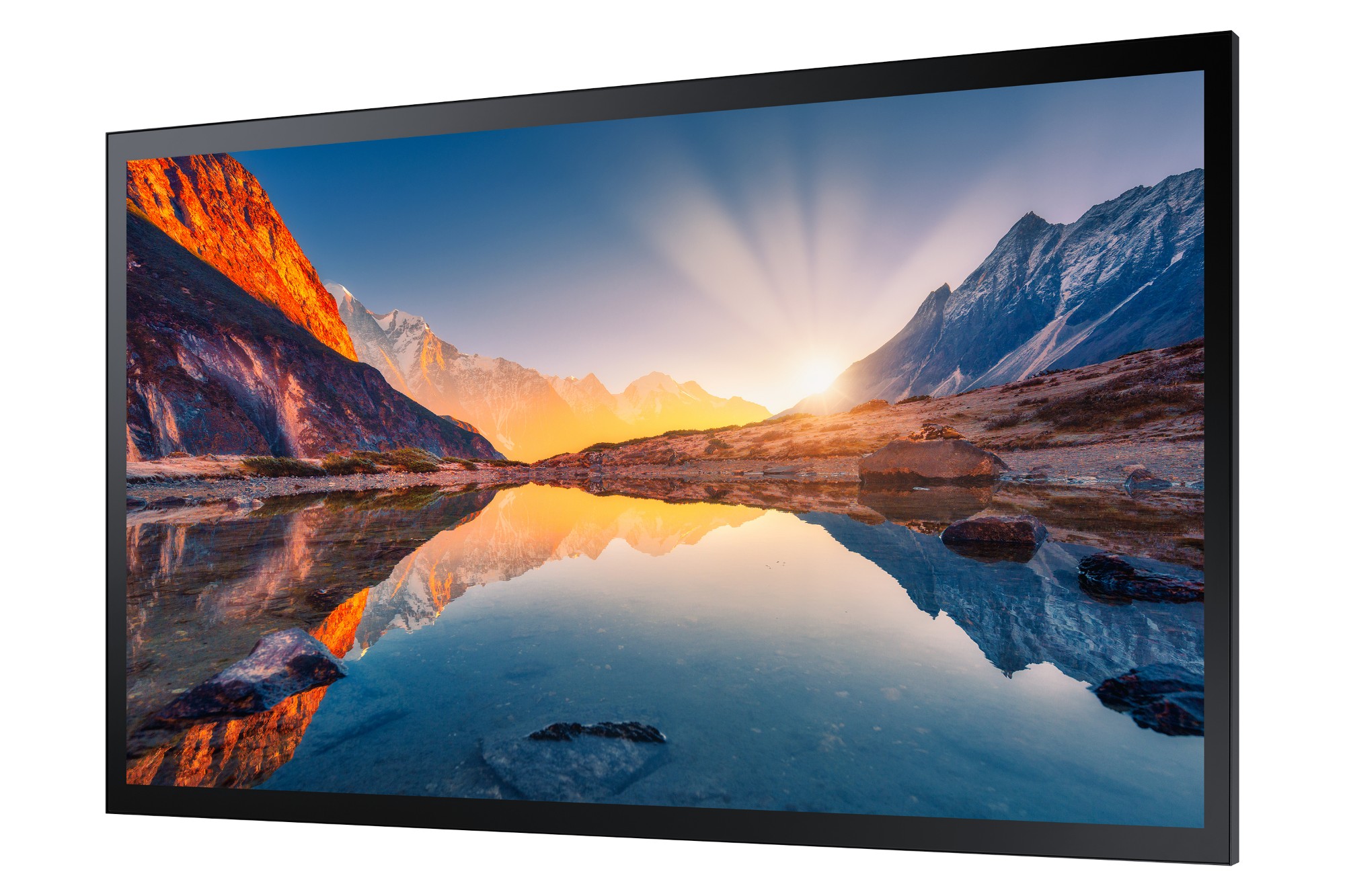
Samsung LH43QMBTBGCXEN Samsung QM43B-T Digital signage flat panel 109.2 cm (43") LCD Wi-Fi 500 cd/m² 4K Ultra HD Black Touchscreen Built-in processor Tizen 6.5 24/7
All-in-one touch solution for any environmentQMB-T displays maximize the touch display experience with a built-in, high performance Tizen-based media player. The all-in-one design eliminates the need for an external media player and an upgraded Tizen OS makes it easier than ever to utilize various touch apps.Powerful touch experienceUpgraded Tizen OS makes playback more stable and opens up new possibilities with high-speed content. A responsive capacitive touch functionality offers an engaging user experience and the user-friendly design enables comfortable, productive digital interaction.Captivate customers with UHD contentSamsung’s QMB-T series provides UHD resolution capabilities for incredibly clear content, increasing customer engagement with lifelike images that have been optimized to display exactly as intended.Better visibility even in sunlightThe QMB-T series offers improved visibility through non-glare glass which removes reflections that might disturb customer engagement, while the haze coating creates a smoother touch.Built to be reliable and efficientWith an IP5X rating standard, the display is guaranteed to be efficient and reliable even in dusty environments. An innovative center IR means businesses implementing the display, won’t have to make any adjustments and a conformal coating protects the display from repeated customer interactions.Integrated content and device management solutionSamsung’s MagicINFO solution enables easy content creation for touch display and simple scheduling and management from a selection of curated images and videos. An early warning alert system ensures no downtime.Maintain meeting room settings without unintended changesCustom HomeDesigned to simplify conference room management, Custom Home allows admins to lock specific meeting room settings, preventing users from changing settings between meetings. Now, conference rooms can work throughout the day as intended, without errors, allowing IT to focus on other tasks.Simplified calibration between screens with mobile appSmart CalibrationGuarantee complete brand consistency across every display in every location. Using the Samsung mobile app, Smart Calibration ensures every display is calibrated correctly, showcasing brand logos and other collateral in the exact colors required.Easier setups and updates for reduced workloadsTizen Zero ConfigTizen Zero Config is essential for IT managers operating multiple units in different locations. Following display installation, IT professionals can register new apps through Tizen Business Manager and remotely install, eliminating needless travel and local installations.Supports the latest web-based contentUpgradable Web-engineUpload any piece of content, no matter how innovative. QMB-T’s constant web-engine upgrades enables the latest types of content to be played without limitations, allowing for more diversified and engaging creative assets.Flexible installation for custom designsAuto LevelKeep content clear and steady. Auto Level automatically adjusts content when the screen is rotated from vertical to horizontal for increased versatility in any space. Plus, it automatically recognizes incorrect pivot directions to keep the display always in the correct orientation.
Part# LH43QMBTBGCXEN
SKU S19454
In
Stock
DELL
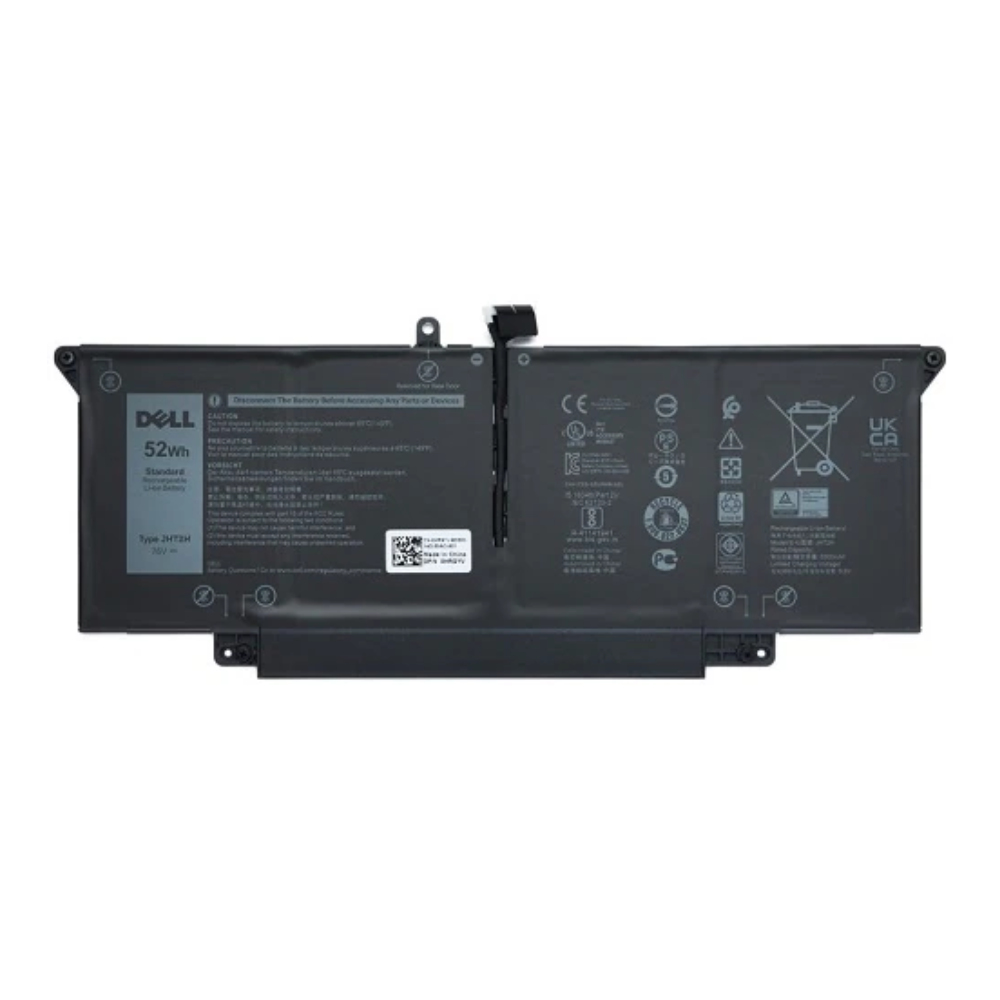
DELL HRGYV Origin Storage Dell Battery 4 Cell 52Whr OEM: HRGYV WY9MP 4V5X2 JHT2H
Dell Battery 4 Cell 52Whr OEM: HRGYV WY9MP 4V5X2 JHT2H
Part# HRGYV
SKU S19454
In
Stock

Item(s) added to cart

