
 0
0
Industrial & Lab Equipment
240 –
250
of
435
Availability
Sort by
Advance Filters
Samsung
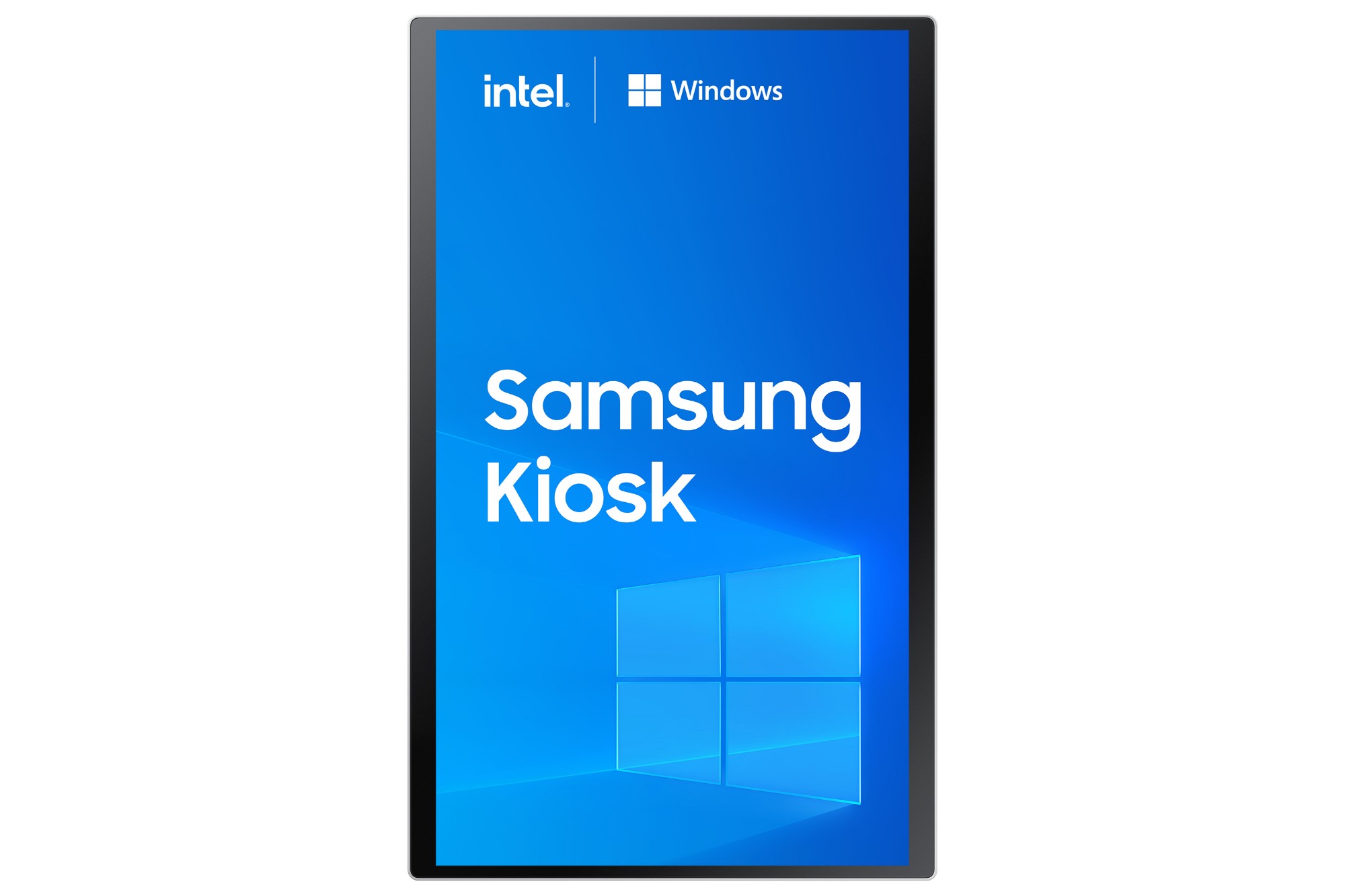
Samsung LH24KMC5BGCXEN Samsung KM24C-5 Kiosk design 61 cm (24") LED 250 cd/m² Full HD White Touchscreen Built-in processor Windows 10 IoT Enterprise 16/7
Self-service out of the box with Windows OSIntroducing Samsung Kiosk with Windows OS: a compact, eye-catching kiosk to provide reliable performance in any business location. With built-in Windows 10 IoT Enterprise OS, it supports enhanced compatibility with various 3rd party devices and services to integrate business operations.Modular functionality to support any payment typeBoost every customer experience with the intuitive all-in-one payment and ordering system with no additional peripherals needed. Adopting a modular design, Samsung Kiosk offers a variety of customer payment options including credit card, barcode, QR code and NFC, along with a built-in printer.All-in-one solution with upgraded compatibilitySamsung Kiosk operating on Windows is an all-in-one solution without the need for an external PC. With Windows 10 IoT Enterprise OS, it enables flexible connection with versatile devices and services, making it suitable for a wide array of business use cases.Robust yet stable performancePowered by 11th Gen Intel® Core™ Processor, Samsung Kiosk built on Windows OS features high performance computing power for flexible, stable, and enhanced capabilities that deliver amazing and robust experiences to users in any business environment.Compact and modern designSamsung Kiosk is composed of a single display part and connection box, along with an optional stand. The design enables clean and convenient cable management while the grey-white color and simple stand means the kiosk blends perfectly into any store interior with a stylish look.Versatile solution for any scenarioFor enhanced flexibility in any business environment, Samsung’s new kiosk offers three installation types – countertop, floor stand and wall-mounting – along with hidden cabling and power strip, with no external PC needed either for optimized space saving.Keep the screen cleanThanks to an Antimicrobial Coating, Samsung Kiosk inhibits microbial growth to help protect against certain bacteria. This enables customers to stay focused on what’s on the screen with peace of mind.* To perform its antibacterial function, this product has been treated with the biocidal substance Zinc Pyrithione.** Antibacterial property does not protect users against bacteria and provides no protection against viruses including Covid-19.*** Antimicrobial Coating is on surface of screen only and the effect may vary depending on kind of bacteria or conditions of use.**** Antibacterial certification: UL2282 which is granted when the antibacterial effectiveness is more than 99%.(Test method(JIS Z 2801): after inoculation of 0.4cc of liquid with bacteria(Escherichia coli and Staphylococcus aureus) on specimen(5cm x 5cm), a sterilized film(4cm x 4cm) is adhered and left in a thermo-hygrostat with a relative humidity of 90% or more at 35°C for 24 hours, and then the efficiency of killing of the bacteria is measured / Test agency: FITI Test Research Institute)***** For further detaiMinimize accidents and risksShatterproof protectionSamsung understands that accidents happen. To protect students and educators, the Samsung Kiosk screen is wrapped in a proprietary shatterproof film, ensuring the screen stays intact in the event of a break.
Part# LH24KMC5BGCXEN
SKU S19454
In
Stock



Samsung
Samsung LH85QBCNBGCXEN Samsung QB85C-N Digital signage flat panel 2.16 m (85") LED 350 cd/m² 4K Ultra HD Black Built-in processor Tizen 7.0 16/7
Samsung QB85C-N. Product design: Digital signage flat panel. Display diagonal: 2.16 m (85"), Display technology: LED, Display resolution: 3840 x 2160 pixels, Display brightness: 350 cd/m², HD type: 4K Ultra HD. Operating hours (hours/days): 16/7. Operating system installed: Tizen 7.0. Product colour: Black
Part# LH85QBCNBGCXEN
SKU S19454
In
Stock
Samsung
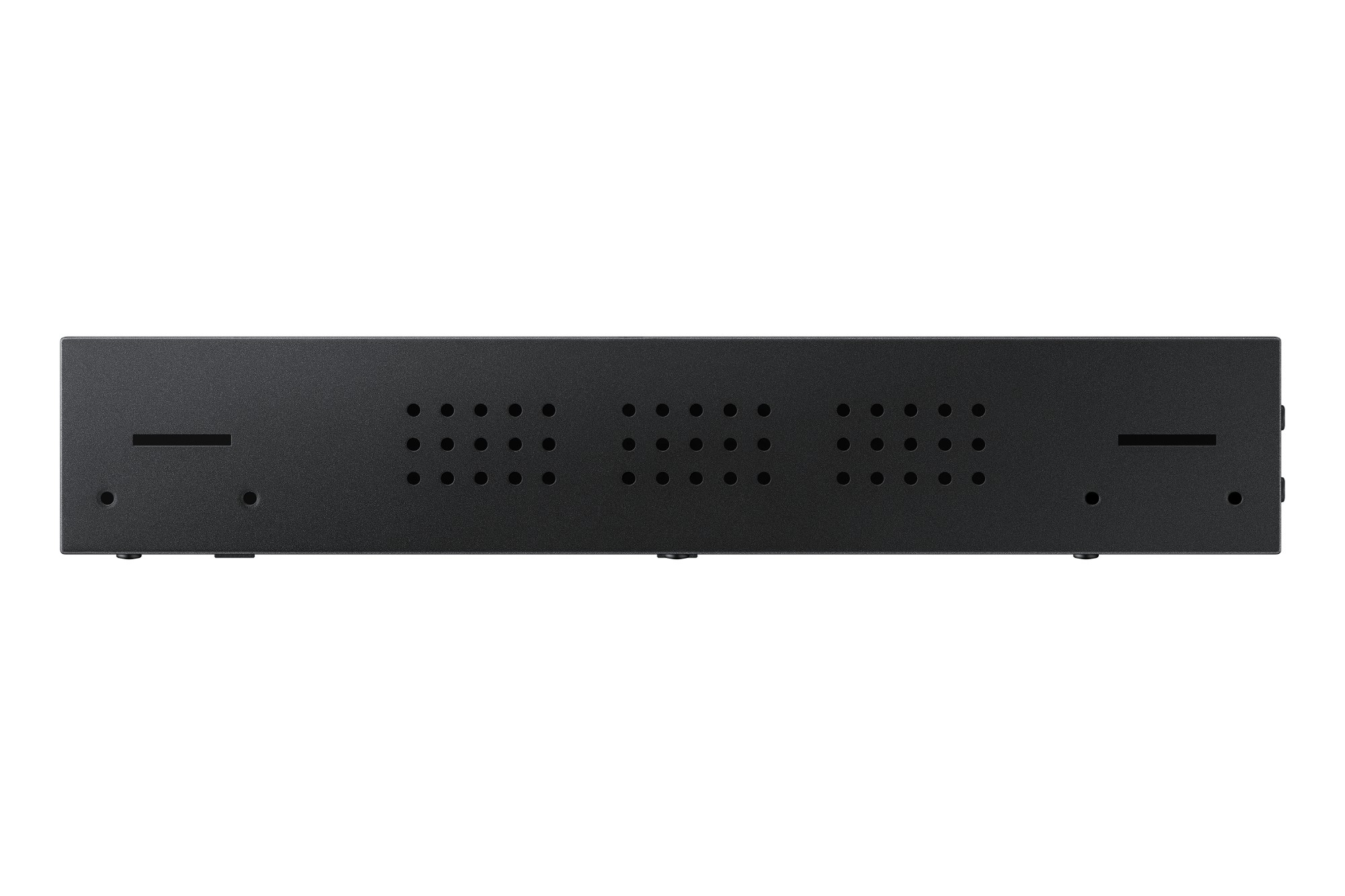
Samsung SBB-CS4BPGS/EN Samsung SNOW-JMU
Samsung SNOW-JMU. Product colour: Black, Product type: Set-back-box (SBB)
Part# SBB-CS4BPGS/EN
SKU S19454
In
Stock

Samsung
Samsung LH98QHCEBGCXEN Samsung QH98C Digital signage flat panel 2.49 m (98") LCD Wi-Fi 700 cd/m² 4K Ultra HD Black Tizen 7.0 24/7
Slim design. Stunning performance.Introducing QHC, the slimmest display in the Samsung UHD Signage. It brings elegance to business while maximising space. Its enhanced internal solutions and intuitive home screen UX make it easy to use. Businesses in various verticals can achieve growth with QHC’s efficiency and design innovation.Maximum impact in minimum spaceUltra Slim DepthThe QHC's unparalleled ultra-slim 28.5 mm depth makes it the thinnest option in Samsung’s UHD series. It is compatible with a Slim Fit Wall Mount*, which allows you to install it neatly and easily in any location. QHC optimizes space with its sleek design that blends seamlessly into your business environment.Clean visuals in landscape or portrait modeEven BezelThe bezels are consistent and even on all four sides of the display, with the same thickness and dimensions. The new even bezel design prevents any visual issues from arising when the display is adjusted to portrait mode.Secure and even mountingCentered VESA HolesThe central positioning of the VESA holes on the back of the display evenly distribute its weight for secure mounting. With the VESA holes now shifted to the center, users can adjust the display to portrait mode without the display tilting unintentionally.Lifelike color, born in a pure state with fine crystalDynamic Crystal ColorEvery picture is more immersive with one billion shades of color. Dynamic Crystal Color delivers true-to-life variations, allowing customers to see every subtlety.View lifelike shades of color in powerful 4KQuantum Processor Lite 4KSamsung’s industry-leading video processing technology enhances every piece of content for clarity and consistency. Intelligent UHD upscaling technology, powered by Samsung’s Quantum Processor Lite 4K, elevates lower-resolution video to UHD, providing a professional picture quality.Ensure critical information is always visibleNon-glareQHC displays feature reliable, non-glare panels that provide better visibility from all angles, any time of day. The non-glare display enables businesses to deliver accurate information in critical locations, like airports and train stations.Connect with convenienceHome UIQHC boasts greater usability with an upgraded home screen UI. Popular categories like Favorites, Sources and Settings are displayed on the same screen for convenient availability. The Favorites folder grants users quick, easy access to frequently used features in a single click.Collaborate between screens with wire-free speedSmartview+SmartView+ enables wireless screen sharing without cable connections, ensuring easy collaboration. Users can now enable the screen sharing function at the start of a meeting, allowing the meeting admin to quickly switch between screens with one click.Simplified calibration between screens with mobile appSmart CalibrationGuarantee complete brand consistency across every display in every location. Using the Samsung mobile app, Smart Calibration ensures every display is calibrated correctly, showcasing brand logos and other collateral in the exact colors required.Enhance professional environments with expert toolsProfessional ModesBuilt-in professional modes enable more possibilities in specific verticals. Director Mode minimizes post-processing, aligning content to the director’s original intention. Medical teams can simulate medical images such as X-rays with DICOM Simulation Mode, meeting DICOM's full grayscale standardsChange the way to manage your displaySamsung VXTSamsung VXT CMS is a cloud-based solution that brings together content management and remote device management capabilities, allowing users to remotely manage hardware settings and troubleshoot issues while effortlessly creating and deploying content with no previous training needed.Everyday SustainabilityEnergy Star / EPEAT*Samsung is making diverse efforts to reduce our environmental impact in smart signage, and encouraging users to pursue a more sustainable life.
Part# LH98QHCEBGCXEN
SKU S19454
In
Stock
DELL
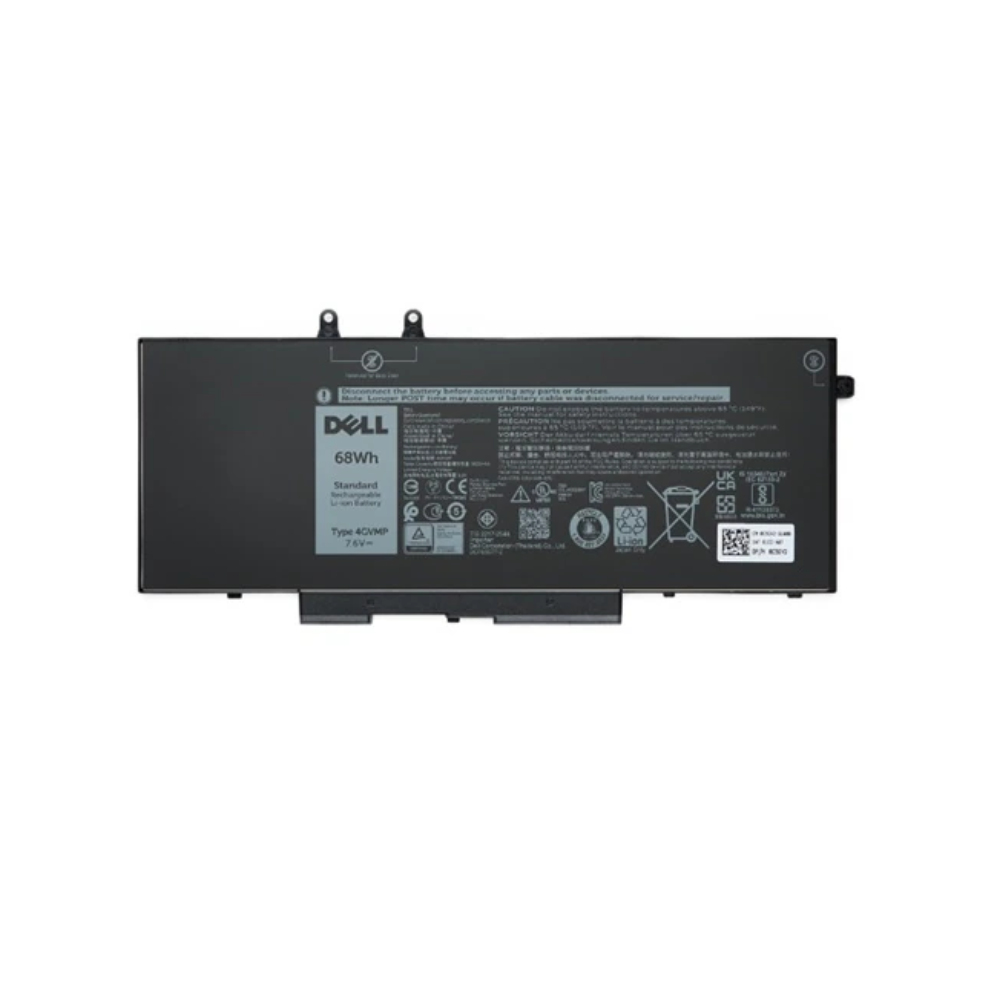
DELL C7J70 Origin Storage Dell Battery 4 Cell 68WHR
Dell Battery 4 Cell 68WHR
Part# C7J70
SKU S19454
In
Stock
Viewsonic
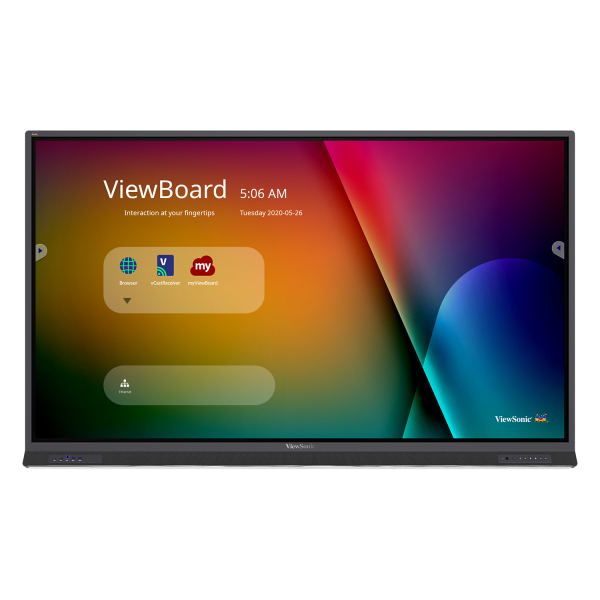
Viewsonic IFP8652-1B Viewsonic IFP8652-1B Signage Display Interactive flat panel 2.18 m (86") LCD Wi-Fi 350 cd/m² 4K Ultra HD Black Touchscreen Built-in processor Android
The ViewSonic ViewBoard IFP8652 is an 86” interactive flat panel display with next-generation whiteboard technologies for immersive learning in any classroom environment. With a high-accuracy touchscreen and intelligent palm recognition technology, the IFP8652 delivers an intuitive digital whiteboard experience for everyone from the youngest of students to the most experienced teachers. Featuring 4K Ultra HD resolution, a powerful 45W stereo soundbar and microphone array, this ViewBoard display delivers optimal images and sound for everyone in the classroom as well those learning remotely. With the integrated myViewBoard software ecosystem, this ViewBoard display enables teachers to access legacy files from the cloud, as well as build new interactive lessons. IT directors will be confident managing files from a secure cloud network, while curriculum directors will be pleased knowing that this software easily integrates with online resources.The ViewSonic ViewBoard IFP8652 is an 86” interactive flat panel display with next-generation whiteboard technologies for immersive learning in any classroom environment. With a high-accuracy touchscreen and intelligent palm recognition technology, the IFP8652 delivers an intuitive digital whiteboard experience for everyone from the youngest of students to the most experienced teachers. Featuring 4K Ultra HD resolution, a powerful 45W stereo soundbar and microphone array, this ViewBoard display delivers optimal images and sound for everyone in the classroom as well those learning remotely. With the integrated myViewBoard™ software ecosystem, this ViewBoard display enables teachers to access legacy files from the cloud, as well as build new interactive lessons. IT directors will be confident managing files from a secure cloud network, while curriculum directors will be pleased knowing that this software easily integrates with online resources.INTUITIVE AND ULTRA-RESPONSIVE TOUCHSCREEN40-point touch allows multiple users to simultaneously write or draw on the display’s surface using styluses or their fingers, or both at the same time. Palm recognition technology minimizes errant touch inputs from palms, wrists, sleeves, etc., so that users can write and annotate freely.FRONT-FACING SOUNDBARAn integrated front-facing soundbar and subwoofer delivers incredible audio to every corner of the classroom.BUILT-IN BEAMFORMING MICROPHONEAn integrated beamforming mic array with noise cancelation perfectly captures speech from up to 8 feet away, enabling teachers to be clearly heard by remote learners, or during recorded lessons.USB-C WITH POWER DELIVERYThis device easily connects to a PC, laptop or Chromebook via USB-C. In addition, USB-C connectivity provides up to 60W power delivery for convenient charging of your peripherals and accessories.MYVIEWBOARD MANAGERmyViewBoard Manager is a cloud-based management solution that empowers IT administrators to remotely monitor devices, manage apps, push out broadcasts and more within the myViewBoard ecosystem. myViewBoard Manager lets IT administrators seamlessly monitor and maintain individual displays across large organizations from a single control panel.VIEWBOARD CAST CONTENT SHARING SOFTWAREViewBoard Cast™ enables content to be streamed from mobile devices onto the display over wireless or cable networks. Multiple users can simultaneously annotate content (such as documents, cloud files, multimedia, etc.) on their devices in real time, and then stream and share that content onto the ViewSonic large format display.MYVIEWBOARD ANNOTATION SOFTWAREmyViewBoard digital whiteboarding software combines enterprise-level security with cloud-based portability and annotation tools to enhance the way your team connects and collaborates. Convenient features include secure single sign-on to your favorite cloud drives, easy conversion of common office files, QR code sharing, and much more.
Part# IFP8652-1B
SKU S19454
In
Stock
Philips
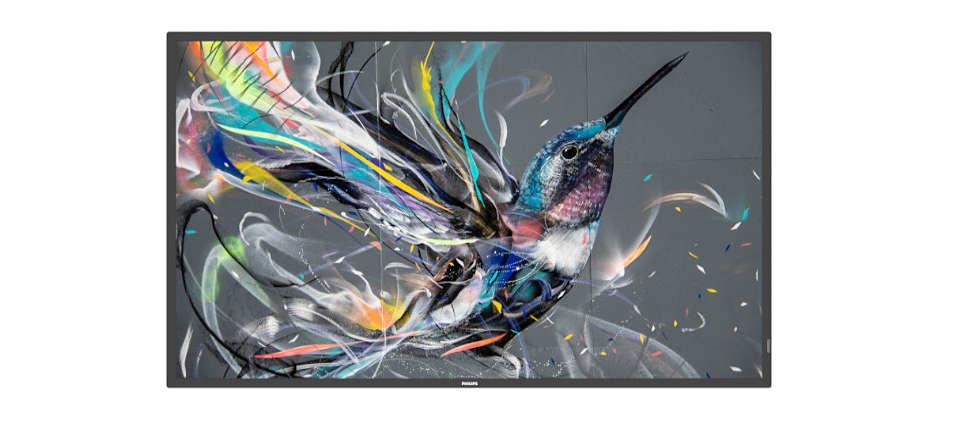
Philips 32BDL3511Q/00 Philips 32BDL3511Q/00 Signage Display Digital A-board 81.3 cm (32") 350 cd/m² Full HD Black 18/7
Operate, monitor and maintain with CMND & ControlRun your display network over a local (LAN) connection. CMND & Control allows you to perform vital functions like controlling inputs and monitoring display status. Whether you're in charge of one screen or 100.FailOver ensures content is always playingFrom waiting room to meeting room, never show a blank screen. FailOver lets your Philips Professional Display switch automatically between primary and secondary inputs ensuring content keeps playing even if the primary source goes down. Simply set a list of alternate inputs to be sure your business is always on.Schedule what you want, when you want with SmartPlayerTurn your USB into a true cost effective digital signage device. Simply save your content (video, audio, pictures) on your USB and plug into your display.Create your playlist and schedule your content via the on screen menu, and enjoy your own created playlists anytime, anywhere.Integrated media player. Easily schedule USB contentEasily schedule content to play from USB. Your Philips Professional Display will wake from standby to play the content you want, and then return to standby once playback is done.
Part# 32BDL3511Q/00
SKU S19454
In
Stock
Philips
Philips 86BDL3650Q/00 Philips 86BDL3650Q Digital signage flat panel 2.18 m (86") LCD Wi-Fi 400 cd/m² 4K Ultra HD Black Built-in processor Android 10 18/7
Stand out from the crowdInform and enthral with a Philips Q-Line 4K Ultra HD digital display. This reliable, easy-to-install, Android powered signage solution is Wave-ready for remote management, putting you in full control, any time, anywhere.Connect and control your content via the cloudConnect and control your content via the cloud with the integrated HTML5 browser. Using the Chromium based browser, design your content online and connect a single display, or your complete network. Show content in both landscape and portrait mode, with fullHD resolution. Simply connect the display to the internet using WiFi or with an RJ45 cable, and enjoy your own created playlists.FailOver. Ensure your display never goes blankCritical for demanding commercial applications, FailOver is a revolutionary technology that automatically plays back-up content on screen in the unlikely event of an input source or application failure. Simply select a primary input connection and a FailOver connection and you are ready for instant content protection.Easily schedule content from USB or internal memoryEasily schedule content to play from USB or from internal memory. Your Philips Professional Display will wake from standby to play the content you want, and then return to standby once playback is done.Optional Interact for wireless screen shareWirelessly screen share using your existing Wi-Fi network to instantly and securely connect devices, or use our optional HDMI Interact dongle to cast directly onto the screen without connecting into the secured network.Android SoC processor. Native and web appsPowered by our Android 10 SoC platform, these hard-working Philips professional displays are optimised for native Android apps, and you can install web apps directly onto the display too. Flexible and secure, ensuring display specs stay up to the moment for longer.Catch the Wave for revolutionary resultsUnlock the power, versatility and intelligence inside your Philips Q-Line displays remotely with Wave. This evolutionary cloud platform puts you fully in control, with simplified installation and set-up, monitoring and controlling displays, upgrading firmware, managing playlists and setting power schedules. Saving you time, energy and environmental impact.
Part# 86BDL3650Q/00
SKU S19454
In
Stock
Philips
Philips 65BDL3650QE/00 Philips 65BDL3650QE/00 Signage Display Digital signage flat panel 165.1 cm (65") LCD Wi-Fi 300 cd/m² 4K Ultra HD Black Built-in processor Android 10 18/7
100% recycled and recyclable packagingDesigned with manufacturing processes, physical features, materials, packaging and built-in software that are kinder to the environment and deliver better energy efficiency, the Philips Signage 3650 EcoDesign display is designed to operate using less than half the power of its counterparts, while still delivering the same unrivalled performance.Android SoC processor. Native and web appsPowered by our Android 10 SoC platform, these hard-working displays are optimised for native Android apps, and you can install web apps directly onto the display too. Flexible and secure, ensuring that display specs stay up to the moment for longer.Connect and control your content via the cloudConnect and control your content via the cloud with the integrated HTML5 browser. Using the Chromium-based browser, design your content online and connect a single display or your complete network. Show content in both landscape and portrait mode, with full HD resolution. Simply connect the display to the Internet using the optional CRD22 Wi-Fi module or via LAN, and enjoy your own created playlists.EPEAT Silver Climate+ certifiedRecognised by and registered with EPEAT with a Silver Climate+ Ecolabel, the Philips Signage 3650 EcoDesign QE-Line meets the robust set of criteria laid out by the world's premier ecolabel for electronics.FailOver. Ensure that content is always runningCritical for demanding commercial applications, FailOver is a revolutionary technology that automatically plays back-up content onscreen in the unlikely event of an input source or application failure. Simply select a primary input connection and a FailOver connection and you are ready for instant content protection.Optional Interact for wireless screen shareWirelessly screen-share using your existing Wi-Fi network to instantly and securely connect devices, or use our optional HDMI Interact dongle to cast directly onto the screen without connecting to the secured network.PPDS Wave ready for remote managementUnlock the power, versatility and intelligence inside your Philips Signage 3650 EcoDesign displays remotely with Wave. This evolutionary cloud platform puts you fully in control, with simplified installation and setup, monitoring and controlling displays, upgrading firmware, managing playlists and setting power schedules — saving you time, energy and environmental impact.Wi-Fi and Bluetooth 5.2 via optional moduleEasily schedule content to play from a USB or from internal memory. Your Philips Professional Display will wake from standby to play the content you want, and then return to standby once playback is done.
Part# 65BDL3650QE/00
SKU S19454
In
Stock
Samsung
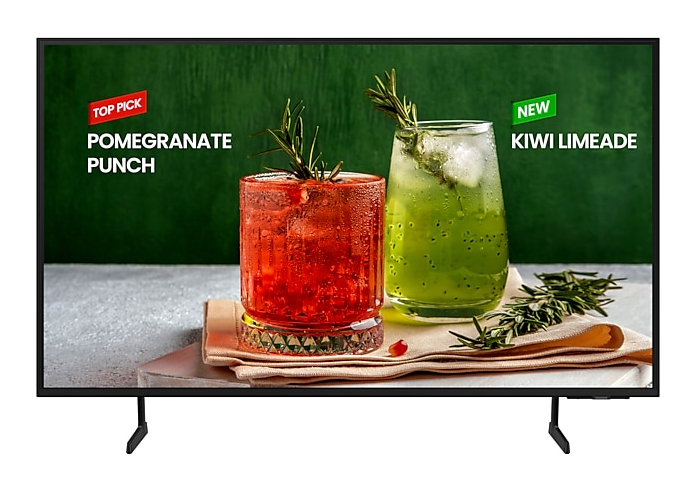
Samsung LH55BEDHLGUXEN Samsung LH55BEDHLGUXEN Signage Display Digital signage flat panel 139.7 cm (55") Wi-Fi 4K Ultra HD Black Tizen 16/7
Samsung LH55BEDHLGUXEN. Product design: Digital signage flat panel. Display diagonal: 139.7 cm (55"), Display resolution: 3840 x 2160 pixels, HD type: 4K Ultra HD. Wi-Fi. Operating hours (hours/days): 16/7. Operating system installed: Tizen. Product colour: Black
Part# LH55BEDHLGUXEN
SKU S19454
In
Stock

Item(s) added to cart

