
 0
0
Industrial & Lab Equipment
300 –
310
of
435
Availability
Sort by
Advance Filters
Elo Touch Solutions
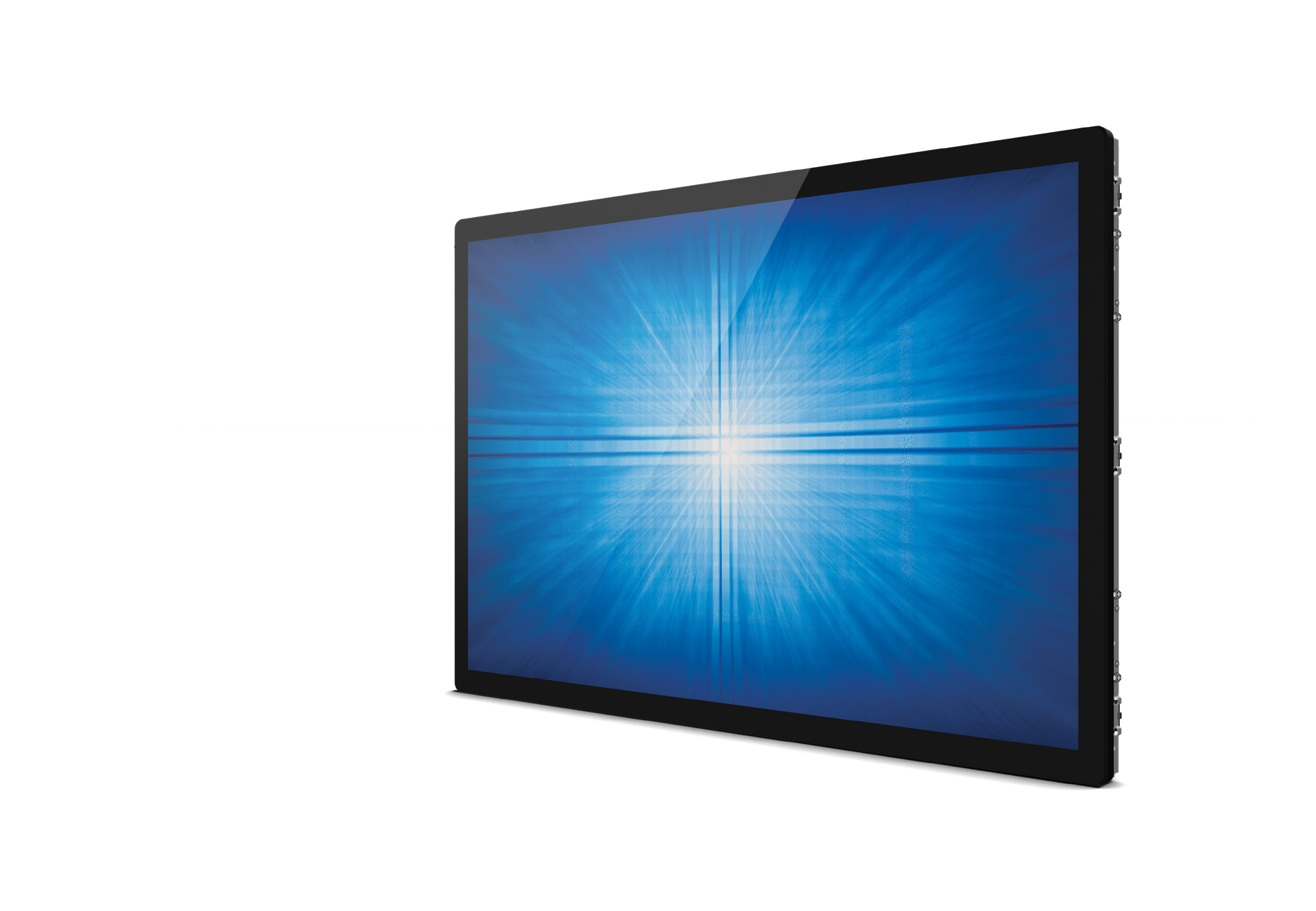
Elo Touch Solutions E343872 Elo Touch Solutions 3263L 80 cm (31.5") LED 500 cd/m² Full HD Black Touchscreen
Part# E343872
SKU S19454
Limited Availability



LG
LG 55VM5J-H LG 55VM5J-H Digital signage display 139.7 cm (55') 500 cd/m² Full HD Black Web OS 24/7
Seamless Large Screens with Extreme-Narrow BezelThe ultra slim bezel, with its 1.74mm BtoB (Panel Bezel to Panel Bezel), drastically reduces bezel interference and delivers immersive and seamless content on assembled video wall screens.Image Gap ReductionThe VM5J-H includes an image improvement algorithm that can reduce image gaps among tiled displays when playing back videos. Objects located on the bezel boundaries are adjusted for a seamless viewing experience.Higher Viewing AngleLarge screens are usually positioned higher than human-eye level. Wide half luminance angle (40˚) enables effective picture quality for video walls. The viewing angle of the VM5J-H is high enough to display vivid colors throughout the screen without any color distortion.Wider Viewing AngleLG IPS panel technology enables stable and smooth control of liquid crystals, and allows the screen to be viewed from virtually any angle. Therefore, the VM5J-H captivates the attention of more viewers with lifelike colors, regardless of their viewing position.Easy Color AdjustmentDepending on the content, the color temperature of the display can be easily adjusted in increments of 100K using a remote control.Simple White Balance AdjustmentIn conventional video walls, white balance was adjustable only in “full-white” mode, but the VM5J-H allows you to modify each value of grey scale to achieve more detailed and precise white balance adjustment.High Performance and Great ScalabilityThanks to its built-in SoC and webOS smart signage platform, the VM5J-H can execute several tasks at once while providing smooth content playback without the need for a media player. As webOS supports HTML5 as a web-based platform and offers SDK (Software Development Kit), it is even easier for SIs to build and optimize their web apps.Flexible Content CreationFour different videos can be played simultaneously via web apps, and various animation effects, such as scaling or rotating, are added to content using CSS (Cascading Style Sheets) transition effects. Real-time streaming is also available, providing the flexibility to organize and diversify content free from capacity limits.Intuitive Menu StructureThe menu structure has been optimized for commercial use. It simplifies approach flows and groups similar functions together, adopting a more intuitive GUI for ease of use. This way, users can avoid having to do trial-and-error when exploring desired functions and managing displays.Dedicated GUI for Portrait OrientationThe conventional GUI (Graphic User Interface) was designed based on landscape-oriented consumer TV usage, so OSD (On Screen Display) wasn’t well-suited for screens in portrait mode. The OSD of the VM5J-H, however, consists of a long range menu with bigger font sizes and a 9:16 ratio, creating a comfortable and efficient business environment.Conformal CoatingVideo wall in various places can't avoid exposure to environments with dust, and humidity, which may lead to hampered performance over time. Conformal coating on the major circuit board (power board) significantly reduces these risks from such environments by protecting video wall from salt, dust, iron powder, humidity, etc.EMC Class B CertifiedThe VM5J-H is certified as EMC Class B, which requires electronic equipment made for use in residential environments as well as commercial, industrial, or business environments. Therefore, it is suitable for up-close uses such as corporate meeting rooms, board rooms, etc.Real-Time LG ConnectedCareMaintenance is easy and fast with the optional LG ConnectedCare* service, a cloud service solution provided by LG. It remotely manages the status of displays in client workplaces for fault diagnosis and remote-control services, enabling the stable operation of clients' businesses.Daisy Chain CapabilityA LAN daisy chain allows you to control and monitor video walls and even update their firmwares at once. Also, through UHD daisy chain using HDMI and DisplayPort, you can easily set up a UHD video wall without the need of DisplayPort MST.IP5x Certified DesignThe IP5x Dust-Proof Certification ensures that the product is protected from dust, eliminating the risk of performance degradation
Part# 55VM5J-H
SKU S19454
Limited Availability
Origin Storage
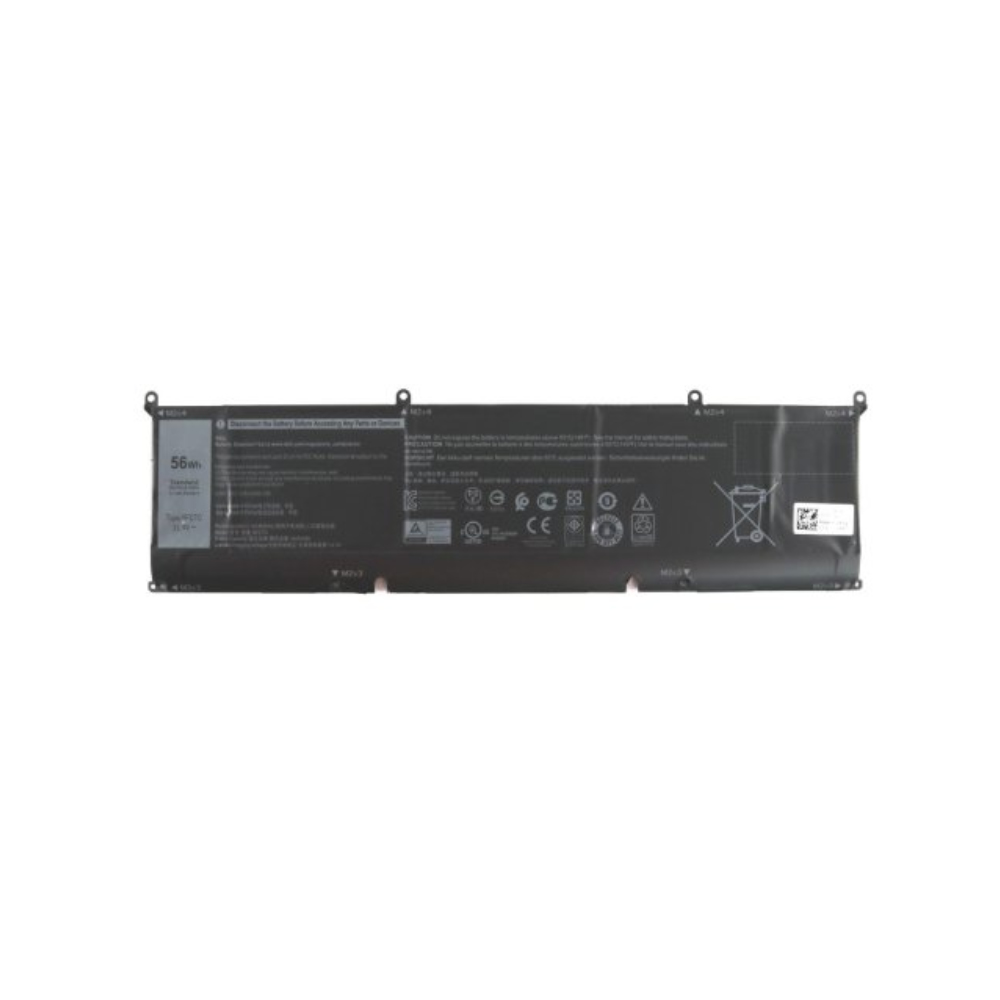
Origin Storage BAT-DELL-PWS5550 Origin Storage DELL BATTERY PRECISION 5550 3 CELL 56 WHR OEM: DVG8M / P8P1P
Origin Storage DELL BATTERY PRECISION 5550 3 CELL 56 WHR OEM: DVG8M / P8P1P industrial rechargeable battery
Part# BAT-DELL-PWS5550
SKU S19454
Limited Availability

Samsung
Samsung LH025IFRCLS/EN Samsung IF025R LED Indoor
Samsung IF025R. Display resolution: 384 x 216 pixels, Display technology: LED, Display brightness: 1000 cd/m²
Part# LH025IFRCLS/EN
SKU S19454
Limited Availability
Samsung
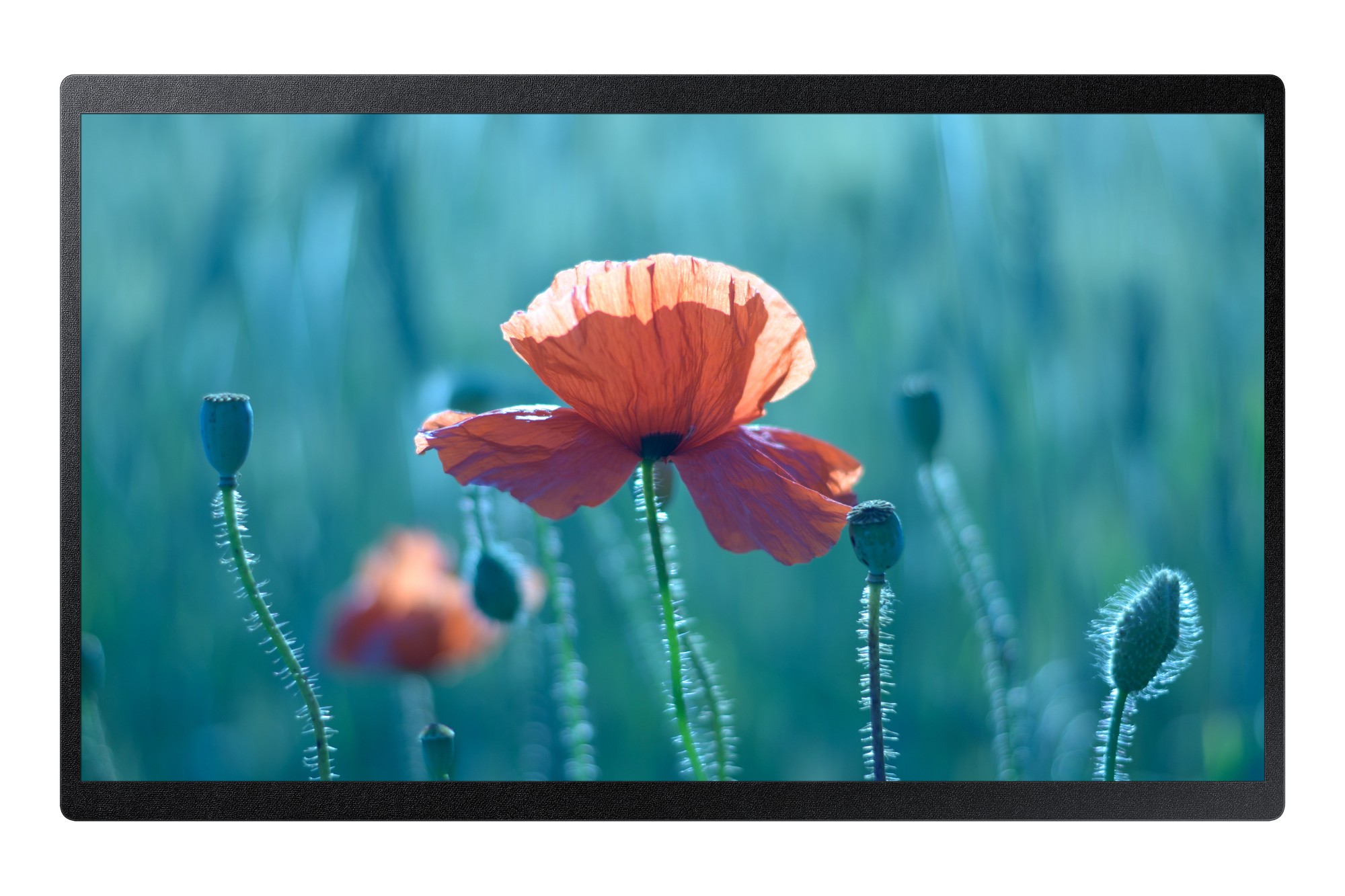
Samsung LH24QBRBBGCXEN Samsung QB24R-B Digital signage flat panel 61 cm (24") LCD Wi-Fi 250 cd/m² Full HD Black Built-in processor Tizen 4.0 16/7
Samsung QB24R-B. Product design: Digital signage flat panel. Display diagonal: 61 cm (24"), Display technology: LCD, Display resolution: 1920 x 1080 pixels, Display brightness: 250 cd/m², HD type: Full HD. Wi-Fi. Operating hours (hours/days): 16/7. Operating system installed: Tizen 4.0. Product colour: Black
Part# LH24QBRBBGCXEN
SKU S19454
Limited Availability
Origin Storage
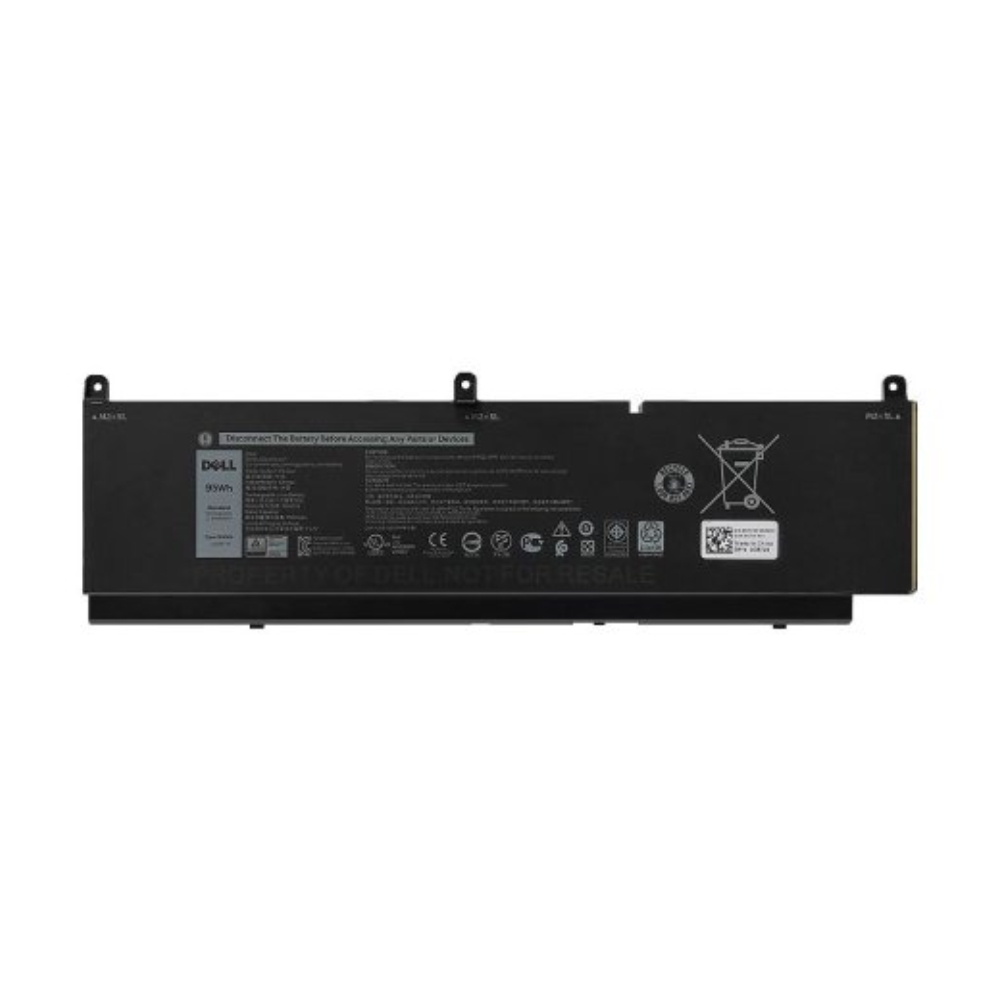
Origin Storage BAT-DELL-PWS7560/6 Origin Storage DELL BATTERY PWS 7560/7760 6C 95WH OEM: CR72X 68ND3 451-BCQE
Origin Storage DELL BATTERY PWS 7560/7760 6C 95WH OEM: CR72X 68ND3 451-BCQE industrial rechargeable battery
Part# BAT-DELL-PWS7560/6
SKU S19454
Limited Availability
Viewsonic
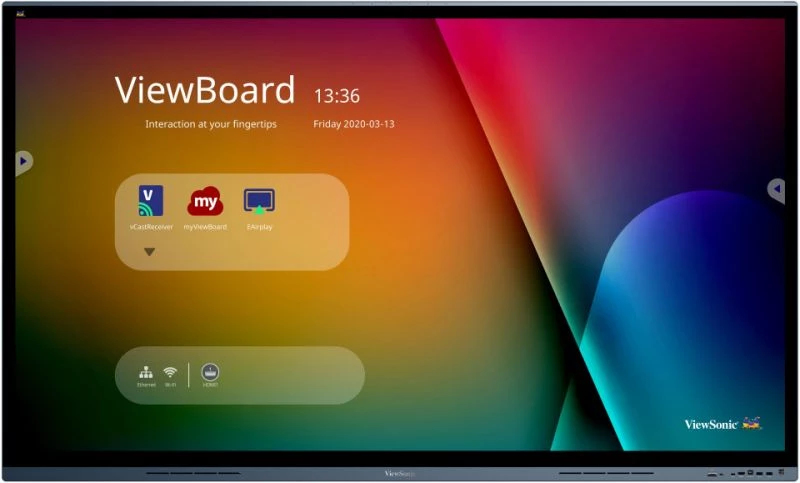
Viewsonic IFP7562 Viewsonic IFP7562 Signage Display Interactive flat panel 190.5 cm (75") LED Wi-Fi 350 cd/m² 4K Ultra HD Black Touchscreen Built-in processor Android
ViewSonic ViewBoard 62 is an unparalleled large-format interactive display that propels collaborators to achieve effective and robust results. The bezel-less 4K UHD display panel is a gateway to a new visual quality and immersive meeting space. Indulge in the maximized precision of true-to-life handwriting strokes thanks to the UFT+ Technology, 20-points multi-touch with multi-grade pen pressure.Compatible with ViewSonic conference speakerphone (VB-AUD-201) and all-in-one video conference camera (VB-CAM-201) systems, The ViewBoard 62 boasts pristine audio and a pixel-perfect image, making it a powerful one-stop meeting station. Furthermore, it allows multiple connections, including comprehensive I/O ports, vCastSender, and myViewBoard Display, as well as built-in USB type-C ports supporting 65W fast charge and top-notch display at the same time.As an undoubted enhancement, the built-in myViewBoard Manager is an intuitive and effortless tool for IT and MIS systems that enables centralized IT control and multi-media presentation.The Most Productive Screen for the Workspaces of TomorrowViewSonic ViewBoard 62 adopts PCAP and optical bonding technologies to provide state-of-the-art collaborative and visual experiences. The thinner space between the glass and the touch layer provides an unparalleled accuracy with the brilliantly natural pen-to-paper feeling.Visual Elegance in the OfficeThe upgraded, bezel-less design brings an aesthetic delight to any meeting. The full optical bonding structure eliminates the reflections between the touchscreen's front glass, increasing contrast and bringing out the visuals in a spectacularly vivid way.Share Your Ideas EffortlesslyMaximize teamwork, brainstorming, and communication with simultaneous use of multi-user 20-touch point inputs. Deliver your ideas with flawless clarity using a finger touch, passive or active styluses optimized for wireless charging.Elevate Meetings with Best Conference Setup AvailableEasily connect the ViewBoard 62 with ViewSonic conference speakerphone (VB-AUD-201) and ViewSonic all-in-one video conference camera (VB-CAM-201) to turn it into a comprehensive one-stop meeting solution. Amplify any video call experience thanks to the undistorted sound, echo-cancellation features, and a wide 121-degree Field of View.*ViewSonic conference speakerphone (VB-AUD-201) has optimized user experience on laptop and slot-in PC.Excellent Multi-software CompatibilityThe professional video conference solution, the ViewBoard 62 has comprehensive compatibility with various video conferencing software to provide premium conversation quality. The built-in 40W audio 2.1 speakers and 6-array microphones, which collect the voice from up to 8 meters, assures that every attendee can hear and be heard perfectly.Wireless Content SharingViewBoard 62 series empowers smooth and productive presentations through wireless screen casting from your device. Choose myViewBoard Display to project directly via the internet browser without any dongles or pre-registration necessary, and for even a higher engagement, choose ViewBoard Cast and have up to 4 attendees cast their screen simultaneously via a split-screen.Connection Made EfficientViewBoard 62 series is equipped with a comprehensive set of I/O ports allowing you to connect to any source needed. With a USB-C plug-and-play port supporting PD65W, you can achieve power delivery and display all through one cable, driving maximum efficiency out of your meeting room.Corporate Communication SimplifiedViewSonic myViewBoard Manager is a web-based software for IT teams and administrators that centralizes message broadcasting. With just one device, you can easily synchronize information on multiple ViewBoard displays, aligning corporate communication on all levels. No matter if it’s a general announcement, an emergent message, or a multimedia asset. Reduced workload guaranteed.*For even more features, make sure to check myViewBoard Manager Advanced.Centralized Control with myViewBoard ManagerIT Admins can streamline workflows by automating tasks ahead of time for increased efficiency with myViewBoard Manager. Remotely schedule tasks such as software updates, screen on/off, power off, broadcast media, and more across multiple devices. Afterward, all data is consolidated for clear metrics and insights.By managing user access to various features and devices, you can maintain system security and control to suit the different needs of various administrators.*Devise usage status is only available with myViewBoard Manager Advanced.Compatible with Crestron, AMX, ExtronCompatible with Crestron Connected, AMX, and Extron systems, the CDE30 Series allows for an always-on mode with complete remote control of all lightning, audio, displays, and other AV control systems both on-site and off-site.Windows Slot-in PCFurther enhance your productivity with this ideal integrated solution for the ViewBoard® interactive displays and presentation displays operating on Windows OS. With dual-band Wi-Fi and Bluetooth, powerful Intel® Core™ i5-8259U Processor, 8GB (up to 64GB) DDR4 SO-DIMM memory, and 256GB SSD storage, it contains the computing power needed to operate CPU intensive applications.Committed to the Planet EarthThe ViewBoard 62 series won the EPEAT Silver certification in the US - the highest environmental rating achieved by any interactive flat panels currently on the market thanks to meeting the required criteria on energy consumption, supply chain carbon emissions, and end-of-life management. Committed to sustainability, ViewSonic has been actively working to implement advanced energy efficiencies and eco-friendly concepts across its product lines.
Part# IFP7562
SKU S19454
Limited Availability
Elo Touch Solutions
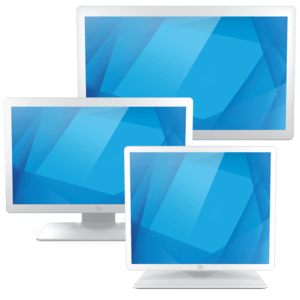
Elo Touch Solutions E381048 Elo Touch Solutions 2203LM 54.6 cm (21.5") LCD 225 cd/m² Full HD White Touchscreen
Part# E381048
SKU S19454
Limited Availability
TP-Link
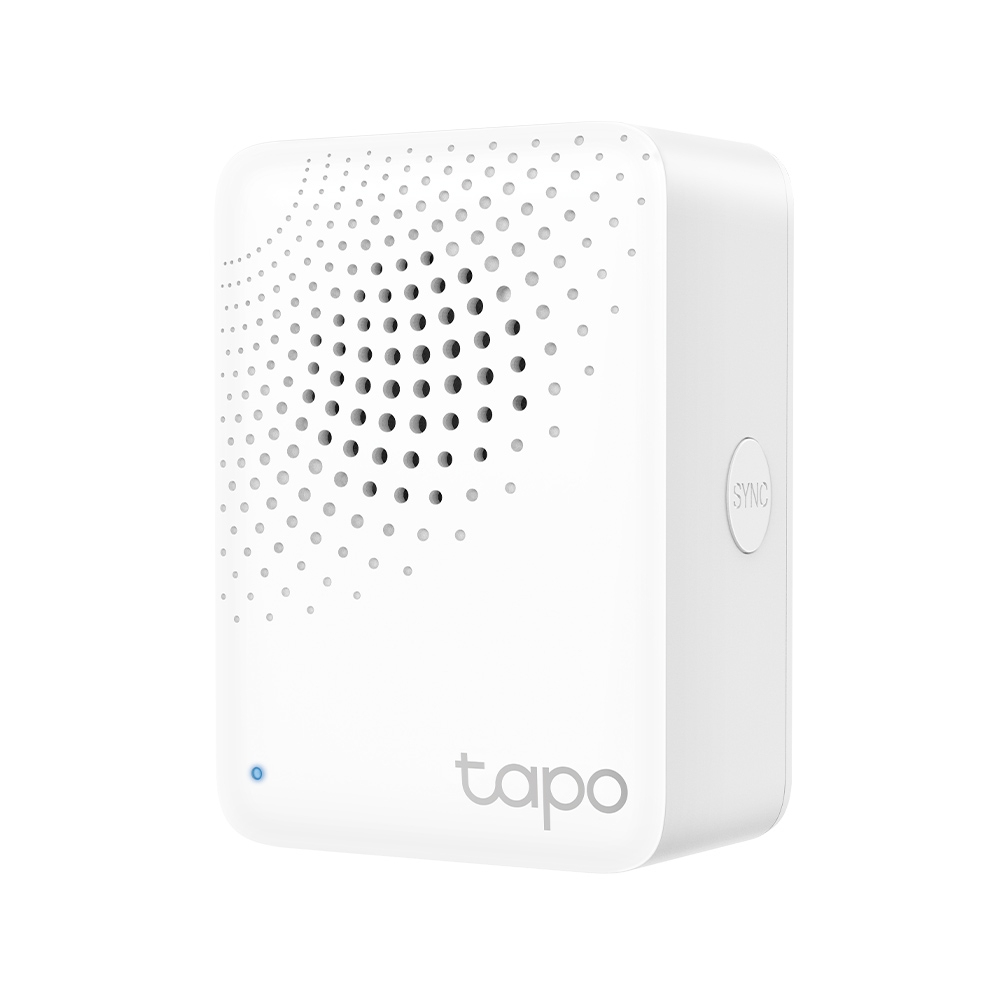
TP-Link TAPO H100 TP-Link Tapo Smart IoT Hub with Chime
Connect all Tapo Devices, for Smooth Data Flow.Tapo Smart IoT Hub with ChimeThe Key Gateway Composing Tapo EcologyAs the crucial IoT gateway, it increases network accessibility for smart devices (up to 64). It ensures energy-efficient operations, attributed to its low-power wireless protocol.Instant AlarmWhen connected sensors detect any suspicious motions, H100 will send out an alarm rapidly within 90 dB for security concerns.Smart DoorbellDespite being distant from the door, you can hear the ringtones whilst visitors press the smart button or other smart devices on the door.
Part# TAPO H100
SKU S19454
Limited Availability
iiyama
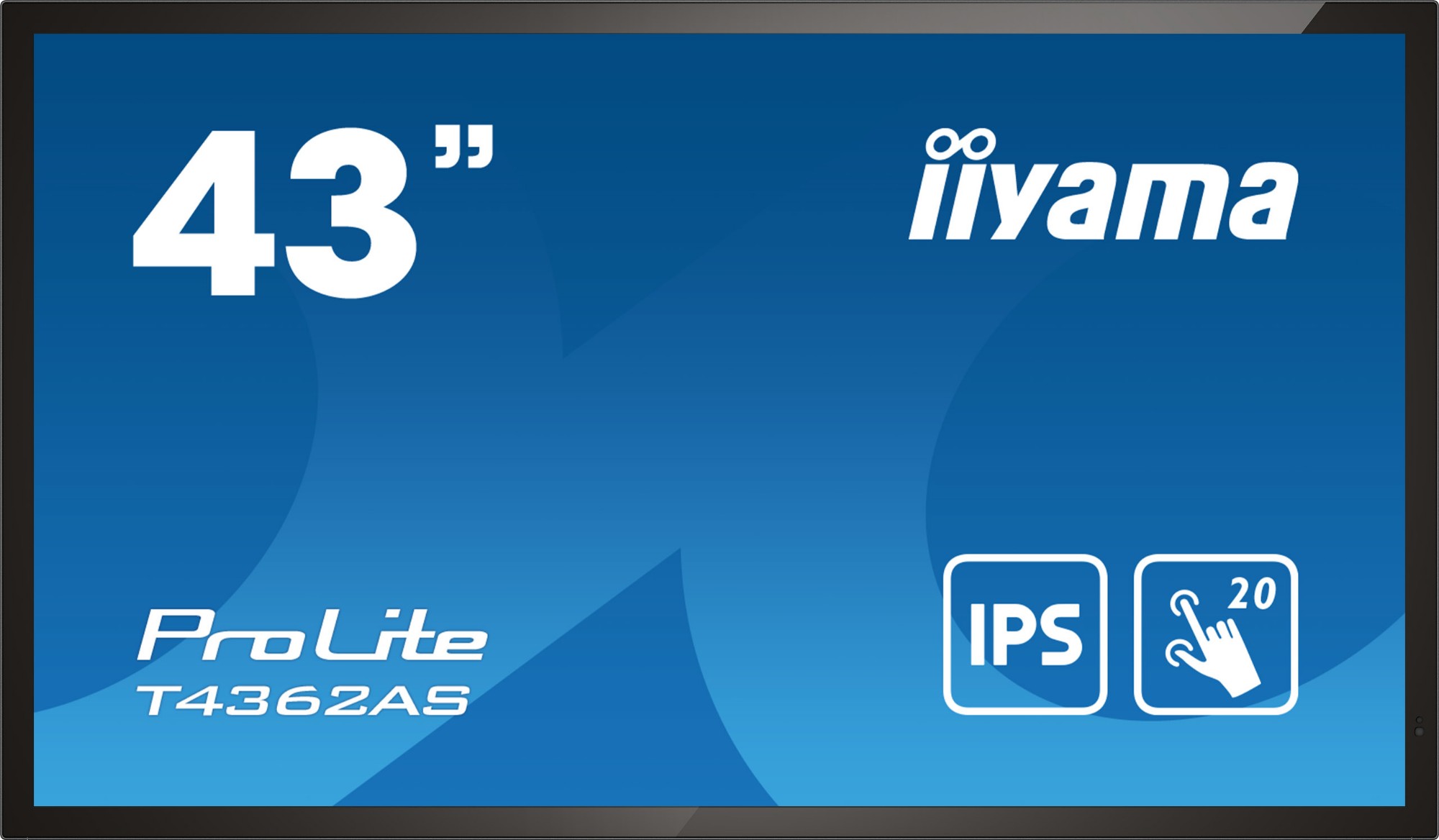
iiyama T4362AS-B1 iiyama T4362AS-B1 Signage Display Interactive flat panel 108 cm (42.5") IPS 500 cd/m² 4K Ultra HD Black Touchscreen Built-in processor Android 8.0 24/7
PROLITE T4362AS-B1All-in-one PCAP Interactive Display inspired by technology and designed for creative spaces and sharingEnjoy an all-in-one interactive display that combines the best in PCAP Touchscreen technology, offering the versatility and freedom of Android OS, easily customized to your needs by installing applications directly to it. Offering a powerful, yet flexible user experience, fostering creative communication with the benefits of a secure and controllable Touchscreen.The refined design of the T4362AS-B1 lends itself for integration into a large variety of environments where polished design and functionality are needed, like Huddle spaces in the modern office space, Retail shops and Kiosks.RETAIL INSTALLATIONSThe interactive 4K Touchscreens are the key for immersive interactive experiences for spatial retail design. Allow customers to explore your website right there and then or engage with a range of creative or experiential applications you want to host. The flexibility of either landscape or portrait modes with 24/7 Operation, built-in Android and MediaPlayer make the 62 Series displays one of the most adaptable Touchscreens solutions around.HUDDLE SPACESTurn these small meeting rooms into neat Collaboration spaces by employing the embedded applications like Android OS, EShare and Whiteboard, a selection of intuitive and practical tools installed on our PCAP interactive Touchscreens. With Android OS you can easily customize the display by installing applications directly to it. With the EShare app you can share, stream and edit content from any device directly on screen and transform your team meetings into an easy, fast and seamless interactive session.SIGNAL FAILOVERFailOver is a feature which automatically detects input sources. When there is no signal on the default input it will automatically switch to the next available input. FailOver allows customers to prioritize a number of inputs (incl. Browser, Media Player and Custom) and ensures your content is always actively displayed, assuring active content at all times.ANDROID OSThanks to Android OS, you can easily customize the display to your needs by installing applications directly to it.TOUCH TECHNOLOGY - CAPACITIVEThis technology uses a sensor-grid of micro-fine wires integrated into the glass that covers the screen. Touch is detected because electrical characteristics of the sensor grid change when human finger is placed on the glass. Thanks to the glass overlay this technology is highly durable, and the touch function remains unaffected even if the glass is scratched. It offers perfect picture performance and will work with human finger (also latex gloved) and stylus-pen.
Part# T4362AS-B1
SKU S19454
Limited Availability

Item(s) added to cart

