
 0
0
Monitors & Accessories
510 –
520
of
1942
Availability
Sort by
Advance Filters
Philips
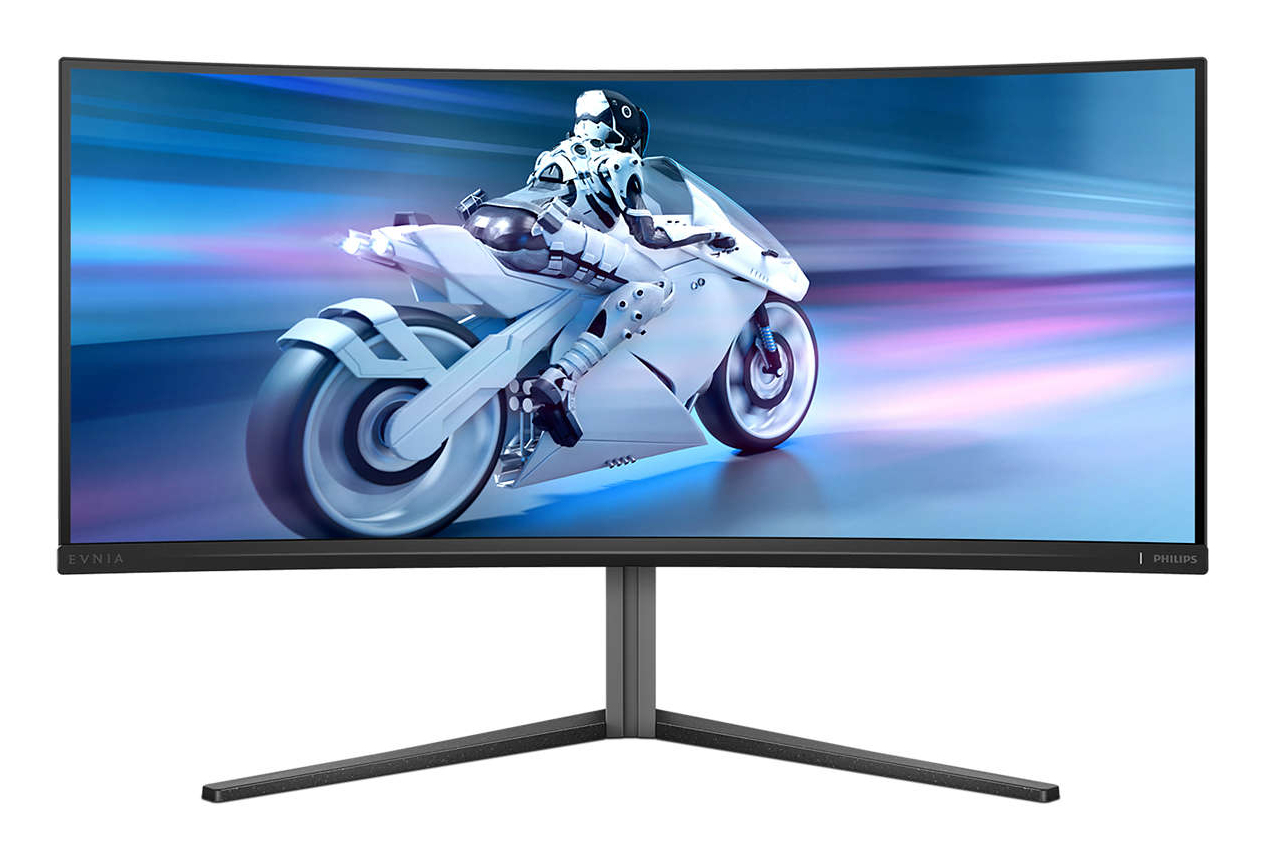
Philips 34M2C6500/00 Philips Evnia 34M2C6500/00 computer monitor 86.4 cm (34") 3440 x 1440 pixels Wide Quad HD QD-OLED Grey
CrystalClear images with UltraWide QHD 3440 x 1440 pixelsThese Philips screens deliver Crystal Clear, UltraWide Quad HD 3440 x 1440 pixel images. Utilising high-performance panels with high-density pixel count and 178/178 wide viewing angles, these new displays will make your images and graphics come alive. The UltraWide 21:9 format enables more productivity with more room for side-by-side comparisons and more viewable spreadsheet columns. Whether you are a demanding professional requiring extremely detailed information for CAD-CAM solutions or a financial wizard working on huge spreadsheets, Philips displays deliver Crystal Clear images.DisplayHDR™ True Black 400 delivers incredible shadow detailsThis Philips monitor is certified with VESA DisplayHDR™ True Black 400, delivering stunningly accurate shadow details with deeper blacks for a remarkable visual experience compared with conventional monitors of the same peak luminance. This Philips monitor comes with several HDR modes, each optimised for your usage scenarios: HDR Game, HDR Movie, HDR Photo and VESA DisplayHDR-certified level.Curved display design for a more immersive experienceDesktop monitors offer a personal user experience, which suits a curved design very well. The curved screen provides a pleasant yet subtle immersion effect, which focuses on you at the centre of your desk.QD OLED for superior colours and vibrant visualsQD-OLED represents a hybrid approach that marries OLED panels and quantum dot technology. By combining what's best of both, QD-OLED guarantees high contrast, deep blacks and unlimited viewing angles, with a higher peak brightness and more vibrant colours.Ultra Wide-Color wider range of colours for a vivid pictureUltra Wide-Color Technology delivers a wider spectrum of colours for a more brilliant picture. The Ultra Wide-Color wider "colour gamut" produces more natural-looking greens, vivid reds and deeper blues. Bring media entertainment, images and even productivity more alive with vivid colours from Ultra Wide-Color Technology.VESA ClearMR 9000: for the highest image qualityPreviously, methods to test blurry image quality were measured through MRPT. VESA Certified ClearMR acts as an alternative to MRPT in which blur is tested with a digital high-speed camera. For monitors that are sent in and certified through VESA Certified ClearMR, you can rest assured that you will have an accurate assessment of the monitor's blur quality. Each certification is defined through a CMR range, with the highest tier being VESA ClearMR 9000. As this monitor is certified as ClearMR 9000, it has the highest classification of image quality, meaning the least amount of overall blur.Ambiglow intensifies entertainment with a halo of lightAmbiglow adds a new dimension to your viewing experience. The innovative Ambiglow technology enhances the content on the screen by creating a halo of light from the monitor. Its fast processor analyses the incoming image content and continuously adapts the colour and brightness of the emitted light to match the image. Especially suited for watching movies, sports or playing games, Philips Ambiglow offers you a unique and immersive viewing experience.SmartImage game mode optimised for gamersThe new Philips gaming display has quick-access OSD fine-tuned for gamers, offering you multiple options. "FPS" mode (First person shooting) improves dark themes in games, allowing you to see hidden objects in dark areas. "Racing" mode adapts the display with the fastest response time and high colour, along with image adjustments. "RTS" mode (Real-time strategy) has a special SmartFrame mode that enables highlighting of specific area and allows for size and image adjustments. Gamer 1 and Gamer 2 enable you to save personal customised settings based on different games, ensuring best performance.Smart Crosshair: for better aim and more funColour of Crosshair is set by default. When Smart Crosshair is on, the colour will change as a complementary colour to the background colour. Smart Crosshair enhances the aiming accuracy so you can spot the enemies more easily.MultiView enables simultaneous dual connection and viewWith the ultra-high resolution Philips MultiView display, you can now experience a world of connectivity. MultiView enables active dual connect and view so that you can work with multiple devices like a PC and notebook simultaneously, for complex multitasking.Tilt, swivel and height-adjust for an ideal viewing positionThe Compact Ergo Base is a people-friendly Philips monitor base that tilts, swivels and height-adjusts so each user can position the monitor for maximum viewing comfort and efficiency.
Part# 34M2C6500/00
SKU S19454
In
Stock


HP
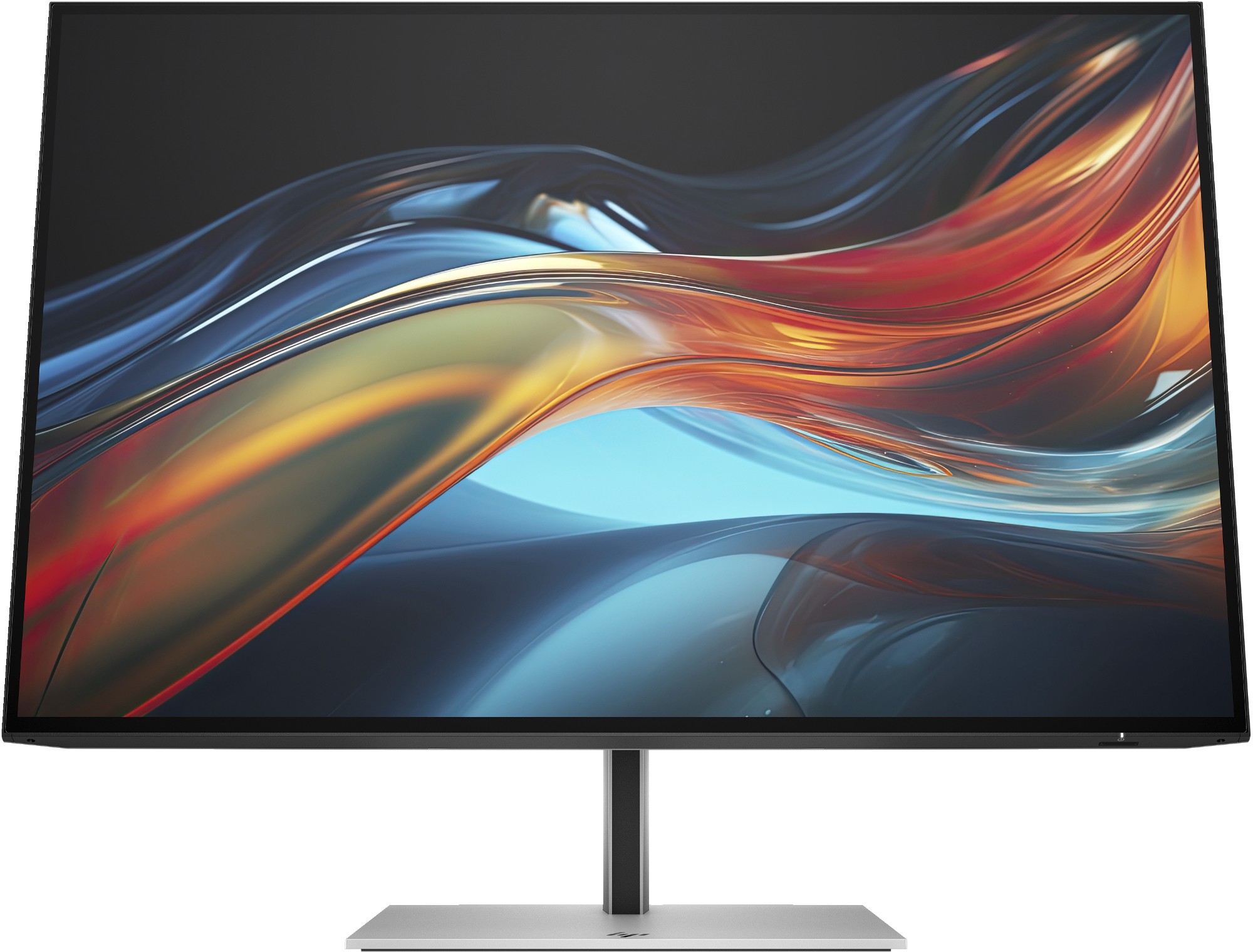
HP 8Y2F7E9#ABU HP Series 7 Pro 24 inch WUXGA USB-C Monitor - 724pu
Designed for big things. Powered to do them.Capture your vision better than you ever imagined with the HP Series 7 Pro 24" WUXGA USB-C Monitor. Do more with the 16:10 aspect ratio and WUXGA resolution that displays more of your work at once.[2] And, trust what you see on screen with superb color accuracy right out of the box, a smooth refresh rate, and enhanced color contrast.[1] Do it all with seamless USB-C connectivity that turns your monitor into a powerful productivity hub.
Part# 8Y2F7E9#ABU
SKU S19454
In
Stock
StarTech.com
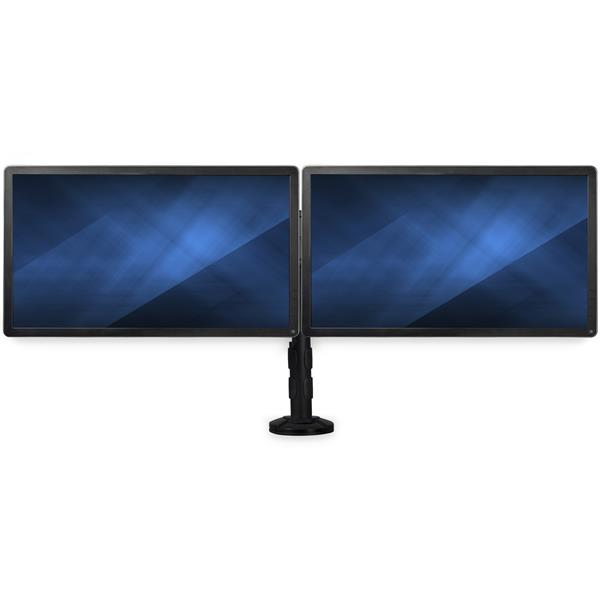
StarTech.com ARMBARDUOG StarTech.com Desk-mount Dual-Monitor Arm - Cross Bar - Grommet/Desk Clamp Mount
Double-Monitor Mount | Low-Profile Base | Height Adjustable | For up to 27” MonitorsThis deskmount dual-monitor arm lets you mount two 13” to 27” VESA mount monitors, each weighing up to 17.6 lb. (8 kg), onto a single low-profile base. It gives you flexible desk-clamp or grommet-hole mounting, letting you save space while creating an ergonomic workspace in any office environment.Free Up Desk SpaceWith a stable dual-arm design, the double-monitor mount lets you create more usable work space by mounting your monitors side by side on a single base. The screen mount features a flat low-profile back that lets you position your displays against a wall or cubicle wall.Optimal ViewingThe computer monitor desk mount features adjustable height along the pole. The smooth +/- 30° tilt motion and +/- 30° swivel make it easy to find the optimal viewing angle. You can also rotate your display 360° for portrait or landscape viewing, and make sure your displays are perfectly aligned using the micro-adjustment knob.Flexible InstallationThe dual-monitor arm is easy to install, with the desk-clamp or grommet mount (hardware included). Integrated cable management keeps your workspace organized. It works well with most desks, including sit-stand workstations.Boost Productivity with Multiple MonitorsAdding two monitors gives you the extra screen space you need to simplify multitasking and maximize your productivity.ARMBARDUOG is backed by a 5-year StarTech.com warranty and free lifetime technical support.The StarTech.com Advantage
Part# ARMBARDUOG
SKU S19454
In
Stock
DELL
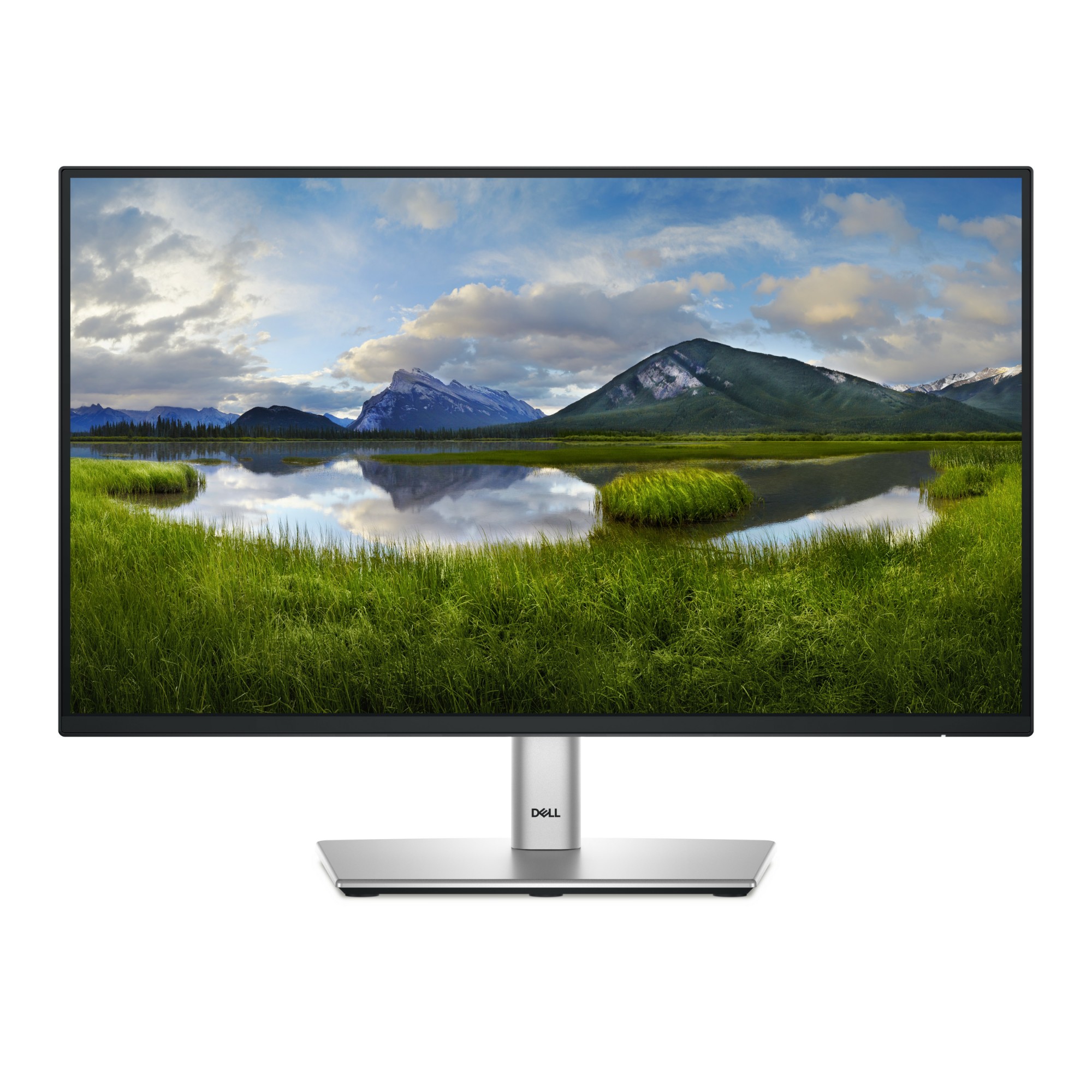
DELL P2225H DELL P Series P2225H computer monitor 54.6 cm (21.5") 1920 x 1080 pixels Full HD LCD Black, Silver
DELL P Series P2225H. Display diagonal: 54.6 cm (21.5"), Display resolution: 1920 x 1080 pixels, HD type: Full HD, Display technology: LCD, Response time: 8 ms, Native aspect ratio: 16:9, Viewing angle, horizontal: 178°, Viewing angle, vertical: 178°. Built-in USB hub, USB hub version: 3.2 Gen 1 (3.1 Gen 1). VESA mounting, Height adjustment. Product colour: Black, Silver
Part# P2225H
SKU S19454
In
Stock
ASUS
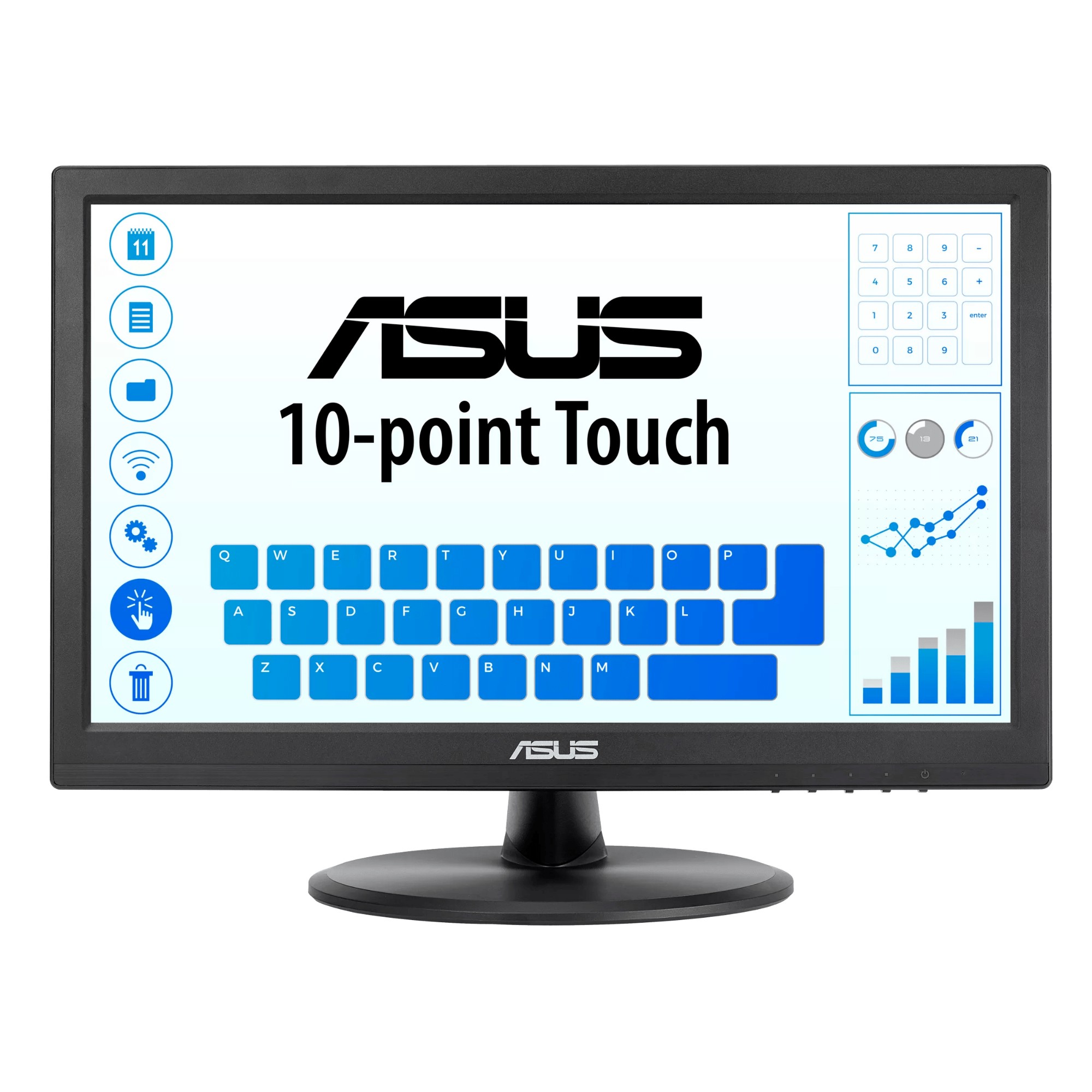
ASUS VT168HR ASUS VT168HR computer monitor 39.6 cm (15.6") 1366 x 768 pixels WXGA LED Touchscreen Black
10-Point Multi-touch – An Incredibly Intuitive Touch ExperienceThe ASUS VT168HR touchscreen monitor combines 10-point multi-touch capability with superb image quality, flexible connectivity and great ergonomics. The precise and accurate multi-touch display — allowing up to 10 simultaneous touches — is optimized for use with Windows 10 , allowing you to work smarter and more efficiently.Windows 10 compatibleVT168HR has passed the tests and been confirmed that it has best compatibility and reliability with Windows10 operating system. Ensuring home and business users of Microsoft’s new operating system can benefit from ASUS Touch Monitor.The Touchscreen Monitor That Gives You Much MoreASUS Splendid Video Intelligence Technology employs a color engine with eight preset modes. These allow you to adjust your display easily for the best color accuracy and image fidelity, depending on what kind of content is being displayed. You can access the presets via a designated hotkey.Perfect Comfort and Flexibility for Home and OfficeDesigned With You in MindVT168HR has multiple video and peripheral connectors, including VGA and HDMI, making it suitable for use anywhere, either in the home or at the office.VT168HR features an elegant circular base with an ergonomically-designed tilting stand that lets you choose the ideal viewing position. The monitor is also VESA mount-compatible, making it easy to mount on a wall or monitor arm. Advanced power-saving features ensure low energy costs and maximum reliability, and it meets stringent environmental standards including RoHS, ENERGY STAR and TCO.Protect your eyes with ASUS Eye Care technologyVT168HR has undergone stringent performance tests and is awarded Flicker-free and Low Blue Light certifications by TÜV Rheinland laboratories, a global provider of technical, safety, and certification services, toshow display quality with clear image and prevent users suffering from eye strain and fatigue.Ultra-low Blue Light MonitorThe TUV Rheinland-certified ASUS Blue Light Filter protects you from harmful blue light, and you can easily access its four different filter settings via a hotkey. VT168HR has undergone stringent performance tests and has been certified by TUV Rheinland laboratories, a global provider of technical, safety, and certification services, to be flicker-free and to emit low blue light levelsFlicker-free TechnologyIt's time to say goodbye to those tired, strained eyes. VT168HR features TUV Rheinland-certified ASUS Flicker-Free technology to reduce flicker for a comfortable viewing experience. This technology helps minimize instances of eyestrain and other damaging ailments, especially when you spend long, countless hours in front of a display watching favorite videos.
Part# VT168HR
SKU S19454
In
Stock
Kensington
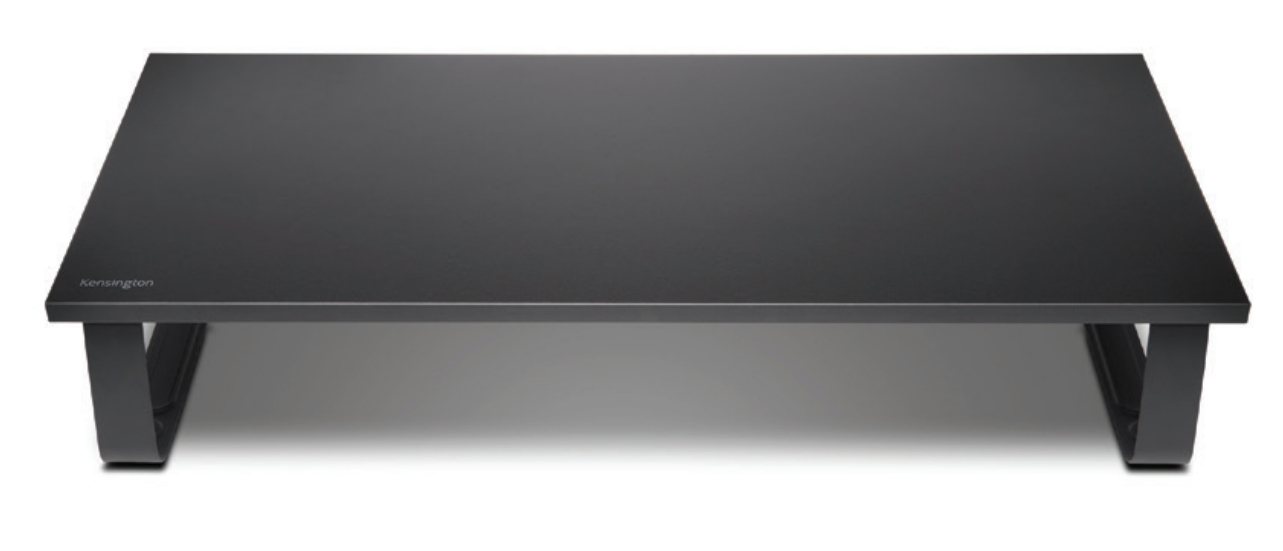
Kensington K55726EU Kensington Extra Wide Monitor Stand
The Kensington Extra Wide Monitor Stand combines a durable and stylish design with the ergonomic benefits of raising your monitor height. The extra wide platform offers an organised working environment with plenty of space underneath to store a full-size keyboard and accessories. The steel base elevates your monitor to an optimal viewing height to promote a healthy posture and increase productivity. An essential monitor riser for modern offices focused on employee wellness. Supports iMacs and external monitors up to 32” and 20kg.Promotes healthy postureAmple storage for full-size keyboardSupport for monitors/all-in-ones up to 20kgNo additional tools required
Part# K55726EU
SKU S19454
In
Stock
DELL
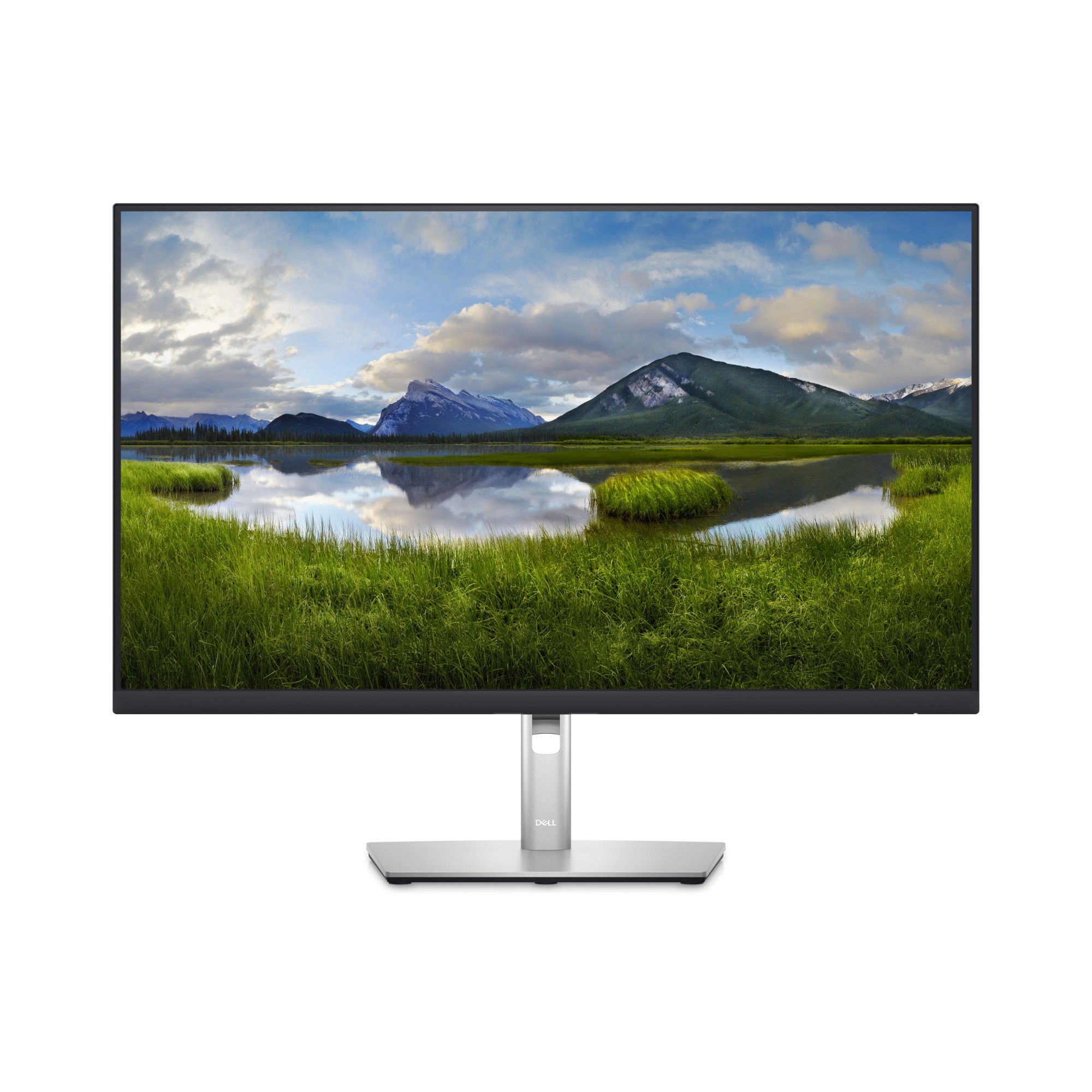
DELL DELL-P2723D DELL P Series 27 Monitor - P2723D
Stay focused on a 27-inch QHD monitor optimized to deliver high performance details and clarity.
Part# DELL-P2723D
SKU S19454
In
Stock
DELL
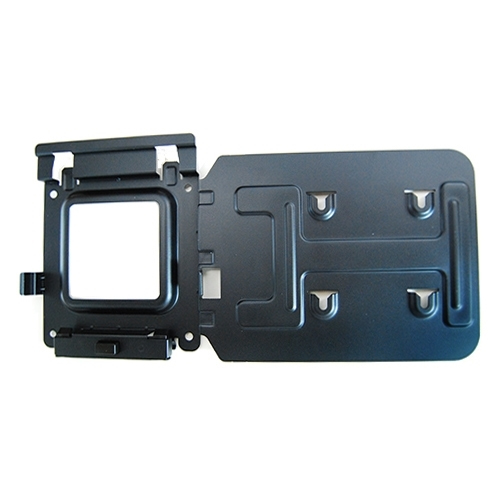
DELL MK15 DELL 575-BBIV
Easily mount your Dell™ Dock-WD15 or Dell Thunderbolt Dock-TB15 behind most Dell UltraSharp or P-Series monitors or to a wall, desk, or any flat surface with the Dell Docking Station Mounting Kit. Help create a clutter-free work environment at your desk or workstation by mounting your Dell Dock-WD15 or Dell Thunderbolt Dock-TB15 behind your compatible monitor or under your desk.The kit comes with everything that you need to mount your Dell Dock-WD15 or Dell Thunderbolt Dock-TB15 behind a compatible Dell UltraSharp or P-Series monitor . The bracket easily attaches with four included mounting screws to the VESA mounting holes (100mm) underneath the monitor stand connector. Stand should be removed to attach the bracket, and then reattached to the bracket once the bracket is secured to the monitor. Mounting position for the Dell Dock-WD15 or Dell Thunderbolt Dock-TB15 will be offset to the side of the stand. Two included mounting screws are screwed into the bottom of your dock, which then allows it to slide easily onto the mounting bracket. It can easily be removed when needed. The kit can also be used to mount your Dell Dock-WD15 or Dell Thunderbolt Dock-TB15 on a wall, under a desk, or onto a table (with included mounting hardware). Two included mounting screws are screwed into the bottom of your dock, which then allows it to slide easily onto the mounting bracket. It can easily be removed when needed.
Part# MK15
SKU S19454
In
Stock
Philips
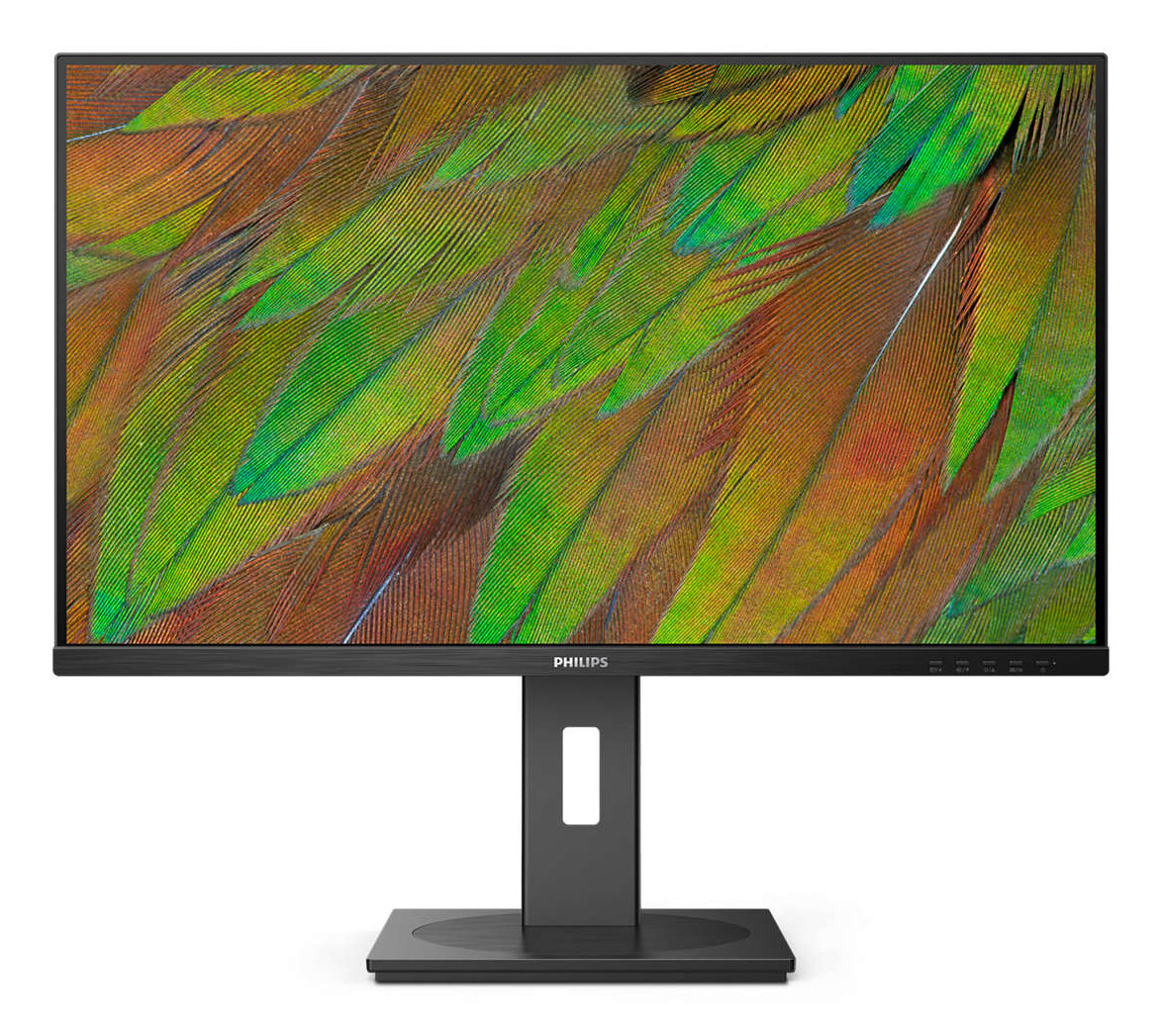
Philips 32B1N3800/00 Philips 3000 series 32B1N3800/00 computer monitor 81.3 cm (32") 3840 x 2160 pixels 4K Ultra HD LCD Black
This 32-inch monitor showcases beautiful imagery in 4K resolution and a 1.074 billion color gamut. In addition, its DisplayPort connectivity and VA panel make for a great all-around option for your workspace.
Part# 32B1N3800/00
SKU S19454
In
Stock
HP
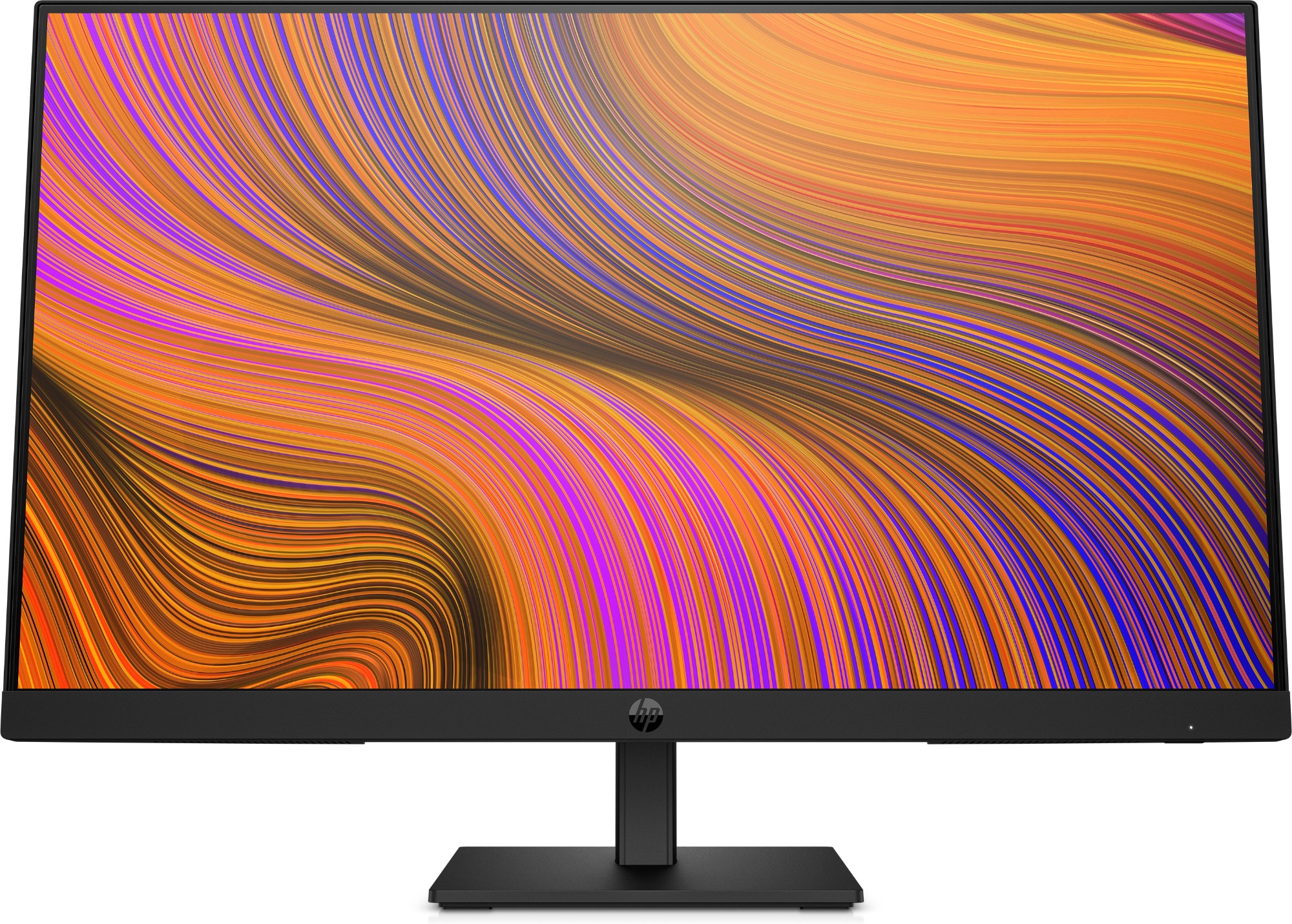
HP 64W34AA#ABB HP P24h G5 FHD Monitor
Everyday ProductivityExpand your view and your productivity with this 60.5 cm (23.8-inch) diagonal, FHD monitor when you're working from home or at the office. This sleek monitor makes hybrid work easy and complete via a crisp, smooth screen, built-in audio, and simple design, so you can do more everyday.
Part# 64W34AA#ABB
SKU S19454
In
Stock

Item(s) added to cart

