
 0
0
Networking
1890 –
1900
of
3279
Availability
Sort by
Advance Filters
TP-Link
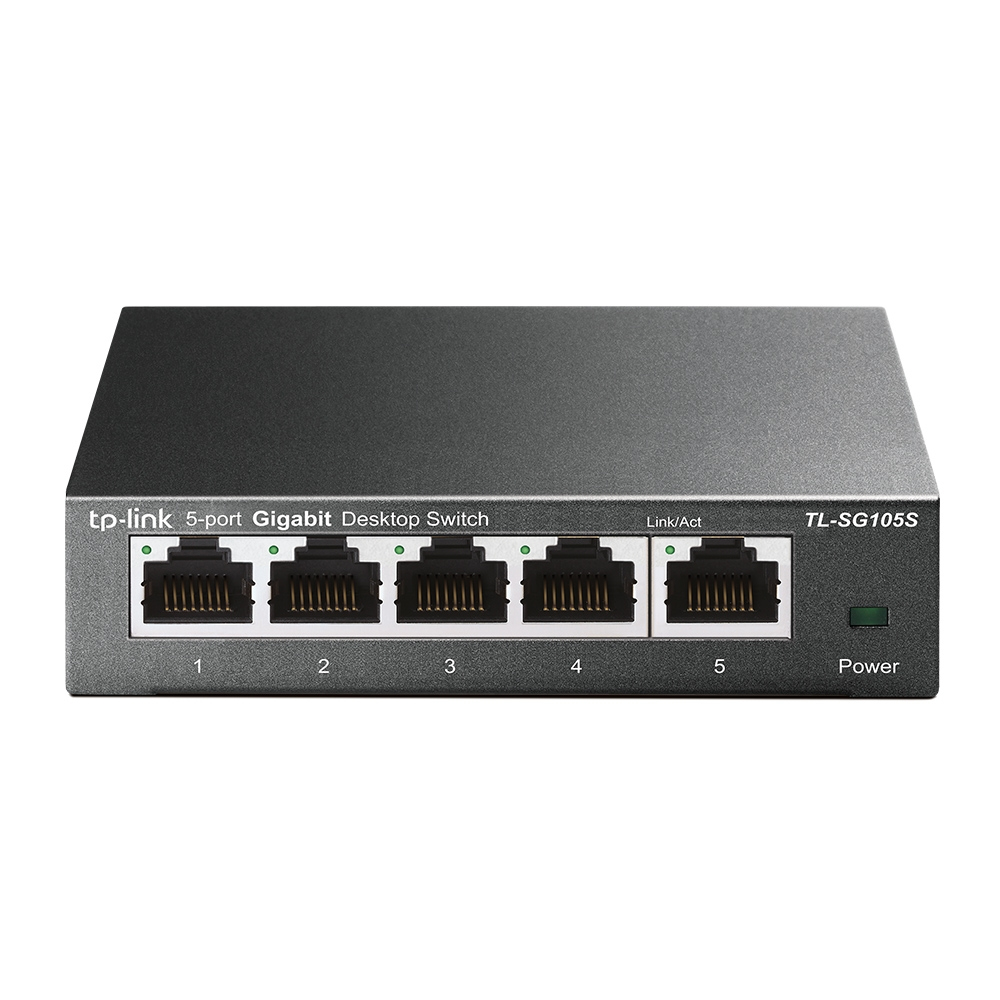
TP-Link TL-SG105S TP-Link 5-Port 10/100/1000Mbps Desktop Switch, EU
What This Product DoesThe TP-Link 5-Port 10/100/1000Mbps Desktop Switch provides you an easy way to make the transition to Gigabit Ethernet. Increase the speed of your network server and backbone connections, or make Gigabit to the desktop a reality. Plug and Play design, with no configuration required, makes the product easy to use. Moreover, TL-SG105S adopts lower power consumption design. With the innovative energy-efficient technology, the TL-SG105S can save power consumption, making it an eco-friendly solution for your home or office network.Gigabit SwitchFeatured with 5 10/100/1000Mbps ports, TL-SG105S greatly expands your network capacity, enabling instant large files transferring. So, power users in the home, office, workgroup, or creative production environment can now move large, bandwidth-intensive files faster. Transfer graphics, CGI, CAD, or multimedia files across the network instantly. Go Green With Your EthernetYou now have the choice to go green when upgrading to a gigabit network! This new generation TL-SG105S 5-Port 10/100/1000Mbps Desktop Switch features the latest innovative energy-efficient technologies that can greatly expand your network capacity with much less power. It automatically adjusts power consumption according to the link status and cable length to limit the carbon footprint of your network.Traffic Optimization802.1p and DSCP QoS enable smooth latency-sensitive traffic such as voice and video, and IGMP Snooping optimizes the Multicast data stream. Easy to useThe auto features of this gigabit switch make installation plug and play and hassle-free. No configuring is required. Auto MDI/MDIX eliminate the need for crossover cables. Auto-negotiation on each port senses the link speed of a network device (either 10, 100, or 1000 Mbps) and intelligently adjusts for compatibility and optimal performance. Moreover, fanless design ensures quiet operation.
Part# TL-SG105S
SKU S19454
In
Stock


Ubiquiti
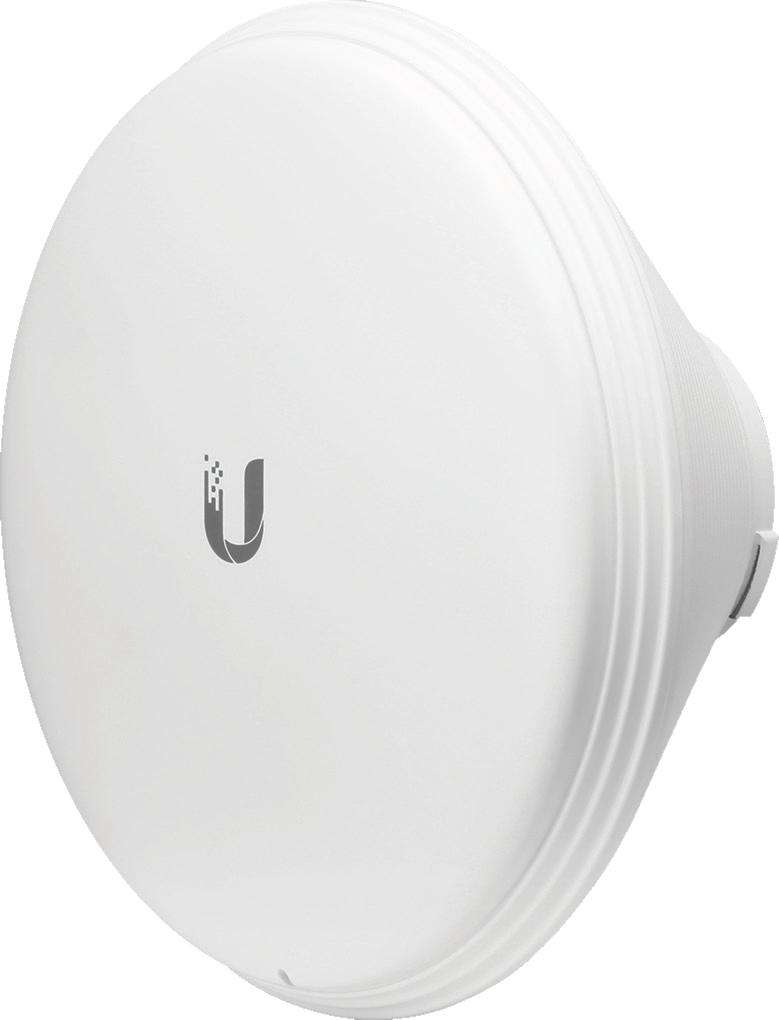
Ubiquiti HORN-5-45 Ubiquiti HORN-5-45 network antenna Horn antenna 15.5 dBi
Part# HORN-5-45
SKU S19454
In
Stock
Cisco
Cisco WS-C2960G-24TC-L-RFB Cisco Catalyst 2960G-24TC-L Managed L2 Grey
Part# WS-C2960G-24TC-L-RFB
SKU S19454
In
Stock
TP-Link
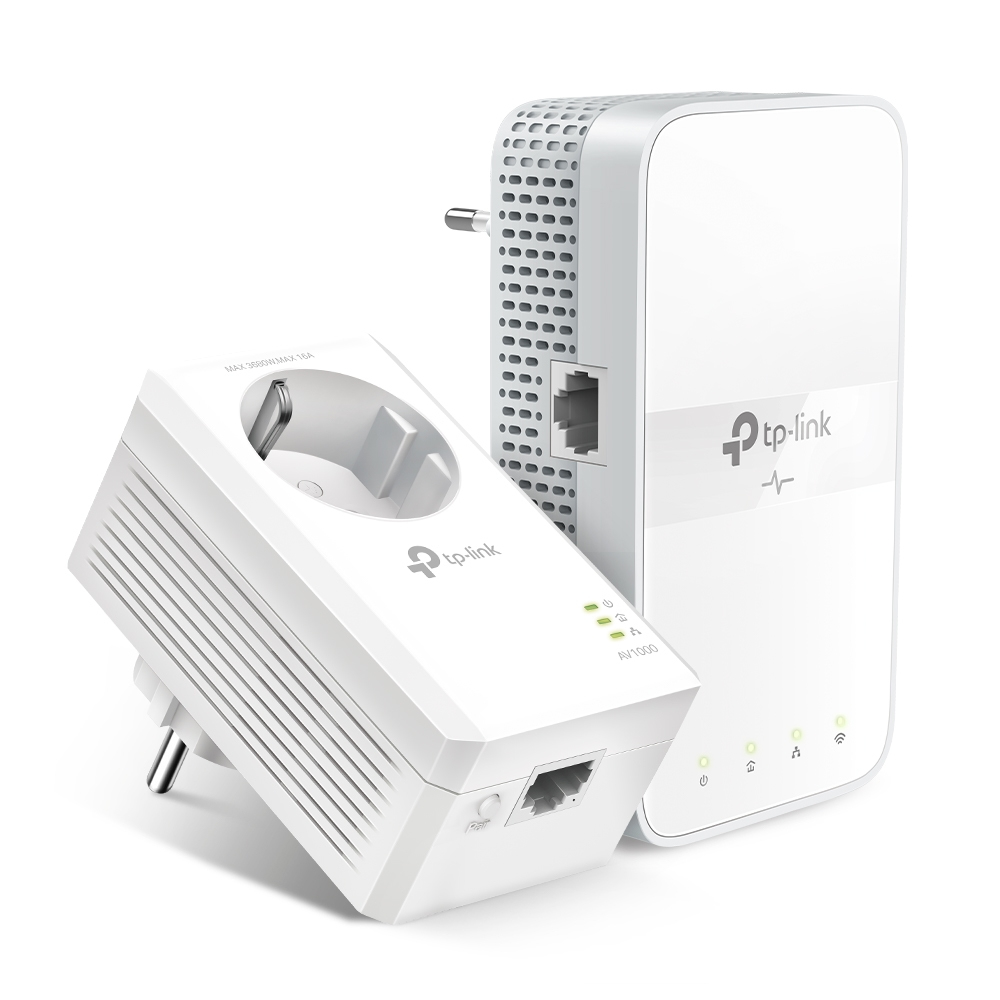
TP-Link TL-WPA7617 KIT TP-Link TL-WPA7617 KIT PowerLine network adapter 1200 Mbit/s Ethernet LAN Wi-Fi White 2 pc(s)
Nog meer genieten met een ultrasnelle wifi-extender en het bestaande stroomnetAV1000 Gigabit Passthrough Powerline AC Wifi-kitBreid eenvoudig snelle, betrouwbare wifi uit naar elke kamerMet de TL-WPA7617 KIT maak je van het bestaande stroomnet een gigabit ultrasnel netwerk en breid je bedrade en draadloze netwerken uit op plaatsen met een stopcontact.- Niet nodig om te boren of kabels te leggen- Netwerk gaat door muren en vloeren- Compatibel met alle wifi-routers of andere Powerline-producten- Breid de dekking uit door extra extenders toe te voegenMaximale snelheden tot 1000 Mbps en 300 meter bereikDoor middel van de geavanceerde HomePlug AV2-technologie biedt de TL-WPA7617 KIT een stabiele en supersnelle wifi met overdrachtssnelheden tot wel 1000 Mbps* tot 300 meter via het bestaande stroomnet. Stream in HD, game online en download grote bestanden zonder onderbrekingen dankzij de betrouwbare Powerline-verbindingen.Gigabit ethernet voor betrouwbare verbindingenEén gigabit ethernetpoort biedt razendsnelle bekabelde verbindingen voor het streamen van 4K HD-beelden, lagvrij gamen en meer. Er worden twee ethernetkabels meegeleverd.AC 1200 wifi voor ultrasnelle internetverbindingenAC1200 dual-band wifi (867 Mbps op 5 GHz en 300 Mbps op 2.4 GHz) maakt streamen, gamen, e-mailen, internetten en het plaatsen van inhoud via draadloze apparaten en in heel het huis mogelijk.Maak je geen zorgen over het stopcontactJe kunt de TL-PA7017P gebruiken als een gewoon stopcontact. Sluit pc's, smart-tv's of andere bekabelde apparaten aan, de prestaties blijven gelijk.Opmerking: Bovendien helpt het ingebouwde ruisfilter om elektrische signalen weg te nemen die de prestaties van de Powerline-apparaten kunnen verstoren.Plug and play:geen configuratie nodigZeg voorgoed vaarwel tegen een ingewikkelde installatie. Met Powerline hoef je slechts twee stappen te volgen:- Stap 1: verbind de TL-PA7017P met de router.- Stap 2: Steek de TL-WPA7617 in een stopcontact waar je bedraad en draadloos internet nodig hebt.Configureer met een druk op de knopDruk op de Wifi Clone-knop om de netwerknaam (SSID) en het wachtwoord van de router te kopiëren. Bovendien worden alle wijzigingen van de wifi-instellingen automatisch toegepast binnen het hele Powerline-netwerk.Beheer Powerline via je smartphoneBeheer de Powerline-verbinding via je smartphone (Android, iOS) met de tpPLC app of download het nieuwe tpPLC-hulpprogramma om het Powerline-netwerk via je computer te beheren.- Realtime Powerline-snelheid bekijken- Led-bediening (kan ook worden bediend met de aan-uitknop voor led)- Gastnetwerk
Part# TL-WPA7617 KIT
SKU S19454
In
Stock
HPE
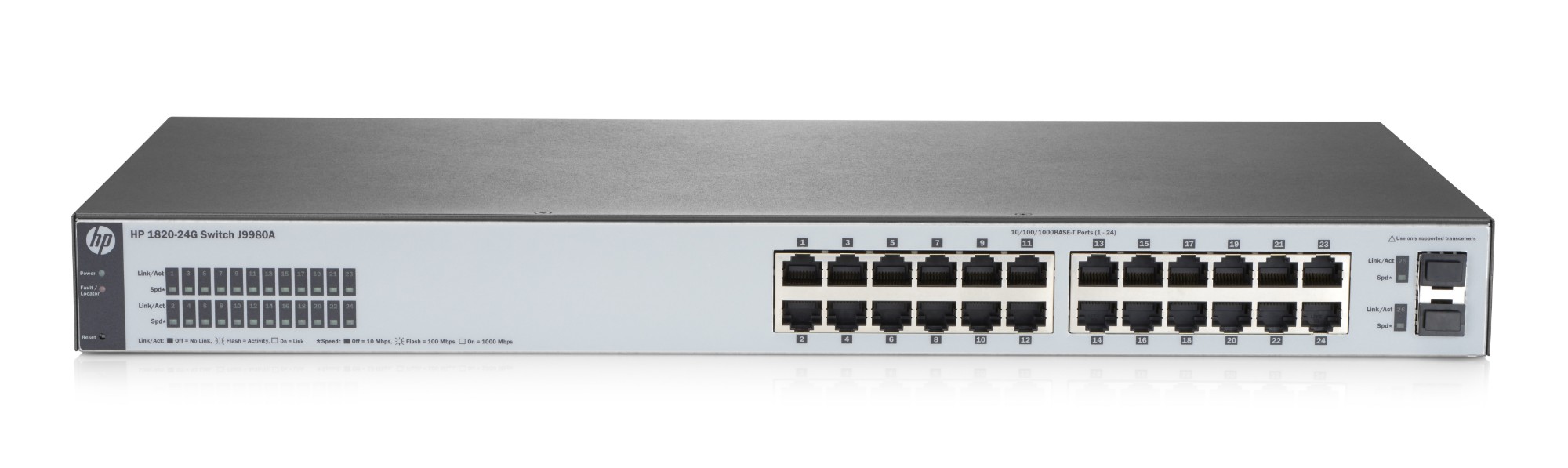
HPE J9980A-RFB Hewlett Packard Enterprise OfficeConnect 1820 24G Managed L2 Gigabit Ethernet (10/100/1000) 1U Grey
Part# J9980A-RFB
SKU S19454
In
Stock
In
Stock
HPE
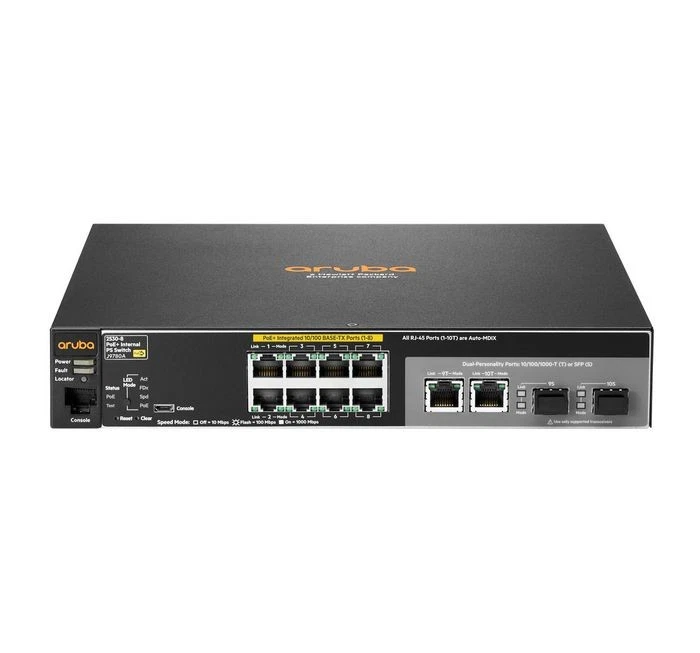
HPE J9780A-RFB HPE Aruba Networking 2530 8 PoE+ Managed L2 Fast Ethernet (10/100) Power over Ethernet (PoE) 1U
Part# J9780A-RFB
SKU S19454
In
Stock
Mikrotik
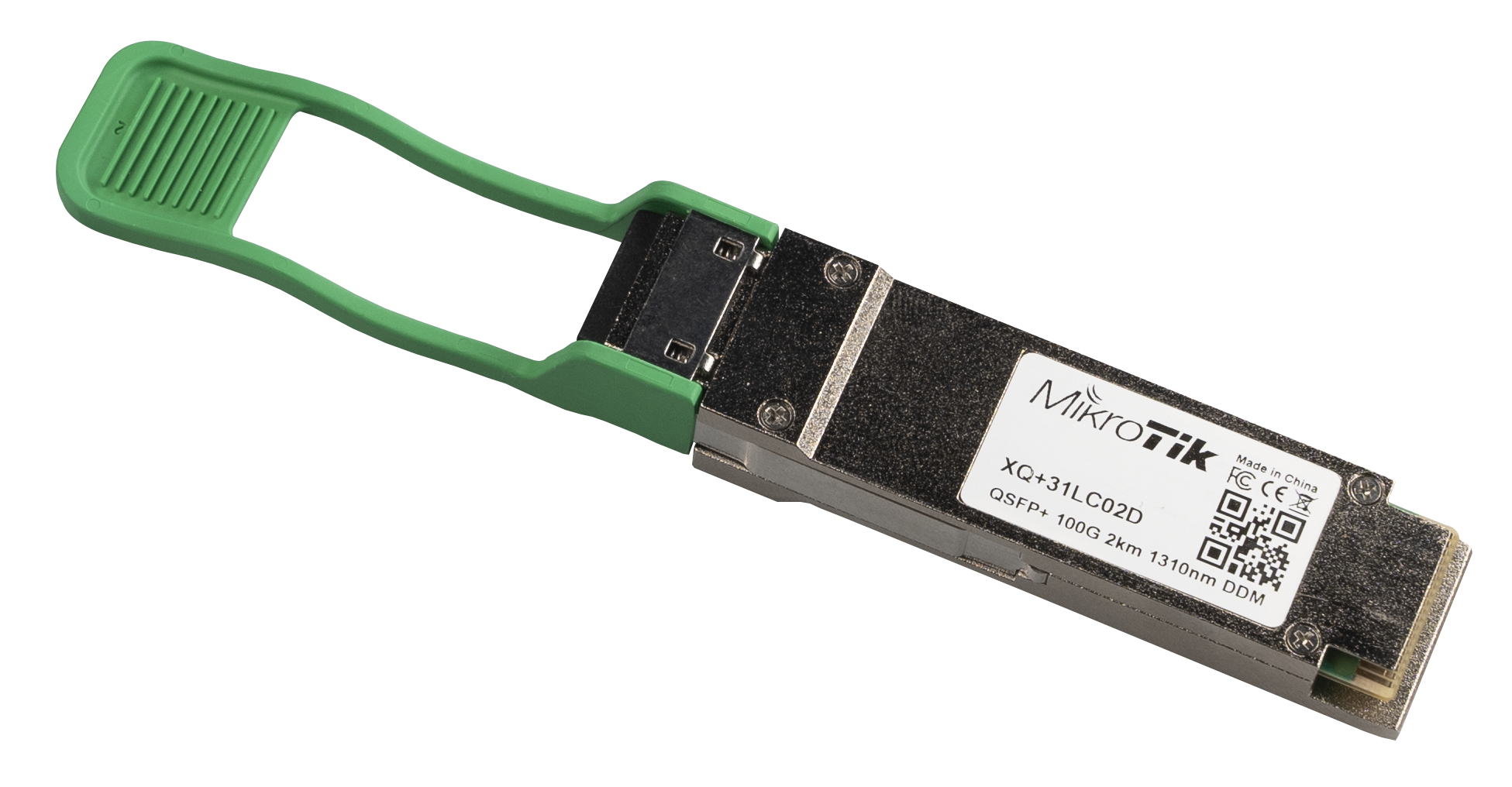
Mikrotik XQ+31LC02D Mikrotik XQ+31LC02D network transceiver module Fiber optic 100000 Mbit/s QSFP28 1331 nm
Part# XQ+31LC02D
SKU S19454
In
Stock
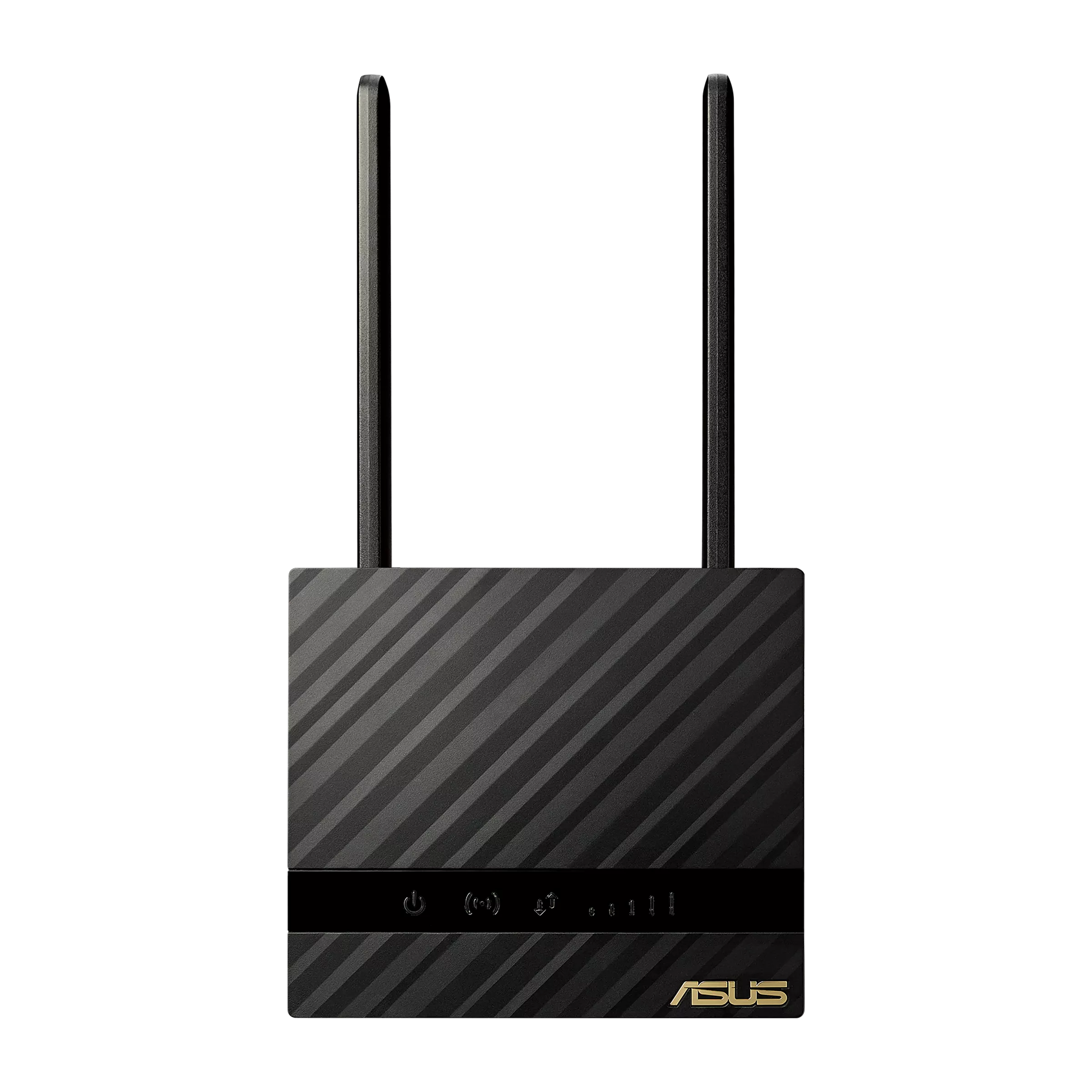
ASUS
ASUS 90IG07E0-MO3H00 ASUS 4G-N16 wireless router Gigabit Ethernet Single-band (2.4 GHz) Black
Unleash your internet with ultra-fast 4G LTE! ASUS 4G-N16 is no ordinary Wi-Fi router. Just insert a 4G LTE SIM card and its built-in modem connects to the internet wirelessly via super-fast mobile broadband. You can enjoy up to 150 Mbps downloads and 50 Mbps uploads. 5.3X Faster 4G LTE speed With 4G-N16, you’ll appreciate the blistering speed of the 4G LTE mobile broadband technology, especially if you live out of reach of conventional broadband. It’s capable of up to 150 Mbps downloads and 50 Mbps uploads. Cable-free 3G/4G WAN and 300 Mbps Wi-Fi Enjoy the cable-free convenience of 4G LTE mobile broadband! 4G-N16 has a built-in SIM card slot that lets you share a mobile broadband connection via 300 Mbps Wi-Fi anywhere in the home or office. Surf the web, download apps, stream media and more — with no messy cables! The true wireless network where you need it 4G-N16 offers unparalleled convenience of use. Long-term tests guarantee wide compatibility and reliability. Just insert a SIM card and enjoy the convenience of 3G/4G mobile broadband connection anywhere for home and SOHO with less mess of cable. Detachable and upgradeable 4G LTE antennas External mobile broadband antennas perform better than internal antennas. Indoors, the best 4G LTE reception is usually found near a window, but if this isn't practical you can easily add an antenna extension cable thanks to the detachable antennas. Easy Plug-n-Surf It only takes two steps to get connected with 4G-N16: 1. Insert your 4G LTE SIM card and turn on the 4G-N16. (*Make sure your device is powered off before you insert a SIM card.) 2. It will connect automatically to the appropriate mobile network. You're connected!
Part# 90IG07E0-MO3H00
SKU S19454
In
Stock

Cisco
Cisco WS-C2960X-48LPS-L-RFB Cisco Small Business WS-C2960X-48LPS-L Managed L2/L3 Gigabit Ethernet (10/100/1000) Power over Ethernet (PoE) 1U Black
Part# WS-C2960X-48LPS-L-RFB
SKU S19454
In
Stock

Item(s) added to cart

