
 0
0
Networking
3010 –
3020
of
3279
Availability
Sort by
Advance Filters
HPE
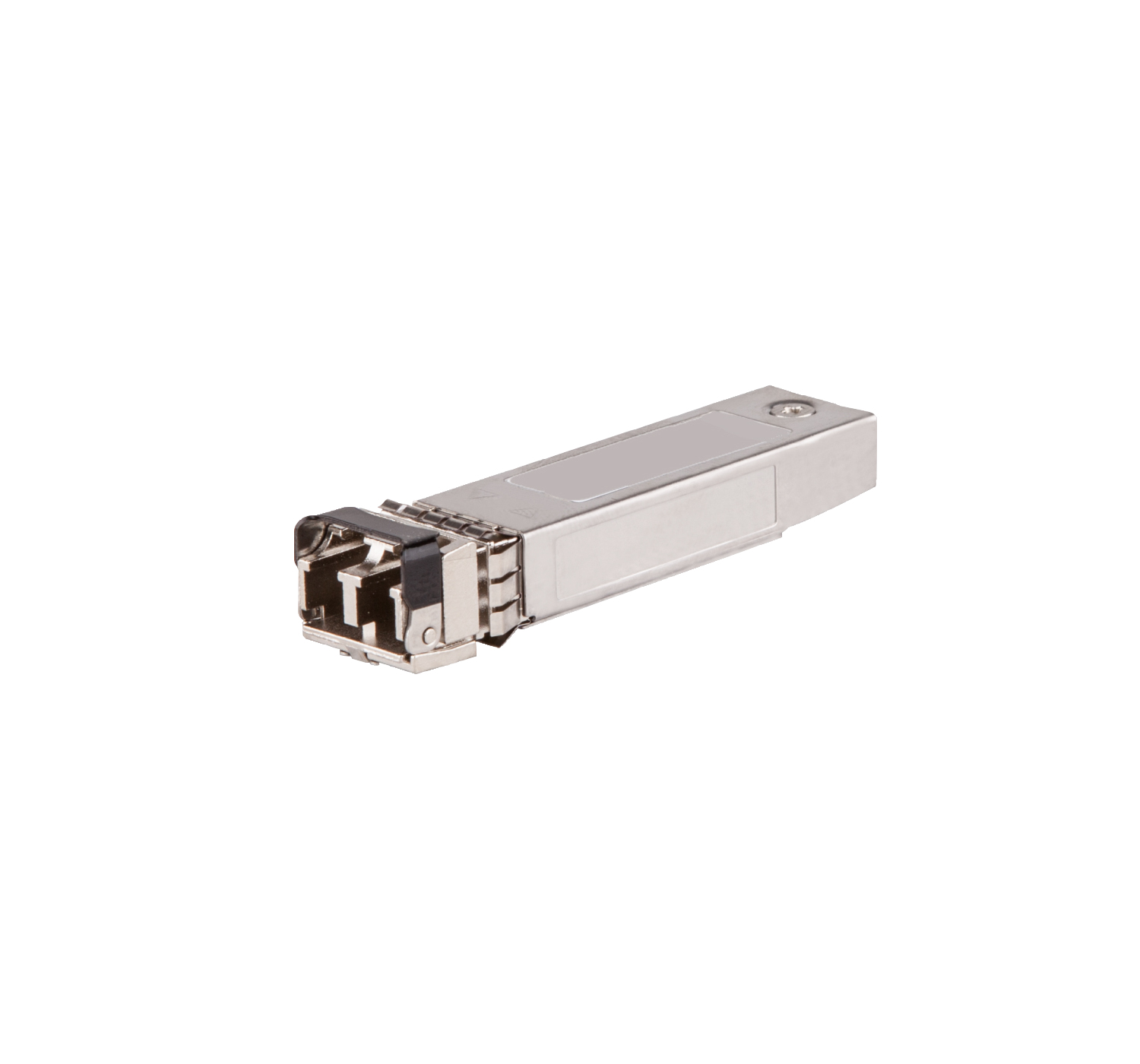
HPE J4858DOR HPE Aruba Networking 1G SFP LC SX 500m OM2 MMF network transceiver module Fiber optic 1000 Mbit/s
Part# J4858DOR
SKU S19454
Limited Availability


HPE
HPE J4858D HP Renew HPE Aruba Networking 1G SFP LC SX 500m OM2 MMF network transceiver module Fiber optic 1000 Mbit/s
Part# J4858D HP Renew
SKU S19454
Limited Availability
TP-Link
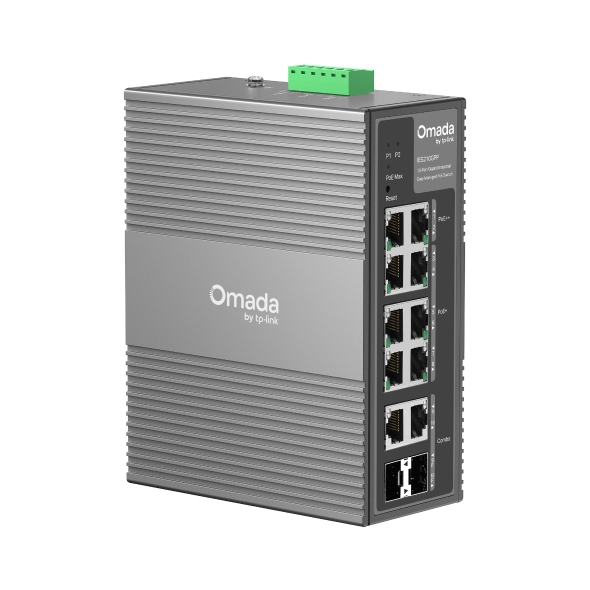
TP-Link IES210GPP TP-Link Omada 10-Port Gigabit Industrial Easy Managed Switch with 6-Port PoE+ and 2-Port PoE++
Omada Industrial 10-PortGigabit Easy ManagedPoE++ SwitchIndustrial-Grade Protection Built for Harsh Environments- 10× Gigabit Ports (2× PoE++, 6× PoE+, 2× RJ45/SFP Combo)- 240W Total PoE Budget- 40°C to 75°C Operating Temperature- 12~57VDC 1+1 Redundant Power Input- Industrial-Grade IP40 Aluminum Casing- Abundant Functions for CCTV Networking- Easy Centralised Management- DIN-Rail & Wall Mounting
Part# IES210GPP
SKU S19454
Limited Availability
TP-Link
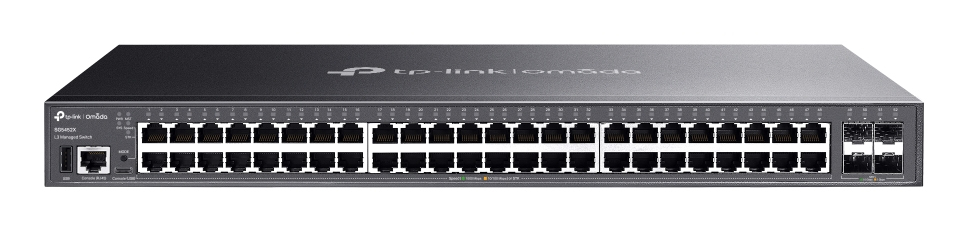
TP-Link SG5452X TP-Link Omada SG5452X network switch Managed L3 Gigabit Ethernet (10/100/1000) Black
What This Product DoesOmada SG5452X is a dependable entry-level L3 switch tailored for the access layer, featuring L3 routing, fast 10 Gbps wired speeds, and stacking options. It includes 48× gigabit RJ45 ports, 4× 10 Gbps SFP+ slots, physical stacking ability, and centralized management. Integrated with strong security and extensive management features, the SG5452X offers a reliable networking solution for SMEs, and ISPs.High-speed Connectivity and Powerful Stacking48× gigabit RJ45 ports and 4× 10 Gbps SFP+ slots provide up to 176 Gbps switching capacity per unit. Up to 4 units of physical stacking empower the networking structure with built-in redundancy and performance.Abundant Layer 3 CapabilitiesComes with abundant Layer 3 routing protocols that support a scalable network. Static Routing, RIP, OSPF, DHCP Server, and DHCP Relay are supported. Highly AvailableERPS (Ethernet Ring Protection Switching) ensures rapid protection and recovery in ring topologies, which is essential for maintaining network uptime in medium business environments.Enhanced Security FunctionsDefend against a range of network threats with ACL support (IPv4 & IPv6), Dynamic ARP Inspection, IEEE 802.1X, MAB, Port Security, and Secure Shell.Omada SDNIntegration into the Omada system brings centralized cloud management and a series of management features such as Zero-Touch Provisioning (ZTP).† The Omada Software Defined Networking (SDN) platform integrates network devices, including access points, switches, and gateways, providing 100% centralized cloud management—all controlled from a single interface.Apart from the ability to be centrally managed via the web or the Omada app, SG5452X is also easy to manage via an intuitive web-based Graphical User Interface (GUI) or an industry-standard Command Line Interface (CLI). For both management methods, traffic is protected through SSL or SSH encryption. SNMP (v1/v2c/v3) and RMON support enable the switch to be polled for valuable status information and to send traps for abnormal events.
Part# SG5452X
SKU S19454
Limited Availability
Netgear
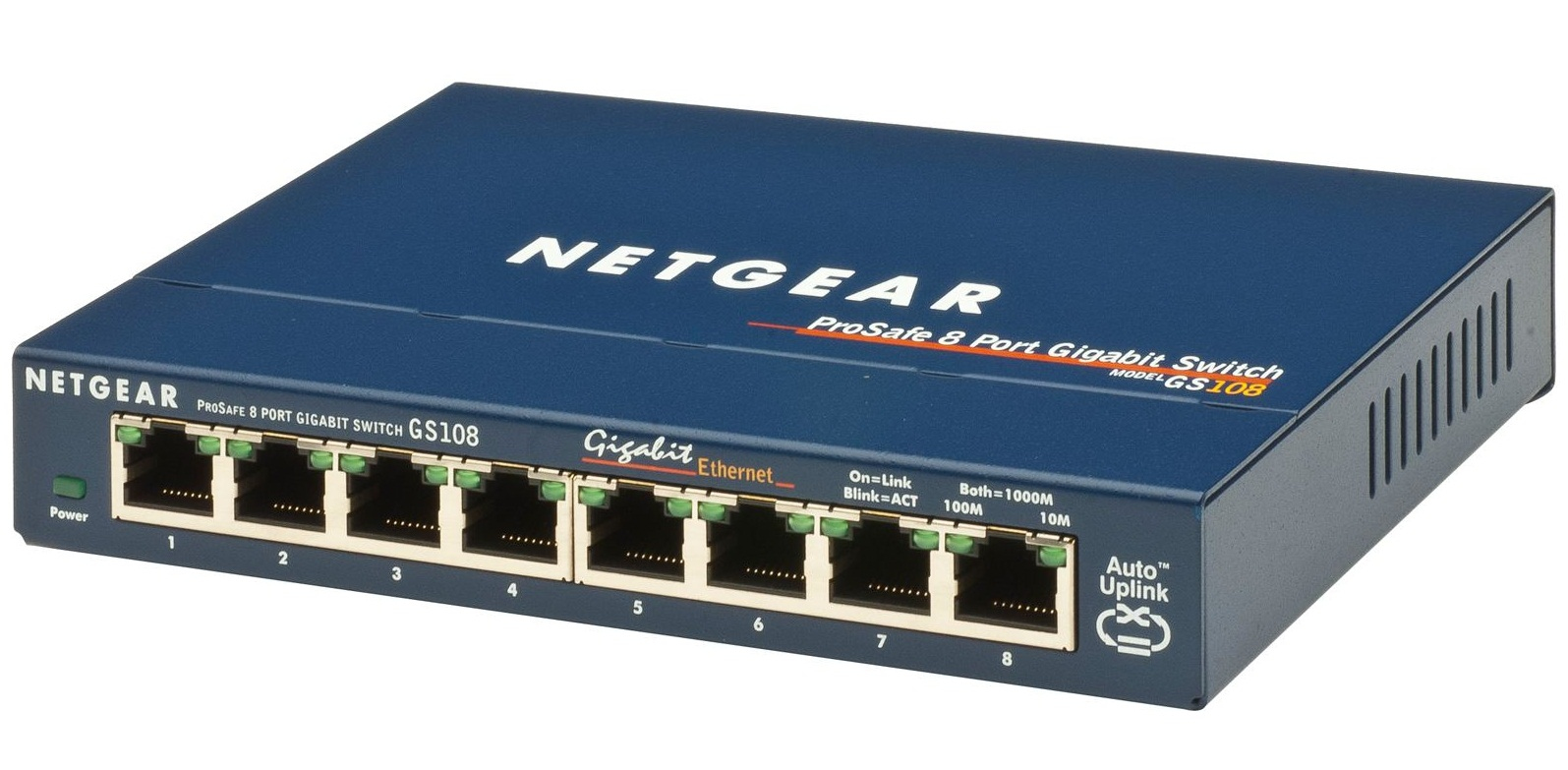
Netgear GS108UK NETGEAR GS108 Unmanaged
Now you can have a powerful, high-speed network on a small scale. NETGEAR's GS108 Gigabit Ethernet Switch lets you build a system that provides a full, dedicated 1000, 100, or 10 Mbps connection so you can move very large files across your network instantly. The GS108 also lets you painlessly integrate 10, 100, and 1000 Mbps devices. This potent switch is packed with ease-of-use features to simplify your workday experience. It's compact design fits neatly into small work spaces and, since it's self-cooling without a fan, it runs silently and unobtrusively.
Part# GS108UK
SKU S19454
Limited Availability
QNAP
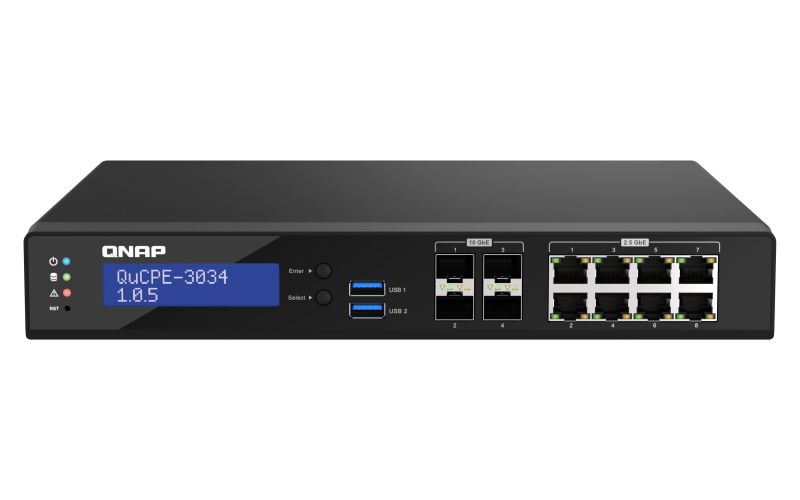
QNAP QUCPE-3034-C3758R-16G QNAP QUCPE-3034
Network Virtualization Premise Equipment with an Intel® Atom Refresh eight-core processor, suitable for deploying virtual networks in multiple edge officesQNAP’s QuCPE-3034 Network Virtualization Premise Equipment is a universal virtualization platform specifically designed for SMBs. The QuCPE-3034 adopts the high-performance Intel® Atom Refresh eight-core processor that supports Intel® QAT, Smart NIC SR-IOV and DPDK hardware acceleration technologies while also providing eight 2.5GbE RJ45 ports and four 10GbE SFP+ ports. With enhanced bandwidth and computing performance for running VNFs and connecting SD-WAN (Supporting VPN/WireGuard), the QuCPE-3034 is suitable for multi-user and multi-tasking business applications. The QuCPE-3034 also features the QNE (QNAP Network Equipment) OS for chaining VNF services and AMIZ Cloud centralized deployment and management platform to realize flexible Zero Touch Provisioning.Build a multi-site network infrastructure for SMBs and Micro-enterprisesQNAP’s high-performance QuCPE integrates the QuWAN SD-WAN solution, AMIZ Cloud platform, and WireGuard VPN. Small businesses and micro-enterprises can flexibly build multi-site network infrastructure by deploying a QuCPE Series 7 in their headquarters, and QuCPE Series 3 in their branches and workplaces.Easily deploy virtual network environments with the 2-in-1 Premise EquipmentWhen deploying virtualized environments, Enterprises often choose to install costly enterprise-grade solutions on edge servers or free solutions with limited technical support – a hard decision for resource-constricted SMBs. In addition, simultaneously running multiple VMs can impact network performance. QNAP’s QuCPE Network Virtualization Premise Equipment combines hardware acceleration technologies, QNAP’s proprietary QNE Network operating system and the AMIZ Cloud centralized management platform to help SMBs build a highly-optimized virtual network infrastructure.The QNE Network Operating System completes your virtual network infrastructureQNAP’s proprietary QNE Network operating system supports the intuitive Network Service Composer and Software-Defined WAN (SD-WAN), allowing for flexible network deployment and multi-site network infrastructure expansion. By supporting Virtual Network Functions (VNF), Virtual Machines and Containers, QNE Network integrates network, computing, and application services to realize network virtualization, application virtualization and efficient management, greatly lowering management and maintenance complexity.AMIZ Cloud - powerful centralized VM management platformThe AMIZ Cloud centralized management platform enables HQ-based IT staff to centrally monitor all edge devices, virtual machines, and containers. Supporting troubleshooting, and remote management via the Account Center, the QuCPE-3034 helps enterprises achieve Zero Touch Provisioning, thus enhancing IT deployment efficiency and reducing maintenance costs.Efficient management via Service Composer with visualized topologyWith the visualized topology of the Network Service Composer, you can easily set up VNFs or VMs, create virtual switches, and allocate physical network resources for chained services by drag and drop. When settings change, you can directly add/remove individual VNFs using the service composer, greatly simplifying operational network combination.SD-WAN enables chaining network servicesQNE incorporates QNAP’s QuWAN SD-WAN solution (subscription-free) to form encrypted VPN tunnels with other QNAP devices based in multiple sites and achieve multi-site network services chaining. For example, you can automatically create a firewall network (using QuWAN and pfSense VNFs) to enhance WAN security in the Service Composer UI using drag-and-drop.Optimize LAN/WAN performanceService Composer also supports SR-IOV and QuWAN SD-WAN, which greatly improves the WAN transmission of the QuCPE-3034 that runs QuWAN, while also helping users to enjoy high-speed and secure LAN and WAN network transmission at the same time.Enhanced securityYou can automatically create a firewall network (using QuWAN and pfSense VNFs) to enhance WAN security in the Service Composer UI using drag-and-drop.Run your VM/VNF Directly on QuCPEQNE Network inherits versatile virtual applications from the QNAP QTS system. QuCPE can simultaneously run multiple virtual machines, software containers, and even bespoke user-made virtual machines in Virtualization Station and Container Station, assisting SMBs in improving deployment and management flexibility while streamlining hardware costs.Intel hardware acceleration technologies boost virtual network performanceSpecifically designed for running virtualization applications, the QuCPE-3034 Network Virtualization Premise Equipment adopts multiple Intel hardware acceleration technologies to allow direct hardware access, thus enhancing VM and virtual network transmission performance.DPDK (Data Plane Development Kit)Allows data to bypass the OS Kernel and directly enter user space to offer a double packet transmission rate (Total T/R x L2) and improve overall virtualization application performance.Smart NIC SR-IOV (Single Root I/O Virtualization)By installing an SR-IOV compatible PCIe SmartNIC, you can allocate bandwidth resources from a physical network card directly to VMs. With traffic bypassing the Hypervisor vSwitch, it helps enhance I/O throughout and network efficiency, ensuring reliable VM applications and reduced CPU overheads.Intel QAT (Intel QuickAssist Technology)Offloads computationally-intensive compression and improves IPsec cryptography VPN performance.Smart IT tools for network management efficiencyQNE Network provides comprehensive management features for Smart IT network management.Notification CenterConsolidates QTS system events and alerts, providing a single-app solution for notifications instead of having to configure individual settings in multiple apps. Notifications can be sent through email, SMS, and other communication apps.QuLog CenterCentralizes statistical rankings of error/warning events and access, assisting IT staff in monitoring and responding to potential system risks.Security CenterProvides security management for IT staff, including managing SSL certificates. Other features include automatically detecting history edits to prevent malicious edits.ZabbixZabbix is a third-party solution that automatically detects devices and monitors network status. Zabbix provides user-friendly topology and network reporting, suitable for enterprise network management.Supports third Party Virtual Network FunctionsThe Application Store and VM Marketplace provides multiple free and premium VNF and applications that users can install on demand.NotesQuCPE QNE Network allocates the full capacity of the 2.5-inch drives to be an Application Volume. VM, Container and vDisk data is stored in the Application Volume by default. If two identical 2.5-inch drives are installed in the QuCPE-3034, they will be configured as RAID 1 by default in QNE Network Edition. All the storage management features in the QTS OS (such as creating storage pools for file storage and Snapshots) are not supported by QuCPE QNE Network Edition.
Part# QUCPE-3034-C3758R-16G
SKU S19454
Limited Availability
TP-Link
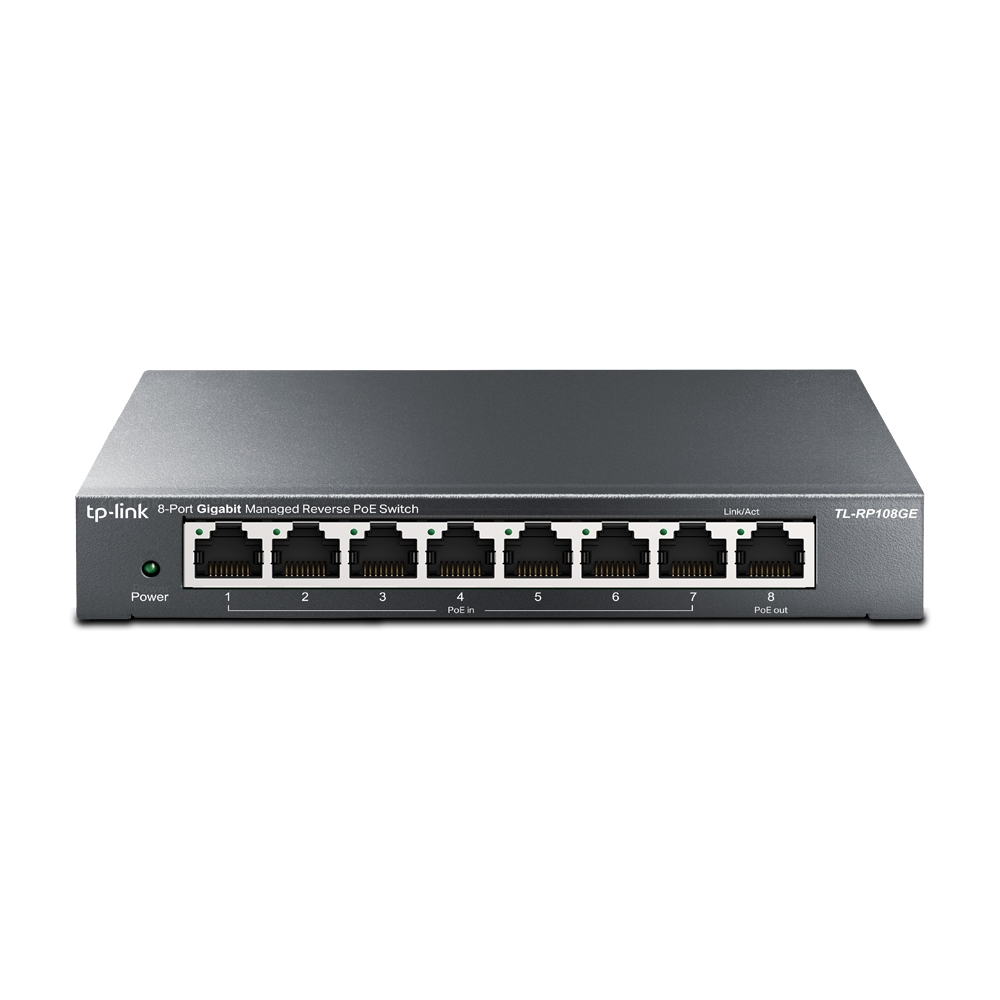
TP-Link TL-RP108GE TP-Link 8-Port Gigabit Managed Reverse PoE Switch
What This Product DoesThe Passive PoE switch TL-RP108GE has seven gigabit PoE input ports that allow it to receive power from user outlets via PoE injectors. Equipped with one PoE output port, the switch can supply power to CPEs and similar devices via Port 8. The DC output port supports both 5 V and 12 V optional output voltage and can be used to power devices like ONTs. With data switching and PoE integrated into a single unit, TL-RP108GE saves space, minimizes cabling, and eliminates the need for dedicated electrical outlets—lowering deployment costs and simplifying installation for PoE-capable devices.
Part# TL-RP108GE
SKU S19454
Limited Availability
TP-Link
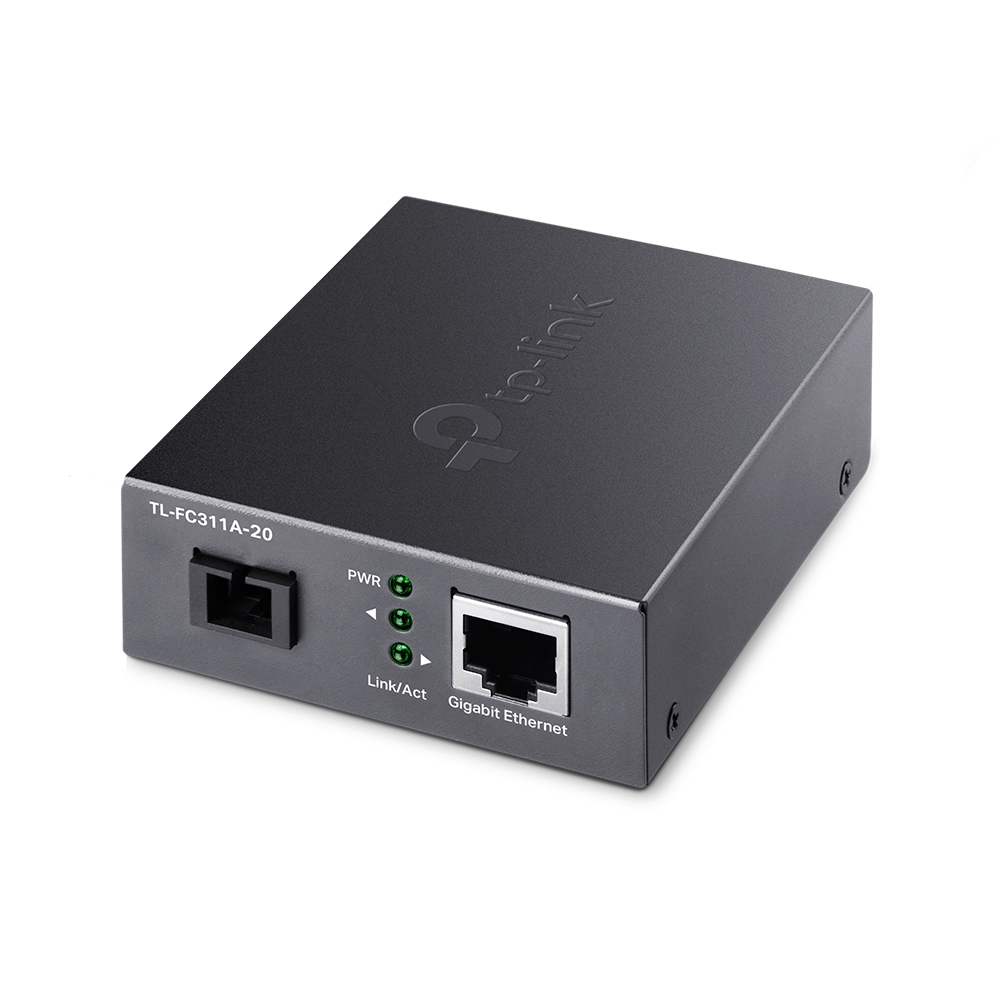
TP-Link FC311A-20 TP-Link Gigabit WDM Media Converter
What This Product Does TL-FC311A-20 is a gigabit media converter, providing a gigabit RJ-45 port and a gigabit SC fiber port, which can convert between electrical and optical signals. And long-distance data transmission through optical fiber can be applied to commercial scenarios such as park security monitoring and wireless networking.How This Product Works TL-FC311A-20 adopts WDM (wavelength division multiplexing) technology, helping send and receive data at a distance of up to 20 km with only a single mode fiber, which saves half of the cable deployment cost for customers. TL-FC311A-20 transmits data at 1550 nm wavelength and receives data at 1310 nm wavelength on optical fiber. Therefore, the terminal device used in conjunction with the TL-FC311A-2 should send data at a wavelength of 1310 nm and receive data at a wavelength of 1550 nm. TP-Link another media converter TL-FC311B-20 is one of the products that can cooperate with TL-FC311A-20.- Other FeaturesBesides, this media converter can be used as a standalone device (no rack required) or used with TP-Link's TL-FC1420 rack for auto MDI/MDI-X in TX port in which duplex mode is automatically negotiated.
Part# FC311A-20
SKU S19454
Limited Availability
D-Link
D-Link DES-1024D/E D-Link DES-1024D Unmanaged
This desktop switch is designed for small offices and larger workgroups.All ports auto-sense the network speed of the computers and hubs to run at either 10Mbps or 100Mbps. The ports also auto-negotiate between full and half duplex and support flow control. Expansion is easy through a MDI uplink port. You cascade several switches together through this port to get more ports.IEEE 802.3x Flow Control allows your servers to directly connect to this switch for fast, reliable data transfer.
Part# DES-1024D/E
SKU S19454
Limited Availability

Allied Telesis
Allied Telesis AT-MC102XL-20 Allied Telesis 100TX to 100FX (SC) media converter network media converter 100 Mbit/s 1310 nm
Our media converters allow you to connect disparate cable types in your network. Media conversion offers you the ability to:-Extend network distances by adding fiber only where it is needed.-Add new devices without replacing costly cable.-Keep pace with changing technology.-Integrate high-bandwidth devices into the network.
Part# AT-MC102XL-20
SKU S19454
Limited Availability

Item(s) added to cart

