
 0
0
Software
380 –
390
of
1614
Availability
Sort by
Advance Filters
Netgear
Netgear UTM9SE-10000S NETGEAR UTM9S Email Threat Management 1 license(s) 1 year(s)
Simple Setup, Ease of Management The ProSecure UTM will easily replace any existing firewall or router. A simple 10-step setup wizard guides you through installation and the UTM will be up and running in minutes. Administration is performed through an intuitive Web-based interface. Set granular policies and alerts, check summary statistics and graphical reports, drill down to IP address-level data, and integrate log data with standard network management tools using SNMP. Malware and IPS signature, software, and firmware updates are all handled by the UTM - online and automatically. For many administrators and IT personnel one of their biggest nightmares is the management of individual licenses or “seats.” Buying additional licenses when computers and personnel are added to the network is time-consuming and costly. The ProSecure UTM offers Web and email protection subscriptions with no “per-user ” licensing. Expandability The ProSecure UTM9S has two modular slots that allow for optional interface cards to be added to tailor the appliance for specific installation requirements. A VDSL/ADSL2+ Modem Module, available in both Annex A and Annex B versions, furnishes direct, always-on Internet connectivity. VDSL capability provides Internet connection speeds up to three times faster than traditional ADSL2+ DSL networks while providing backwards compatibility with ADSL2+. In conjunction with two onboard RJ45 WAN ports for redundancy and failover, the VDSL/ADSL 2+ Modem Module, if installed, can be employed either as the primary WAN connection or as a third WAN port in a redundant/ oad balancing scenario.A Wireless-N Module provides access point capability to connect Wireless-N clients at both 2.4 GHz and 5.0 GHz frequencies at up to 15x the speed and 10x the coverage of legacy 802.11g networks. Backwards compatibility with 802.11a, 802.11g, and 802.11b network devices allows for flexible deployment scenarios.
Part# UTM9SE-10000S
SKU S19454
In
Stock


Netgear
Netgear UTM9SB-10000S NETGEAR ProSecure UTM9SB 1 license(s) 1 year(s)
Simple Setup, Ease of Management The ProSecure UTM will easily replace any existing firewall or router. A simple 10-step setup wizard guides you through installation and the UTM will be up and running in minutes. Administration is performed through an intuitive Web-based interface. Set granular policies and alerts, check summary statistics and graphical reports, drill down to IP address-level data, and integrate log data with standard network management tools using SNMP. Malware and IPS signature, software, and firmware updates are all handled by the UTM - online and automatically. For many administrators and IT personnel one of their biggest nightmares is the management of individual licenses or “seats.” Buying additional licenses when computers and personnel are added to the network is time-consuming and costly. The ProSecure UTM offers Web and email protection subscriptions with no “per-user ” licensing. Expandability The ProSecure UTM9S has two modular slots that allow for optional interface cards to be added to tailor the appliance for specific installation requirements. A VDSL/ADSL2+ Modem Module, available in both Annex A and Annex B versions, furnishes direct, always-on Internet connectivity. VDSL capability provides Internet connection speeds up to three times faster than traditional ADSL2+ DSL networks while providing backwards compatibility with ADSL2+. In conjunction with two onboard RJ45 WAN ports for redundancy and failover, the VDSL/ADSL 2+ Modem Module, if installed, can be employed either as the primary WAN connection or as a third WAN port in a redundant/ oad balancing scenario.A Wireless-N Module provides access point capability to connect Wireless-N clients at both 2.4 GHz and 5.0 GHz frequencies at up to 15x the speed and 10x the coverage of legacy 802.11g networks. Backwards compatibility with 802.11a, 802.11g, and 802.11b network devices allows for flexible deployment scenarios.
Part# UTM9SB-10000S
SKU S19454
In
Stock
Netgear
Netgear MRRDESK20-10000S NETGEAR ReadyRECOVER 20pk, 1y 20 license(s) Backup / Recovery 1 year(s)
ReadyRECOVER™ is a complete backup and recovery appliance designed for small and medium-sized business. Next-generation file system technology guarantees data integrity, efficient use of storage capacity and minimal impact to computing resources. With ReadyRECOVER, incremental snapshots, taken as often as every 15 minutes, generate full backups instantly. Each point in time backup is ready to quickly and reliably recover Windows® systems, including Microsoft SQL, Exchange, and SharePoint servers, into production mode on any platform — physical or virtual. Each backup is also ready for fast, simple recovery of files or folders. The challenges of traditional full backup techniques are solved with ReadyRECOVER delivering the speed and space savings of light-weight, incremental snapshots coupled with the benefits delivered by full backups including a simplified backup chain and retention process. ReadyRECOVER is a seamless integration of the ReadyDATA® unified storage platform from NETGEAR and ShadowProtect® backup and disaster recovery software from StorageCraft®.
Part# MRRDESK20-10000S
SKU S19454
In
Stock
Netgear
Netgear RN00RPL2-10000S NETGEAR ReadyNAS ReplicateSoftware 1 license(s)
Advanced Online Data Replication Simplified- Simplifies offsite backup to protect your ReadyNAS from disasters and reduce company downtime- Backup files or completely replicate a ReadyNAS system to another ReadyNAS, whether you’re on a LAN or remote over a WAN- Built on NETGEAR ReadyNAS Remote patented technology for automated VPN so there’s no complicated or costly firewall setup- Centralized cloud-based solution manages multiple sites, ideal for small businesses and branch offices- Intuitive graphical UI, built-in monitoring, logging, and alert systemIncreasingly, businesses are at the mercy of data availability and are exposed to severe data loss and prolonged downtime in the event of a disaster. As storage demand continues to grow, proper backup of that storage to an offsite location becomes a challenge, especially for small businesses and remote offices that may not have a dedicated IT staff. Setting up online backup can be daunting and the task can often be procrastinated and forgotten. That’s where ReadyNAS Replicate comes in.Your business already entrusts your most important data to the ReadyNAS. ReadyNAS Replicate simplifies the replication of that data to another ReadyNAS whether the two systems are on the same LAN or whether they’re a world apart. Simply set up the replication job and run the initial replication locally. Then move the second ReadyNAS anywhere with Internet access, and the replication continues, with no additional setup. As you can see, ReadyNAS Replicate is just one of many smart ways that the ReadyNAS simplifies your business storage needs.ReliableReadyNAS Replicate allows users to implement multi-site backup jobs with an easy and standard approach. By automating the process and eliminating human errors, you can rest assure that your data is backed up and available for recovery needs.In addition, replication occurs using a snapshot of your data so that your transferred data is point-in-time consistent. This also allows the backup to continue even if the job exceeds your backup window without concern for the changing data.AffordableHiring an IT staff to maintain your business storage in today’s economy can be a tough decision, but ensuring data recovery is something you cannot compromise. ReadyNAS Replicate gives you the power to set up your own offsite replication with a simple point-and-click management system. And the cost is very reasonable. Simply purchase a one-time license for each ReadyNAS and you’re set. And when you need to scale to more locations, just purchase additional licenses as needed.SimpleThe cloud-based central management system allows ease of management of all replication jobs from one location. Whether you’re scheduling a simple replication job between two ReadyNAS or you’re monitoring the consolidated view of status for all the jobs from your remote/branch offices, you’ll use the same intuitive Web UI.And if and when disaster strikes, just set up a restore job to the same or a replacement ReadyNAS. The restoration can occur across the WAN or on your LAN. And with built-in versioning support, you can revert to any saved snapshot from the past and choose to restore the entire system or fine-tune your restoration down to just a single folder. Imagine the convenience of that when a virus attacks your company data.
Part# RN00RPL2-10000S
SKU S19454
In
Stock
D-Link
D-Link DV-700-N25-LIC D-Link DV-700-N25-LIC software license/upgrade 25 license(s)
The D-View 7 Network Management System is a comprehensive standards-based management tool designed to centrally manage critical network characteristics such as availability, reliability, resilience and security in a consistent way. Flexible and versatile, D-View 7 uses cutting edge web technology to provide a comprehensive software toolbox that can be accessed without the need to install software onto the client.Flexible ArchitectureD-View 7 is organised into a server-probe architecture, which simplifies data collection across complex networks. Monitoring and configuring multiple devices at remote locations, across the Internet, or behind a NAT is no longer an issue with the D-View 7. Remotely deployed probes will automatically tunnel home, allowing for the management of devices that cannot be directly accessed using standard SNMP. When a device is selected for management, D-View 7 probes will relay the command to the devices and then report back its data to the D-View 7 server.By default, D-View 7 supports 25 nodes and 2 probes. Optional license upgrades are available to purchase to increase the number of nodes or probes supported if or when required.Simplify Network ManagementD-View 7 supports various predefined configuration template which can help users manage multiple devices easily. For complex configuration, D-View 7 also has the ability to deploy CLI scripts across multiple devices simultaneously. This allows D-View 7 to support a wide range of configuration features and virtually any device as long as it supports CLI settings.With a highly customisable scheduling system, D-View 7 can allow users to assign tasks to be issued in off peak hours or any other planned maintenance time frame. Users can have the peace of mind knowing that routine maintenance task and configurations will be automatically managed and monitored by D-View 7’s event notification system. D-View 7 also supports periodic task which can be run daily, weekly, monthly, etc.Manage Third-party DevicesNetwork administrators can customise the SOID and related information of virtually any 3rd party device which lets D-View 7 identify many third party devices and manage them. D-View 7 can then check the health status of those devices, issue CLI commands, and do the standard management and monitoring. Combined with the new D-View 7 graphical dashboard, network administrators can get near real-time feedback on the status of their network.Enhanced Trap and Syslog AnalysisD-View 7 also functions as a trap and syslog server which can collect all of the trap or syslog data from multiple devices across a network. This gives network administrators a centralised place to collect important data, which can then be searched easily from within D-View 7. The advanced search system lets network administrators set keyword combinations, and generate alarms based on events that are reported in the trap or syslog feature. It can also let network administrators set key works, keyword combinations, and generate alarms based on reported trap or syslog.
Part# DV-700-N25-LIC
SKU S19454
In
Stock
Vertiv
Vertiv SCNT-1YSLV-START Vertiv 1 Year 12x5 Mnt/Silver DSView Starter Pack 1 year(s)
Avocent = IntegralityThat's a fancy algebraic term which translates to "completeness." Software, serial and AV, mobile, global reach, connectivity, IT, embedded solutions...and more. For you.Avocent is a leading provider of open, secure, modular solutions that enable our customers to simply manage IT complexity.
Part# SCNT-1YSLV-START
SKU S19454
In
Stock

Netgear
Netgear GSM7328FL-10000S NETGEAR GSM7328FL Upgrade
The upgrade license GSM7328FL unlocks IPv6 dynamic routing capabilities of the GSM7328FS. Purposely built for enterprise networks and core/aggregation layers of SMB networks, an IPv6 upgraded GSM7328FS provides ACLs, QoS and advanced routing protocols such as OSPF, and multicast for IPv6 converged applications.
Part# GSM7328FL-10000S
SKU S19454
In
Stock
Samsung
Samsung WDS-LC8250 Samsung WDS-LC8250 security software Firewall English 250 license(s)
Part# WDS-LC8250
SKU S19454
In
Stock
Samsung
Samsung WDS-LC8100 Samsung WDS-LC8100 software license/upgrade 100 license(s) English
Part# WDS-LC8100
SKU S19454
In
Stock
D-Link
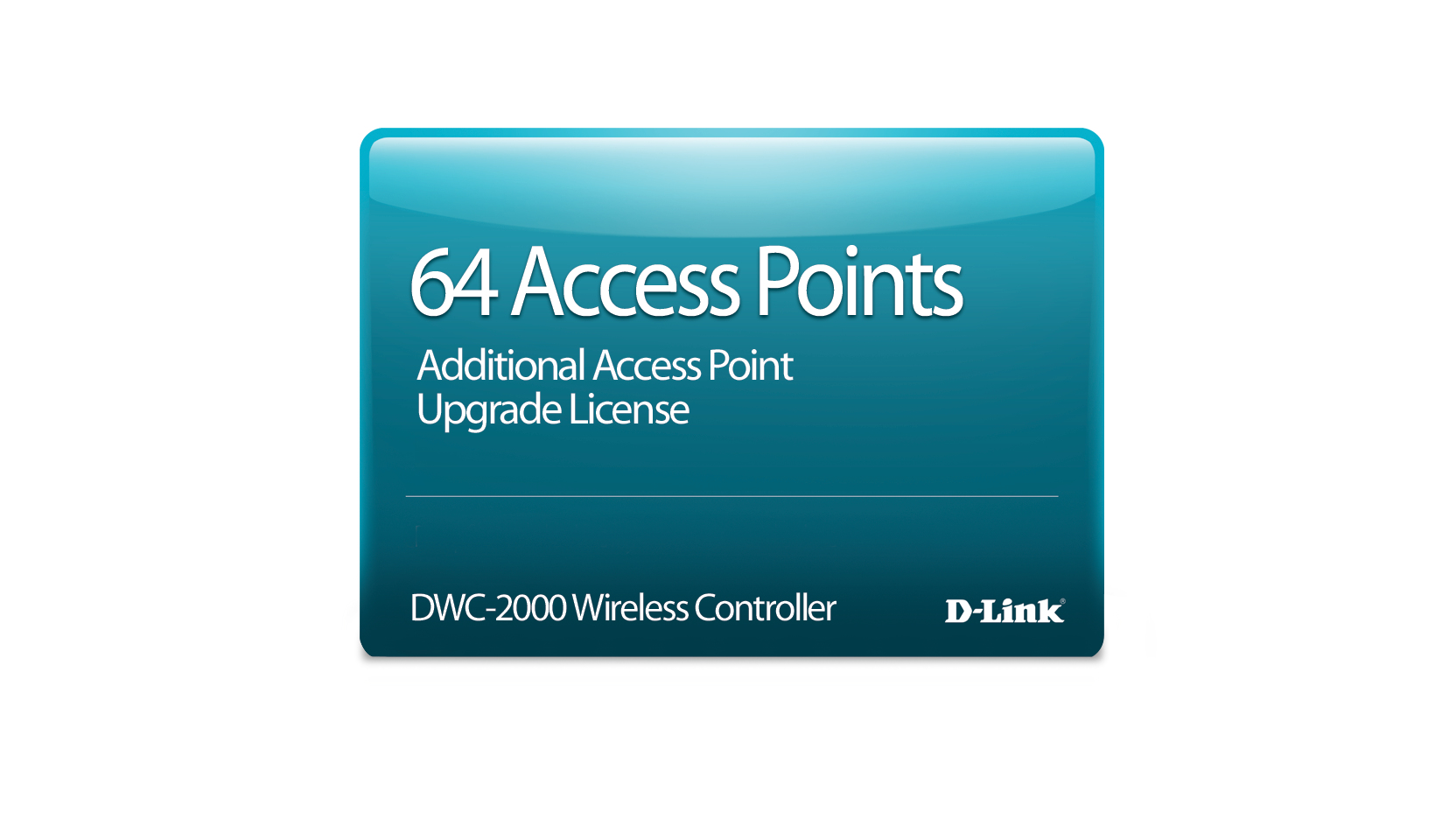
D-Link DWC-2000-AP64-LIC D-Link DWC-2000-AP64-LIC software license/upgrade
Add 64 additional Access Point Licenses to your DWC-2000. This license works only with DWC-2000 and cannot be activated on any other model. Please make sure you are buying the correct license for your model. Once received, there are no returns or refunds on license keys. For RMA exchanges on products with activated licenses, please contact D-Link Support. Do not RMA the product through the Distributor. Please consult the DWC-2000 product page and datasheet for more details.
Part# DWC-2000-AP64-LIC
SKU S19454
In
Stock

Item(s) added to cart

