
 0
0
Telecom & Navigation
1190 –
1200
of
1273
Availability
Sort by
Advance Filters
Poly
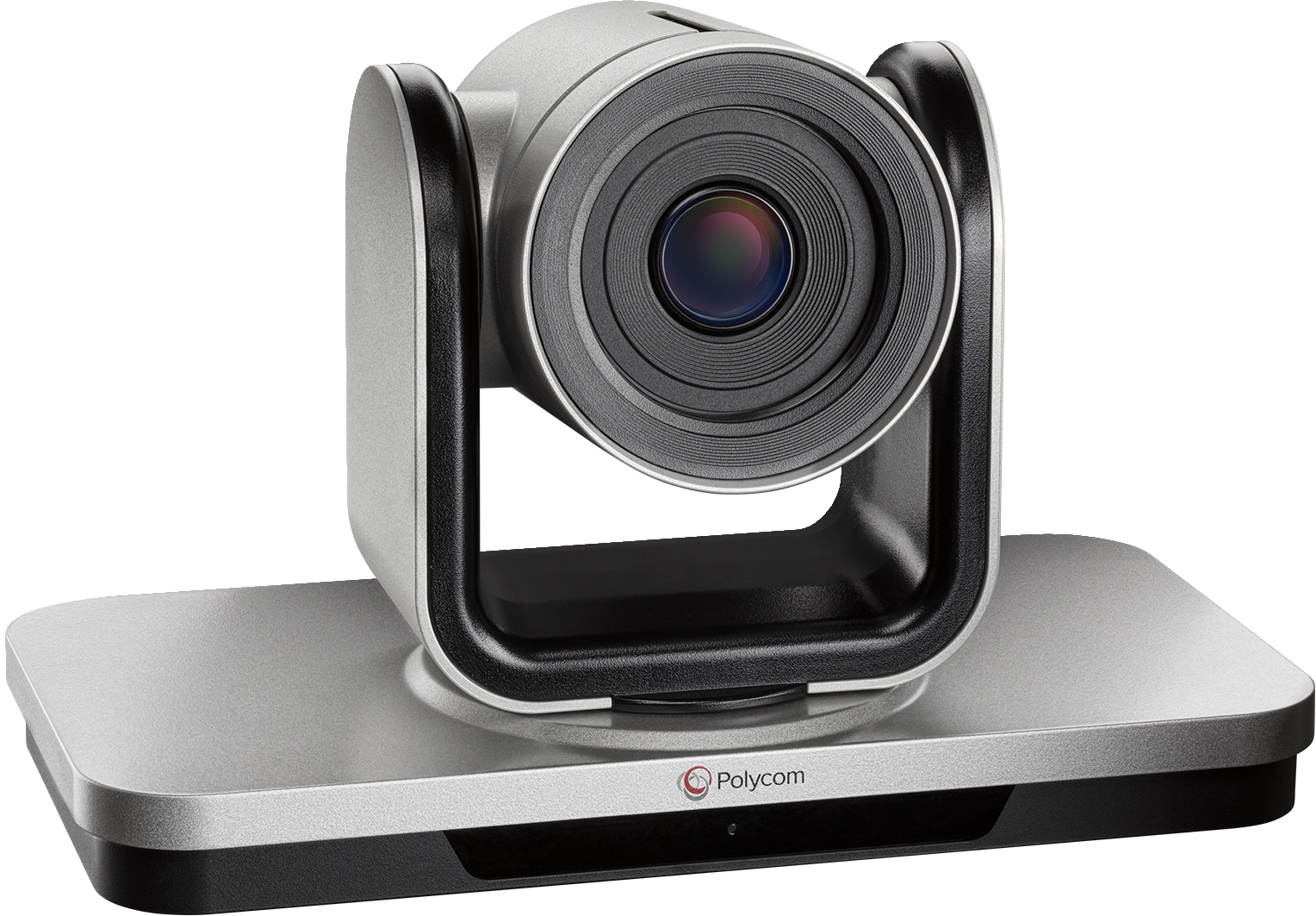
Poly 8200-64350-001 POLY EagleEye IV 12x Camera
Every detail mattersTransform your video conferencing experience with the EagleEye IV USB premium HD camera. Improve collaboration, boost productivity, and make impactful decisions in medium to large spaces.
Part# 8200-64350-001
SKU S19454
Limited Availability


Limited Availability
Limited Availability
Cisco
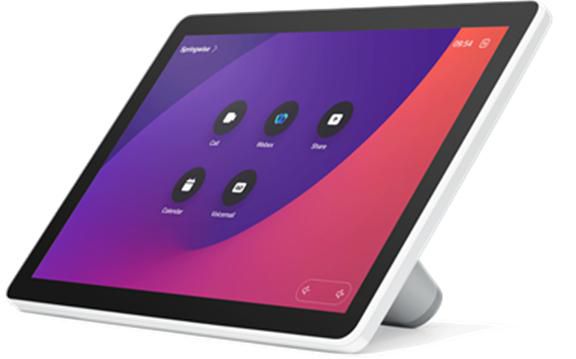
Cisco CS-T10-TS-K9= Cisco Room Navigator Remote control Black, Grey
The table-stand model of Cisco Room Navigator is a 10-inch, platform-independent touch display that allows you to enable seamless workspace experiences by intuitively controlling your Cisco collaboration devices, apply video conference and room controls, and run third-party applications.It can be deployed as a native RoomOS device for room controls or room scheduling, configured to run natively on Microsoft Teams Rooms, or set up in persistent web app mode to work with UMA, Appspace, and other workspace apps. Better still, it gives the flexibility to be deployed as a standalone device or paired with a video conferencing endpoint.This touch-based unit was designed to create uninterrupted workflows and help maximize the utilization of your collaboration spaces while delivering these experiences in a way that is scalable, secure and easy to manage.Cisco Room Navigator for table is a versatile device that combines controls, an intuitive display and sensors into an elegant touch panel. It can be either configured as a room control device or a room booking unit within meeting rooms.It is a touch panel that gives intuitive access to multiple systems in interior spaces while the integrated sensors of the device provide the means to control and optimize the environment. When it is connected with a video device, it provides instant access to meetings, device controls, contacts, directories, and content. The device can be used to control conference systems, move partitions, curtains and other room peripherals, access third-party workspace applications and provide room booking capabilities.The control display with its calm appearance and aesthetics showcases clean surfaces and fine details for a friendly, approachable look. It supports two positions on the table with different viewing angles, including a 180-degrees rotation of the user interface when the device is tilted. The device adapts smoothly from small to large conference spaces and huddle rooms while equipped with a detachable foot stand to enable easy disassembly, securely lock the cable and avoid connector strain.You only need a single Ethernet cable to power the device and access the network. The Room Navigator can be connected directly to a Cisco video device or remotely paired to it via a PoE network.Cisco Room Navigator offers room intelligence in a box, bringing efficiency, usability and aesthetics to your workspaces. Recognized in the Red Dot Design Awards, this room panel delivers smooth integration with collaboration endpoints and third-party applications, unmatched room intelligence, and UI consistency in a cost-effective, scalable and simple way.It unlocks the best combination of user centric design, purpose-built hardware, native software and an open approach to integration out of the box to help you transform your physical workspaces.Cisco Room Navigator is a competitive, feature-rich and highly flexible solution that can be used either as a room and conference control panel or a dedicated scheduling display. It offers advanced cloud device management capabilities in Control Hub, and offers rich sensor data that supports creating a safer and optimized workspace environment (requires connectivity with a video endpoint). It can be configured to run third-party applications to help you protect your existing workspace management and room booking investments. With the Room Navigator, you can experience frictionless meetings, effortless space reservation, and streamlined room and device integrations.With the Cisco approach to workspace intelligence, you can significantly simplify your deployment, lower total cost of ownership and ease management efforts by leveraging a single vendor to provide platform agnostic video collaboration devices, the underlying meeting service, the room control hardware, and the associated room booking software solution.
Part# CS-T10-TS-K9=
SKU S19454
Limited Availability
Benq
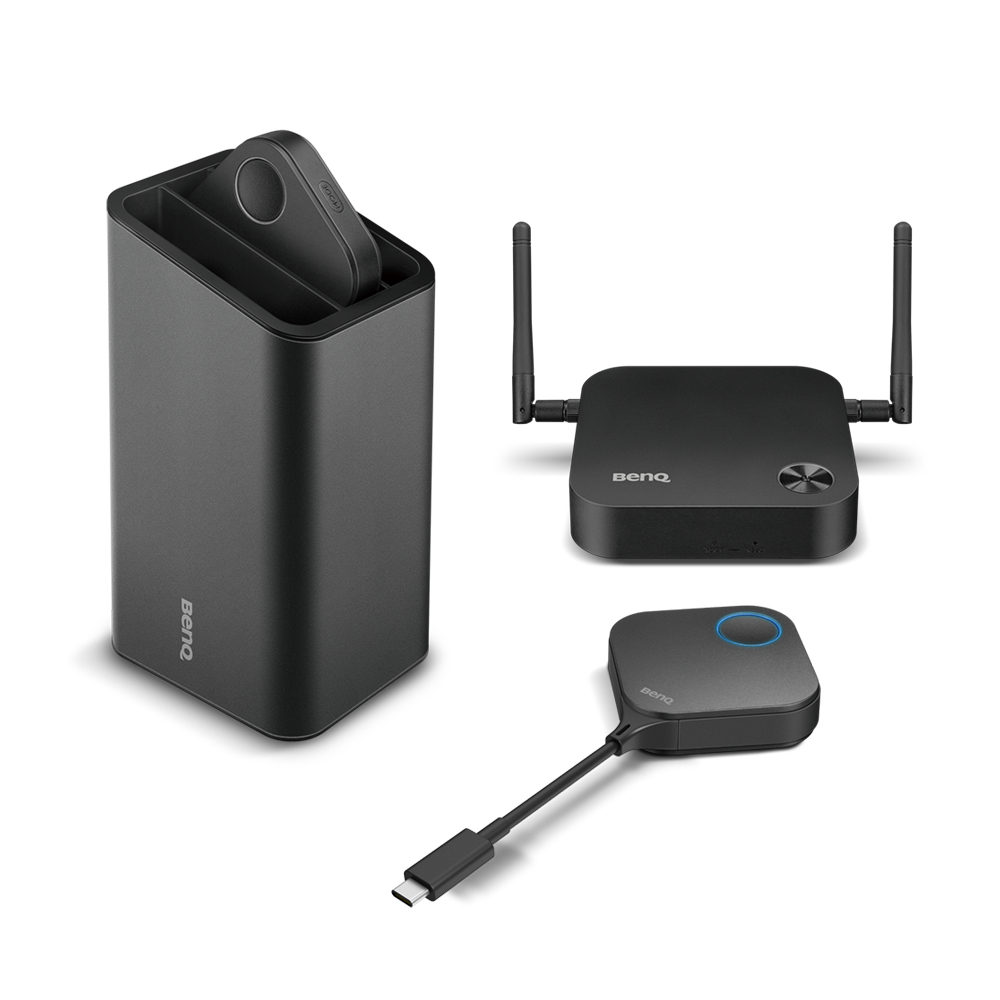
Benq 9H.JLD78.N4E BenQ WDC10C wireless presentation system USB Type-C Desktop
Instant Visual Communication and Collaboration for Modern EnterprisesIt’s human nature to resist change, which is why new technology can be intimidating. InstaShow® requires zero learning curve, plugging right into your daily routine to start sharing instantly. Anyone that tries InstaShow® immediately knows how to use it for collaborative presentations. InstaShow® is a wireless solution that ushers opportunities in network collaboration without additional facility investment or training. Any business customer, even those without Wi-Fi infrastructure, can deploy InstaShow® for employees and visitors to enjoy simple and quick wireless presentations without awkward moments setting up, allowing instant teamwork and immediate results.Freedom of Instinctive CollaborationOne Simple Button to Start PresentationJust a single button, InstaShow® is an all-hardware solution that simply plugs into the source laptop. It takes mere seconds to start presenting wirelessly. There is no software at all to install, configure, or execute, reducing downtime and uncomfortable silences to kick off a productive meeting.Plug In and Present ImmediatelyEasy for anyone to set up, InstaShow® is ready to use from the moment it’s plugged in. It also significantly enhances corporate efficiency and agility by allowing up to 16 users to connect and present in turn without the usual tech-related delays between presenters. Furthermore, InstaShow®'s support for integrated hardware encoding and decoding ensures it can provide smooth presentation and video playback regardless of the operating system and capabilities of the source notebook.High-Performance Wireless with Full HD Video SharingOur exclusive InstaVideo function optimizes InstaShow®’s audiovisual settings to spontaneously switch from clear presentation mode to smooth video mode with stereo sound at the click of a side button. This is all done without IT support, cable clutter or complex software settings. By letting presenters quickly customize displayed content, users can confidently blend text, graphs and charts, pictures and video to create a powerfully effective meeting, all done wirelessly in Full HD.Versatile Compatibility on Any Display DeviceInstaShow® allows users to share their presentations to a wide variety of display devices, such as a projector, an interactive display, or a digital signage monitor, with just a standard HDMI input. This affords presenters great flexibility to accommodate different locations as well as the display devices available.Robust Security FeaturesSoftware-Free Highly Secure OperationJust plug InstaShow® into a laptop and you are ready to share securely. Because it’s an all-hardware solution that requires no software, drivers, or downloads of any kind, InstaShow® completely eliminates many potential entry points that viruses and malware can exploit.Trustworthy Security ProtectionInstaShow® keeps important corporate intellectual property private and safe from tampering or unintended disclosure, ensuring future business sustainability. AES 128-bit security encryption and the WPA2 authentication protocol guarantee that presentations are absolutely secure. The security handshake also assures smooth, high-quality wireless streaming of presentations. This allows presenters to share confidential information without worrying about security breaches. InstaShow® also supports HDCP to ensure content with digital rights management will play smoothly without delay, error messages, or interruption.BenQ Lauded for its Commitment to Information Security with ISO27001 Certification. InstaShow® Wireless Presentation Solution Perfectly Exemplifies the Company’s Rigorous Information Security Standards.Easy Management and MaintenanceSimple Pairing and Hassle-Free MaintenanceInstaShow® is ready to use immediately out of the box. But if you need to pair additional transmitters to a receiver, you will find the process is incredibly simple. Just hold down the pairing key on the host for 5 seconds, then do the same on the transmitter, and the two devices will pair automatically. The host can even be put into pairing mode via web control if it is installed onto a ceiling-mounted projector or otherwise hard to reach location.Professional and Reliable PerformanceOptimal Intelligent Resolution MatchingUtilizing EDID, InstaShow® automatically configures the source notebook’s resolution setting to match the display device pixel-by-pixel for perfectly clear picture quality, whether it is a projector, flat-panel display, monitor or TV. InstaShow® users can focus on the meeting rather than adjusting resolution settings or requesting IT support to adjust display timing.Reliably Stable Wireless ConnectionOur exclusive automatic Wi-Fi channel selection and auto-reconnect features allow presenters to trust InstaShow®, without any concern for stoppages or interruptions caused by unstable Wi-Fi environments. Equipped with Wi-Fi 802.11ac for high transmission speed up to 400Mbps, InstaShow® provides smooth wireless streaming of Full HD 1080p content without lagging, even in wireless traffic-heavy environments.Fast Response for Presentation Video and AnimationInput latency lag less than 100ms enables natural, precise mouse movements and smooth execution of PowerPoint animations and transitions for professional-looking presentations. Corporate presenters and participants can concentrate on the meeting with the smoothest flow and follow critical points of the content intuitively.Eco-Conscious Operation for Efficiency and ProductivityInstaShow® offers multiple ways that users may select via web management to conserve energy for eco-conscious corporations. First, HDMI Standby cuts InstaShow®’s power consumption to near zero after the connected device is turned off, extending InstaShow®’s lifespan. When the display device is turned back on, InstaShow® also wakes up automatically without the need for a separate remote control. This is especially useful when InstaShow® is ceiling mounted. In addition, InstaShow® can be configured to enter Network Standby when there is no source activity within a user-defined timeout, cutting HDMI transmission and triggering sleep modes on connected display devices, which simply need to be turned back on when the presentation or meeting resumes. This reduces corporate TCO not only from power savings and extended lifespan from the InstaShow® device, but from meeting room displays that are left running unused as well. In fact, up to 50% of display power consumption* can be conserved by InstaShow® activating Blank Mode when used in conjunction with a BenQ projector.
Part# 9H.JLD78.N4E
SKU S19454
Limited Availability
Jabra
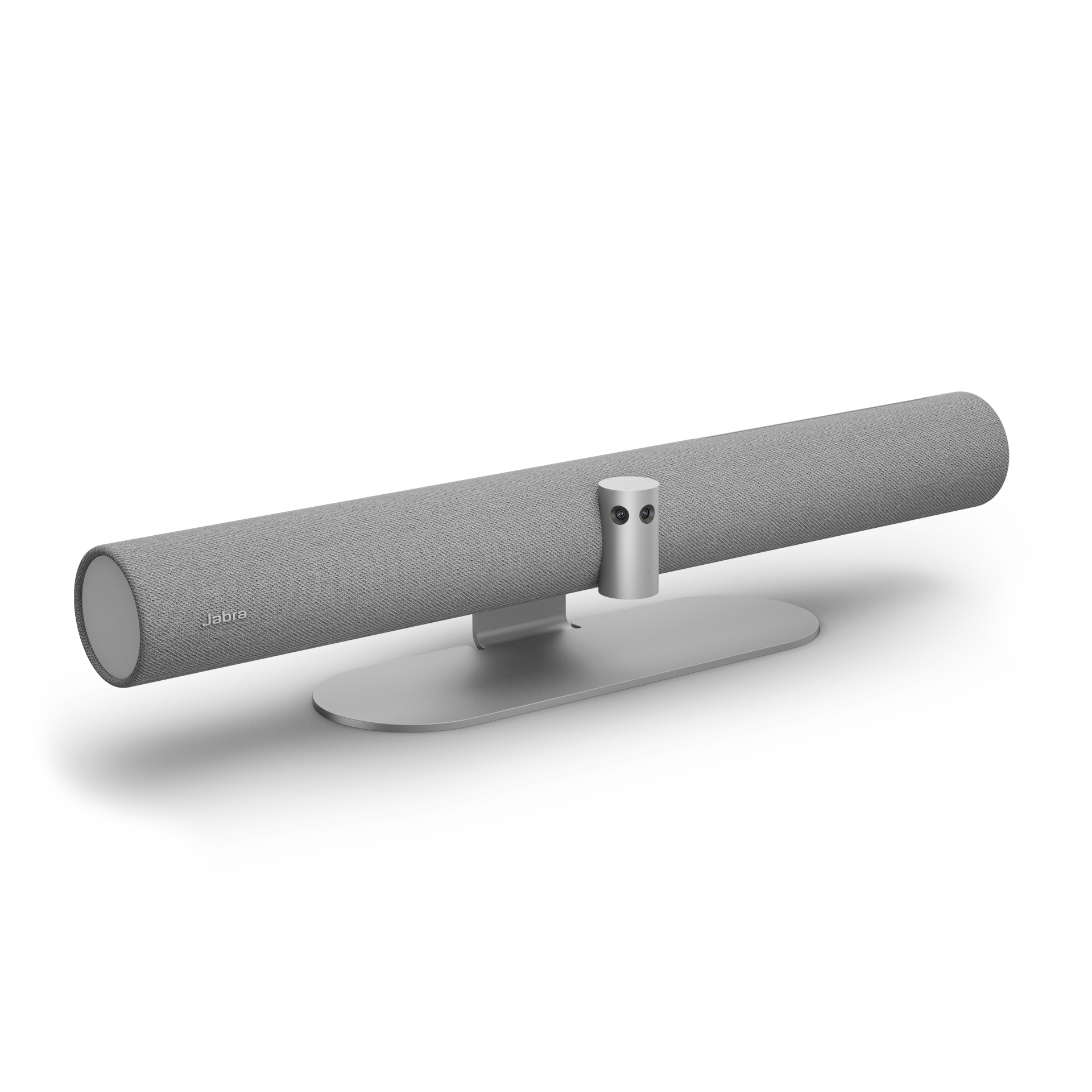
Jabra 8201-237 Jabra PanaCast 50 Grey - UK
The first video bar to combine world-leading Jabra audio with our unique 180° field of view and cutting-edge room usage insights, for an inclusive, collaborative, reinvented meeting experience.
Part# 8201-237
SKU S19454
Limited Availability
Lenovo
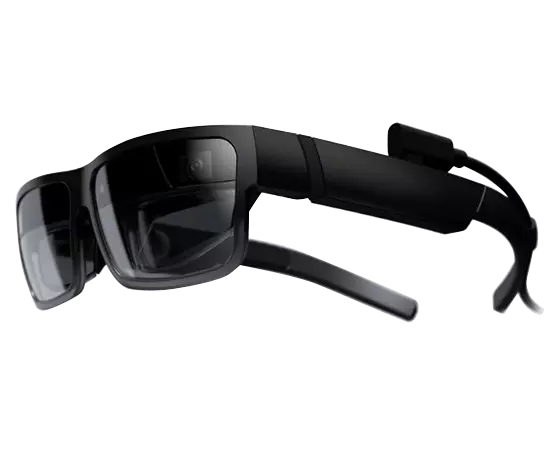
Lenovo 20V7Z9AKXX Lenovo ThinkReality A3 130 g Black
Create a custom workspace anywhereNo matter where you’re working, ThinkReality A3 enables you to create and customize your workspace via augmented reality. Set up multiple virtual monitors at your kitchen table. View secure data in the middle of a busy coffee shop. Place the virtual display(s) in the perfect location, then tilt, swivel, and lock in place.Find your perfect fitAt 130g / 0.3lbs, these glasses are comfortable and light. And they were designed for tool-free modularity, with simple-yet-secure nosepieces and ear-horn extensions that allow you to customize the fit. ThinkReality A3 even adapts to different use cases, based on what you want to view.Your eyes will be as safe as your dataThinkReality A3’s safety lenses provide eye protection compliant with (ANSI) Z87.1 standards. Swap out the front frames and lenses and choose appropriate tint levels and side shielding—while maintaining optimal ergonomics. You can also use prescription lenses mounted to the nosepiece for a single assembly, and then easily remove if someone else uses the same A3.PC compatibilityThe multimonitor capability of the ThinkReality A3 works not only with high-performance PCs with multithreaded processors and dedicated graphics, but also with mainstream-use computers that meet the requirements detailed in the Tech Specs.
Part# 20V7Z9AKXX
SKU S19454
Limited Availability
Apple
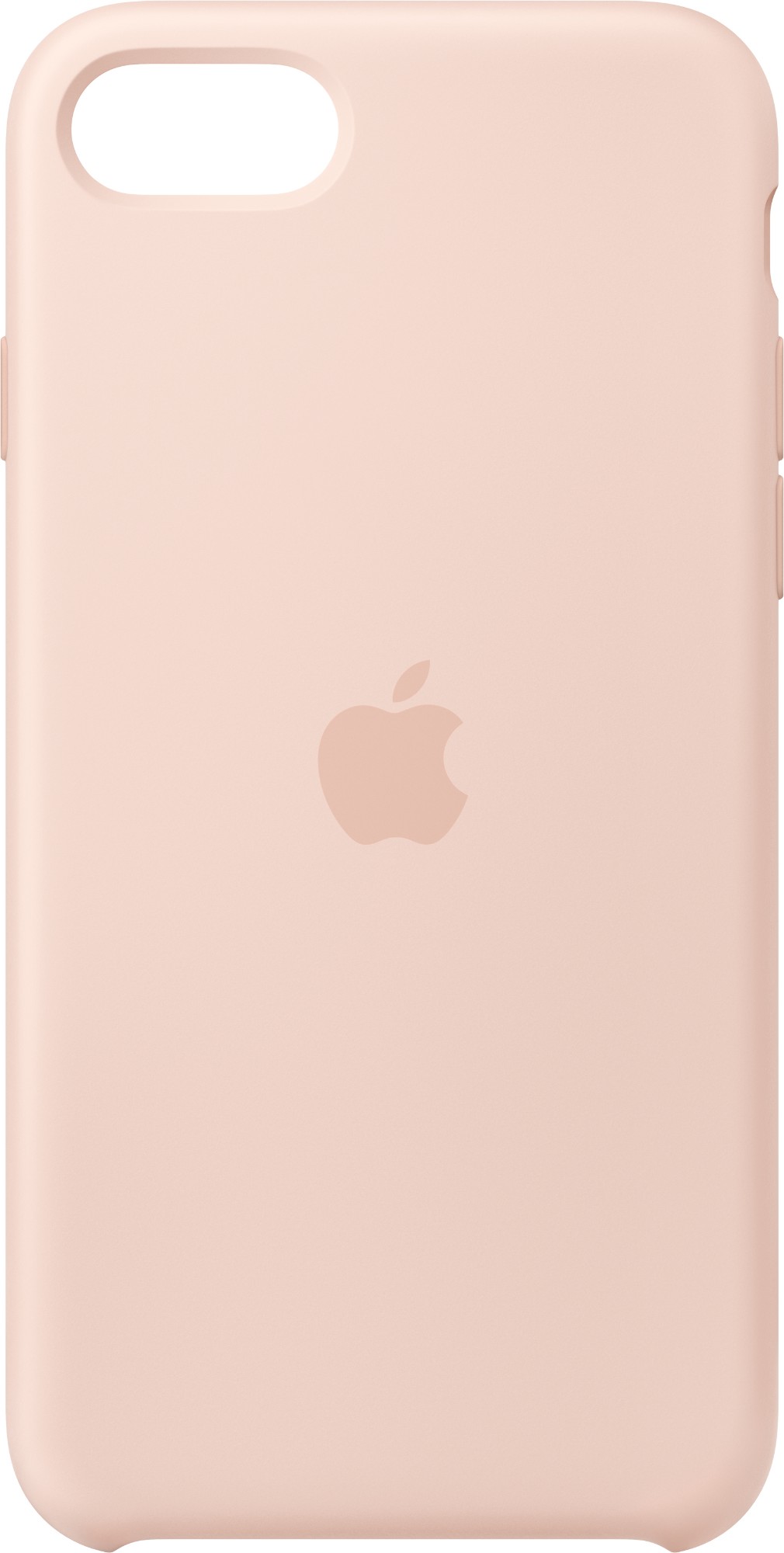
Apple MN6G3ZM/A Apple iPhone SE Silicone Case - Chalk Pink
Designed by Apple to complement iPhone SE, the form of the silicone case fits snugly over the volume buttons, side button, and curves of your device without adding bulk. A soft microfiber lining on the inside helps protect your iPhone. On the outside, the silky, soft-touch finish of the silicone exterior feels great in your hand. And you can keep it on all the time, even when youâre charging wirelessly.Like every Apple-designed case, it undergoes thousands of hours of testing throughout the design and manufacturing process. So not only does it look great, itâs built to protect your iPhone from scratches and drops.
Part# MN6G3ZM/A
SKU S19454
Limited Availability
Cisco
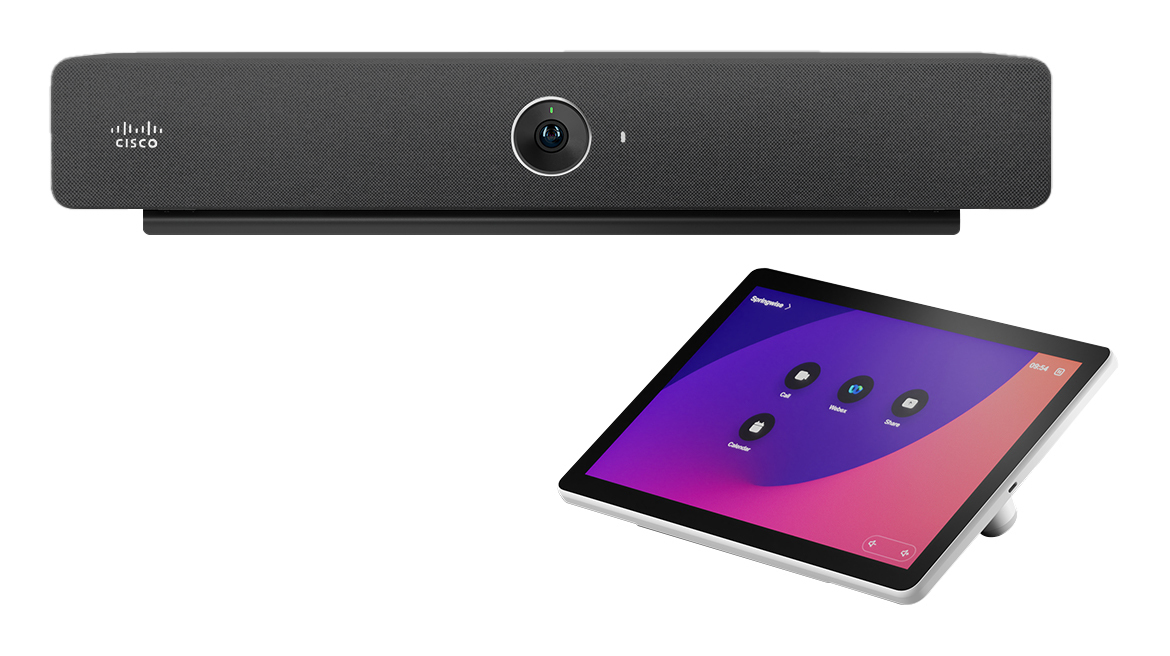
Cisco CS-BAR-W-C-K9 Cisco Webex Room Bar video conferencing system 12 MP Ethernet LAN Group video conferencing system
Bring big ideas to small spacesStunning video, intelligent meeting experiences, and boundless flexibility for your small huddle and meeting rooms.Crafted for connectionA combination of pleasing aesthetics and human-centric design creates easy and elegant collaboration experiences.Deploy at scaleScalable and simple to manage so you can bring great video conferencing to any spaceâfrom a single room to an entire campus.Boundless collaboration for hybrid workspaces.The Room Bar does it allâfrom native, laptop-free video conferencing and wireless sharing to seamless BYOD experiences. Power your meetings with a codec-powered appliance or connect your computer via a single USB-C cable.Thousands of details. One immersive experience.Transform meeting rooms with immersive experiences.Enjoy more productive meetings and incredible video conferencing experiences on any meetings platform with the Webex Room Bar which integrates with single or dual displays.Built-in microphone arrayBlock out distractions with the noise-cancelling microphone array and AI-based noise removal so everyone is heard loud and clear.High-performing stereo loudspeakersBenefit from spatial audio powered by dual stereo speakers just as if everyone was in the same room.External microphone extensionConnect the Webex Room Bar with an external microphone so even the far-end of the table comes across crisp and clear in extended workspaces.Join any meeting, anytime.With Webex devices, you can experience exceptional video conferencing and co-creation on any meeting platform.Welcome to the intelligent workplace.The Webex Room Bar automatically wakes up as you enter the room, and you can join your meeting in seconds with a tap or a simple voice command. Use AI-powered face recognition to identify meeting participants and ultrasound technology to provide real-time metrics for workspace optimization and in-office wellbeing.
Part# CS-BAR-W-C-K9
SKU S19454
Limited Availability
Owl Labs
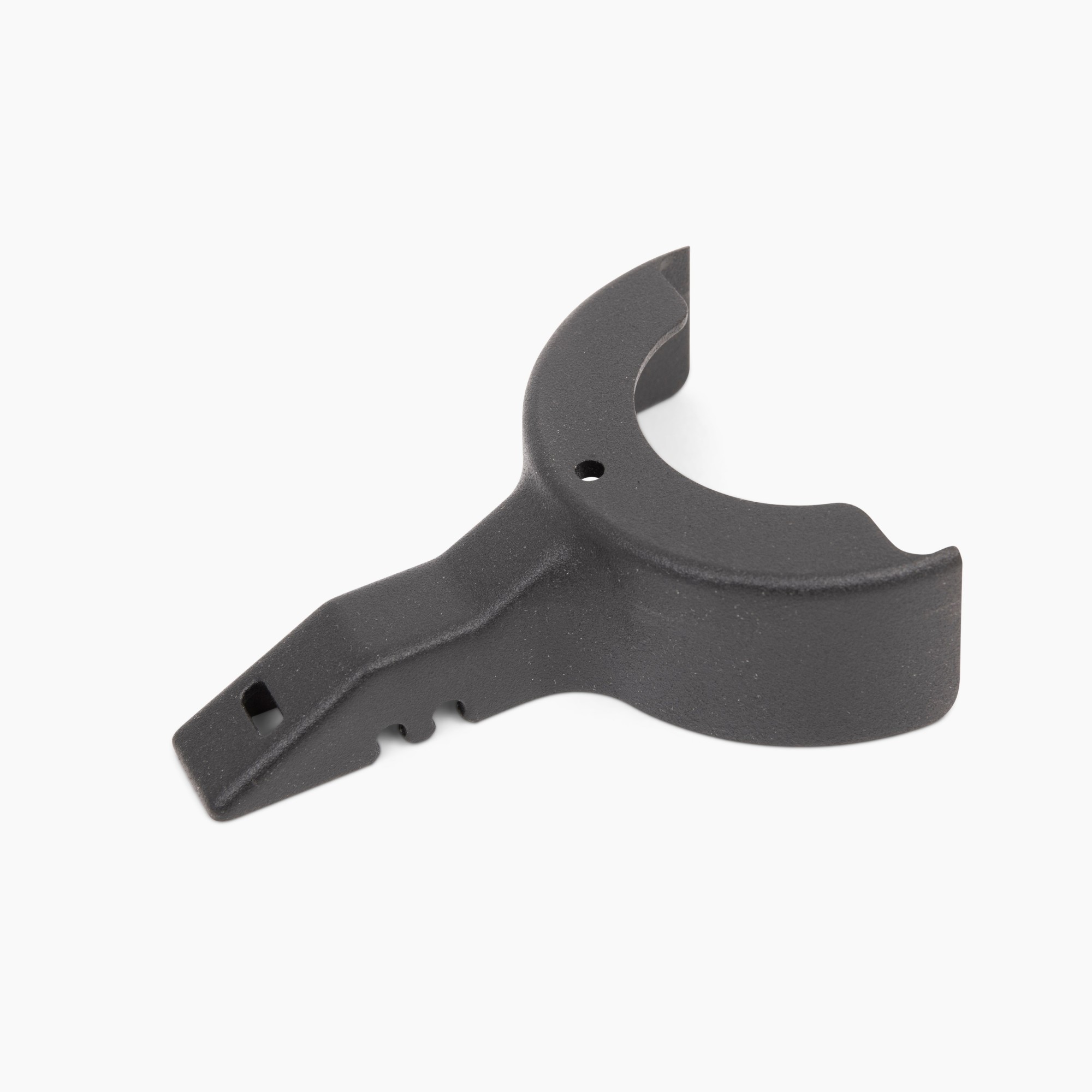
Owl Labs ACCMTW300-0000 Owl Labs Meeeting Owl 3 Lock Adapter Black
Our K-Lock Adapter attaches to the bottom of the Meeting Owl 3 to keep your Owl secure and cables organized. Adds a standard Kensington T-bar lock slot to your Meeting Owl. Compatible with the Meeting Owl 3.
Part# ACCMTW300-0000
SKU S19454
Limited Availability

Item(s) added to cart


