
 0
0
DELL
300 –
310
of
430
Availability
Sort by
Advance Filters
DELL
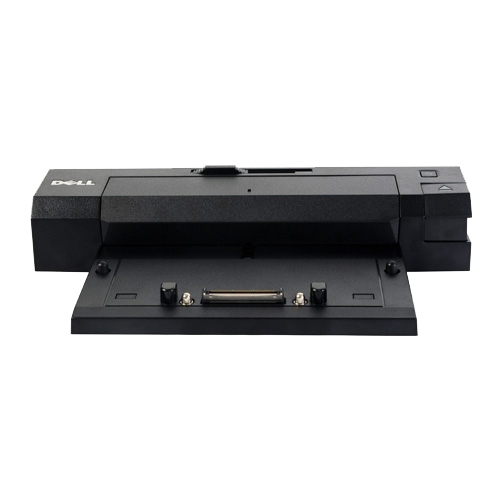
DELL 452-11506 DELL 452-11506 laptop dock/port replicator Docking Black
Maximize your workspace with the Dell™ E-Port Replicator. This E-Port Replicator gives you a comfortable work space where you can plug a keyboard, mouse and monitor to the port replicators and use your laptop like a desktop. Simplified connectivity facilitates a single interface to connect to your printer, monitor or other peripheral devices. It also gives you ease of mobility wherein you need not unplug and re-plug multiple peripherals to access your printer or other devices. This product is tested and validated with Dell Systems. It is supported by Dell Technical Support, when used with a Dell system.
Part# 452-11506
SKU S19454
In
Stock


DELL
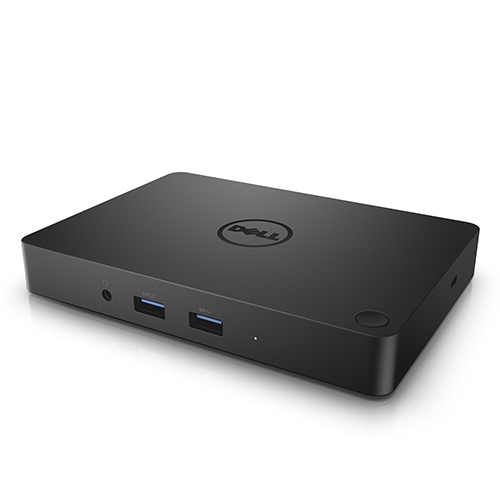
DELL 452-BCCW DELL 452-BCCW laptop dock/port replicator Wired USB 3.2 Gen 1 (3.1 Gen 1) Type-C Black
The Dell Dock provides a common docking experience for both Dell and non-Dell platforms via Display Port over USB Type-CTM, ensuring a reliable connection and crisp display. The dock connects with a single cable, freeing up space on your desk and in your workspace with the added ability to mount behind a monitor or on your desk. Great for presentations, the small and compact Dell Dock enables fast, efficient connectivity to multiple displays and all your everyday peripherals through one convenient cable.Single Cable ConnectivityFeaturing a powerful DisplayPort over USB Type-CTM cable, with the Dell Dock you can quickly connect your laptop or tablet to a single data and power source up to 130W for Dell devices and 60W for non-Dell devices. You’ll also enjoy an easy, reliable connection from your laptop or tablet to dual FHD displays or a single 4k display @ 30Hz, and all your essential peripherals.Small Footprint and Big FlexibilityThe Dell Dock is small in size-just 6.1 x 4.3 x .83 inches (15.49 x 10.92 x 2.11 cm)-and has one single cable. Place it anywhere you want to work-in your traditional office workspace, a hot desk or a conference room-even if space is limited.One dock for allThe Dell Dock is compatible with select Dell laptops, workstations, tablets and many compatible non-Dell devices with USB-Type CTM port(s) having data, video, and power capabilities. Easily connect to displays, a mouse, keyboard and audio devices through the Dell Dock from your compatible system of choice.Connect for collaborationGrab your laptop and head to the next meeting where you, and your co-workers, will be able to quickly connect to the Dell Dock and share your latest PowerPoint presentation through a connected display screen or projector.Enhanced video performanceUSB Type-C connectivity is the latest and extremely reliable technology for video performance. Your display will be crisp and clear.Connections and Features:- Supports 2 FHD displays- Two USB 2.0 ports- Three USB 3.0 ports- Speaker output (rear)- Combo audio (front)- Gigabit Ethernet- Kensington Lock Slot- 180W AC adapter with 7.4mm barrelWhat’s in the boxDell DockDisplayPort over USB Type-CTM Cable180W AC adapter with 7.4 mm barrelQuick Setup Guide
Part# 452-BCCW
SKU S19454
In
Stock
DELL
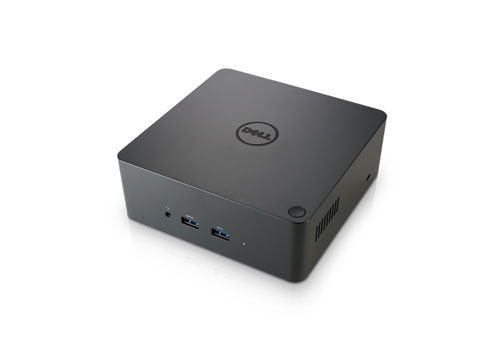
DELL 452-BCOS DELL TB16 Wired Thunderbolt 3 Black
One dock. One cable. Ultimate Performance.The Dell Thunderbolt™ Dock TB16 -240W with Intel® Thunderbolt 3 technology is the ultimate docking solution, designed for power users and traditional workstation clients, creating the ability to connect up to three FHD displays, two 4K displays or one 5K display at 60Hz. Data transfers up to 40 Gbps allow lightning-fast transfers of larger files such as video editing files.Small footprint and big flexibilityThe Dell Thunderbolt™ Dock TB16 -240W is small in size – just 5.7 x 5.7 x 2 inches (145 x 145 x 51mm). By connecting one cable to your laptop, you can get access to a wide variety of ports, enhancing productivity.One source for powerThe Dell Thunderbolt™ Dock TB16 -240W can provide power to your laptop (at 19.5V) and can also provide up to 60W of power to attached Thunderbolt™ 3 peripherals. Dell Precision, Latitude or XPS notebooks with a Thunderbolt™ 3 port can receive up to 130W of power.*Precision 7510/7520/7530/7710/7720/7730 require more power than 130W, so when docked with the Dell Business Thunderbolt Dock TB16, the workstation power adapter needs to be plugged in for optimal operation. For the best experience with Precision 7530 or 7730, choose the Dell Precision Thunderbolt Dock TB18DC which comes with a dual USB-C connector that provides up to 210W power delivery, so you no longer need an additional power adapter to charge your Precision 7530 or 7730.
Part# 452-BCOS
SKU S19454
In
Stock
DELL
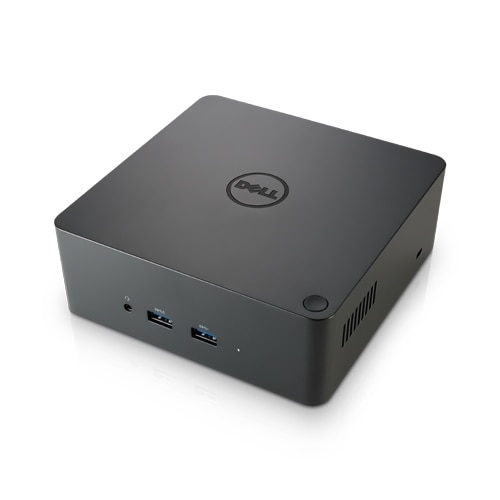
DELL 452-BCOV DELL TB16 Wired Thunderbolt 3 Black
One dock. One cable. Ultimate Performance.The Dell Thunderbolt™ Dock TB16 -240W with Intel® Thunderbolt 3 technology is the ultimate docking solution, designed for power users and traditional workstation clients, creating the ability to connect up to three FHD displays, two 4K displays, or one 5K display at 60Hz. Data transfers up to 40 Gbps allow lightning-fast transfers of larger files such as video editing files.Small footprint and big flexibilityThe Dell Thunderbolt™ Dock TB16 -240W is small in size—just 5.7 x 5.7 x 2 inches (145 x 145 x 51mm). By connecting one cable to your laptop, you can get access to a wide variety of ports, enhancing productivity.One source for powerThe Dell Thunderbolt™ Dock TB16 -240W can provide power to your laptop (at 19.5V) and can also provide up to 60W of power to attached Thunderbolt™ 3 peripherals. Dell Precision, Latitude or XPS notebooks with a Thunderbolt™ 3 port can receive up to 130W of power.Connections and Features:- Supports 3 displays- Two USB 2.0 ports- Three USB 3.0 ports- Thunderbolt 3 (USB-C) port- Speaker output (rear)- Combo audio (front)- Gigabit Ethernet- Kensington Lock Slot- 7.4 mm DC-IN Power InputWhat's in the BoxDell Thunderbolt™ Dock TB16USB Type-C Thunderbolt™ Cable240W AC Adapter
Part# 452-BCOV
SKU S19454
In
Stock
DELL
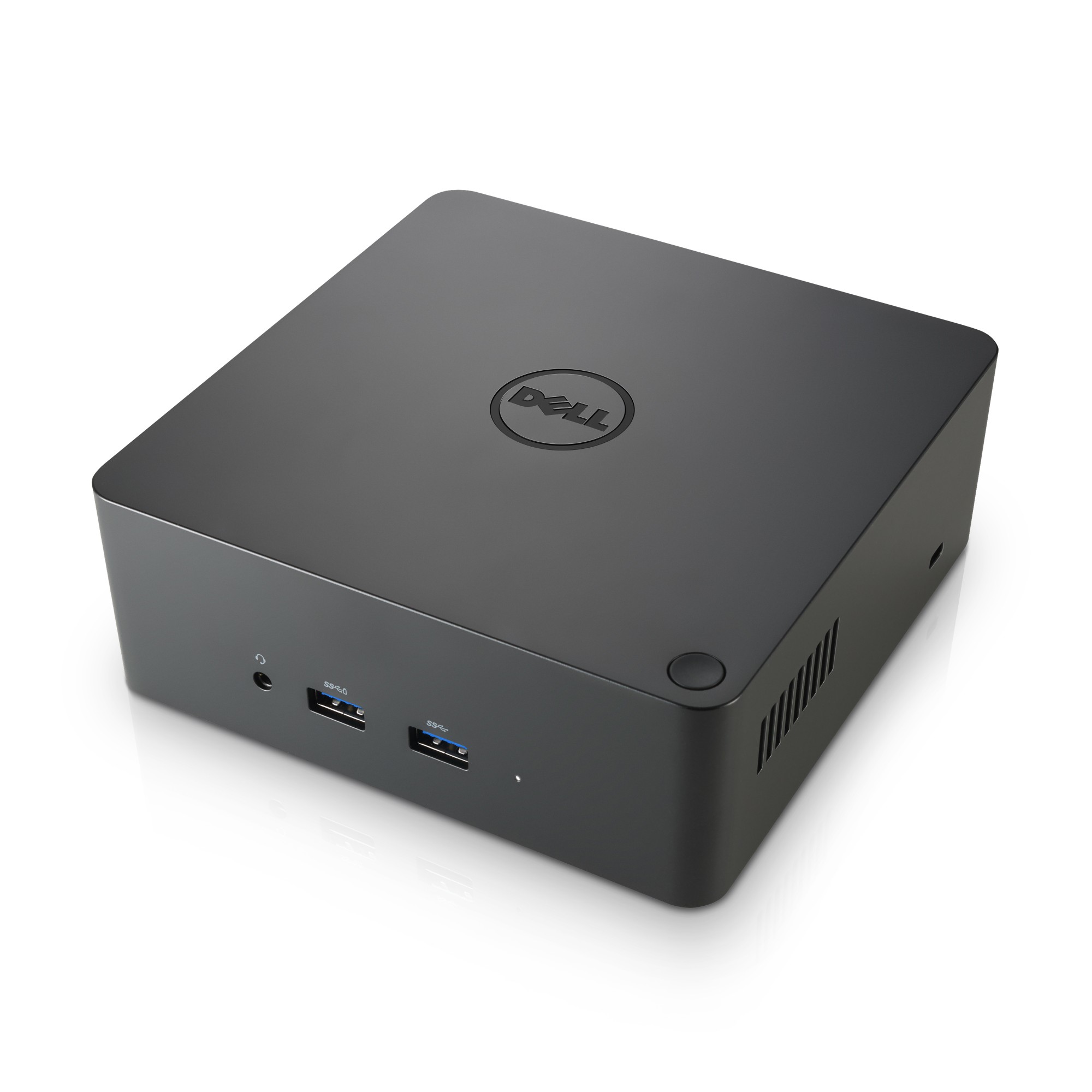
DELL TBDOCK-240W DELL TB16 Wired Thunderbolt 3 Black
One dock. One cable. Ultimate Performance.The Dell Business Thunderbolt Dock - TB16 with 240W Adapter with Intel® Thunderbolt 3 technology is the ultimate docking solution, designed for power users and traditional workstation clients, creating the ability to connect up to three FHD displays, two 4K displays, or one 5K display at 60Hz. Data transfers up to 40 Gbps allow lightning-fast transfers of larger files such as video editing files.Small footprint and big flexibilityThe Dell Business Thunderbolt Dock - TB16 with 240W Adapter is small in size—just 5.7 x 5.7 x 2 inches (145 x 145 x 51mm). By connecting one cable to your laptop, you can get access to a wide variety of ports, enhancing productivity.One source for powerThe Dell Business Thunderbolt Dock - TB16 with 240W Adapter can provide power to your laptop (at 19.5V) and can also provide up to 60W of power to attached Thunderbolt™ 3 peripherals. Dell Precision, Latitude or XPS notebooks with a Thunderbolt™ 3 port can receive up to 130W of power.Connections and Features:- Supports 3 displays- Two USB 2.0 ports- Three USB 3.0 ports- Thunderbolt 3 (USB-C) port- Speaker output (rear)- Combo audio (front)- Gigabit Ethernet- Kensington Lock Slot- 7.4 mm DC-IN Power InputWhat's in the BoxDell Business Thunderbolt Dock TB16USB Type-C Thunderbolt™ Cable240W AC AdapterCompatibilityThis product is compatible with the following systems:XPS 13 (9350)XPS 15 (9550)XPS 12 (9250)Precision 15 7000 Series (7510)Precision 17 7000 Series (7710)Precision 15 3000 Series (3510)Precision 15 5000 Series (5510)XPS 13 (9360)XPS 9560Precision 5520Precision 3520
Part# TBDOCK-240W
SKU S19454
In
Stock

DELL
DELL MH25J DELL MH25J laptop spare part Battery
Always on the go? No more worries about running out of battery power! You can power your Laptop with this 4-Cell Battery from Dell™ . With a capacity of up to 34 WHr, the battery lets your laptop work seamlessly when you are on the move.
Part# MH25J
SKU S19454
In
Stock
In
Stock

In
Stock
DELL
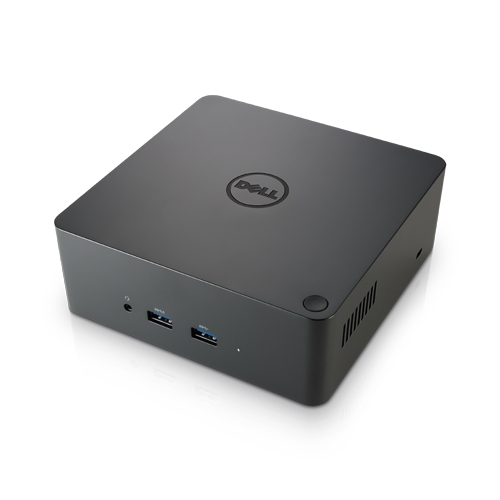
DELL 452-BCOO DELL TB16 -240W Wired Thunderbolt 3 Black
One dock. One cable. Ultimate Performance.The Dell Thunderbolt™ Dock TB16 -240W with Intel® Thunderbolt 3 technology is the ultimate docking solution, designed for power users and traditional workstation clients, creating the ability to connect up to three FHD displays, two 4K displays, or one 5K display at 60Hz. Data transfers up to 40 Gbps allow lightning-fast transfers of larger files such as video editing files. Small footprint and big flexibilityThe Dell Thunderbolt™ Dock TB16 -240W is small in size—just 5.7 x 5.7 x 2 inches (145 x 145 x 51mm). By connecting one cable to your laptop, you can get access to a wide variety of ports, enhancing productivity. One source for powerThe Dell Thunderbolt™ Dock TB16 -240W can provide power to your laptop (at 19.5V) and can also provide up to 60W of power to attached Thunderbolt™ 3 peripherals. Dell Precision, Latitude or XPS notebooks with a Thunderbolt™ 3 port can receive up to 130W of power. The Dell Thunderbolt™ Dock TB16 -240W allows you to quickly connect your mobile workstation to a single data and power source for ultimate display performance and speedy data transfers. The dock connects to Thunderbolt™ 3 enabled notebooks* with a single USB Type-C Thunderbolt™ Cable, allowing users to quickly connect to multiple displays and peripherals, providing power to the notebook, and freeing up space on your desk and in your workspace. * While Dell has committed to ensuring the TB16 meets open standards, 3rd party OEMs can limit compatibility
Part# 452-BCOO
SKU S19454
In
Stock
DELL
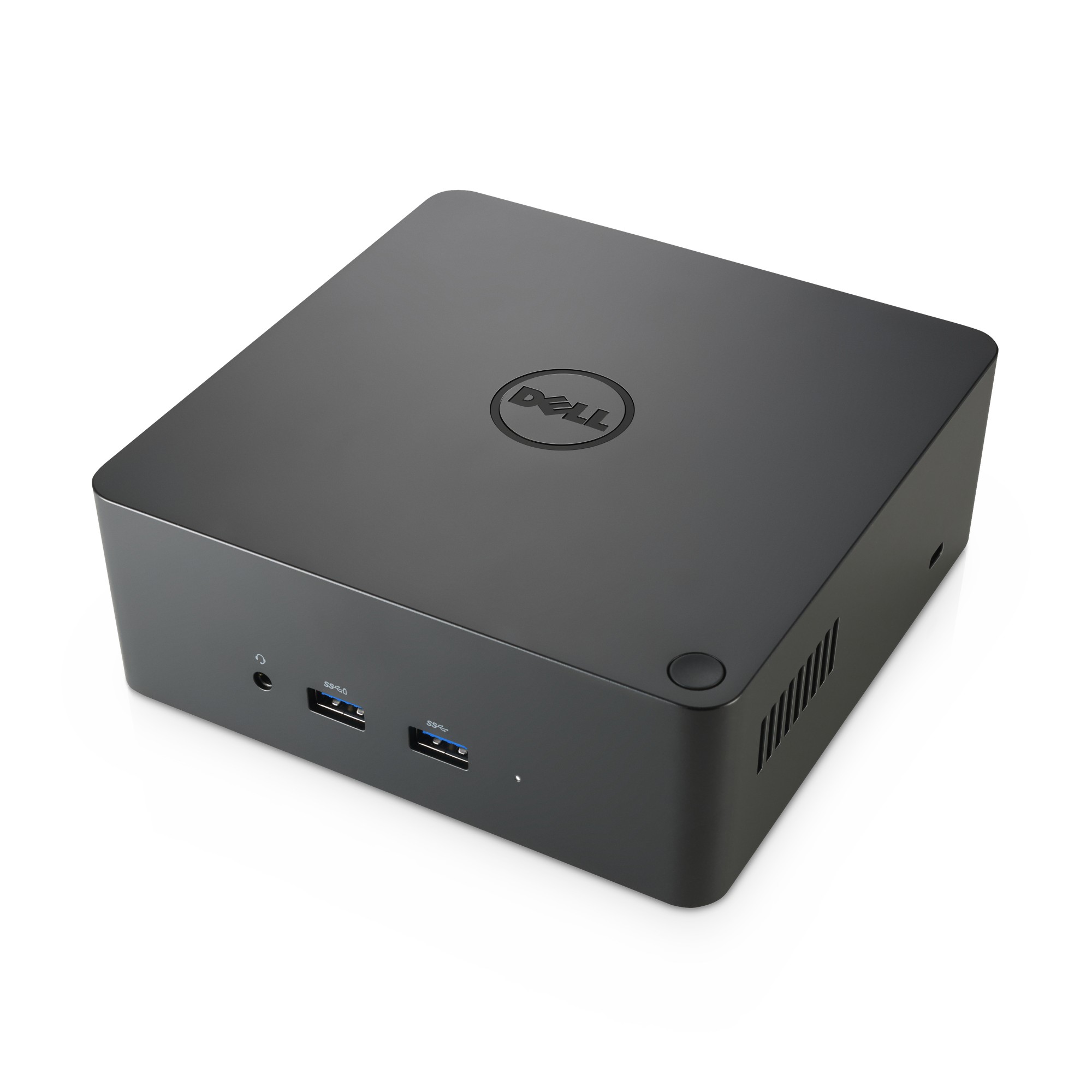
DELL 452-BCOU DELL TB16 Wired Thunderbolt 3 Black
The Dell ThunderboltTM Dock TB16 -240W allows you to quickly connect your mobile workstation to a single data and power source for ultimate display performance and speedy data transfers. The dock connects to ThunderboltTM 3 enabled notebooks* with a single USB Type-C ThunderboltTM Cable, allowing users to quickly connect to multiple displays and peripherals, providing power to the notebook, and freeing up space on your desk and in your workspace
Part# 452-BCOU
SKU S19454
In
Stock

Item(s) added to cart

