
 0
0
QNAP
50 –
60
of
74
Availability
Sort by
Advance Filters
QNAP
QNAP RAM-16GDR4T0-SO-2666 QNAP RAM-16GDR4T0-SO-2666 memory module 16 GB 2 x 8 GB DDR4 2666 MHz
Part# RAM-16GDR4T0-SO-2666
SKU S19454
Limited Availability


QNAP
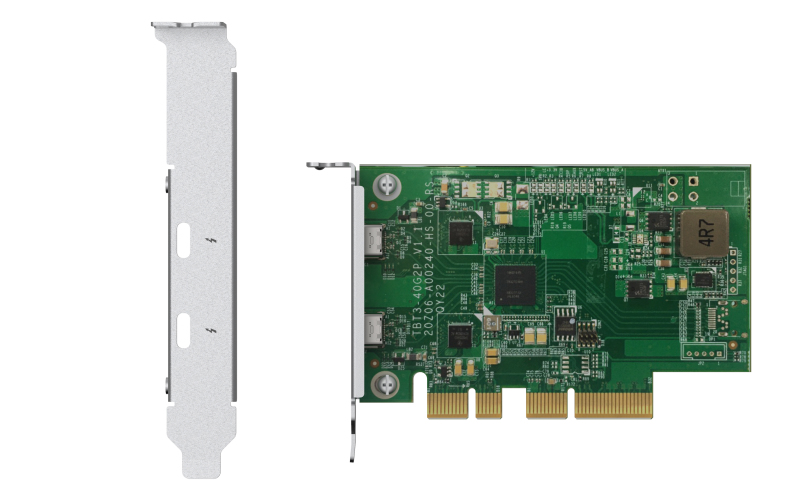
QNAP QXP-T32P QNAP QXP-T32P interface cards/adapter Internal Thunderbolt 3
The Thunderbolt™ 3 Expansion Card enables high-speed data transfer to accelerate everyday tasks and applications. Video editing studios in particular can greatly benefit by being able to smoothly transfer, display and edit 4K videos in real-time. Streamlined Video Editing CollaborationBy using Thunderbolt™ 3 expansion cards, teamwork between Final Cut Pro® and Adobe Premiere Pro® users becomes faster and easier. With SMB protocol support, Final Cut Pro® users can create a library on a NAS volume and use it as if it were a local storage device. Every team member can centrally store video resources in the same NAS shared folder, greatly improving productivity for highly-collaborative projects in multi-workstation environments.Thunderbolt™ 3 Expansion Card Usage ScenariosDaisy-chain up to 6 QNAP Thunderbolt™ devicesA NAS with a Thunderbolt™ 3 expansion card can be daisy-chained with up to 6 QNAP Thunderbolt™ devices, including other QNAP Thunderbolt™ NAS and Thunderbolt 3 to 10GbE Adapter (QNA Series).Connect legacy devicesWhen used with an Apple Thunderbolt™ 3 (USB-C) to Thunderbolt™ 2 adapter* (sold by Apple), legacy Thunderbolt™ 2 MacBook can be connected to your Thunderbolt™ 3 NAS for sharing files and accessing centralized data.
Part# QXP-T32P
SKU S19454
Limited Availability
QNAP
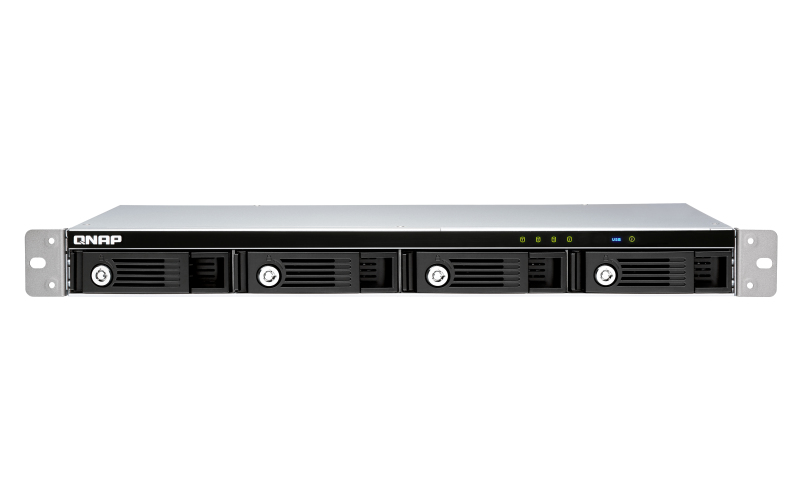
QNAP TR-004U QNAP TR-004U storage drive enclosure HDD/SSD enclosure Black, Grey 2.5/3.5"
The TR-004U USB 3.2 Gen 1 RAID expansion enclosure allows you to expand the capacity of your QNAP NAS and PC. The TR-004U can also be utilized as a DAS (Direct-attached Storage) device, allowing you to directly access its content by connecting it via USB. The TR-004U features four 3.5-inch SATA drive bays with multiple RAID configuration options and USB 3.2 Gen 1 Type-C connectivity to bring you a highly-reliable and secure storage capacity expansion solution.Supports various RAID levelsThe TR-004U supports a variety of RAID configurations. Depending on your requirements, you can switch between hardware- or software-controlled RAID modes. Move the DIP switches to corresponding positions for your ideal RAID mode: Individual, JBOD, RAID 0, RAID 1/10 or RAID 5. You can also configure the RAID settings from your QNAP NAS, or by using the QNAP External RAID Manager utility on your computer.Individual ModeTreats every disk as separate storage spaces, allowing you to independently access each one.JBOD ModeAll the disks are recognized as a single drive. This allows maximal storage utilization but provides no data protection.RAID 0 ModeData is split amongst the drives. RAID 0 provides the fastest performance but does not protect data from drive failure.RAID 1/10 ModeHalf of the total storage capacity is used to store data, and the other half keeps a copy of this data. This provides high data protection at the cost of only being able to use half the installed storage space.RAID 5 ModeRAID 5 requires at least three drives to use and parity information is distributed among the drives, providing optimized storage capacity and protection against one disk failing.Software Ctrl ModeUse this mode to control the RAID configuration from your NAS or computer.Flexible storage configuration and managementCompared with other RAID enclosures, the TR-004U provides software-controlled configurations for greater management flexibility. Users can configure RAID and monitor disk health using the Storage & Snapshots Manager on a QNAP NAS, or by using the QNAP External RAID Manager utility on their computer.Versatile usage scenarios to meet storage expansion needsThe TR-004U meets many storage expansion requirements for home and work use, including:Scenario 1: Expand the capacity of your NASThe TR-004U provides an alternative method for users to expand their rackmount NAS storage capacity. By connecting the TR-004U to their NAS and using the Storage & Snapshots Manager, users can easily configure and manage their storage expansion. The TR-004U supports a variety of QNAP NAS storage and file management functions, allowing users to build storage pools, find files with Qsirch and organize files with Qfiling.Use the TR-004U as an alternative to conventional NAS expansion enclosuresAs an external hardware RAID device, the TR-004U operates independently and does not require additional NAS system resources. When compared with the UX-500P expansion enclosure, the TR-004U uses less NAS system resources.Scenario 2: External storage for your NASInstead of using the TR-004U to expand the capacity of your QNAP NAS, you can use it as a complimentary storage unit for backing up or moving data. It also allows you to physically migrate huge data collections that would require significant network bandwidth. While connected to the NAS, you can monitor the health and status of the TR-004U by using the Storage & Snapshots Manager on the NAS.Scenario 3: Expand the storage space of your computer and serverThe TR-004U can quickly add storage space to your computer and server. You can use the DIP switch to configure a hardware RAID mode or manage it by using the QNAP External RAID Manager utility. The health and status of the TR-004U can also be monitored by using the QNAP External RAID Manager utility.*The QNAP External RAID Manager requires Windows 7 (or later), Windows Server 2012 R2 (or later) and macOS 10.13 (or later).Scenario 4: Cross-platform file sharingFrom your NAS to Windows, Mac, and Linux computers, the TR-004U is compatible with a wide range of devices. This makes it ideal for quickly moving large files between different devices. The TR-004U is even compatible with devices that use the exFAT file system*, adding further convenience for accessing and sharing files from a wider range of devices.*To access devices that use the exFAT file system, users must purchase a separate exFAT driver license.
Part# TR-004U
SKU S19454
Limited Availability
QNAP
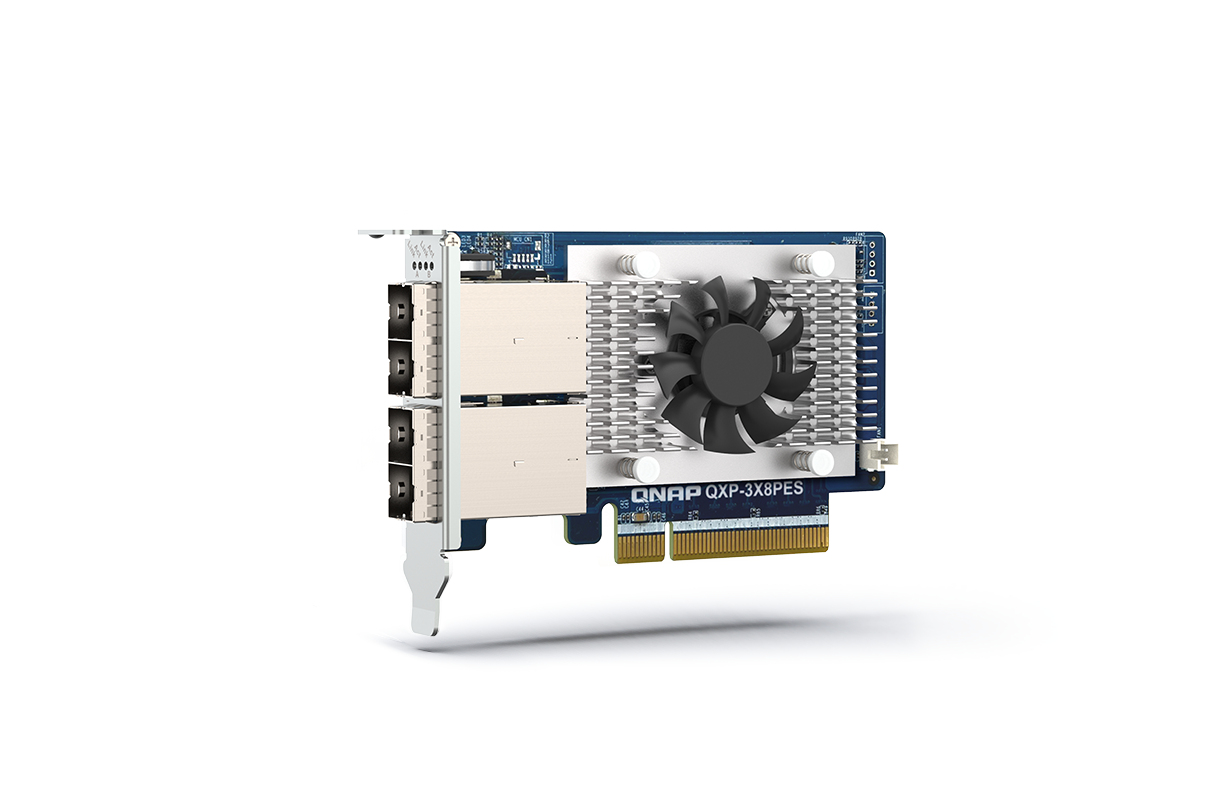
QNAP QXP-3X8PES QNAP QXP-3X8PES network card Internal 64000 Mbit/s
The QXP-3X8PES PCIe card is designed for expanding the capacity of a QuTS hero or QTS NAS by connecting it to QNAP TL PCIe Interface JBOD. Multiple JBODs can be daisy-chained via high-speed cables to scale up to petabyte-level storage to handle exponential data growth caused by archiving/backing up surveillance recordings, RAW multimedia files, big data, and virtualization applications.Expand up to petabyte-scale capacityA NAS with a QXP-3X8PES can be daisy-chained with multiple TL PCIe Interface JBODs (TL-R1200PES-RP, TL-R1600PES-RP and TL-R2400PES-RP), which supports SATA HDDs. This provides the potential to store up to petabyte-scale capacity.
Part# QXP-3X8PES
SKU S19454
Limited Availability
QNAP
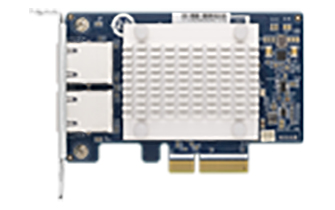
QNAP QXG-5G2T-111C QNAP QXG-5G2T-111C network card Internal Ethernet 5000 Mbit/s
QNAP offers various cost-effective network expansion cards for businesses and organizations to upgrade the bandwidth of their QNAP NAS to accommodate intensive data transfer and virtualization applications.5 GbE network expansion cardThe 5 GbE network expansion card delivers speeds of up to 5 Gbps. You can easily upgrade the transfer speed in your network environment with existing cables.
Part# QXG-5G2T-111C
SKU S19454
Limited Availability
QNAP
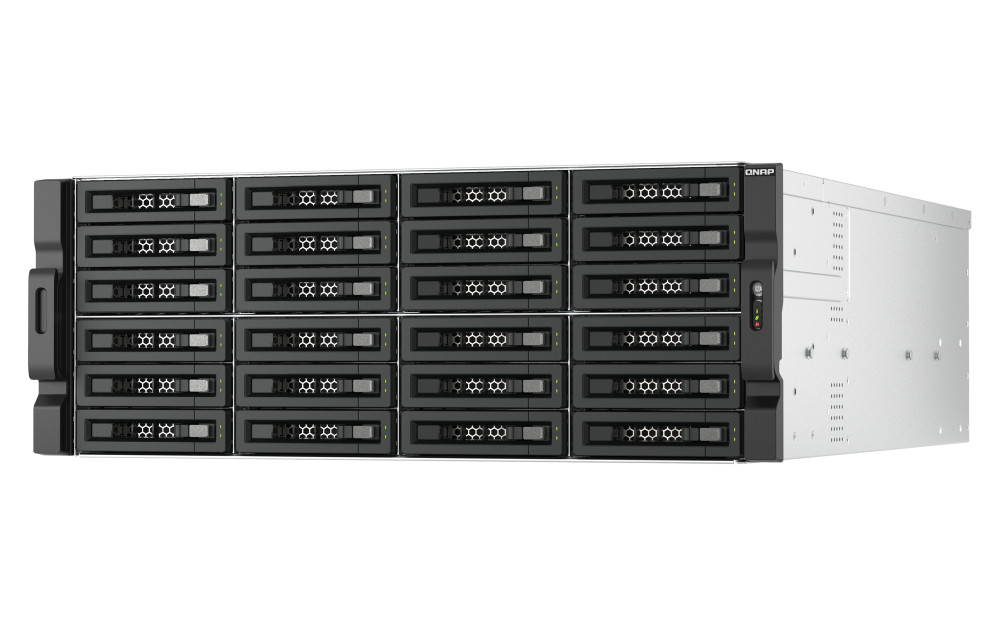
QNAP TL-R2400PES-RP QNAP TL-R2400PES-RP storage drive enclosure HDD/SSD enclosure Black, Grey 2.5/3.5"
The TL-R2400PES-RP TL PCIe interface JBOD storage enclosure allows you to expand the storage capacity of a QuTS hero or QTS NAS by using SATA hard drives. Providing large data capacity and fast transfer speed, the TL-R2400PES-RP is the ideal solution for archiving/backing up virtualization applications, surveillance recordings, large data, and multimedia.4.1 PB capacityExpand up to 4.1 PB capacity1 for QuTS hero NAS, by connecting twelve expansion enclosures (up to 288 hard drives in total).EconomyThe TL-R2400PES-RP supports SATA hard drives, which are common, budget-friendly, and available with large capacities.Up to 64 Gb/sThe TL-R2400PES-RP features PCIe Gen 3 x8, providing up to 64 Gb/s data transfer speed.Easy setupJust connect your TL-R2400PES-RP to the host NAS to expand NAS capacity. RAID re-building on the host NAS is not required, and setup is finished within a few minutes.Host-based power managementThe TL-R2400PES-RP power on/off is linked with the host NAS.Redundant power supplyEnsures service continuity with stable and reliable power supplies.QNAP enterprise NAS with petabyte-class storageUse QNAP enterprise and all-flash QuTS hero NAS paired with multiple TL-R2400PES-RP JBODs, to obtain both breakthrough performance and massive capacity. The TL-R2400PES-RP supports SATA hard drives, providing greater choice in selecting high-capacity drives. This configuration is ideal for enterprises, science research institutions, and media production companies that require high-capacity storage for backing up or storing virtual machines, containers, and what is produced/generated by their high-performance NAS.Expand existing NAS storage poolsYou can expand existing storage pools on the host NAS by simply adding new volumes created on the TL-R2400PES-RP. RAID re-building or complicated settings are not required. All settings can be configured using Storage & Snapshots Manager on the host NAS. The TL-R2400PES-RP is a great solution for accommodating ever-increasing data or backup files.Power on/off linked with host QNAP NASThe TL-R2400PES-RP power status is linked with the host NAS, which helps to reduce hardware management tasks for IT staff.
Part# TL-R2400PES-RP
SKU S19454
Limited Availability
QNAP
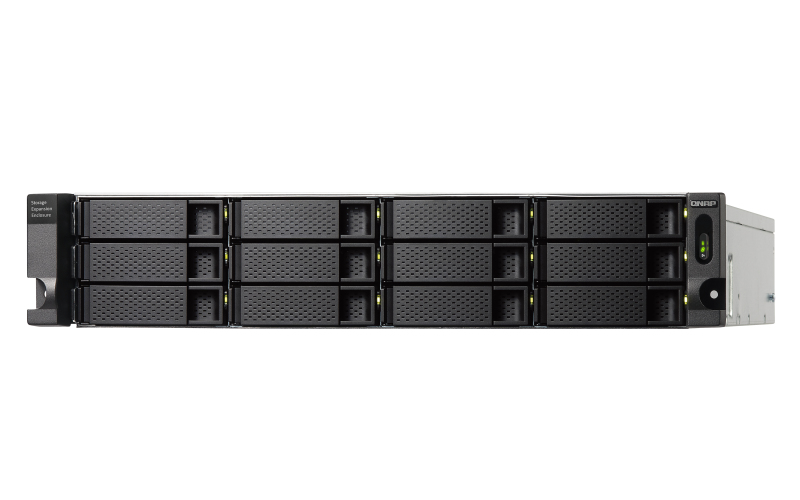
QNAP TL-R1200C-RP QNAP TL-R1200C-RP storage drive enclosure HDD/SSD enclosure Black, Grey 2.5/3.5"
The rackmount TL-R1200C-RP JBOD storage enclosure allows you to back up and expand your QNAP NAS, computers (supports Windows and Mac), and servers. The TL-R1200C-RP features twelve 3.5-inch SATA 6Gb/s drive bays with USB 3.2 Gen 2 (10 Gbps) Type-C connectivity to provide a fast and smooth expansion solution.Flexible storage configuration and managementThe TL-R1200C-RP provides software-controlled configurations for greater management flexibility. Users can configure RAID and monitor disk health using the QTS / QuTS hero Storage & Snapshots Manager on a QNAP NAS, or by using the QNAP JBOD Manager utility on their computer.What you need to knowYou can connect your TL-R1200C-RP to Windows®, Mac®, and Ubuntu® computers through the USB interface and use built-in utility to manage the RAID configuration.Intelligently monitor JBOD enclosure status on PC and servers with QNAP JBOD Manager The QNAP JBOD Manager is a desktop utility for monitoring the TL-R1200C-RP on Windows® and Mac® computers. You can quickly obtain and view information about the JBOD status, health, fan rotation speed, and check for firmware version updates. All device events are recorded, and QNAP JBOD Manager will automatically send system alert notifications to your desktop.JBOD migration speeds up remote file transfersMigrating a large number of small files or a single large data file by network environment can be time-consuming and consume significant network bandwidth that causes decreased work efficiency. The TL-R1200C-RP supports remote file transfer. All you have to do is set up the RAID configuration and store a large number of files. Then you can move the TL-R1200C-RP to another place and connect it with the computer or NAS to experience the device’s simple plug and play feature and fast data migration.Use TL-R1200C-RP as a high-capacity disk drive reader by setting up single disk modeYou can treat each disk in your TL-R1200C-RP as an individual storage space, and also use it as a removable drive. It can function like a high-capacity disk drive reader. When one of disk reaches data storage limitation, you can remove it and put it into a dry box. Then swap a different disk into the TL-R1200C-RP empty drive slot. After that, you can install the disk that reached full data capacity into the TL-R1200C-RP and connect it with a computer or NAS for direct file access.Versatile usage scenarios to meet storage expansion needsThe TL-R1200C-RP meets many storage expansion requirements for the home and office. Below is a list of potential usage scenarios:Scenario 1: Expand your NAS capacityThe TL-R1200C-RP provides an alternative method for users to expand their NAS storage capacity. By connecting the TL-R1200C-RP to their NAS and using the Storage & Snapshots Manager in QTS or QuTS hero, users can easily configure and manage their storage expansion. The TL-R1200C-RP supports a variety of QNAP NAS storage and file management functions, allowing users to build storage pools, finding files with Qsirch, and organizing files with Qfiling.Scenario 2: External storage for your NASYou can use the TL-R1200C-RP to expand your NAS storage. You can select disks to create storage pools for expanding your NAS capacity, or you can treat each disk as an individual external storage space and use it as a removable drive for greater flexibility. Regardless of the mode you use, you can always use Storage & Snapshots Manager in QTS or QuTS hero to set up and manage your TL-R1200C-RP and use hard drive S.M.A.R.T. and Notification Center to check disk status anytime and anywhere.Scenario 3: Expand the storage space of your Windows, Mac, and Ubuntu computerYou can use your TL-R1200C-RP with Windows®, Mac®, and Ubuntu® computers to expand more storage space. You can set up the RAID configuration of your TL-R1200C-RP to further secure data protection. Moreover, you can also use the single disk mode and format with the exFAT file system for more convenient access and sharing of files between Windows® and Ubuntu® computers.High-speed USB transferTThe TL-R1200C-RP features high-speed USB 3.2 Gen 2 Type-C connectivity and built-in USB Attached SCSI Protocol (UASP) to provide convenient fast file sharing and intensive data transfer. The TL-R1200C-RP not only provides you higher file transfer performance than traditional USB interfaces but offers a more cost-effective option than REXP SAS JBOD.
Part# TL-R1200C-RP
SKU S19454
Limited Availability
QNAP
QNAP RAM-32GDR5ECT0-UD-4800 QNAP RAM-32GDR5ECT0-UD-4800 memory module 32 GB 1 x 32 GB DDR5 4800 MHz ECC
Part# RAM-32GDR5ECT0-UD-4800
SKU S19454
Limited Availability
QNAP
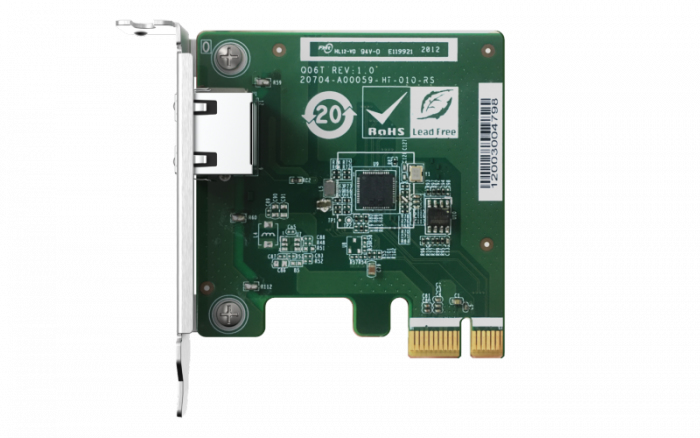
QNAP QXG-2G1T-I225 QNAP QXG-2G1T-I225 network card Internal Ethernet 2500 Mbit/s
2.5 GbE network expansion card2.5 GbE network expansion card delivers speeds of up to 2.5 Gbps. You can easily upgrade your home and office network infrastructure with existing cables.
Part# QXG-2G1T-I225
SKU S19454
Limited Availability
QNAP
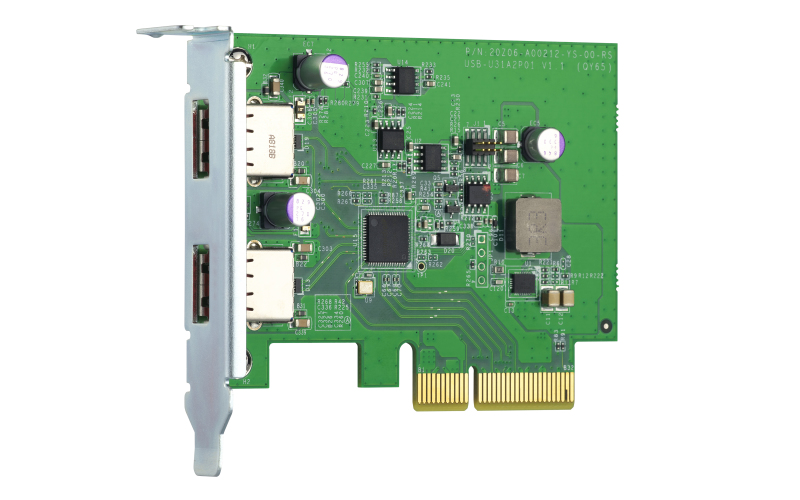
QNAP QXP-10G2U3A QNAP QXP-10G2U3A interface cards/adapter Internal USB 3.2 Gen 2 (3.1 Gen 2)
The QNAP USB 3.2 Gen 2 Expansion Card provides speeds of up to 10Gbps – double that of USB 3.2 Gen 1 – to greatly boost data transfer speeds. With two ports, the QNAP USB 3.2 Gen 2 Expansion Card provides compatibility with newer, faster USB 3.2 Gen 2 devices to accelerate file transfers and backup. The QNAP USB 3.2 Gen 2 Expansion Card can be installed in either a QNAP NAS or Windows/Ubuntu PC.Experience USB 3.2 Gen 2 SuperSpeed+ up to 10GbpsThe QNAP USB 3.2 Gen 2 Expansion Card provides speeds of up to 10Gbps – double that of USB 3.2 Gen 1, and 20 times that of USB 2.0.Expand your Storage by Connecting to a QNAP USB JBODBy using a QNAP USB 3.2 Gen 2 Expansion Card in your QNAP NAS or PC, you can connect a QNAP USB JBOD to back up and expand your storage. The USB 3.2 Gen 2 Expansion Card supports both QNAP NAS and Windows/Ubuntu PCs without requiring drivers. You can configure RAID and monitor disk health using the QTS/QuTS hero Storage & Snapshots Manager on a QNAP NAS, or by using the QNAP JBOD Manager utility on your computer.
Part# QXP-10G2U3A
SKU S19454
Limited Availability

Item(s) added to cart

