
 0
0
Industrial & Lab Equipment
20 –
30
of
435
Availability
Sort by
Advance Filters

Samsung
Samsung LH75QBCEBGCXEN Samsung QB75C Digital signage flat panel 190.5 cm (75") LCD Wi-Fi 350 cd/m² 4K Ultra HD Black Built-in processor Tizen 16/7
Slim design. Stunning performance.Introducing QBC, the slimmest display in the Samsung UHD Signage. It brings elegance to business while maximizing space. Its enhanced internal solutions and intuitive home screen UX make it easy to use. Businesses in various verticals can achieve growth with QBC’s efficiency and design innovation.Maximum impact in minimum spaceThe QBC's unparalleled ultra-slim thickness of 28.5mm makes it the thinnest option in Samsung’s UHD series. It comes with the Slim Fit Wall Mount, which allows you to install it neatly and easily in any environment. QBC optimizes space with its sleek design that blends seamlessly into your business.Clean visuals in landscape or portrait modeEven bezelThe bezels are consistent and even on all four sides of the display, with the same thickness and dimensions. The new even bezel design prevents any visual issues from arising when the display is adjusted to portrait mode.Secure and even mountingCentered VESA HolesThe central positioning of the VESA holes on the back of the display evenly distribute its weight for secure mounting. With the VESA holes now shifted to the center, users can adjust the display to portrait mode without the display tilting unintentionally.Lifelike color, born in a pure state with fine crystalDynamic Crystal ColorEvery picture is more immersive with one billion shades of color. Dynamic Crystal Color delivers true-to-life variations, allowing customers to see every subtlety.View lifelike shades of color in powerful 4K Crystal Processor 4KSamsung’s industry-leading video processing technology enhances every piece of content for clarity and consistency. Intelligent UHD upscaling technology, powered by Samsung’s Quantum Processor Lite 4K, elevates lower-resolution video to UHD, providing a professional picture quality.Connect with convenienceHome UIQBC boasts greater usability with an upgraded home screen UI. Popular categories like Favorites, Sources and Settings are displayed on the same screen for convenient availability. The Favorites folder grants users quick, easy access to frequently used features in a single click.Simplified calibration between screens with mobile appSmart CalibrationGuarantee complete brand consistency across every display in every location. Using the Samsung mobile app, Smart Calibration ensures every display is calibrated correctly, showcasing brand logos and other collateral in the exact colors required. Enhance professional environments with expert toolsProfessional ModesBuilt-in professional modes enable more possibilities in specific verticals. Director Mode minimizes post-processing, aligning content to the director’s original intention. Medical teams can simulate medical images such as X-rays with DICOM Simulation Mode, meeting DICOM's full grayscale standardsChange the way to manage your displaySamsung VXTSamsung VXT CMS is a cloud-based solution that brings together content management and remote device management capabilities, allowing users to remotely manage hardware settings and troubleshoot issues while effortlessly creating and deploying content with no previous training needed.Everyday SustainabilityEnergy Star / EPEAT*Samsung is making diverse efforts to reduce our environmental impact in smart signage, and encouraging users to pursue a more sustainable life.
Part# LH75QBCEBGCXEN
SKU S19454
In
Stock



Samsung
Samsung LH025IEACLS/EN Samsung IE025A
Samsung IE025A. Display resolution: 384 x 216 pixels, Display brightness: 500 cd/m²
Part# LH025IEACLS/EN
SKU S19454
In
Stock
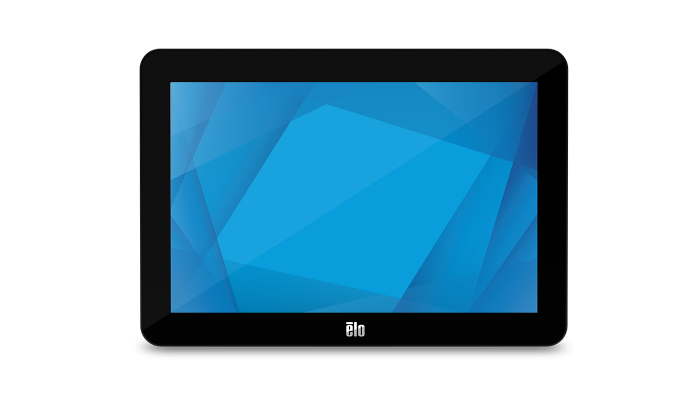
Elo Touch Solutions
Elo Touch Solutions E155834 Elo Touch Solutions 1002L 25.6 cm (10.1") LCD 315 cd/m² HD Black Touchscreen
Part# E155834
SKU S19454
In
Stock
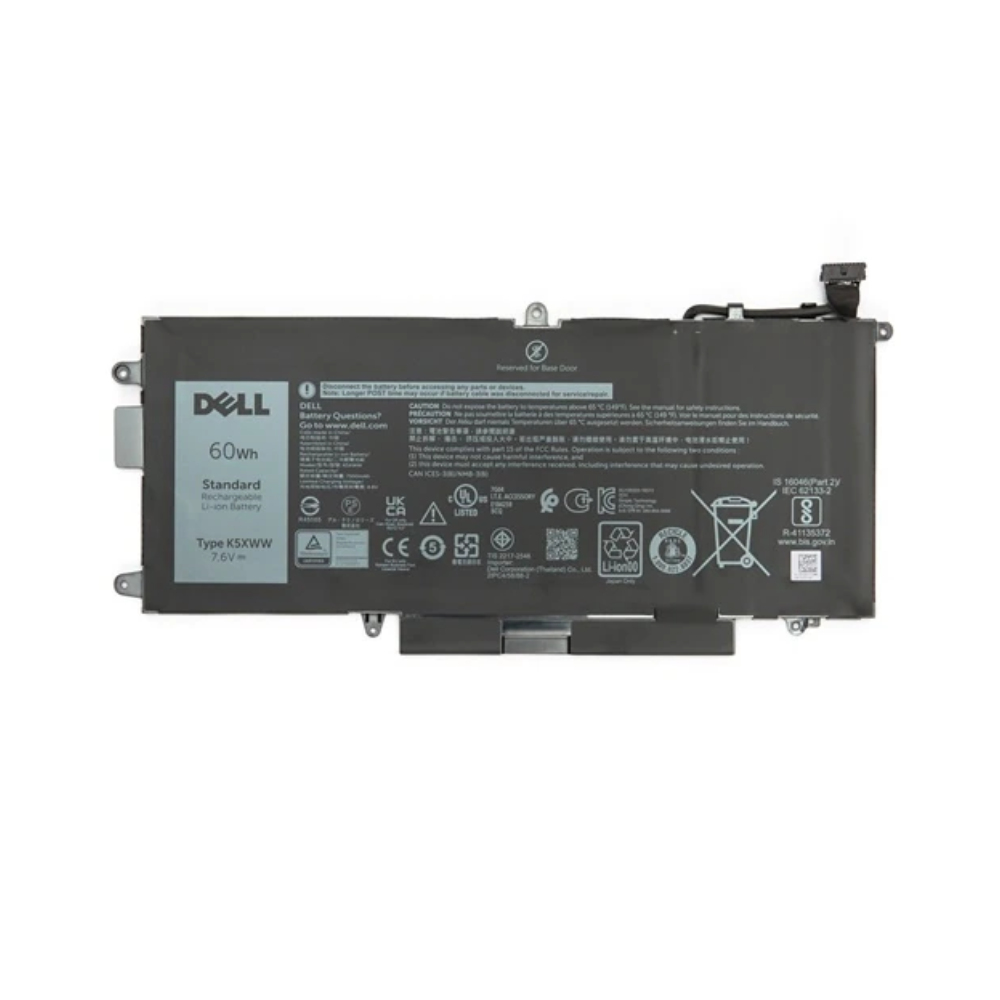
DELL
DELL DEL7-V4940 Origin Storage Dell Battery 7280 4 Cell 60WHR
Dell Battery 7280 4 Cell 60WHR
Part# DEL7-V4940
SKU S19454
In
Stock

Samsung
Samsung LH85QMCEBGCXEN Samsung QM85C Digital signage flat panel 2.16 m (85") LCD Wi-Fi 500 cd/m² 4K Ultra HD Black Tizen 24/7
Maximum impact in minimum spaceUltra Slim DepthThe QMC's unparalleled ultra-slim thickness of 28.5mm makes it the thinnest option in Samsung’s UHD series. It comes with the Slim Fit Wall Mount, which allows you to install it neatly and easily in any environment. QMC optimizes space with its sleek design that blends seamlessly into your business.Slim design. Stunning performanceIntroducing QMC, the slimmest display in the Samsung UHD Signage. It brings elegance to business while maximizing space. Its enhanced internal solutions and intuitive home screen UX make it easy to use. Businesses in various verticals can achieve growth with QMC’s efficiency and design innovation.Clean visuals in landscape or portrait modeEven BezelThe bezels are consistent and even on all four sides of the display, with the same thickness and dimensions. The new even bezel design prevents any visual issues from arising when the display is adjusted to portrait mode.Secure and even mountingCentered VESA HolesThe central positioning of the VESA holes on the back of the display evenly distribute its weight for secure mounting. With the VESA holes now shifted to the center, users can adjust the display to portrait mode without the display tilting unintentionally.Lifelike color, born in a pure state with fine crystalDynamic Crystal ColorEvery picture is more immersive with one billion shades of color. Dynamic Crystal Color delivers true-to-life variations, allowing customers to see every subtlety.View lifelike shades of color in powerful 4KQuantum Processor Lite 4KSamsung’s industry-leading video processing technology enhances every piece of content for clarity and consistency. Intelligent UHD upscaling technology, powered by Samsung’s Quantum Processor Lite 4K, elevates lower-resolution video to UHD, providing a professional picture quality.Ensure critical information is always visibleNon-glareQMC displays feature reliable, non-glare panels that provide better visibility from all angles, any time of day. The non-glare display enables businesses to deliver accurate information in critical locations, like airports and train stations.Connect with convenienceHome UIQMC boasts greater usability with an upgraded home screen UI. Popular categories like Favorites, Sources and Settings are displayed on the same screen for convenient availability. The Favorites folder grants users quick, easy access to frequently used features in a single click.Collaborate between screens with wire-free speedSmartview+SmartView+ enables wireless screen sharing without cable connections, ensuring easy collaboration. Users can now enable the screen sharing function at the start of a meeting, allowing the meeting admin to quickly switch between screens with one click.Simplified calibration between screens with mobile appSmart CalibrationGuarantee complete brand consistency across every display in every location. Using the Samsung mobile app, Smart Calibration ensures every display is calibrated correctly, showcasing brand logos and other collateral in the exact colors required.Enhance professional environments with expert toolsProfessional ModesBuilt-in professional modes enable more possibilities in specific verticals. Director Mode minimizes post-processing, aligning content to the director’s original intention. Medical teams can simulate medical images such as X-rays with DICOM Simulation Mode, meeting DICOM's full grayscale standardsChange the way to manage your displaySamsung VXTSamsung VXT CMS is a cloud-based solution that brings together content management and remote device management capabilities, allowing users to remotely manage hardware settings and troubleshoot issues while effortlessly creating and deploying content with no previous training needed.Everyday SustainabilityEnergy Star / EPEAT / TÜV Rheinland Carbon FootprintSamsung is making diverse efforts to reduce our environmental impact in smart signage, and encouraging users to pursue a more sustainable life. As a result, QMC series has earned a series of certifications for environmentally preferable products from highly recognized institutes in Germany and the U.S.
Part# LH85QMCEBGCXEN
SKU S19454
In
Stock
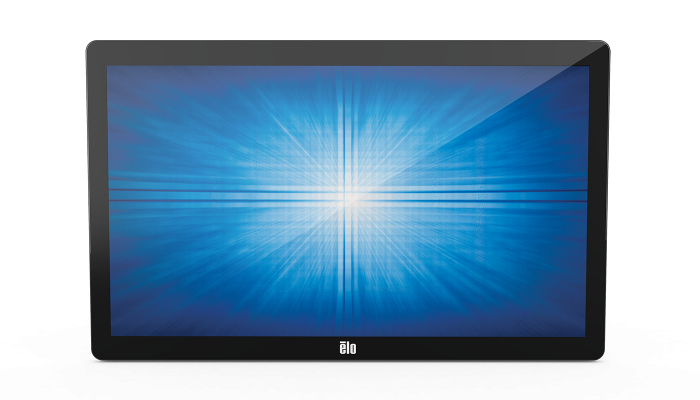

DELL
DELL 4GVMP Origin Storage Dell Battery Latitude 4C 68 WHR
Dell Battery Latitude 4C 68 WHR
Part# 4GVMP
SKU S19454
In
Stock
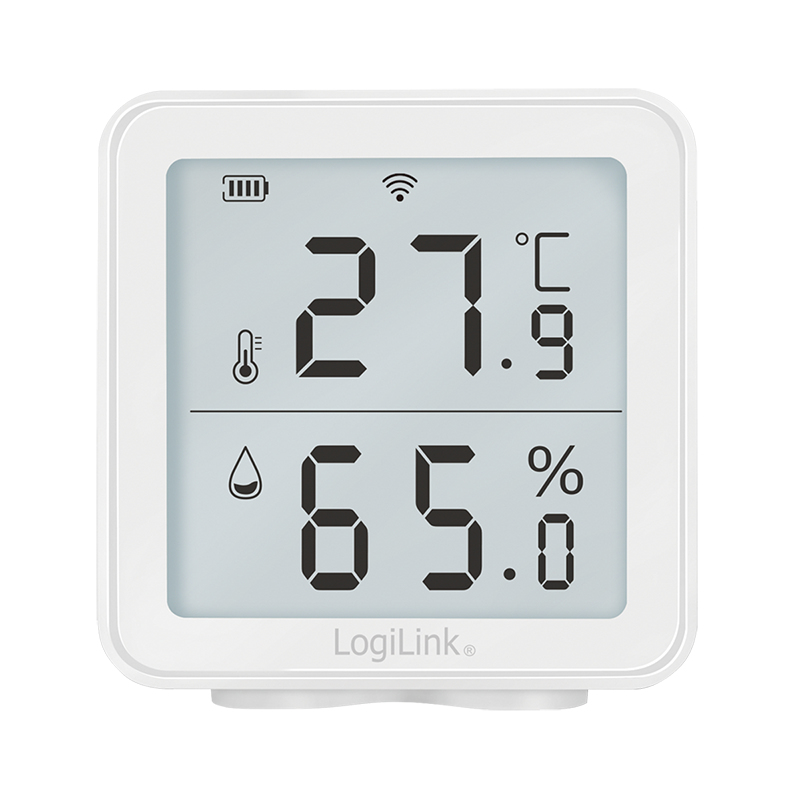
LogiLink
LogiLink SC0116 LogiLink SC0116 hygrometer/psychrometer Indoor Electronic hygrometer White
Part# SC0116
SKU S19454
In
Stock
LogiLink
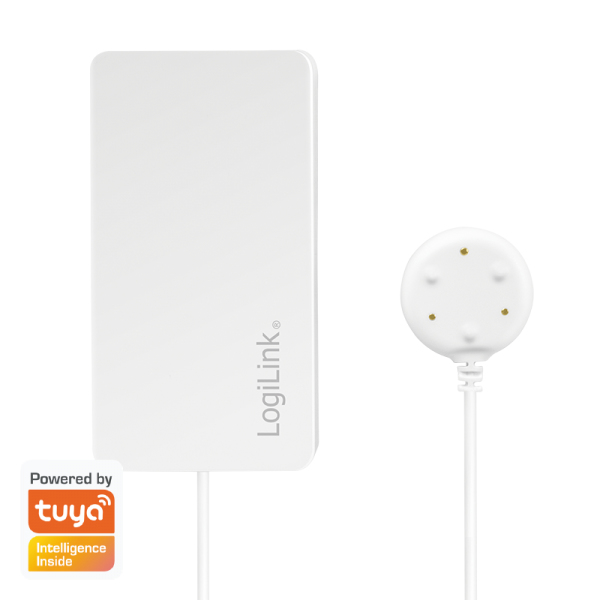
LogiLink SH0114 LogiLink SH0114 liquid leak detector Battery 1 pc(s)
Part# SH0114
SKU S19454
In
Stock
Viewsonic
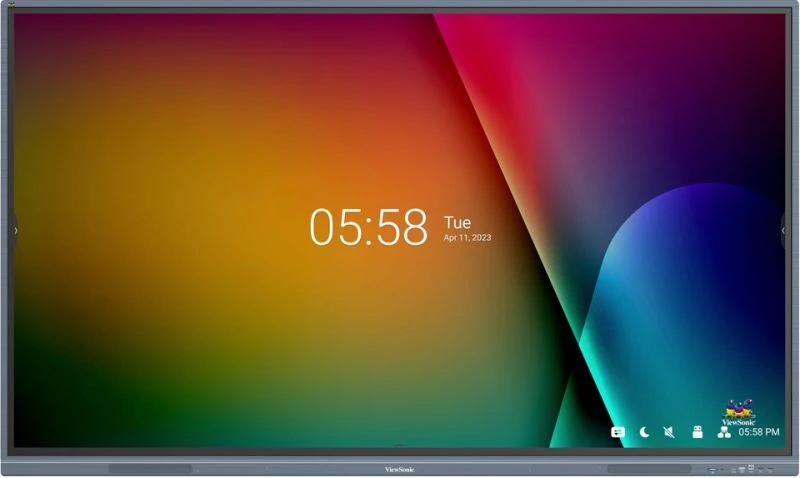
Viewsonic IFP7533-G Viewsonic IFP7533-G Signage Display Interactive flat panel 190.5 cm (75") LCD 350 cd/m² 4K Ultra HD Black Touchscreen Built-in processor Android 11
The ViewBoard IFP33 Series harmonizes a touch display with versatile software to create a comprehensive classroom solution for interactive and engaging learning. This interactive flat panel delivers exceptional image quality in 4K UHD, thanks to cutting-edge bonding technology that provides clearer colors, enhanced contrast, and reduced glare. The 40-point touchscreen interface, equipped with Ultra Fine Touch Technology, empowers students and teachers to collaborate seamlessly, using either their fingers or dual-tip pens, for an intuitive pen-on-paper experience. Powerful built-in front-facing speakers and a USB-C port sort out for a complete and convenient multimedia experience. The ViewBoard IFP33 Series is preinstalled with myViewBoard to offer advanced lesson delivery options for teachers and powerful device management tools for administrators.Enriched Learning Experience with Multitasking CapabilitiesEnhance lessons and activities with split-screen capabilities. Sketch on the ViewBoard while watching a video in Picture-in-Picture mode. Alternatively, use Picture-by-Picture mode to display up to 2 windows simultaneously, allowing for notes to be written in one window next to the test questions.Smooth Writing for Intuitive CollaborationDesigned for sharing ideas and student collaboration, the ViewBoard IFP33 Series features 40 touchpoints with Ultra-Fine Touch technology and dual-pen capabilities. Experience an enhanced pen-on-paper writing experience as you alternate between the two pens’ dual-tips to effortlessly switch line color and thickness.Simplify Classroom Setup with USB-CEmbrace simplicity and convenience with the USB-C one-cable solution. Plug in any compatible device to enjoy instant multimedia playback and lightning-fast data transfer. Plus, with up to 65W power delivery, you can even charge your laptop while maintaining a clutter-free workspace.Seamless Integration for Interactive LessonsThe ViewBoard IFP33 Series seamlessly integrates with myViewBoard software, offering teachers a wide range of interactive lesson and presentation possibilities. Effortlessly prepare, save, and share class materials across various platforms in an instant.Wirelessly Present from Your DeviceEnjoy the ease of quick and seamless wireless screen sharing. myViewBoard Display provides instant browser-based casting, ideal for basic presentations and guest users, while the vCast app takes these functions further, offering educators advanced features like split, extended, and grouped screen capabilities for enhanced teaching possibilities.Fast Wireless Connectivity for the ClassroomUpgrade the ViewBoard with an optional Wi-Fi module for seamless internet access to watch videos or review online resources within a clutter-free environment. Additionally, the ViewBoard can double as a hotspot to ensure a stable, wireless internet connection for the classroom.Front-Facing Speakers Deliver Elevated Audio QualityCaptivate students with compelling lessons thanks to the built-in dual 16W front-facing speakers. Whether sharing instructional videos, musical content, or delivering listening exercises, the ViewBoard IFP33 Series brings profound audio depth to create memorable experiences.Streamline Campus CommunicationmyViewBoard Manager offers a secure and user-friendly remote management system that enables updating, scheduling, broadcasting, and simultaneous management of multiple displays from any location. Save time and effort with a streamlined campus communication system that allows for text announcements, multimedia messages, and emergency alarms to be efficiently delivered.Upgrade the ViewBoard with a Windows Slot-in PCMaximize the capabilities of the ViewBoard by attaching an optional slot-in PC, which features a standard OPS, Intel Core CPU, and pre-installed myViewBoard for Windows.Hybrid-ready With Webcam SupportPrepare your classroom for hybrid learning by enhancing the ViewBoard IFP33 with a ViewSonic webcam. Livestream or record classes in high resolution, enabling remote students to easily follow along, even as the teacher moves around the room.
Part# IFP7533-G
SKU S19454
In
Stock

Item(s) added to cart

