
 0
0
Industrial & Lab Equipment
30 –
40
of
435
Availability
Sort by
Advance Filters
DELL
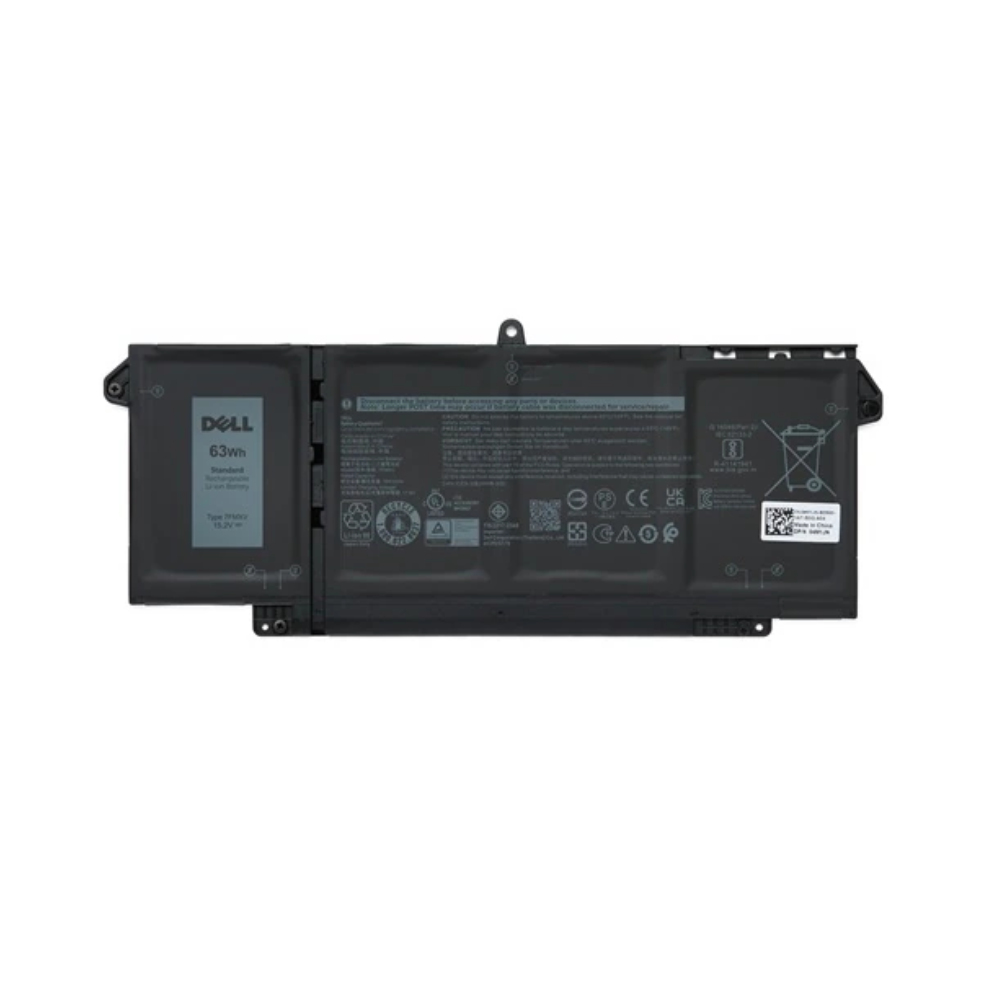
DELL 1K2CF Origin Storage Dell Battery Latitude 4 Cell 63WHR
Dell Battery Latitude 4 Cell 63WHR
Part# 1K2CF
SKU S19454
In
Stock


DELL
DELL 75X16 Origin Storage Dell Battery Latitude 4 Cell 63WHR
Dell Battery Latitude 4 Cell 63WHR
Part# 75X16
SKU S19454
In
Stock
StarTech.com
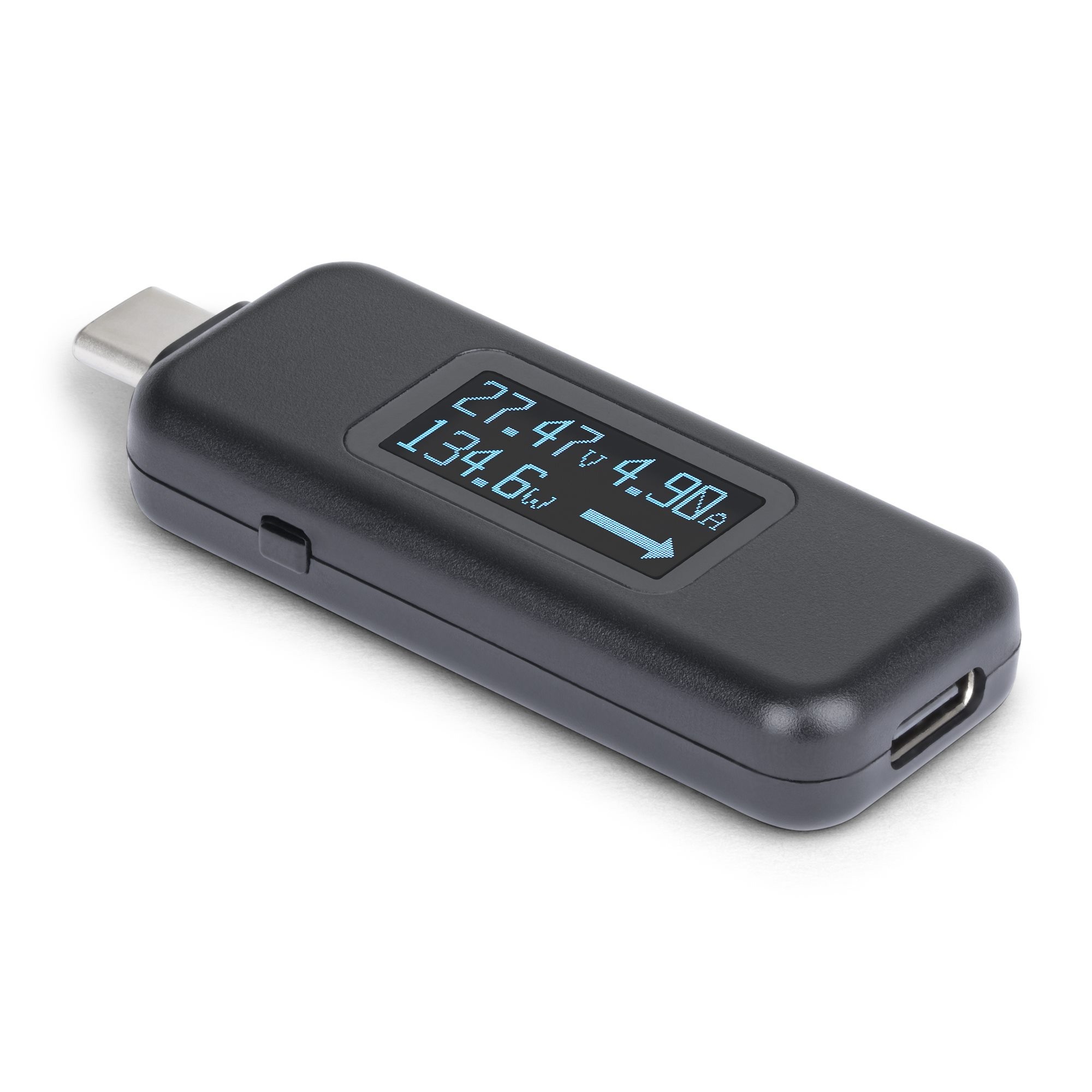
StarTech.com USBC-PWRTESTER StarTech.com USB-C Power Tester, Digital Multimeter, Bi-Directional Voltage and Current Meter, Up to 240W PD EPR, Portable USB-C Cable and Port Power Meter Tester
Test and verify USB-C power connections with this compact bi-directional USB-C Power TesterThis bi-directional USB-C Power Tester is a practical tool to accurately monitor voltage, current, and wattage in any USB-C power scenario. It is ideal for technicians and IT pros for immediate, clear test readings anywhere. Use this tester to monitor and maintain reliable performance in power-sensitive setups.Compact Form FactorThe USB-C Digital Power Tester is compact and suitable for testing mounted USB-C devices or hard-to-reach device ports. Its portable design makes it a lightweight and essential additional to any IT Pro's toolkit.Streamline Power DiagnosticsThis USB-C tester can quickly diagnose power issues with docking stations, hubs, chargers, and connected devices. The digital display provides real-time measurements and rotates 180 degrees with the press of a button, ensuring clear visibility when testing power flow from any direction. Verify if USB-C cables are transferring power efficiently and ensure compliance for devices that require high power output.Versatile USB-C CompatibilitySupporting USB data pass-through up to 10Gbps and DP Alt Mode video, this Digital USB-C Multimeter accommodates a wide range of USB-C cables and devices. It measures power across a broad operating range of 4.5V to 50V and 50mA to 6.5A, while ensuring compatibility with USB Power Delivery 3.1 Extended Power Range (EPR) up to 240W. Note: Thunderbolt 3 devices are not supported.The StarTech.com Advantage
Part# USBC-PWRTESTER
SKU S19454
In
Stock

DELL
DELL DELL-P5525QC DELL P5525QC Digital signage flat panel 138.8 cm (54.6") LCD 400 cd/m² 4K Ultra HD Black
Made for team collaboration, this monitor provides up to 90W power delivery via USB-C and flexibility to include an OptiPlex Micro based on your needs.
Part# DELL-P5525QC
SKU S19454
In
Stock
Benq
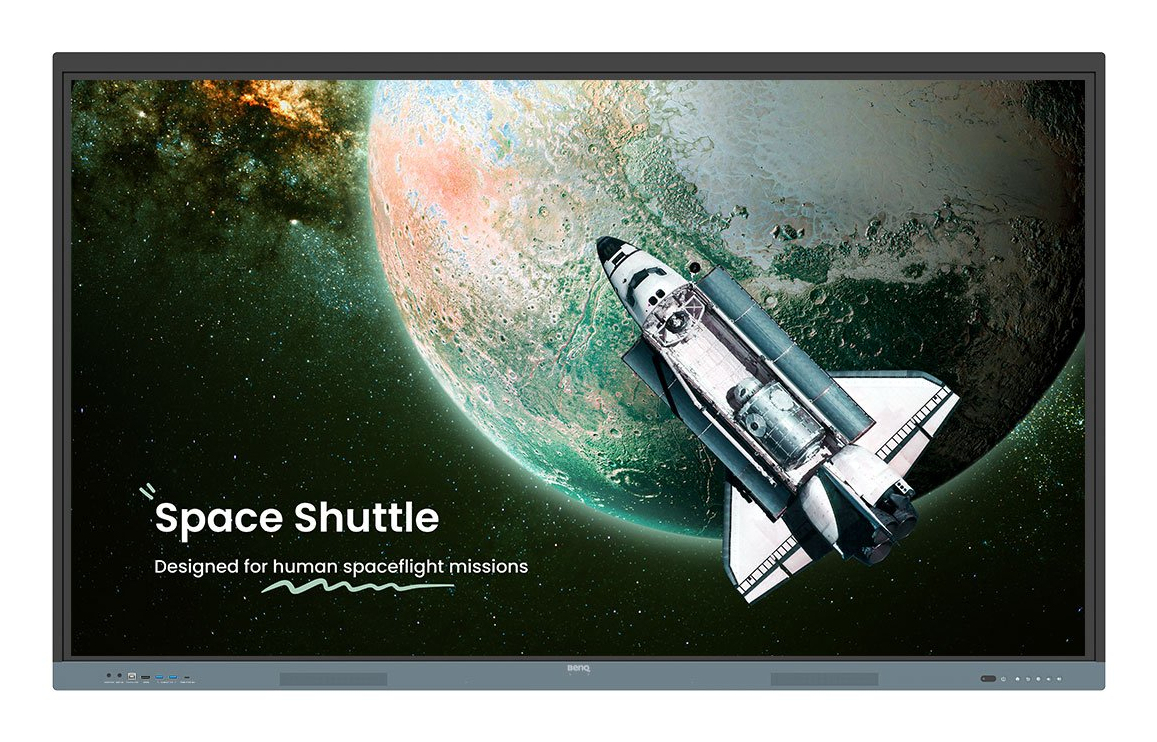
Benq 9H.F9ETK.DE6 BenQ RE6504 Interactive flat panel 165.1 cm (65") 450 cd/m² 4K Ultra HD Black, Grey Touchscreen Built-in processor Android
BenQ Board Essential The essence of education Have all the essential tools you need for effective interactive lessons.Harness the power of GoogleThe EDLA-certified BenQ Board combines Google services with ever-reliable BenQ hardware and software.Expansive app library Install education apps directly from Google Play for more interactive lessons.Go-to Google services Access essential Google Core Services such as Google Drive and Meet.Google Docs editors Quickly open lesson files with any Google app on a large touchscreen display.A whiteboard like no otherDo more than just write or draw. EZWrite’s expandable canvas offers limitless possibilities with its rich collection of lesson tools and helpful AI features.Built-in AI tools for more inclusive lessonsText-to-speech Have displayed text read aloudMultilingual translation Translate text with a tapOCR Edit text from imported imagesEssential tools for every teacherThe RE04 uncomplicates your teaching experience by giving you everything you need on one board.Organise with easeSave time by having all your most-used apps, files, and widgets arranged and accessible directly from your home screen.Snap. Record. Write. The Floating Tool lets you take snapshots, record your screen, and annotate over any app, file, webpage, or video displayed on the board.Sidebar access Expand the sidebar for convenient access to recent apps, files, and input sources, as well as a shortcut to the home screen.Expanded search Use BenQ Search to quickly query related content from the internet or sort through your lessons files stored on the board or your cloud.All hands on boardThe BenQ Board Essential’s large interactive screen is designed for whole-class participation, letting you boost engagement and liven up your lessons.40 touch points Get everyone actively participating in class with the RE04’s 40 touch points.Gap-free writing No gaps and an 8ms response time ensure a natural writing experience every time.Precise touch You’re guaranteed smooth interactions with the board’s Precision IR technology.Everyone can shareInstaShare 2 lets everyone share ideas freely. Wirelessly cast lesson content and interact with any device from anywhere in the room.Management made easyBenQ takes out the complexity from device and user list management, significantly reducing IT workload so they can focus on other tasks.ClassroomCareBridging health and learningClassroomCare features are essential in helping schools create healthier learning spaces for students and teachers.Easy on the eyesEye care technologies, such as the RE04’s low blue light filter and flicker-free screen, help reduce eye strain in class, while its anti-glare 4K screen ensures clear images every time.
Part# 9H.F9ETK.DE6
SKU S19454
In
Stock
DELL
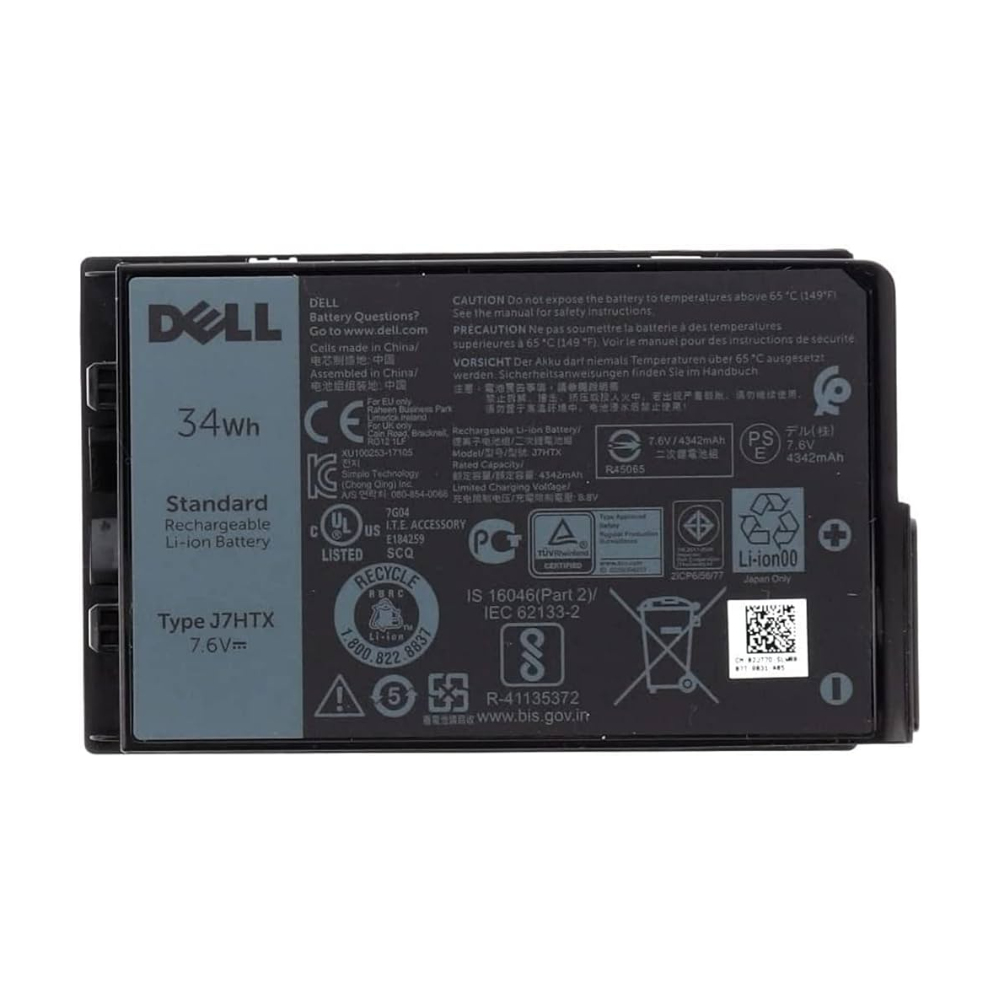
DELL 451-BCDH Origin Storage Dell Battery Lat 7212 2-Cell 34Whr
Dell Battery Lat 7212 2-Cell 34Whr
Part# 451-BCDH
SKU S19454
In
Stock
Elo Touch Solutions
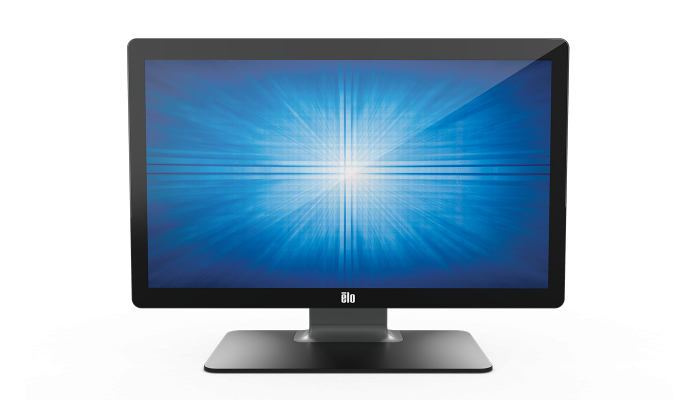
Elo Touch Solutions E351806 Elo Touch Solutions 2402L 60.5 cm (23.8") LCD 240 cd/m² Black Touchscreen
Part# E351806
SKU S19454
In
Stock
HPE
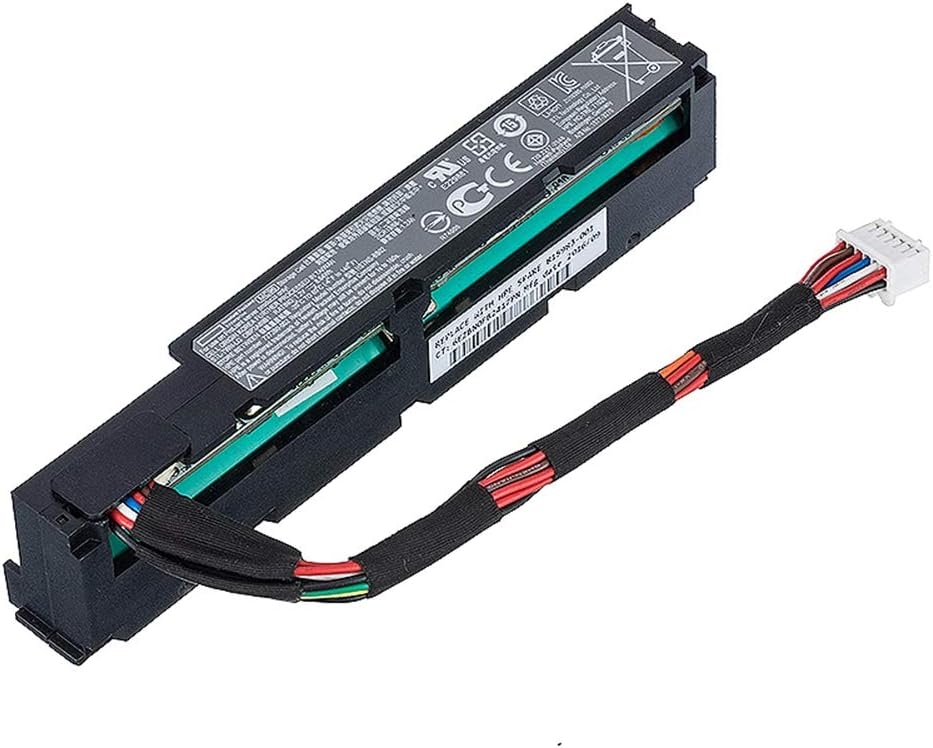
HPE 815983-001 HPE 96W Smart Storage Battery industrial rechargeable battery Lithium-Ion (Li-Ion)
Part# 815983-001
SKU S19454
In
Stock

Samsung
Samsung LH32EMDIBGBXEN Samsung EM32DX Digital signage flat panel 80 cm (31.5") Wi-Fi Quad HD Grey, White 24/7
Samsung EM32DX. Product design: Digital signage flat panel. Display diagonal: 80 cm (31.5"), Display resolution: 2560 x 1440 pixels, HD type: Quad HD. Wi-Fi. Operating hours (hours/days): 24/7. Product colour: Grey, White
Part# LH32EMDIBGBXEN
SKU S19454
In
Stock

In
Stock

Item(s) added to cart

