
 0
0
Industrial & Lab Equipment
350 –
360
of
435
Availability
Sort by
Advance Filters
Benq
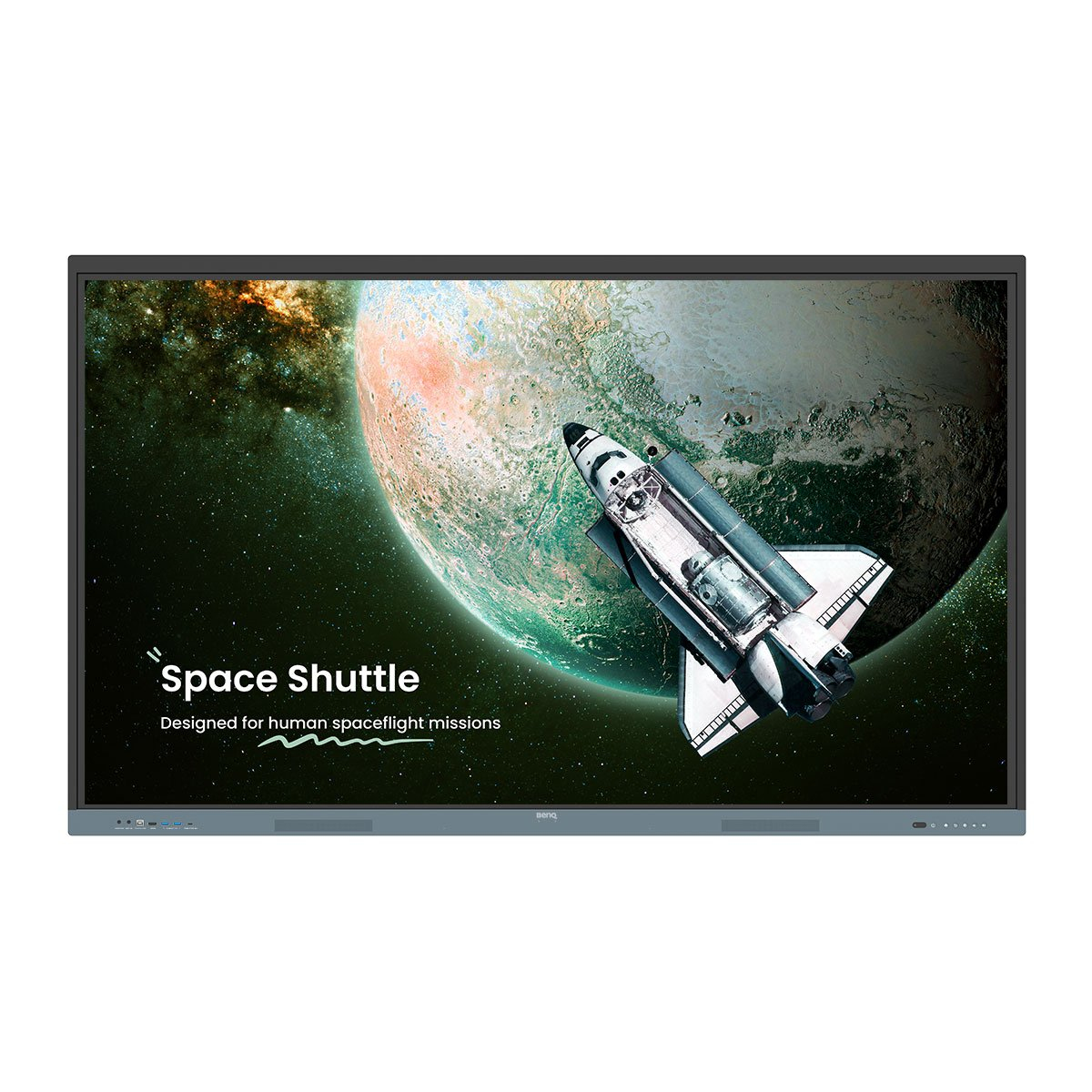
Benq 9H.F9FTK.DE4 BenQ RE7504 Interactive flat panel 190.5 cm (75") 450 cd/m² 4K Ultra HD Black, Grey Touchscreen Built-in processor Android
BenQ Board Essential The essence of education Have all the essential tools you need for effective interactive lessons.Harness the power of GoogleThe EDLA-certified BenQ Board combines Google services with ever-reliable BenQ hardware and software.Expansive app libraryInstall education apps directly from Google Play for more interactive lessons.Go-to Google servicesAccess essential Google Core Services such as Google Drive and Meet.Google Docs editorsQuickly open lesson files with any Google app on a large touchscreen display.Direct file accessGoogle Drive integration lets you access and save files to your cloud storage directly from the board.Built-in data securityKeep your boards safe against security and privacy threats with Google Play Protect and Safe Browsing.A whiteboard like no otherDo more than just write or draw. EZWrite’s expandable canvas offers limitless possibilities with its rich collection of lesson tools and helpful AI features.Use your own filesImport a variety of lesson files, interact with its contents on the whiteboard, and then export the session as an editable file for a future class.A tool for every needPull up any of EZWrite’s built-in tools that are designed to engage students, and meet a wide variety of lesson activities and subjects.Take lessons to the cloudExtend the whiteboard so that others can participate and interact with the board whether they’re joining from their seats or from home.Built-in AI tools for more inclusive lessonsText-to-speechHave displayed text read aloudMultilingual translationTranslate text with a tapOCREdit text from imported imagesEssential tools for every teacherThe RE04 uncomplicates your teaching experience by giving you everything you need on one board.Your own space and dataAll accounts are secure and separate—allowing you to have your own teaching space while preventing others from accessing your data.Organise with easeSave time by having all your most-used apps, files, and widgets arranged and accessible directly from your home screen.Snap. Record. Write.The Floating Tool lets you take snapshots, record your screen, and annotate over any app, file, webpage, or video displayed on the board.Sidebar accessExpand the sidebar for convenient access to recent apps, files, and input sources, as well as a shortcut to the home screen.*Available in Q2.Expanded searchUse BenQ Search to quickly query related content from the internet or sort through your lessons files stored on the board or your cloud.Enhance your lesson flowIncrease teaching efficiency with the multi-window mode, allowing you to whiteboard while using other apps on the side. *Available in Q3.5-in-1 connectivityThe multipurpose USB-C port allows for quick data transmission, clear audio/video playback, touchback controls, and 65-watt charging.Full vibrant audioExperience enhanced audio with the board’s built-in 20-watt speakers that offer crisp, room-filling sound.All hands on boardThe BenQ Board Essential’s large interactive screen is designed for whole-class participation, letting you boost engagement and liven up your lessons.40 touch pointsGet everyone actively participating in class with the RE04’s 40 touch points.Gap-free writingNo gaps and an 8ms response time ensure a natural writing experience every time.Precise touchYou’re guaranteed smooth interactions with the board’s Precision IR technology.Everyone can shareInstaShare 2 lets everyone share ideas freely. Wirelessly cast lesson content and interact with any device from anywhere in the room.Beyond screen sharingDo more than just cast your screen. Media sharing makes lessons more dynamic. Share photos, videos, or even a live camera feed from your device directly to the board.Moderate sessions with easeHost controls allow you to effectively manage your sessions. Accept or reject sharing requests and show or hide screens, while the AI Guardian automatically blocks nude content.Management made easyBenQ takes out the complexity from device and user list management, significantly reducing IT workload so they can focus on other tasks.Effortless user list syncingSimplify identity management by syncing any of your existing Google Workspace, Entra ID (formerly Azure Active Directory), ClassLink, LDAP, or SAML-based user lists.Centralised managementRemotely manage all your BenQ devices on an all-in-one console that lets you install, update, and delete apps, push firmware updates, and automate tasks such as startup and shutdown.Enhanced data securitySafeguard your data through the RE04’s secure login options and access controls, regular system updates, and built-in Google Play Protect and Safe Browsing measures.Data-driven efficiencyGenerate specific and comprehensive device analytics so you can monitor how your boards are being utilised and adjust usage guidelines to maximise efficiency.School-wide announcementsWith X-Sign Broadcast, you can send out timely announcements to all your BenQ displays. Inform your school about upcoming events, important reminders, and emergencies.ClassroomCare®Bridging health and learningClassroomCare features are essential in helping schools create healthier learning spaces for students and teachers.Easy on the eyesEye care technologies, such as the RE04’s low blue light filter and flicker-free screen, help reduce eye strain in class, while its anti-glare 4K screen ensures clear images every time.IP5X dust protectionThe IEC 60529-complaint RE04 screen prevents dust accumulation even in the most dust-prone environments.
Part# 9H.F9FTK.DE4
SKU S19454
Limited Availability


Avocor
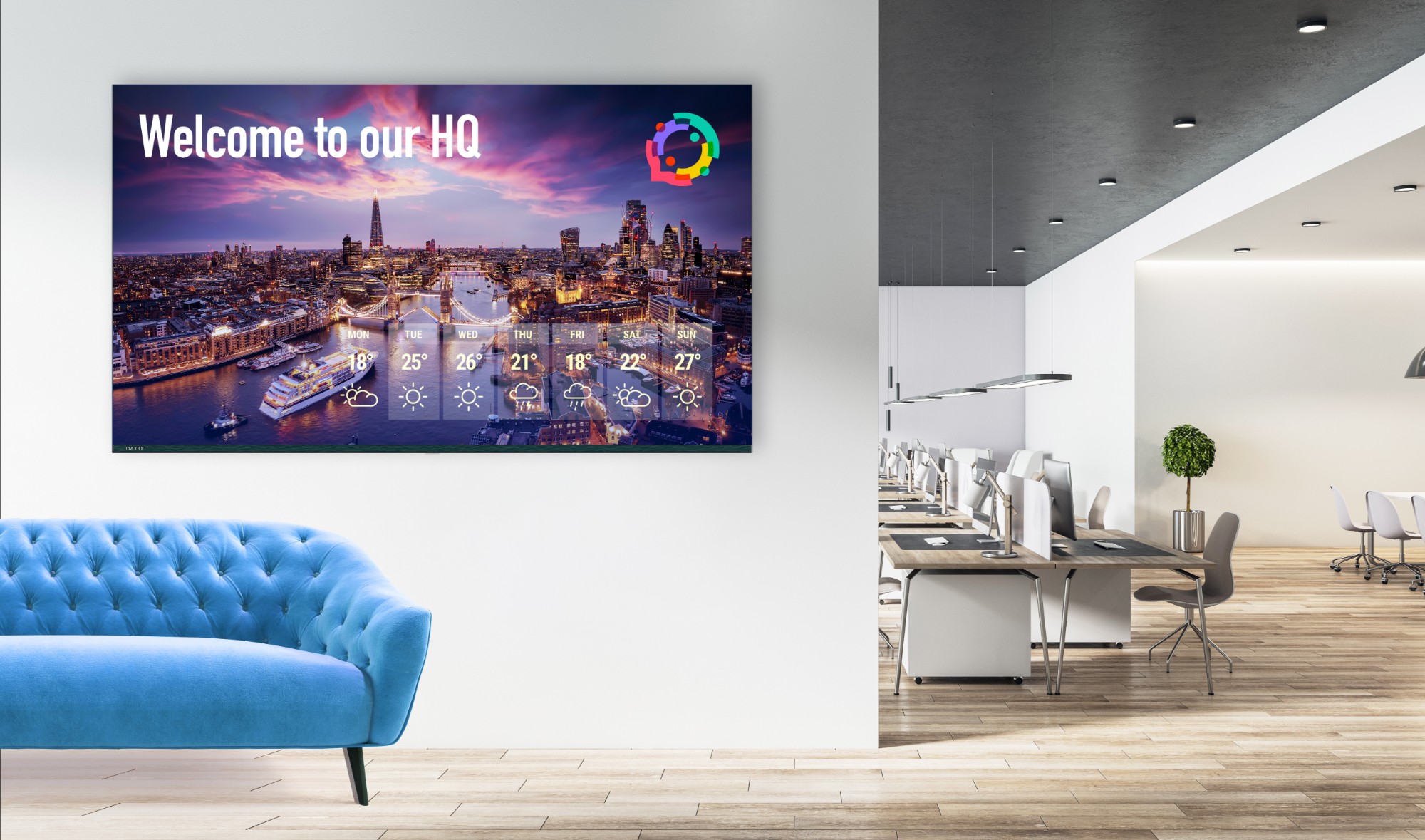
Avocor AVK-7510 Avocor AVK-7510 Signage Display 190.5 cm (75") LED Wi-Fi 450 cd/m² 4K Ultra HD Built-in processor Android 16/7
The Avocor K Series merges QLED technologyâs superior visual clarity with seamless connectivity features to deliver a corporate range of displays that are ideal for modern workspaces. Designed for versatility across corporate, educational, and public settings, the K Series ranges from 55 to 98 inches, ensuring a perfect match for any space. With advanced integration capabilities like wireless screen sharing through Montage and digital signage via Rise Vision, the K Series stands as the ultimate choice for organizations aiming to elevate their visual communication and collaboration. The Avocor K Series encapsulates the future of professional displays, offering unmatched quality, connectivity, and ease of use in one comprehensive solution.
Part# AVK-7510
SKU S19454
Limited Availability
Avocor
Avocor AVK-8510 Avocor AVK-8510 Signage Display 2.16 m (85") LED Wi-Fi 450 cd/m² 4K Ultra HD Built-in processor Android 16/7
Part# AVK-8510
SKU S19454
Limited Availability
Avocor
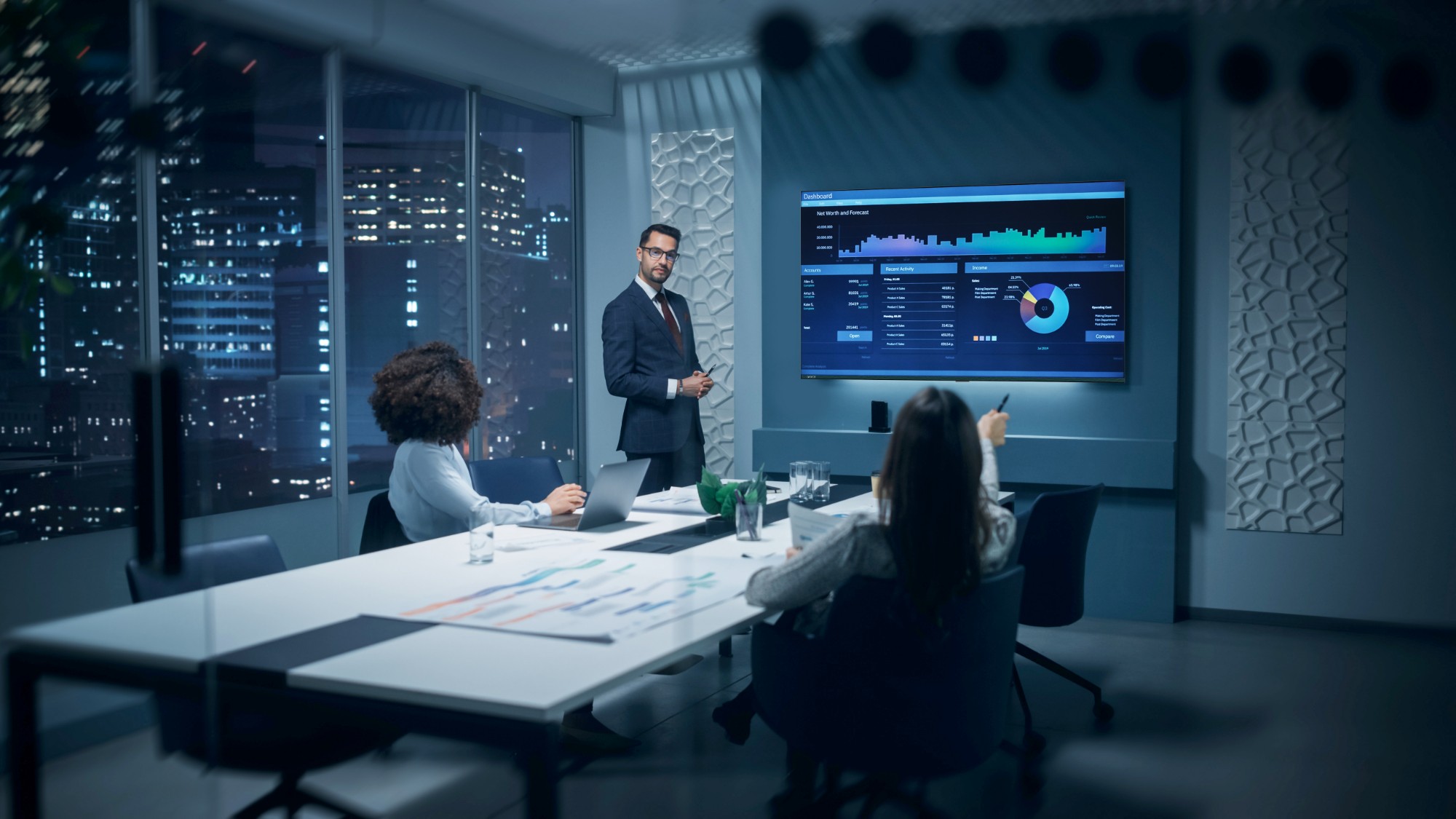
Avocor AVK-5510 Avocor AVK-5510 Signage Display 139.7 cm (55") LED Wi-Fi 450 cd/m² 4K Ultra HD Built-in processor Android 16/7
Part# AVK-5510
SKU S19454
Limited Availability
Avocor
Avocor AVK-6510 Avocor AVK-6510 Signage Display 165.1 cm (65") LED Wi-Fi 450 cd/m² 4K Ultra HD Built-in processor Android 16/7
Part# AVK-6510
SKU S19454
Limited Availability
iiyama
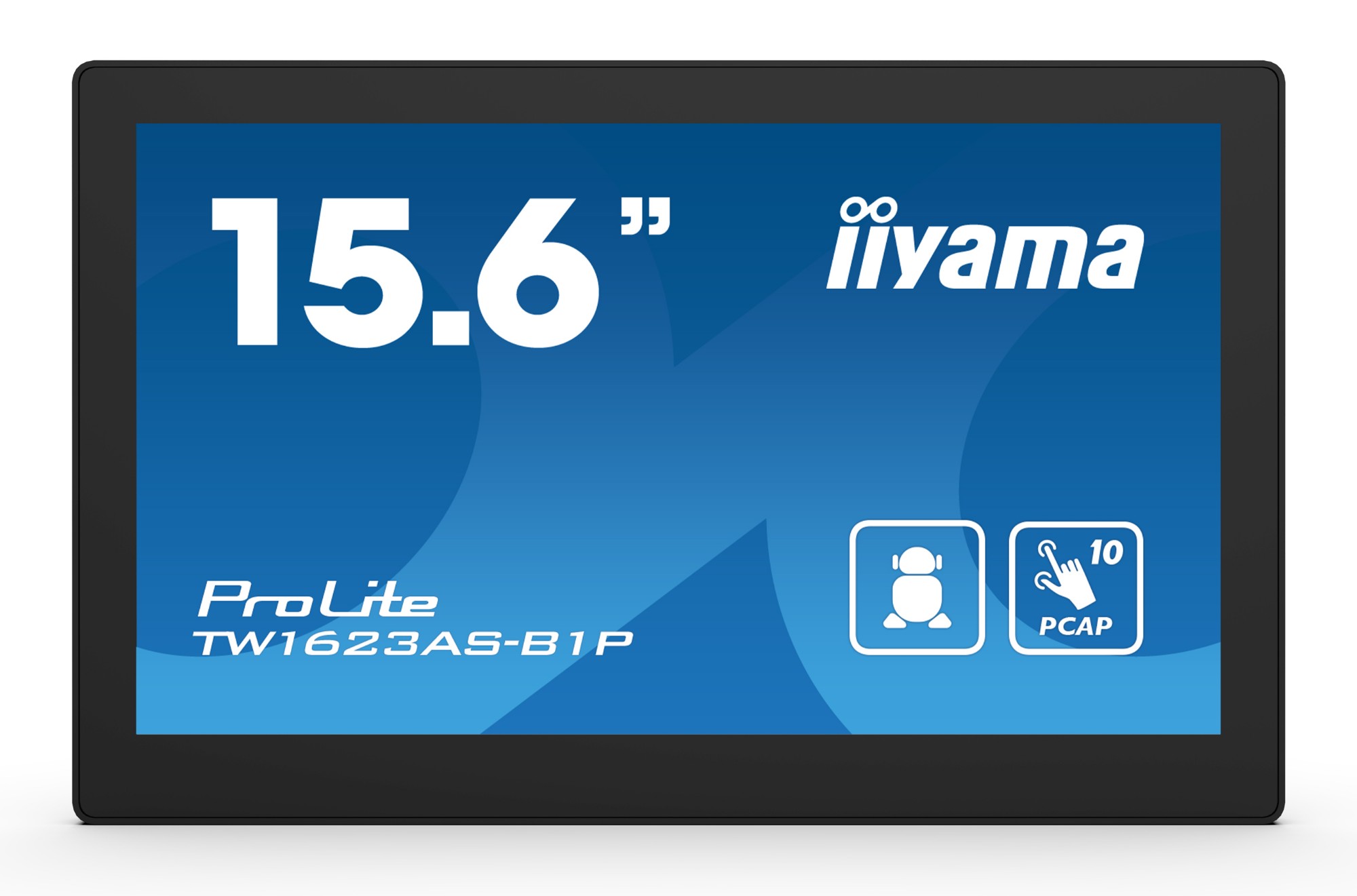
iiyama TW1623AS-B1P iiyama TW1623AS-B1P Signage Display Interactive flat panel 39.6 cm (15.6") Wi-Fi 450 cd/m² Double Full HD Black Touchscreen Built-in processor Android 24/7
15.6” Full HD PCAP 10pt touch screen with Android and POE TechnologyThe ProLite TW1623AS-B1P touch panel PC is a perfect choice for high-use environments such as retail, interactive POS, information desks or hospitality applications. Thanks to the pre-installed Android operating system, it is possible to easily customize the monitor by installing applications directly to it.The Power over Ethernet technology (POE) allows to provide both data connection and power by a single cable, simplifying all installations. This monitor can operate in landscape, portrait and face-up orientation in 24/7 operating time. Together with the built-in microphone and speakers it offers interactive and almost limitless application possibilities.ConnectivityThe RJ45 (LAN) connector supporting Power over Ethernet technology (POE*) allows to provide both data connection and power by a single cable, simplifying all installations. Together with the built-in microphone and speakers it offers interactive and almost limitless application possibilities. *Requires 30WAndroid OSThanks to Android OS, you can easily customize the display to your needs by installing applications directly to it.Touch technology - CapacitiveThis technology uses a sensor-grid of micro-fine wires integrated into the glass that covers the screen. Touch is detected because electrical characteristics of the sensor grid change when human finger is placed on the glass. Thanks to the glass overlay this technology is highly durable, and the touch function remains unaffected even if the glass is scratched. It offers perfect picture performance and will work with human finger (also latex gloved) and stylus-pen.IPS TechnologyIPS displays are best known for wide viewing angles and natural, highly accurate colours. They are especially suited for colour-critical applications.Anti-fingerprint coatingThis special Nano coating ensures a smoother touch and less resistance in the swipe. It makes the screen less static and susceptible to dirt, dust, fingerprints and it improves the clarity of the content displayed on the screen.
Part# TW1623AS-B1P
SKU S19454
Limited Availability
iiyama
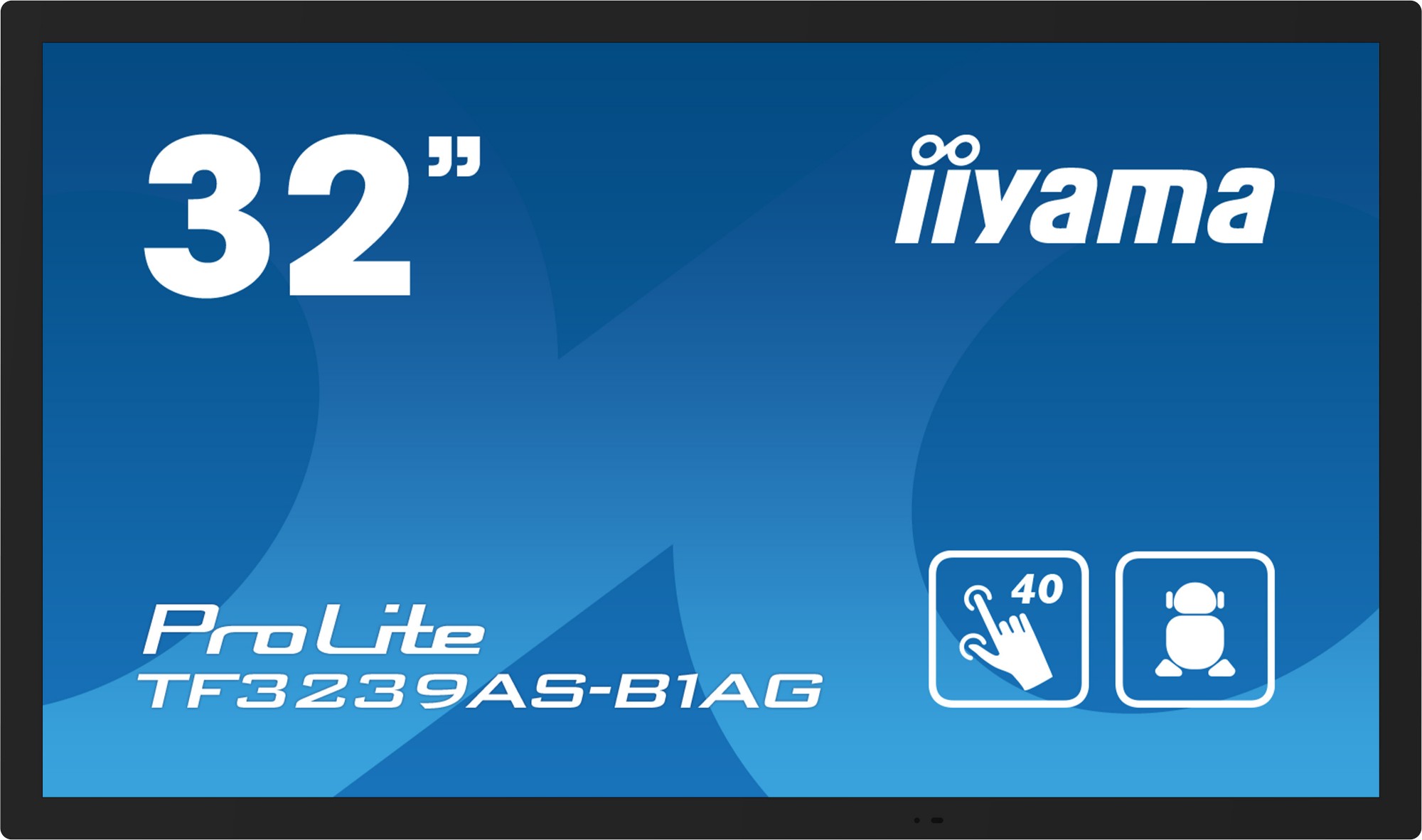
iiyama TF3239AS-B1AG iiyama 32" All-in-One PCAP Interactive Display inspired by technology and designed for creative spaces and sharing
Enjoy an all-in-one interactive display that combines the best in PCAP Touchscreen technology, offering the versatility and freedom of Android OS, easily customized to your needs by installing applications directly to it. Offering a powerful, yet flexible user experience, fostering creative communication with the benefits of a secure and controllable Touchscreen. The refined edge-to-edge glass design of the TF3239AS-B1AG lends itself for integration into a large variety of environments where polished design and functionality are needed, like Huddle spaces in the modern office space, Retail shops and Kiosks. The on-board iiSignage² CMS (Content Management System) gives you total control of your messaging and advertising, remotely and safely. The EShare App enables you to bring effortless ideation and efficient collaboration in your enterprise or school. You can start sharing wireless easier than ever before; while the FailOver feature ensures your content is always actively displayed through your choice of inputs For ease of integration, the TF3239AS-B1AG can be equipped with optional external mounting brackets ( OMK4-4 ).
Part# TF3239AS-B1AG
SKU S19454
Limited Availability
iiyama
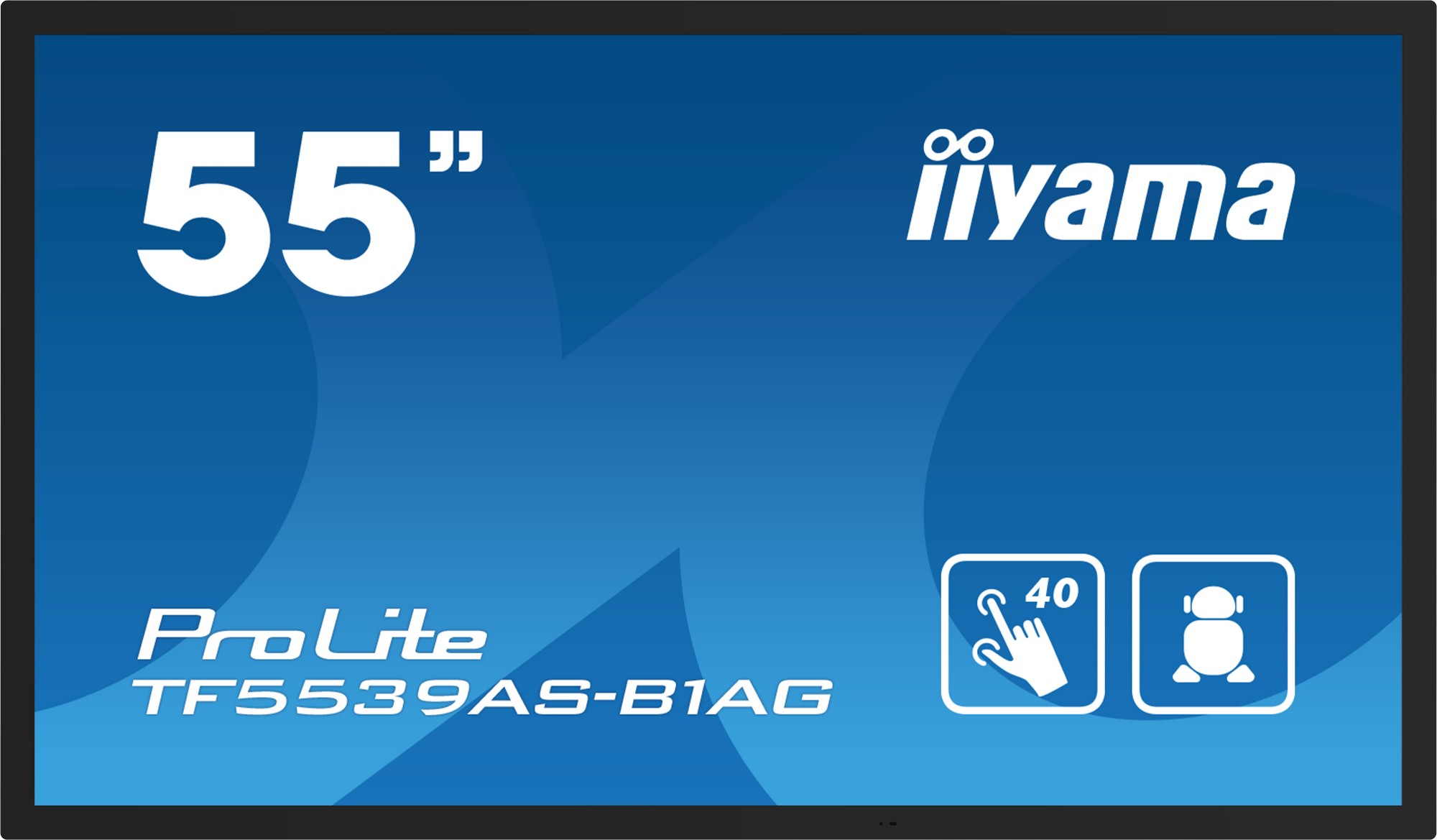
iiyama TF5539AS-B1AG iiyama TF5539AS-B1AG Signage Display Digital signage flat panel 138.7 cm (54.6") LED 500 cd/m² 4K Ultra HD Black Touchscreen Built-in processor Android 24/7
55" All-in-One PCAP Interactive Display inspired by technology and designed for creative spaces and sharingEnjoy an all-in-one interactive display that combines the best in PCAP Touchscreen technology, offering the versatility and freedom of Android OS, easily customized to your needs by installing applications directly to it. Offering a powerful, yet flexible user experience, fostering creative communication with the benefits of a secure and controllable Touchscreen.The refined edge-to-edge glass design of the TF5539AS-B1AG lends itself for integration into a large variety of environments where polished design and functionality are needed, like Huddle spaces in the modern office space, Retail shops and Kiosks.The on-board iiSignage² CMS (Content Management System) gives you total control of your messaging and advertising, remotely and safely. The EShare App enables you to bring effortless ideation and efficient collaboration in your enterprise or school. You can start sharing wireless easier than ever before.For ease of integration, the TF5539AS-B1AG can be equipped with optional external mounting brackets (OMK4-2).Android OSThanks to Android OS, you can easily customize the display to your needs by installing applications directly to it.iiSignage²iiSignage² is our digital signage content management platform to easily show and control your content and to manage your displays in a secure way. The Content Management System (CMS) gives you total control of your messaging and advertising remotely and safely.Retail InstalationsThe interactive 4K Touchscreens are the key for immersive interactive experiences for spatial retail design. Allow customers to explore your website right there and then or engage with a range of creative or experiential applications you want to host. The flexibility of either landscape or portrait modes with 24/7 Operation, built-in Android and MediaPlayer make this SERIES displays one of the most adaptable Touchscreens solutions around.Huddle SpacesTurn these small meeting rooms into neat Collaboration spaces by employing the embedded applications like Android OS, EShare and Whiteboard, a selection of intuitive and practical tools installed on our PCAP interactive Touchscreens. With Android OS you can easily customize the display by installing applications directly to it. With the EShare app you can share, stream and edit content from any device directly on screen and transform your team meetings into an easy, fast and seamless interactive session.Signal FailOverFailOver is a feature which automatically detects input sources. When there is no signal on the default input it will automatically switch to the next available input. FailOver allows customers to prioritize a number of inputs (incl. Browser, Media Player and Custom) and ensures your content is always actively displayed, assuring active content at all times.Touch through-glassThis through glass touch screen works right through glass and can turn glass surfaces into an interactive touch screen display. Use it on storefront windows, real estate office, in-store for POS or restaurants.
Part# TF5539AS-B1AG
SKU S19454
Limited Availability
iiyama
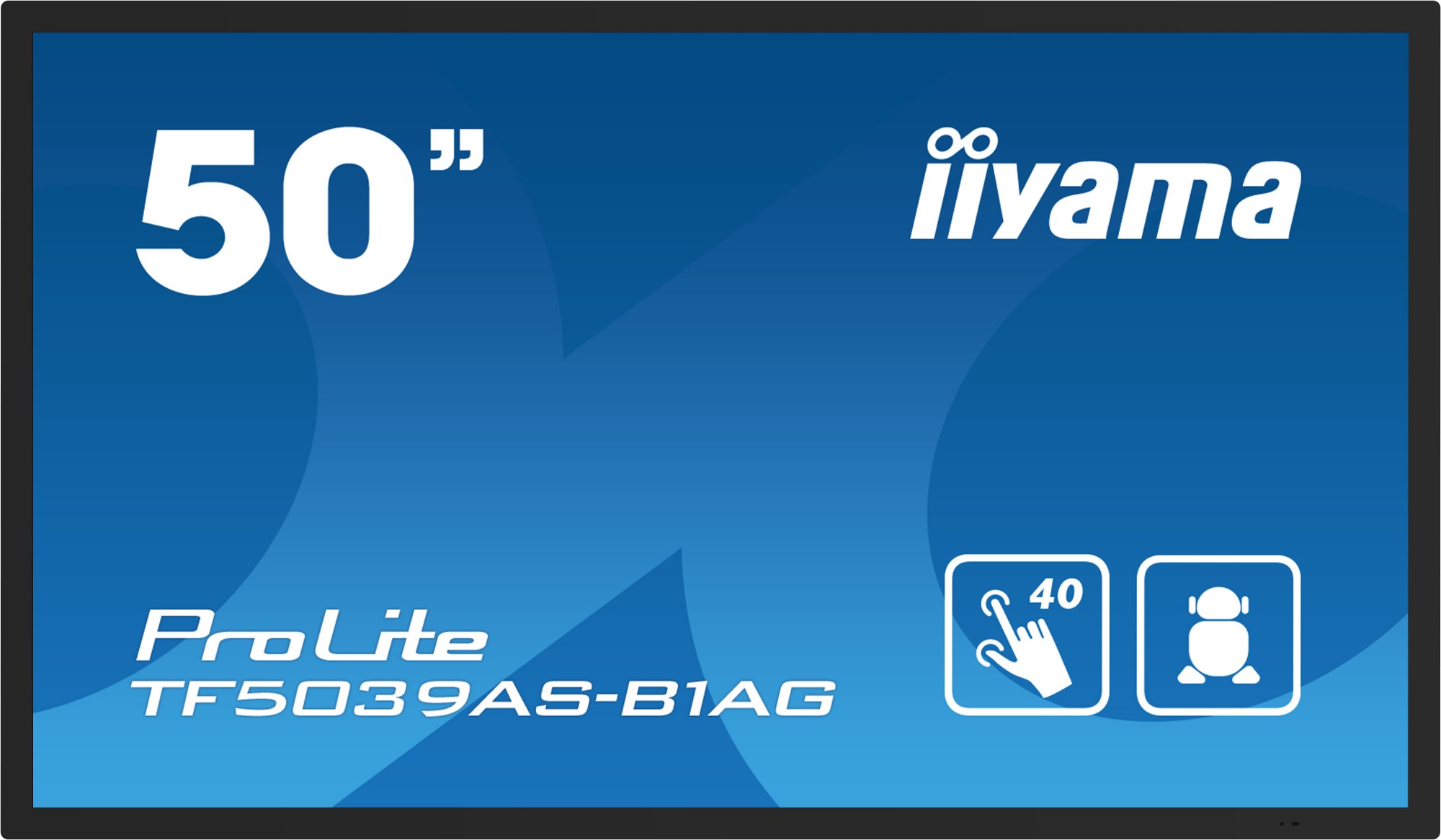
iiyama TF5039AS-B1AG iiyama TF5039AS-B1AG Signage Display Digital signage flat panel 125.7 cm (49.5") LED 500 cd/m² 4K Ultra HD Black Touchscreen Built-in processor Android 24/7
50" All-in-One PCAP Interactive Display inspired by technology and designed for creative spaces and sharingEnjoy an all-in-one interactive display that combines the best in PCAP Touchscreen technology, offering the versatility and freedom of Android OS, easily customized to your needs by installing applications directly to it. Offering a powerful, yet flexible user experience, fostering creative communication with the benefits of a secure and controllable Touchscreen.The refined edge-to-edge glass design of the TF5039AS-B1AG lends itself for integration into a large variety of environments where polished design and functionality are needed, like Huddle spaces in the modern office space, Retail shops and Kiosks.The on-board iiSignage² CMS (Content Management System) gives you total control of your messaging and advertising, remotely and safely. The EShare App enables you to bring effortless ideation and efficient collaboration in your enterprise or school. You can start sharing wireless easier than ever before.For ease of integration, the TF5039AS-B1AG can be equipped with optional external mounting brackets (OMK4-2).Android OSThanks to Android OS, you can easily customize the display to your needs by installing applications directly to it.iiSignage²iiSignage² is our digital signage content management platform to easily show and control your content and to manage your displays in a secure way. The Content Management System (CMS) gives you total control of your messaging and advertising remotely and safely.Retail InstalationsThe interactive 4K Touchscreens are the key for immersive interactive experiences for spatial retail design. Allow customers to explore your website right there and then or engage with a range of creative or experiential applications you want to host. The flexibility of either landscape or portrait modes with 24/7 Operation, built-in Android and MediaPlayer make this SERIES displays one of the most adaptable Touchscreens solutions around.Huddle SpacesTurn these small meeting rooms into neat Collaboration spaces by employing the embedded applications like Android OS, EShare and Whiteboard, a selection of intuitive and practical tools installed on our PCAP interactive Touchscreens. With Android OS you can easily customize the display by installing applications directly to it. With the EShare app you can share, stream and edit content from any device directly on screen and transform your team meetings into an easy, fast and seamless interactive session.Signal FailOverFailOver is a feature which automatically detects input sources. When there is no signal on the default input it will automatically switch to the next available input. FailOver allows customers to prioritize a number of inputs (incl. Browser, Media Player and Custom) and ensures your content is always actively displayed, assuring active content at all times.Touch through-glassThis through glass touch screen works right through glass and can turn glass surfaces into an interactive touch screen display. Use it on storefront windows, real estate office, in-store for POS or restaurants.
Part# TF5039AS-B1AG
SKU S19454
Limited Availability
iiyama
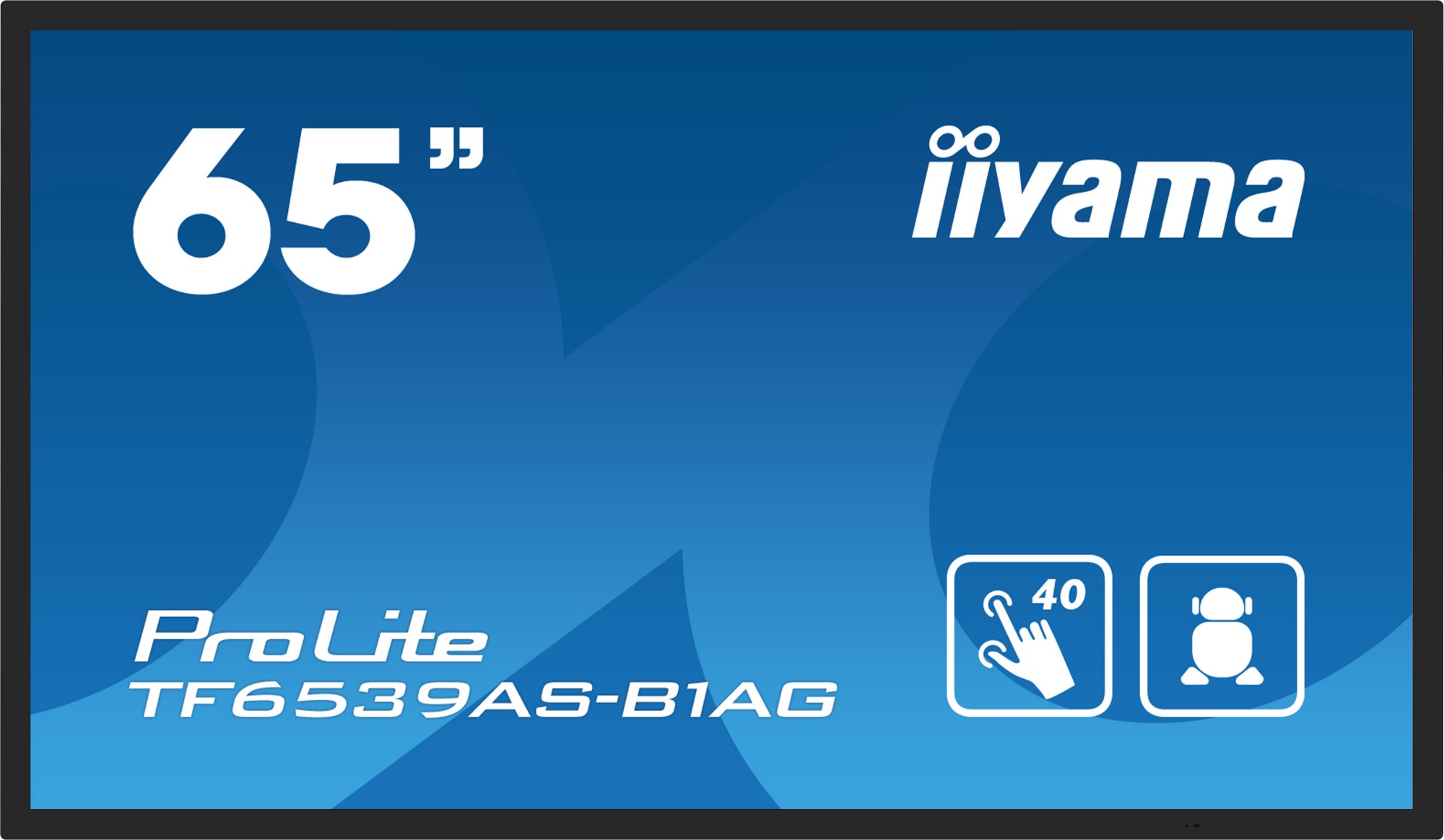
iiyama TF6539AS-B1AG iiyama TF6539AS-B1AG Signage Display Digital signage flat panel 163.8 cm (64.5") LED 500 cd/m² 4K Ultra HD Black Touchscreen Built-in processor Android 24/7
65" All-in-One PCAP Interactive Display inspired by technology and designed for creative spaces and sharingEnjoy an all-in-one interactive display that combines the best in PCAP Touchscreen technology, offering the versatility and freedom of Android OS, easily customized to your needs by installing applications directly to it. Offering a powerful, yet flexible user experience, fostering creative communication with the benefits of a secure and controllable Touchscreen.The refined edge-to-edge glass design of the TF6539AS-B1AG lends itself for integration into a large variety of environments where polished design and functionality are needed, like Huddle spaces in the modern office space, Retail shops and Kiosks.The on-board iiSignage² CMS (Content Management System) gives you total control of your messaging and advertising, remotely and safely. The EShare App enables you to bring effortless ideation and efficient collaboration in your enterprise or school. You can start sharing wireless easier than ever before.For ease of integration, the TF6539AS-B1AG can be equipped with optional external mounting brackets (OMK4-2).Android OSThanks to Android OS, you can easily customize the display to your needs by installing applications directly to it.iiSignage²iiSignage² is our digital signage content management platform to easily show and control your content and to manage your displays in a secure way. The Content Management System (CMS) gives you total control of your messaging and advertising remotely and safely.Retail InstalationsThe interactive 4K Touchscreens are the key for immersive interactive experiences for spatial retail design. Allow customers to explore your website right there and then or engage with a range of creative or experiential applications you want to host. The flexibility of either landscape or portrait modes with 24/7 Operation, built-in Android and MediaPlayer make this SERIES displays one of the most adaptable Touchscreens solutions around.Huddle SpacesTurn these small meeting rooms into neat Collaboration spaces by employing the embedded applications like Android OS, EShare and Whiteboard, a selection of intuitive and practical tools installed on our PCAP interactive Touchscreens. With Android OS you can easily customize the display by installing applications directly to it. With the EShare app you can share, stream and edit content from any device directly on screen and transform your team meetings into an easy, fast and seamless interactive session.Signal FailOverFailOver is a feature which automatically detects input sources. When there is no signal on the default input it will automatically switch to the next available input. FailOver allows customers to prioritize a number of inputs (incl. Browser, Media Player and Custom) and ensures your content is always actively displayed, assuring active content at all times.Touch through-glassThis through glass touch screen works right through glass and can turn glass surfaces into an interactive touch screen display. Use it on storefront windows, real estate office, in-store for POS or restaurants.
Part# TF6539AS-B1AG
SKU S19454
Limited Availability

Item(s) added to cart

