
 0
0
Industrial & Lab Equipment
370 –
380
of
435
Availability
Sort by
Advance Filters

LG
LG 49VL5G LG 49VL5G Signage Display Digital signage flat panel 124.5 cm (49") 500 cd/m² Full HD Black 24/7
Incredible Immersion withUltra-Narrow BezelSeamless Large Screens with Ultra-Narrow BezelThe ultra-narrow bezel creates a visually stunning digital wall to effectively deliver dynamic content and immerse the viewers. The large screen it generates is enough to captivate the attention of passersby.Image Gap ReductionThe VL5G series includes an image improvement algorithm that can reduce image gaps among tiled displays when playing back videos. Objects located on the bezel boundaries are adjusted for a seamless viewing experience.Higher Viewing AngleLarge screens are usually positioned higher than human-eye level, making uniform picture quality essential for video walls. The viewing angle of the VL5G series is high enough to display vivid colors throughout the screen with no distortionWide Viewing AngleIt is well known that LG IPS panel technology enables better control of liquid crystals, which in turn allows the screen to be viewed from virtually any angle. Because of this, the VL5G series captures the attention of and captivates more viewers with lifelike colors, regardless of their viewing position.Easy Color AdjustmentDepending on the content, the color temperature of the display can be easily adjusted in increments of 100K using a remote control.White Balance AdjustmentIn conventional video walls, white balance was adjustable only in “full-white” mode, but the VL5G series allows you to modify each value of grey scale to achieve more detailed and precise white balance adjustment.User-Friendly Menu StructureThe menu structure has been optimized for commercial use. It simplifies approach flows and groups similar functions together, adopting a more intuitive GUI for ease of use. This way, users can avoid having to do trial-and-error when exploring desired functions and managing displays.Intuitive GUIThe GUI (Graphic User Interface) is carefully designed with a four-way navigation remote control that lets users easily switch to other settings. Also, it adopts a large font for better visibility, which is necessary when users want to control displays from relatively far distances.
Part# 49VL5G
SKU S19454
Limited Availability


Mikrotik
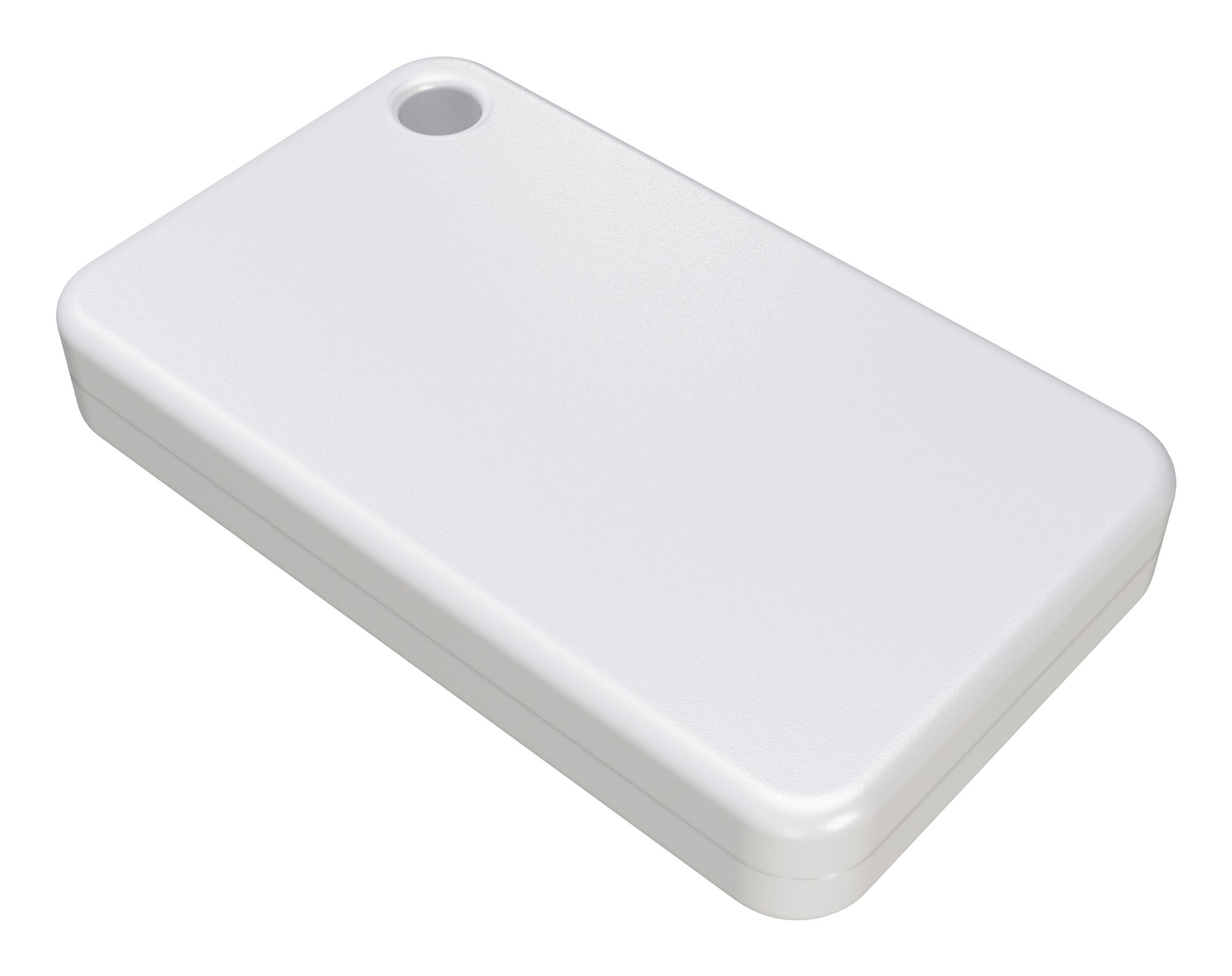
Mikrotik TG-BT5-IN Mikrotik TG-BT5-IN industrial networking accessory
Part# TG-BT5-IN
SKU S19454
Limited Availability

Philips
Philips 50BDL4511D/00 Philips Signage Solutions D-Line Digital signage flat panel 127 cm (50") VA 500 cd/m² 4K Ultra HD Black
Operate, monitor and maintain with CMND and ControlRun your display network over a local (LAN) connection. CMND and Control allows you to perform vital functions like controlling inputs and monitoring display status. Whether you're in charge of one screen or 100.FailOver ensures that content is always playingFrom waiting room to meeting room, never show a blank screen. FailOver lets your Philips Professional Display switch automatically between primary and secondary inputs, ensuring that content keeps playing even if the primary source goes down. Simply set a list of alternative inputs to be sure your business is always on.SmartPower for energy savingThe backlight intensity can be controlled and pre-set by the system to reduce the power consumption by up to 50%, which saves substantially on energy costs.Schedule what you want, when you want with SmartPlayerTurn your USB into a true cost-effective digital signage device. Simply save your content (video, audio, pictures) on your USB and plug into your display. Create your playlist and schedule your content via the on-screen menu, and enjoy your own playlists anytime, anywhere.Optional OPS SlotOpen Pluggable Specification is an industry-standard slot into which you can add an OPS-compatible media player. This gives you the ability to upgrade or change your hardware whenever you need to. Turning your display into an all-in-one digital signage solution has become simplicity itself.
Part# 50BDL4511D/00
SKU S19454
Limited Availability

Philips
Philips 43BDL4511D/00 Philips 43BDL4511D/00 Signage Display Digital A-board 109.2 cm (43") 500 cd/m² 4K Ultra HD Black 24/7
Philips 43BDL4511D/00. Product design: Digital A-board. Display diagonal: 109.2 cm (43"), Display resolution: 3840 x 2160 pixels, Display brightness: 500 cd/m², HD type: 4K Ultra HD. Operating hours (hours/days): 24/7. Product colour: Black
Part# 43BDL4511D/00
SKU S19454
Limited Availability
NEC
NEC 60005288 NEC MultiSync M321 Digital signage flat panel 81.3 cm (32") LCD 450 cd/m² Full HD Black
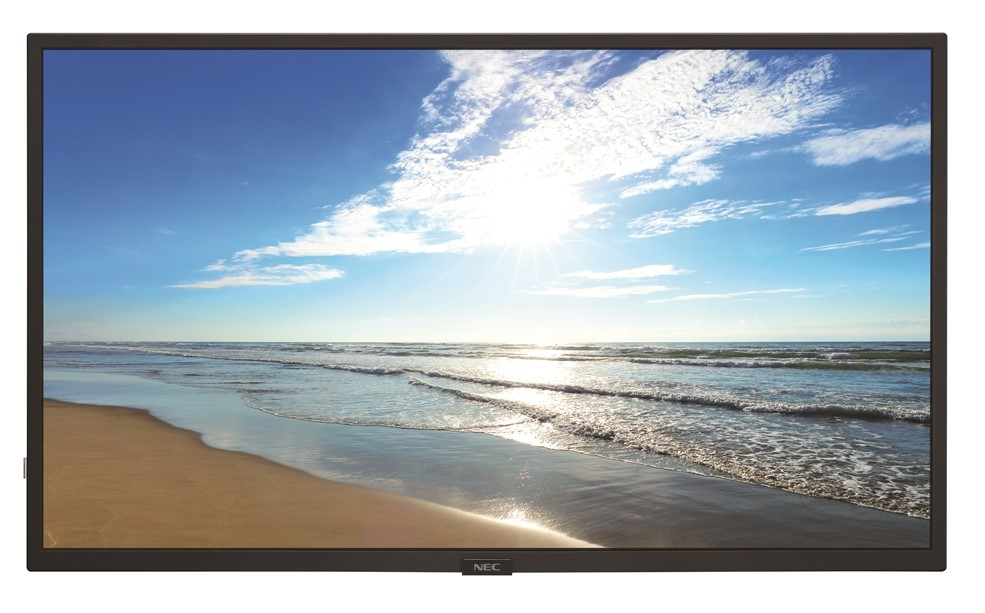
Create pixel-perfect imagery with the high-end panel quality of the fully professional NEC M321 large format display. By focusing on customer needs while also offering professional reliability, the M series displays give customers a digital signage display lineup without all the costs. This M series display can support both landscape and portrait orientations while also containing a an anti-glare panel to allow for easy readability for true commercial applications. The new product contains a full metal mechanical chassis, allowing for a more robust design necessary for commercial applications while maintaining the attractive aesthetics that allow the focus of onlookers to be on what matters – the message. Simple and targeted connectivity options allow customers to have the up-to-date options that they need while not having to overpay for excess and unused interfaces. The NEC M series boasts 450 cd/m² brightness which is ideal for a majority of digital signage applications in corporate, higher education, restaurant, retail and grocery store environments when the focus should be on the message, not the budget.
Part# 60005288
SKU S19454
Limited Availability
Philips
Philips 55BDL3511Q/00 Philips Signage Solutions Q-Line Digital signage flat panel 139.7 cm (55") IPS 400 cd/m² 4K Ultra HD Black
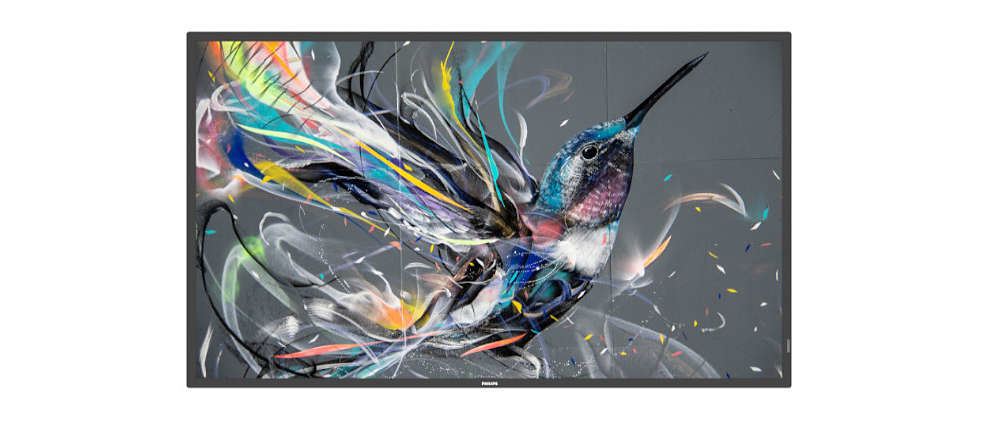
Inform and enthral with a Philips Q-Line Professional Ultra HD Display. This reliable solution can be up and running as quickly as you need.Operate, monitor and maintain with CMND and ControlRun your display network over a local (LAN) connection. CMND and Control allows you to perform vital functions like controlling inputs and monitoring display status. Whether you're in charge of one screen or 100.FailOver ensures that content is always playingFrom waiting room to meeting room, never show a blank screen. FailOver lets your Philips Professional Display switch automatically between primary and secondary inputs, ensuring that content keeps playing even if the primary source goes down. Simply set a list of alternative inputs to be sure your business is always on.Schedule what you want, when you want with SmartPlayerTurn your USB into a true cost-effective digital signage device. Simply save your content (video, audio, pictures) on your USB and plug into your display. Create your playlist and schedule your content via the on-screen menu, and enjoy your own playlists anytime, anywhere.Integrated media player. Easily schedule USB contentEasily schedule content to play from USB. Your Philips Professional Display will wake from standby to play the content you want, and then return to standby once playback has finished.
Part# 55BDL3511Q/00
SKU S19454
Limited Availability
Philips
Philips 55BDL4511D/00 Philips 55BDL4511D/00 Signage Display Digital A-board 139.7 cm (55") 500 cd/m² 4K Ultra HD Black 24/7
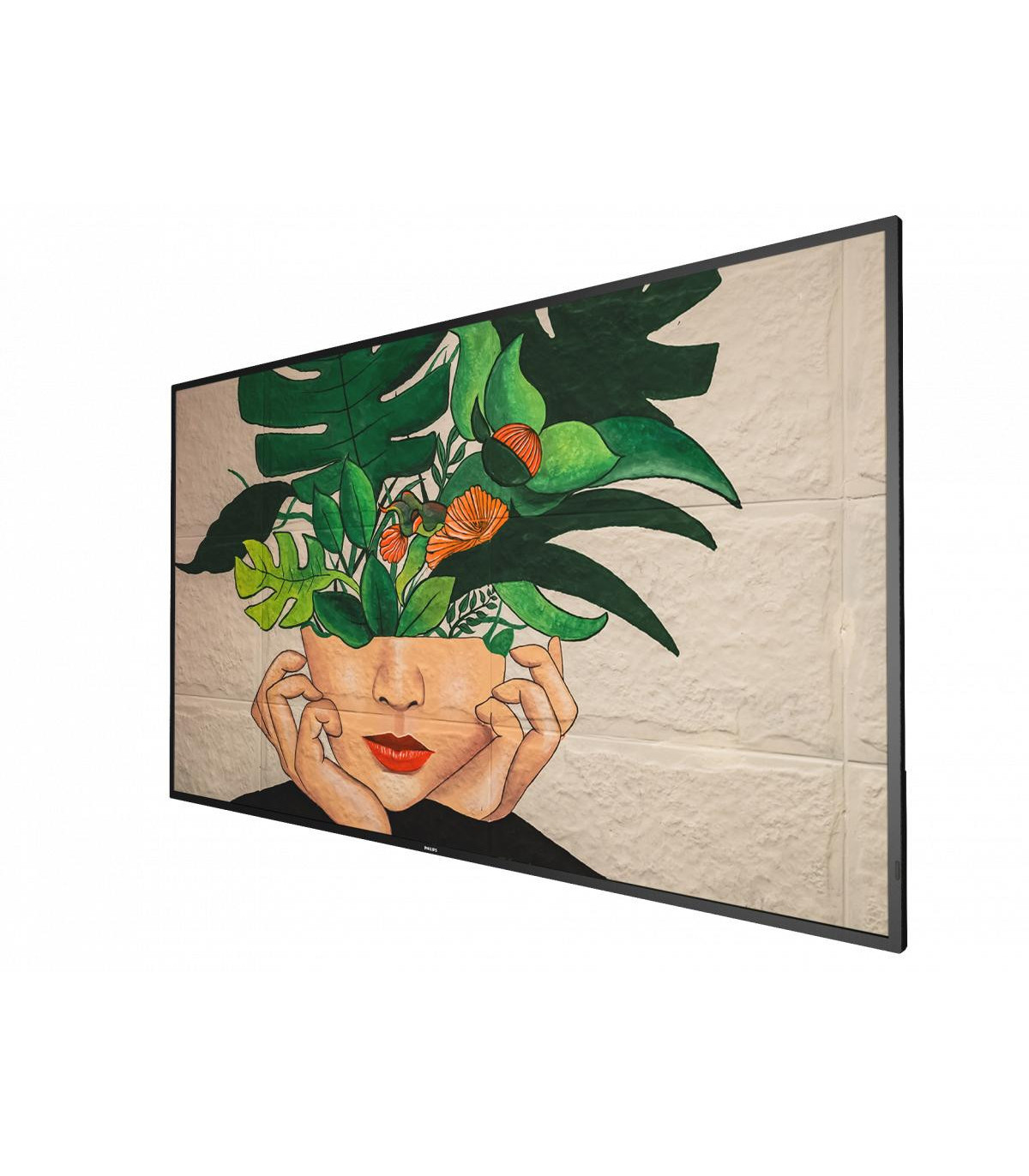
Operate, monitor and maintain with CMND & ControlRun your display network over a local (LAN) connection. CMND & Control allows you to perform vital functions like controlling inputs and monitoring display status. Whether you're in charge of one screen or 100.FailOver ensures content is always playingFrom waiting room to meeting room, never show a blank screen. FailOver lets your Philips Professional Display switch automatically between primary and secondary inputs ensuring content keeps playing even if the primary source goes down. Simply set a list of alternate inputs to be sure your business is always on.SmartPower for energy savingThe backlight intensity can be controlled and pre-set by the system to reduce the power consumption by up to 50%, which saves substantially on energy costs.Schedule what you want, when you want with SmartPlayerTurn your USB into a true cost effective digital signage device. Simply save your content (video, audio, pictures) on your USB and plug into your display.Create your playlist and schedule your content via the on screen menu, and enjoy your own created playlists anytime, anywhere.ADS wide-view panel displayBe seen from any angle with ADS wide-view technology. Advanced Super Dimension Switch delivers faster on-display picture processing for smoother content transitions, remarkable image accuracy, and superior colour reproduction with 180 degree viewing.Optional OPS SlotOpen Pluggable Specification is an industry standard slot in to which you can add an OPS-compatible media player. This gives you the ability to upgrade or change your hardware whenever you need. Turning your display in to an all-in-one digital signage solution has become simplicity personified.
Part# 55BDL4511D/00
SKU S19454
Limited Availability

Philips
Philips 65BDL4511D/00 Philips 65BDL4511D/00 Signage Display Digital A-board 165.1 cm (65") 500 cd/m² 4K Ultra HD Black 24/7
Operate, monitor and maintain with CMND & ControlRun your display network over a local (LAN) connection. CMND & Control allows you to perform vital functions like controlling inputs and monitoring display status. Whether you're in charge of one screen or 100.FailOver ensures content is always playingFrom waiting room to meeting room, never show a blank screen. FailOver lets your Philips Professional Display switch automatically between primary and secondary inputs ensuring content keeps playing even if the primary source goes down. Simply set a list of alternate inputs to be sure your business is always on.SmartPower for energy savingThe backlight intensity can be controlled and pre-set by the system to reduce the power consumption by up to 50%, which saves substantially on energy costs.Schedule what you want, when you want with SmartPlayerTurn your USB into a true cost effective digital signage device. Simply save your content (video, audio, pictures) on your USB and plug into your display.Create your playlist and schedule your content via the on screen menu, and enjoy your own created playlists anytime, anywhere.ADS wide-view panel displayBe seen from any angle with ADS wide-view technology. Advanced Super Dimension Switch delivers faster on-display picture processing for smoother content transitions, remarkable image accuracy, and superior colour reproduction with 180 degree viewing.Optional OPS SlotOpen Pluggable Specification is an industry standard slot in to which you can add an OPS-compatible media player. This gives you the ability to upgrade or change your hardware whenever you need. Turning your display in to an all-in-one digital signage solution has become simplicity personified.
Part# 65BDL4511D/00
SKU S19454
Limited Availability

Philips
Philips 75BDL4511D/00 Philips 75BDL4511D/00 Signage Display Digital A-board 190.5 cm (75") 500 cd/m² 4K Ultra HD Black 24/7
Operate, monitor and maintain with CMND & ControlRun your display network over a local (LAN) connection. CMND & Control allows you to perform vital functions like controlling inputs and monitoring display status. Whether you're in charge of one screen or 100.FailOver ensures content is always playingFrom waiting room to meeting room, never show a blank screen. FailOver lets your Philips Professional Display switch automatically between primary and secondary inputs ensuring content keeps playing even if the primary source goes down. Simply set a list of alternate inputs to be sure your business is always on.SmartPower for energy savingThe backlight intensity can be controlled and pre-set by the system to reduce the power consumption by up to 50%, which saves substantially on energy costs.Schedule what you want, when you want with SmartPlayerTurn your USB into a true cost effective digital signage device. Simply save your content (video, audio, pictures) on your USB and plug into your display.Create your playlist and schedule your content via the on screen menu, and enjoy your own created playlists anytime, anywhere.ADS wide-view panel displayBe seen from any angle with ADS wide-view technology. Advanced Super Dimension Switch delivers faster on-display picture processing for smoother content transitions, remarkable image accuracy, and superior colour reproduction with 180 degree viewing.Optional OPS SlotOpen Pluggable Specification is an industry standard slot in to which you can add an OPS-compatible media player. This gives you the ability to upgrade or change your hardware whenever you need. Turning your display in to an all-in-one digital signage solution has become simplicity personified.
Part# 75BDL4511D/00
SKU S19454
Limited Availability
Philips
Philips 55BDL2105X/00 Philips Signage Solutions X-Line Videowa Digital signage flat panel 139.7 cm (55") LED 500 cd/m² Full HD Black
Designed for 24/7 operation, the Philips X-Line Videowall display captivates customer attention with its immersive moving content. CMND makes managing your promotions and retail content easy, whilst FailOver adds greater peace of mind.Operate, monitor and maintain with CMND and ControlRun your display network over a local (LAN) connection. CMND and Control allows you to perform vital functions like controlling inputs and monitoring display status. Whether you're in charge of one screen or 100.FailOver ensures that content is always playingFrom waiting room to meeting room, never show a blank screen. FailOver lets your Philips Professional Display switch automatically between primary and secondary inputs, ensuring that content keeps playing even if the primary source goes down. Simply set a list of alternative inputs to be sure your business is always on.OPS slot allows for PC embedding without cablingIntegrate a full-power PC or Android-powered CRD50 module directly into your Philips Professional Display. The OPS slot contains all the connections you need to run your slot-in solution, including a power supply.Add Android processing power with an optional CRD50 moduleEmbed an Android System-on-Chip (SoC) into your Philips Professional Display. The optional CRD50 module is an OPS device that enables Android processing power without the need for cables. Simply slide into the OPS slot, which contains all the connections needed to run the module (including power supply).Tiling mode. Create tiled 4K videowalls of any sizeConnect two or more Philips professional displays to create a tiled videowall — without the need for external devices. A single player takes care of content, whether you have four screens or 40. 4K content is fully supported and if you're showing that content on four screens you get the best possible dot-by-dot resolution.Ultra-narrow bezels. For distraction-free imagesBoost image quality with Pure Colour Pro. Delivering higher luminance through custom colour temperature settings and advanced gamma calibration, content looks crisper and more radiant for stunning realism with a visual pop.
Part# 55BDL2105X/00
SKU S19454
Limited Availability

Item(s) added to cart

