
 0
0
Computer Components
4630 –
4640
of
4773
Availability
Sort by
Advance Filters

HPE
HPE P21109-B21 HPE Ethernet 10/25Gb 2-port SFP28 X2522-25G-PLUS Internal Ethernet / Fiber 25000 Mbit/s
Is your data center constantly challenged to deliver increased security and reliability in a cost-effective and scalable solution for your network bandwidth?The HPE Gen10 Plus Ethernet Adapters are 1Gb, 10Gb and 10/25Gb Ethernet solutions that are scalable and compatible with HPE Gen10 Plus servers for hybrid cloud services, mobile data and streaming video applications.Your server is the foundation of your data center, but it doesnât work alone. When one link in your component chain slows down, so does the rest of your operation. Keep your network and data flowing with a seamless ecosystem of HPE servers, networking adapters, transceivers, cables, and switches.FeaturesBetter Performance- HPE Gen10 Plus Ethernet Adapters are engineered for an assortment of bandwidths and latency sensitive applications.- Reduces CPU utilization with support for a variety of I/O offloads including RDMA and Tunneling.Reliability and Security- HPE Gen10 Plus Ethernet Adapters authenticate updates for NICs that signed firmware is correct and trusted to reduce rogue firmware installation.- Protect applications, data, and server infrastructure by authenticating digitally-signed firmware via a root of trust architecture.
Part# P21109-B21
SKU S19454
Limited Availability

QNAP
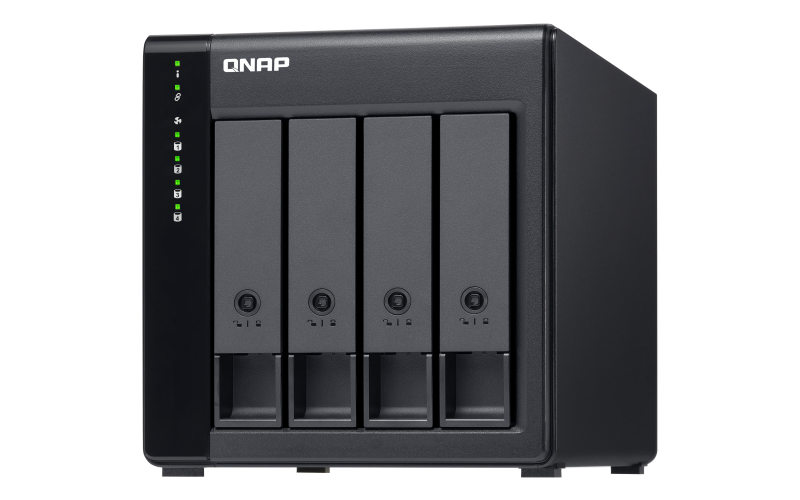
QNAP TL-D400S QNAP TL-D400S storage drive enclosure HDD/SSD enclosure Black, Grey 2.5/3.5"
TL-D400S JBOD storage enclosure allows you to back up and expand your QNAP NAS, Windows and Ubuntu computers and servers. The TL-D400S features four 3.5-inch SATA 6Gb/s drive bays and comes with a QXP PCIe card for connecting the enclosure using a SFF-8088 (or SFF-8644) cable. It provides reliable read/write performance for smooth storage and backup tasks.High-performing TL SATA JBODThe TL SATA JBOD supports multi-lane SATA 6Gb/s transfer, and each SATA lane directly connects to a single SATA drive to help improve performance. With the 1-1 high-speed channel, the TL SATA JBOD delivers excellent transfer performance.Flexible Storage Configuration and ManagementThe TL-D400S provides software-controlled storage configuration for greater management flexibility. You can configure RAID and monitor JBOD enclosure and disk health with Storage & Snapshots when connected to a QTS or QTS hero NAS, or with the QNAP JBOD Manager utility when connected to a computer.What you need to knowYou can connect your TL-D400S to Windows® and Ubuntu® computers through SFF-8088 (or SFF-8644) high-speed cable and use built-in utility to manage RAID configuration.Intelligently Monitor JBOD Enclosure Status on PC and Servers with QNAP JBOD ManagerThe QNAP JBOD Manager is a desktop utility for monitoring the TL-D400S on Windows and Ubuntu computers. You can quickly obtain the disk statuses, JBOD information and health, view fan rotation speed, and check for firmware version updates. All device events are recorded, and will send desktop notifications when a system alert occurs.Flexibly Expand Connectivity with QXP PCIe CardsInstall an exclusive QXP PCIe card onto your QNAP NAS, Windows or Ubuntu PC to connect the JBOD enclosure via SFF-8088 (or SFF-8644) cable , for easy and flexible storage expansion.Versatile usage scenarios to meet storage expansion needsThe TL-D400S meets many storage expansion requirements for the home and office. Below is a list of potential application scenarios:Scenario 1: Expand your NAS capacityThe TL-D400S provides an alternative method for users to expand their NAS storage capacity. By connecting the TL-D400S to their NAS and using Storage & Snapshots Manager in QTS or QTS hero, users can easily configure and manage their storage expansion. The TL-D400S supports a variety of QNAP NAS storage and file management functions, allowing users to build storage pools, finding files with Qsirch, and organizing files with Qfiling.Scenario 2: External storage for your NASYou can use the TL-D400S to expand your NAS storage. You can select disks to create storage pools for expanding your NAS capacity, or you can treat each disk as an individual external storage space and use it as a removable drive for greater flexibility. Regardless of the mode you use, you can always use Storage & Snapshots Manager in QTS or QTS hero to set up and manage your TL-D400S and use hard drive S.M.A.R.T. and Notification Center to check disk status anytime and anywhere.Scenario 3: Expand the storage space of your Windows and Ubuntu computersYou can use your TL-D400S to expand the storage space of Windows and Ubuntu computers. You can set up the RAID configuration of your TL-D400S to further secure data protection. Moreover, you can also use the single disk mode and format with exFAT file system for more convenient access and sharing of files between Windows and Ubuntu computers.Scenario 4: Third-party hardware RAID card for advanced protectionYou can install third-party hardware RAID cards on your TL-D400S for advanced hardware RAID 1, RAID 5, RAID 6, RAID 10, RAID 50, and RAID 60 protection and use Windows utility software to manage your TL-D400S.TL-D400S Offers Better Performance Than Other USB and eSATA JBOD SolutionsThe TL-D400S features SFF-8088 (or SFF-8644) connectivity and multiple SATA 6Gb/s bays. This provides better sequential read performance and faster data transfer speeds than existing USB and eSATA expansion enclosures, while also being a more economical option compared to a QNAP REXP SAS enclosure.
Part# TL-D400S
SKU S19454
Limited Availability
QNAP
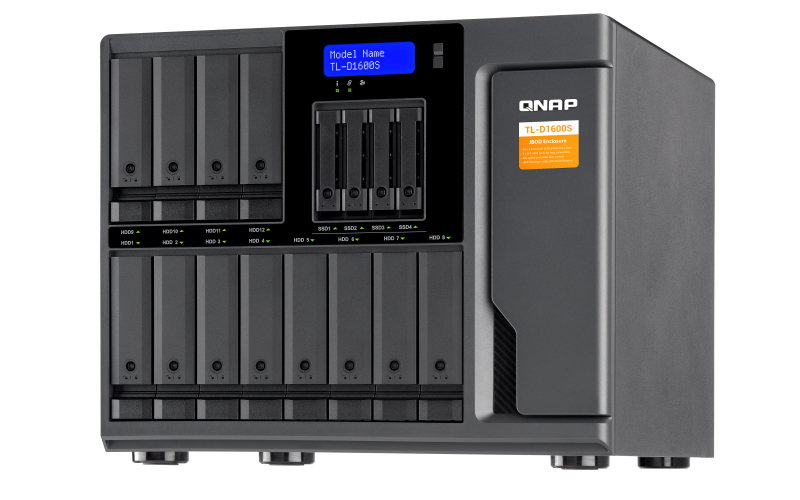
QNAP TL-D1600S QNAP TL-D1600S storage drive enclosure HDD/SSD enclosure Black, Grey 2.5/3.5"
TL-D1600S JBOD storage enclosure allows you to back up and expand your QNAP NAS, Windows® and Ubuntu® computers and servers. The TL-D1600S features sixteen 3.5-inch SATA 6Gb/s drive bays and comes with a QXP PCIe card for connecting the enclosure using a SFF-8088 (or SFF-8644) cable. It provides reliable read/write performance for smooth storage and backup tasks.High-performing TL SATA JBODThe TL SATA JBOD supports multi-lane SATA 6Gb/s transfer, and each SATA lane directly connects to a single SATA drive to help improve performance. With the 1-1 high-speed channel, the TL SATA JBOD delivers excellent transfer performance.Flexible Storage Configuration and ManagementThe TL-D1600S provides software-controlled storage configuration for greater management flexibility. You can configure RAID and monitor JBOD enclosure and disk health with Storage & Snapshots when connected to a QTS or QTS hero NAS, or with the QNAP JBOD Manager utility when connected to a computer.What you need to knowYou can connect your TL-D1600S to Windows and Ubuntu computers through SFF-8088 (or SFF-8644) high-speed cable and use built-in utility to manage RAID configuration.Intelligently Monitor JBOD Enclosure Status on PC and Servers with QNAP JBOD ManagerThe QNAP JBOD Manager is a desktop utility for monitoring the TL-D1600S on Windows and Ubuntu computers. You can quickly obtain the disk statuses, JBOD information and health, view fan rotation speed, and check for firmware version updates. All device events are recorded, and will send desktop notifications when a system alert occurs.Flexibly Expand Connectivity with QXP PCIe CardsInstall an exclusive QXP PCIe card onto your QNAP NAS, Windows or Ubuntu PC to connect the JBOD enclosure via SFF-8088 (or SFF-8644) cable , for easy and flexible storage expansion.Versatile usage scenarios to meet storage expansion needsThe TL-D1600S meets many storage expansion requirements for the home and office. Below is a list of potential application scenarios:Scenario 1: Expand your NAS capacityThe TL-D1600S provides an alternative method for users to expand their NAS storage capacity. By connecting the TL-D1600S to their NAS and using Storage & Snapshots Manager in QTS or QTS hero, users can easily configure and manage their storage expansion. The TL-D1600S supports a variety of QNAP NAS storage and file management functions, allowing users to build storage pools, finding files with Qsirch, and organizing files with Qfiling.Scenario 2: External storage for your NASYou can use the TL-D1600S to expand your NAS storage. You can select disks to create storage pools for expanding your NAS capacity, or you can treat each disk as an individual external storage space and use it as a removable drive for greater flexibility. Regardless of the mode you use, you can always use Storage & Snapshots Manager in QTS or QTS hero to set up and manage your TL-D1600S and use hard drive S.M.A.R.T. and Notification Center to check disk status anytime and anywhere.Scenario 3: Expand the storage space of your Windows and Ubuntu computersYou can use your TL-D1600S to expand the storage space of Windows and Ubuntu computers. You can set up the RAID configuration of your TL-D1600S to further secure data protection. Moreover, you can also use the single disk mode and format with exFAT file system for more convenient access and sharing of files between Windows® and Ubuntu® computers.Scenario 4: Third-party hardware RAID card for advanced protectionYou can install third-party hardware RAID cards on your TL-D1600S for advanced hardware RAID 1, RAID 5, RAID 6, RAID 10, RAID 50, and RAID 60 protection and use Windows utility software to manage your TL-D1600S.TL-D1600S Offers Better Performance Than Other USB and eSATA JBOD SolutionsThe TL-D1600S features SFF-8088 (or SFF-8644) connectivity and multiple SATA 6Gb/s bays. This provides better sequential read performance and faster data transfer speeds than existing USB and eSATA expansion enclosures, while also being a more economical option compared to a QNAP REXP SAS enclosure.
Part# TL-D1600S
SKU S19454
Limited Availability

HPE
HPE P08421-B21 Hewlett Packard Enterprise Ethernet 10Gb 2-port 537SFP+ Internal Ethernet / Fiber 10000 Mbit/s
Do you need an adapter that is big on capability and small on CPU utilization?
The HPE Ethernet 10Gb 2-port 537SFP+ Adapter has been designed to efficiently deliver high performance, low latency and minimal CPU utilization by offloading many I/O processing within the adapter. Low latency dramatically improves application performance and frees up CPU resources in the host allowing it to do more important tasks
Features
Improve Application Performance
- HPE Ethernet 10Gb 2-port 537SFP+ Adapters offload packet processing to reduce CPU utilization with tunnel offloads (VXLAN and NVGRE). Now you can distribute network traffic across CPU cores in your data center.
- Speed up packet processing to service more I/O requests by utilizing data plane development kit (DPDK) feature.
Increase I/O Bandwidth for Workload Intensive Applications
- HPE Ethernet 10Gb 2-port 537SFP+ Adapters deliver single root I/O virtualization (SR-IOV) which increases virtual network performance while decreasing CPU utilization.
Part# P08421-B21
SKU S19454
Limited Availability

HPE
HPE P19791-B21 HPE Intel Xeon-Silver 4210R processor 2.4 GHz 13.75 MB L3
Processor Kit for HPE ProLiant ML350 Gen10 - Intel Xeon Silver 4210R / 2.4GHz - 10 Core - 14MB Cache - 100W
Part# P19791-B21
SKU S19454
Limited Availability
AMD
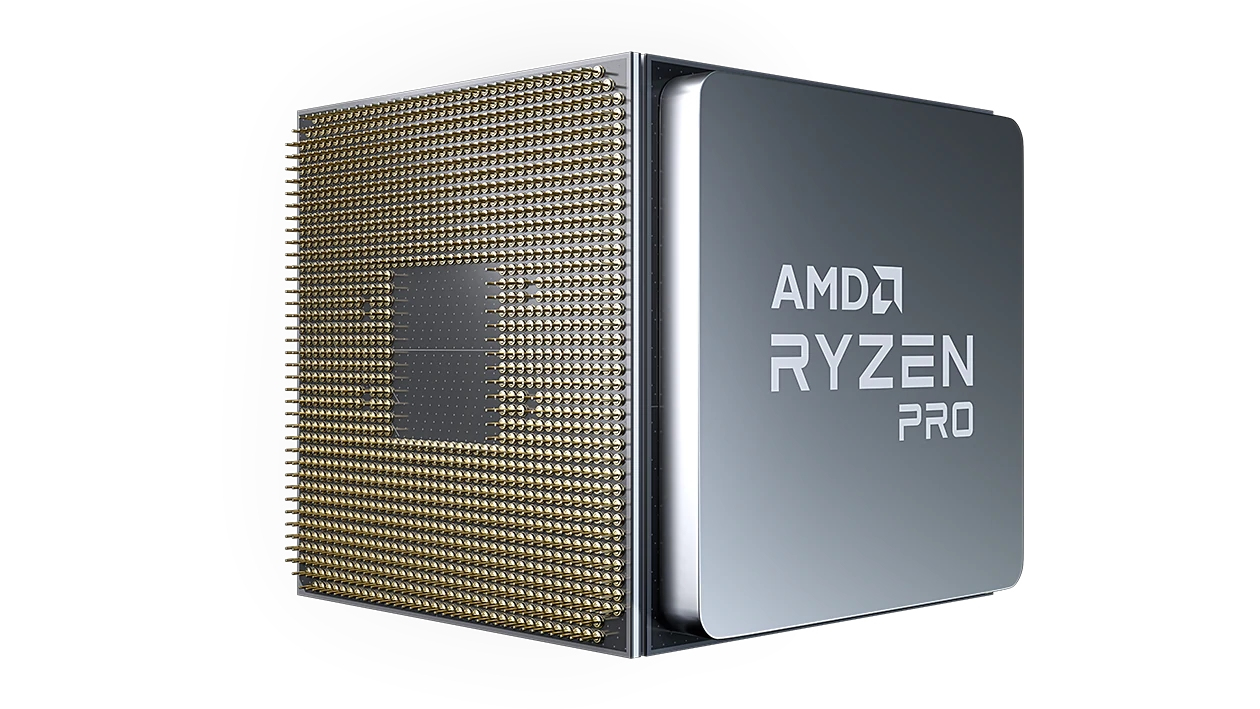
AMD 100-000000072A AMD Ryzen 9 PRO 3900 processor 3.1 GHz 64 MB L3
12 cores, 24 threads, 3.1GHz base frequency, 4.3GHz boost frequency, 64MB L3 cache, 65W TDP
Part# 100-000000072A
SKU S19454
Limited Availability
Limited Availability
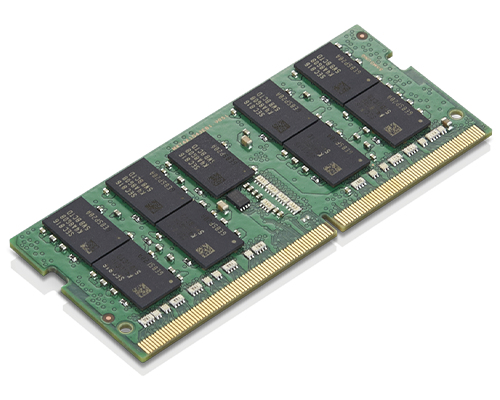
Lenovo
Lenovo 4X71B07147 Lenovo 16GB DDR4 2933MHz ECC SoDIMM Memory memory module 1 x 16 GB
Lenovo 16GB DDR4 2933MHz ECC SoDIMM Memory upgrades the standard memory capacity in select PCs, improving performance and enhancing the PC's ability to run more programs simultaneously.
Part# 4X71B07147
SKU S19454
Limited Availability
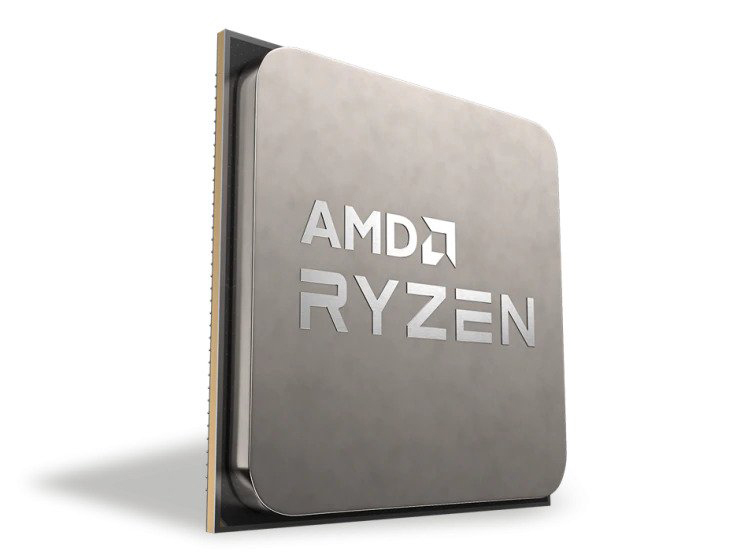
AMD
AMD 100-000000061 AMD Ryzen 9 5900X processor 3.7 GHz 64 MB L3
The Worldâs Best Gaming Processor12 cores to power through gaming, streaming and more.The Fastest in the Game1Get the high-speed gaming performance of the worldâs best desktop processor.AMD StoreMI TechnologyA fast and easy way to expand and accelerate the storage in a desktop PC with an AMD Ryzen⢠processor.AMD Ryzen⢠Master UtilityThe Simple and Powerful Overclocking Utility for AMD Ryzen⢠processors.§AMD Ryzen⢠VR-Ready PremiumFor the best possible VR experiences, AMD offers select Ryzen⢠VR-Ready Premium processors.
Part# 100-000000061
SKU S19454
Limited Availability
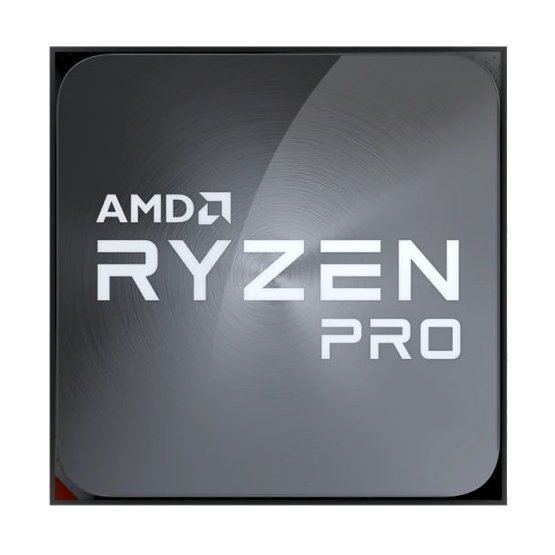
AMD
AMD 100-100000143MPK AMD Ryzen 5 PRO 4650G processor 3.7 GHz 8 MB L3
AMD PRO manageabilityFor simplified deployment, imaging, and management that is compatible with your current infrastructure, every AMD PRO processor includes a comprehensive set of open-standards based, CPU agnostic management features, including support for Asset Inventory, KVM, Remote Management Firmware Updates, and Microsoft Endpoint Manager.WegoWego switched from Intel-based C5 to Amazon EC2 C5a instances using 2nd Gen AMD EPYC⢠Processors and improved the performance cost ratio by 30 percent.Market GroupMarket Group reduced its purchase and operational costs alongside maximizing request handling for its mobile programmatic advertising platform by moving over the AMD EPYC⢠processors.Nikola MotorNikola Motor massively accelerated its design production process by using the VR capabilities of AMD Radeon⢠Pro graphics cards.
Part# 100-100000143MPK
SKU S19454
Limited Availability

Item(s) added to cart


